 Free Shipping Over $50
  888-432-8363


 Obituary/Programs
 No-Fold Memorial Programs
 4 Page Funeral Programs
 8 Page Memorial Programs
 12 Page Funeral Programs
 16 Page Funeral Programs
 20 Page Funeral Programs
 Tri-Fold Funeral Programs
 Complete Memorial Packages
 Cards & Bookmarks
 Saint Prayer Cards
 Folded Memorial Cards
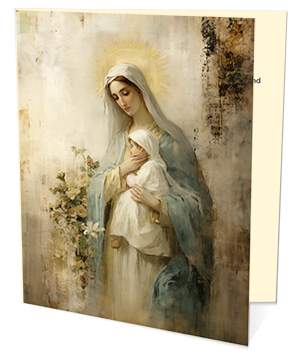 Folded Holy Cards
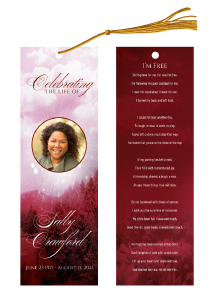 Memorial Bookmarks
 Thank You Cards
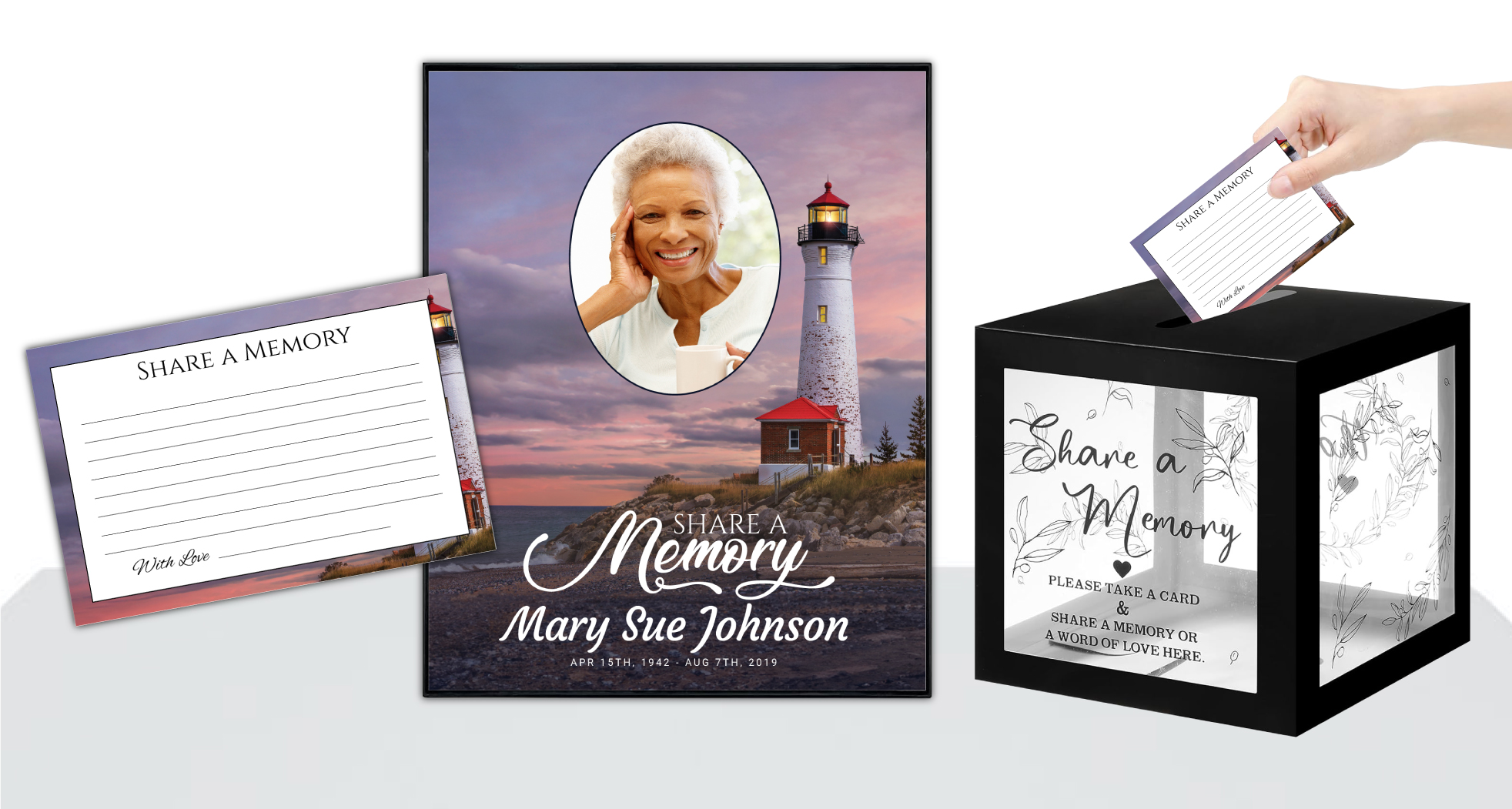 Share-A-Memory Cards
 Memorial Magnets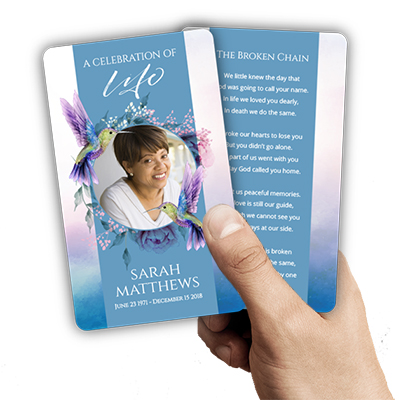
 Memorial Posters
 Guest Books
 Slide Shows
 Memorial Fans
 Death Announcements
 Take Away Keepsakes
 Church Products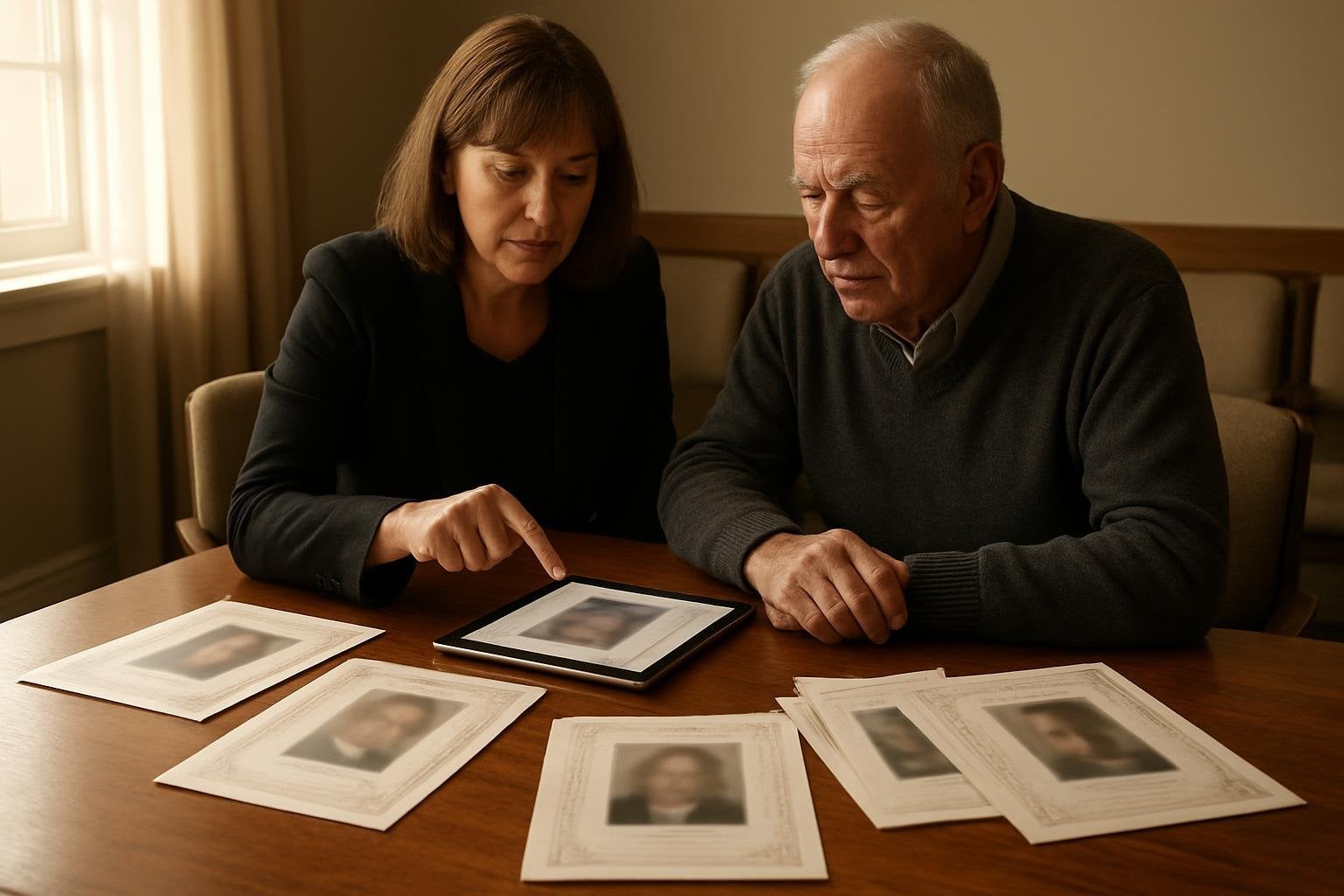
Introduction: Navigating Grief and Technology Together
Losing a loved one is never easy, and the days that follow are often filled with a whirlwind of emotions, decisions, and logistical challenges. As families work to honor lives and create meaningful farewells, the need for practical help and gentle guidance becomes vital. In recent months, many families, funeral directors, and organizers have turned to artificial intelligence tools—like ChatGPT, Gemini, Copilot, and Canva AI—to help write, design, or organize funeral and memorial materials.
Using AI can be a wonderful way to save time and ease some of the burdens of memorial planning. However, as with any tool, AI-generated funeral programs can come with unique pitfalls. From misspelled names to awkward layouts, AI may not always capture the significance and accuracy that these keepsakes deserve. When it’s time to print these materials, small oversights can become lasting regrets.
At DisciplePress, we understand both the promise and the challenges of using technology during times of loss. We’re here to support you—whether you’ve created a program yourself, worked with an AI, or need help starting from scratch. In this article, we’ll explore the most common AI funeral program mistakes to avoid before sending your files to print, answering your questions and providing practical advice in a compassionate, step-by-step format.
Together, we’ll discuss everything from verifying names and dates to ensuring your program looks beautiful on paper. We’ll guide you through proofing, layout, and printing essentials, and show you how our Custom Design Services and Upload Print-Ready Artwork options can provide peace of mind. Let’s ensure your loved one’s memory is honored with care, accuracy, and dignity.
Answering the Core Question: What Are the Most Common AI Funeral Program Mistakes?
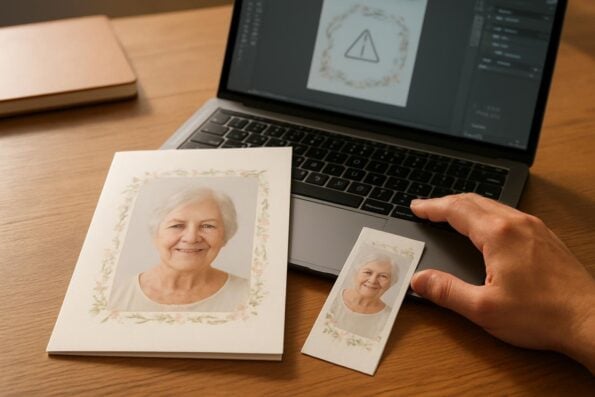
Many families now use AI to write obituaries, design layouts, or generate images for funeral programs. While these tools can be helpful, they sometimes make mistakes that may not be obvious until after printing. The most common AI funeral program mistakes include:
- Misspelled or incorrect names in images or text
- Wrong or mixed-up dates, including birth and passing dates
- Made-up or inaccurate details in AI-written obituaries
- Strange or distorted faces and hands in AI artwork
- Low-resolution images that print blurry or pixelated
- Text placed too close to the edge (risking cutoff in print)
- Incorrect page order, especially in folded or booklet programs
- Color shifts from RGB to CMYK during professional printing
Each of these issues can affect the final look and sentiment of your printed memorial materials. In the following sections, we’ll break down how to spot and fix these mistakes—so you can feel confident and supported at every stage.
If you’re using DisciplePress for your bi-fold programs, 8-page programs, or any other printed keepsake, our proofing experts act as your safety net. Let’s look more closely at the most common problem areas.
Names, Dates, and Key Details: The Importance of Careful Proofing
Names and dates are at the heart of every funeral and memorial program. Unfortunately, AI-generated content can sometimes misspell names, mix up relationships, or even invent new details. These errors are particularly common when AI is fed minimal or unclear information. Even a single letter off in a name or the wrong year in a date can be deeply upsetting for family members and guests.
When reviewing your AI-created materials, always check every instance of the loved one’s name, as well as those of family members, pallbearers, and clergy. Pay extra attention to captions beneath photos and within AI-generated images—tools like Canva AI often insert text that’s easy to overlook. Cross-reference birth and passing dates with official documents or trusted family sources before sending anything to print.
AI can also “hallucinate” details in obituaries, inventing hobbies, places, or relationships that never existed. If you used an AI-powered writing tool, carefully read each sentence and verify its accuracy. For greater peace of mind, consider using DisciplePress’s Obituary Writing Assistant which helps guide you through accurate, meaningful tributes with human review available.
If you’re unsure about any detail, don’t hesitate to ask another family member or trusted friend to proofread with fresh eyes. Our design team is also here to help double-check your files—especially for families using our Custom Design Services. Remember, a few extra minutes of review can prevent lifelong regret.
AI Artwork: Spotting and Fixing Visual Mistakes
AI-generated images can add beauty and personalization to funeral programs, but they sometimes introduce subtle—and not so subtle—mistakes. Common issues include misspelled names on banners or ribbons within the artwork, faces with odd proportions, extra or missing fingers, and backgrounds that don’t quite match the intended mood. These flaws may not be obvious on screen but can be jarring in print.
When using AI art for covers or inside pages, zoom in closely to review faces, hands, and any embedded text. AI can sometimes create faces that look almost real but have uncanny features or mismatched expressions. Check for extra limbs or oddly shaped hands, which are frequent in AI artwork, especially in group scenes or memory collages.
Another common issue is text that looks clear on your device but is actually a series of jumbled letters or nonsensical words. Be wary of any AI image that tries to replicate handwriting, signatures, or printed names, as these are often incorrect. If you notice any strange details, consider replacing the image with a real photograph or a professionally designed element.
If you’re unsure about the quality or appropriateness of your images, our proofing team will review all artwork submitted through our Upload Print-Ready Artwork process. For those who need help selecting or editing images, our Custom Design Services can gently guide you toward choices that reflect your loved one’s spirit with dignity and warmth.
Image Quality: Avoiding Blurry or Pixelated Prints
A cherished photograph can bring comfort to grieving hearts, but only if it prints cleanly and clearly. AI tools, especially those found in online design platforms, often export images at web resolution (72 dpi), which is too low for professional printing. Using low-resolution photos or graphics can result in blurry, grainy, or pixelated images that diminish the beauty of the keepsake.
Before you upload your files for printing, check that each photo and image is at least 300 dpi at the size it will appear in the program. This ensures sharp, vibrant prints for both funeral programs and keepsakes like memorial bookmarks or prayer cards. Watch for warning messages from design software about image quality, and avoid enlarging small photos beyond their original size.
If you only have a low-quality version of a favorite photo, try to find the original or ask relatives for a higher-resolution copy. Scanning printed photos at high resolution is another good option. Our design team will always flag images that are too small for print and offer solutions, whether you’re using our Custom Design Services or uploading your own artwork.
Remember, a clear and beautiful image can become a lasting comfort for years to come. Take the extra time to find the best quality photos possible—your family will be grateful for it in the future.
Layout and Margins: Preventing Text and Images from Being Cut Off
Print design has special requirements that are easy to overlook when using AI tools or online templates. One of the most frequent issues we see is text or important images placed too close to the edge of a page. Without proper “bleed” and “safe zone” margins, words or faces can be trimmed off during cutting—a mistake that is nearly impossible to fix after printing.
Always leave at least 1/4 inch (about 6mm) of space between your text and the edge of the page. This safe margin ensures that nothing essential is lost. If your design includes background colors or images that go to the edge, make sure they extend slightly beyond the trim line (typically 1/8 inch or 3mm) to allow for precise cutting.
Folded programs, such as bi-fold programs and 8-page programs, require careful attention to where folds and cuts occur. Check that no important content lands in the crease or too close to the fold. Many AI templates are designed for digital viewing, not for print—so always review your file with print margins in mind.
If this sounds overwhelming, don’t worry. Our proofing team reviews every file uploaded through Upload Print-Ready Artwork to ensure your program is print-ready. For families who only have text and photos, our Custom Design Services take care of all these details for you, providing a digital proof for your approval before printing begins.
Page Order and Program Structure: Ensuring a Smooth Experience for Guests
Folded and booklet-style funeral programs—such as bi-fold programs and 8-page programs—require pages to be organized in a specific sequence to make sense when printed and assembled. AI-generated files, or DIY templates, often get this order wrong, leading to confusion during the service and disappointment for attendees.
When preparing your program, double-check the order of each section: cover, obituary, order of service, scriptures, acknowledgments, and back cover. For multi-page booklets, ensure that the pages are arranged so that, once folded, the flow is natural and nothing appears out of place. If your file is a single PDF, preview it in “booklet” or “spread” mode to see how it will read in print.
A common mistake is to design each page individually without considering how they will fold together. This can result in the obituary appearing before the cover, or acknowledgments getting lost. If you’re unsure about your layout, refer to our funeral program types page for examples, or use our Custom Design Services for expert layout assistance.
Remember, your program will become a treasured memento for friends and family. Taking the time to ensure a logical, comforting flow helps everyone feel supported and included during the service.
Color Issues: Understanding RGB vs. CMYK and Print Color Shifts
Digital screens use RGB (red, green, blue) colors, while professional printers use CMYK (cyan, magenta, yellow, black). AI tools and online design platforms typically export files in RGB, which can lead to unexpected color shifts—especially with bright blues, purples, and greens—when printed. This can make your program look different in print than it did on your computer or phone.
To prevent disappointment, always convert your file to CMYK before submitting it for print. Most professional design software has this option, but many AI and online tools do not. If you’re unsure, our proofing team at DisciplePress will automatically check your files for color mode and alert you to any issues before printing.
Keep in mind that certain colors—like neon or very bright hues—are difficult to reproduce in print. If your AI design uses these shades, consider substituting more print-friendly tones. Our Custom Design Services can adjust your color palette to ensure the final product looks as beautiful as you envisioned.
For families wanting to match specific colors (perhaps to a favorite flower, team, or cause), send us a sample or reference image. We’ll do our best to match it closely within the limits of print technology, ensuring your loved one’s personality shines through every detail.
DisciplePress: Your Safety Net for Print-Ready Files and Custom Design
At DisciplePress, we know how much these details matter, especially during times of grief. That’s why we offer two supportive pathways for families and funeral directors working with AI-generated files. If you’ve created your own layout, our Upload Print-Ready Artwork option makes it easy: simply select your product, choose “I will upload print-ready artwork,” and upload your PDF. Our proofing experts will review your file, flag any concerning issues, and send you a proof to approve before printing.
For those who only have text and photos—or who feel overwhelmed by the technical aspects—our Custom Design Services are here to help. After checkout, simply upload or email your materials. Our caring designers will create a beautiful, accurate layout and email you a proof—usually within a few hours. You’ll have unlimited revisions, so your program is exactly as you wish.
Whether you need bi-fold programs, 8-page programs, prayer cards, or keepsakes like memorial bookmarks, our team will walk with you every step of the way. We offer rush orders and same-day printing when time is short, and our turnaround time is among the fastest in the industry.
Above all, our mission is to support you with warmth, respect, and skill, ensuring that your loved one’s memory is honored with the dignity and grace they deserve.
Related Articles
Conclusion: Moving Forward with Confidence and Care
Creating a funeral program or memorial keepsake is both a technical and deeply emotional process. While artificial intelligence can be a helpful tool, it’s important to approach AI-generated materials with a careful eye and a gentle heart. By watching for common mistakes—like misspelled names, date errors, strange images, and layout issues—you can ensure your tribute is accurate, dignified, and comforting to all who receive it.
Remember, you are not alone. At DisciplePress, we are honored to walk alongside families and funeral professionals at every stage. Whether you choose our Custom Design Services or upload your own print-ready artwork, our proofing team is your safety net, catching errors before they reach the press. Our Obituary Writing Assistant and extensive range of funeral program types are here to help you create a meaningful farewell, in whatever format you need.
If you have questions, concerns, or need reassurance, please reach out to us at any time. Our compassionate team is ready to answer, advise, and assist—no matter how large or small your request. We hope this guide brings you clarity, confidence, and comfort as you honor the life and legacy of your loved one.
May your printed tribute become a cherished keepsake, reflecting the love you hold and the memories you share. From all of us at DisciplePress, we extend our deepest sympathy and steadfast support.
Visit our FAQ page for answers to common questions.