 Free Shipping Over $50
  888-432-8363


 Obituary/Programs
 No-Fold Memorial Programs
 4 Page Funeral Programs
 8 Page Memorial Programs
 12 Page Funeral Programs
 16 Page Funeral Programs
 20 Page Funeral Programs
 Tri-Fold Funeral Programs
 Complete Memorial Packages
 Cards & Bookmarks
 Saint Prayer Cards
 Folded Memorial Cards
 Folded Holy Cards
 Memorial Bookmarks
 Thank You Cards
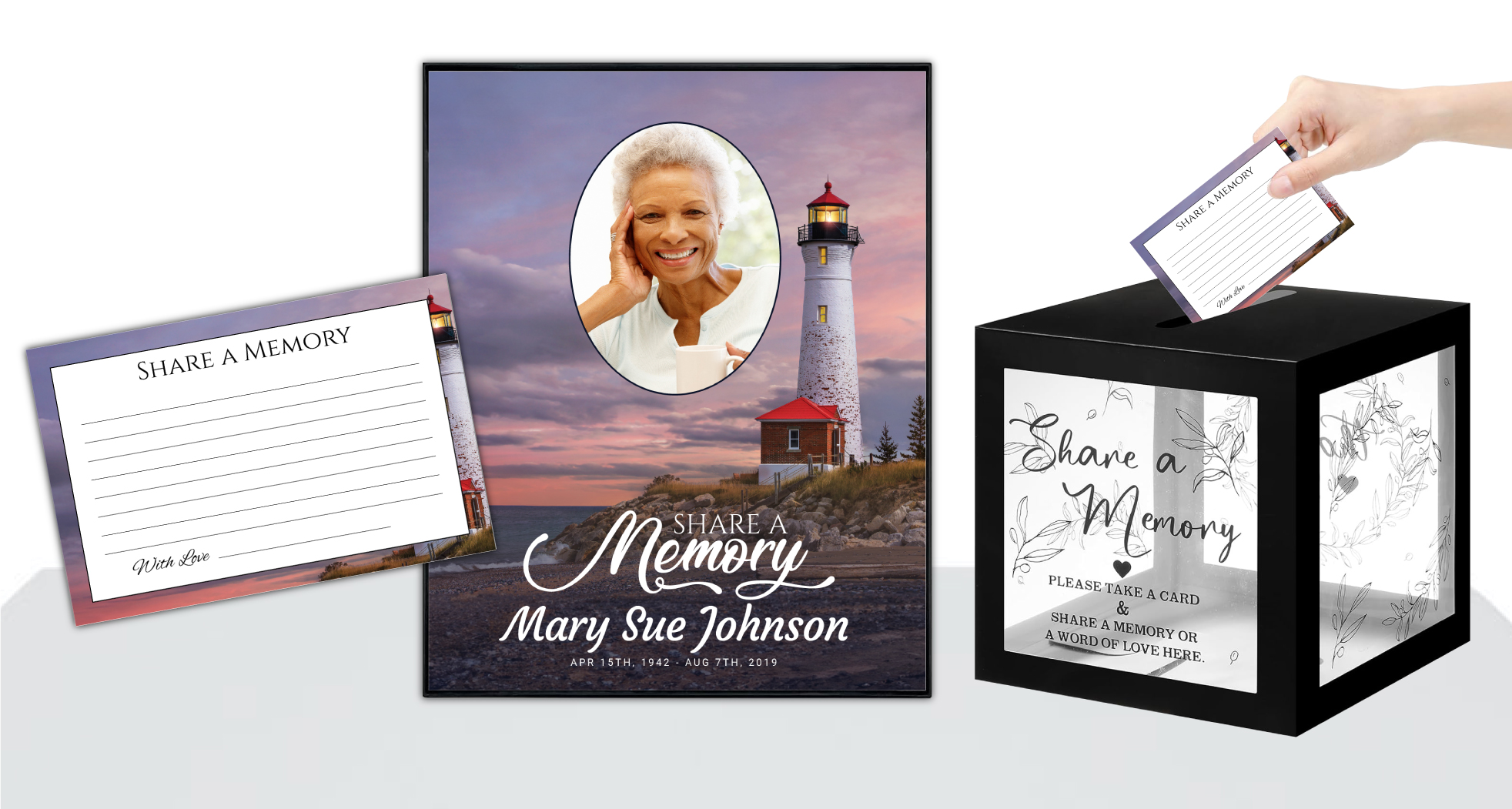 Share-A-Memory Cards
 Memorial Magnets
 Memorial Posters
 Guest Books
 Slide Shows
 Memorial Fans
 Death Announcements
 Take Away Keepsakes
 Church Products
Introduction: Honoring Your Loved One Through Thoughtful Images
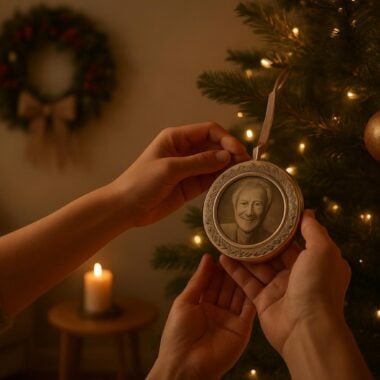
In the tender days following a loss, creating a funeral program can feel both overwhelming and deeply meaningful. These printed keepsakes—whether they are funeral programs, memorial cards, or memorial bookmarks—hold cherished memories and become lasting tributes for family and friends. Choosing the right photos and preparing them carefully is a crucial part of honoring your loved one’s story. However, many families encounter unexpected challenges with image quality, which can affect the appearance and emotional impact of these treasured mementos.
The topic of “funeral program photo mistakes” may seem technical, but it is deeply personal. It is about ensuring that the images chosen do justice to the life and legacy being celebrated. Photo quality errors—like using low-resolution files or poorly cropped pictures—can unintentionally detract from the loving tribute you wish to create. These mistakes can be distressing for families, especially when time is short and emotions are high.
At DisciplePress, we understand that every detail matters when creating a meaningful memorial. Our goal is to support you by sharing practical guidance on avoiding photo quality mistakes in funeral program printing. This article will walk you through common pitfalls, offer clear solutions, and provide compassionate advice to help you prepare photos that print beautifully—no matter which program format you choose, from bi-fold programs to 8-page programs and beyond.
Throughout this guide, you’ll find specific examples, actionable tips, and gentle encouragement. We know this is a difficult time, and our hope is to make the process less stressful and more meaningful as you create a heartfelt tribute for your loved one.
Understanding Photo Resolution: Why It Matters for Funeral Programs
One of the most common funeral program photo mistakes is using images with low resolution. Photo resolution refers to the amount of detail a photo holds, typically measured in pixels per inch (PPI) or dots per inch (DPI). For printed materials like funeral programs, a resolution of at least 300 DPI is recommended to ensure crisp, clear images. Unfortunately, photos downloaded from social media or sent via messaging apps are often compressed, resulting in lower quality when printed.
Creating a meaningful tribute for your loved one is an important part of the healing process. We offer Memorial Bookmarks, Funeral Programs and Prayer Cards to help you create meaningful tributes.
When a low-resolution image is enlarged to fit a program format, such as an 8-page program or a larger 12-page program, it can appear blurry, pixelated, or grainy. This is especially noticeable on glossy or high-quality papers, where imperfections become more pronounced. Choosing high-resolution originals—ideally directly from a camera or phone—will help maintain the integrity of your loved one’s portrait or cherished moments.
To avoid this mistake, always request or locate the highest quality version of the photo possible. If you’re unsure about resolution, most photo viewing software allows you to check the file size and dimensions. As a general rule, an image that is at least 1 MB in file size and measures 1800×1200 pixels or larger is a good starting point for most funeral program designs. DisciplePress’s custom design services can also help assess your images and provide feedback if you need assistance.
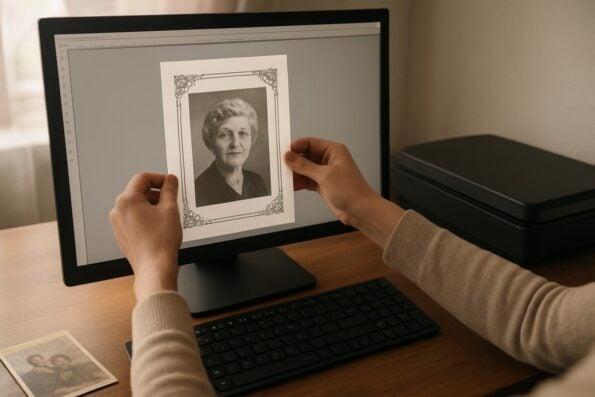
It’s important to note that even professional portraits or scanned photos can lose quality if not handled properly. When scanning, use a setting of at least 300 DPI and save the image as a JPEG or TIFF file. Avoid screenshots or re-photographing printed photos, as this introduces additional quality loss. By prioritizing high-resolution images from the outset, you help ensure your loved one’s memory is honored with clarity and grace.
Choosing the Right Photos: Portraits, Candid Moments, and Meaningful Memories
Selecting which images to include in a funeral program is an intimate process, often bringing both smiles and tears. However, not every cherished photo will work well in print. Some funeral program photo mistakes stem from selecting images with poor lighting, heavy shadows, or distracting backgrounds. Others arise from using group shots where your loved one is small or obscured, making it difficult for attendees to connect with the image on the page.
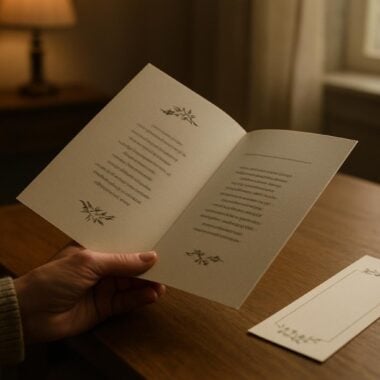
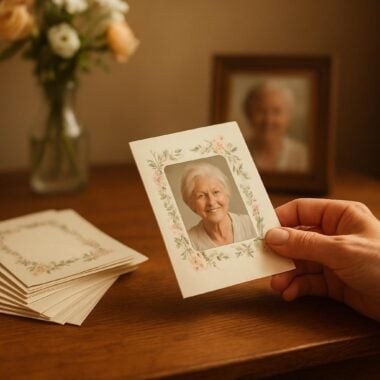
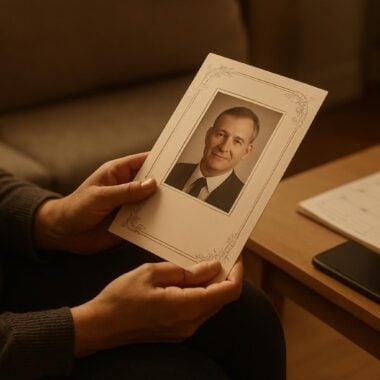
For the cover of bi-fold programs or booklet programs, a clear, well-lit portrait is typically ideal. Choose a photo where your loved one’s face is unobstructed and in focus. If possible, avoid photos with harsh lighting, red-eye, or heavy shadows across the face. For inside pages or collages, candid moments—like laughter at a family picnic or a gentle embrace—can beautifully capture personality and spirit. Just be mindful of image quality and composition.
When working with older photographs, such as those from albums or heritage collections, take care to gently clean dust from the surface before scanning. Avoid using photos that are damaged or heavily creased unless they hold significant meaning; sometimes, a touch of imperfection can add authenticity, but severe flaws can be distracting. Our team at DisciplePress is happy to provide gentle retouching for select images, especially when you choose our “customize for me” option or need help with photo restoration for celebration of life programs.
Finally, ask trusted family members to help with photo selection, as their perspectives can be invaluable. Consider choosing images that show your loved one in various stages of life, or in settings that reflect their passions and values. Mixing formal portraits with candid shots can create a fuller, more personal tribute—especially in programs with multiple pages, like 16-page programs or 20-page programs.
Avoiding Common Technical Pitfalls: Cropping, Sizing, and Orientation
Even with the perfect photo, technical mistakes during cropping and resizing can diminish its impact. One frequent funeral program photo mistake is over-cropping, which can cut off important features like the tops of heads or leave faces too close to the edge. This can make the image feel unbalanced and may even result in portions being trimmed during the printing process, especially on designs with “bleed” (where images extend to the edge of the paper).
We’re committed to supporting you through this difficult time with meaningful memorial resources. We offer Prayer Cards, Memorial Cards and Celebration of Life to help you create meaningful tributes.
Another concern is aspect ratio—the relationship between the photo’s width and height. If a photo is forced into a space with a very different aspect ratio, it may appear stretched or squished, distorting your loved one’s features. For example, inserting a rectangular photo into a square frame can result in unnatural proportions. Always check that the image fits the intended space without distortion, especially for covers of bi-fold programs or tri-fold programs.
Orientation is equally important. Accidentally placing a landscape (horizontal) photo in a vertical layout, or vice versa, can lead to significant empty space or unwanted cropping. If you desire a specific orientation but only have the opposite, consider using decorative elements, backgrounds, or quotes to fill the space gracefully. Our custom design services can assist with creative solutions if needed.
When using online customization tools, always preview your design at actual print size. This helps you catch issues with sizing, cropping, and placement before sending your order for same-day printing. Taking the time to adjust these details ensures that each image is presented thoughtfully and respectfully, enhancing the overall tribute.
Dealing With Scanned Photos and Old Prints: Tips for Restoration and Clarity
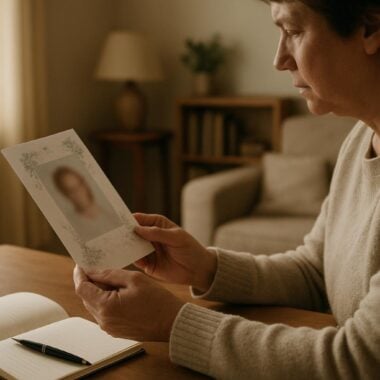
Many families wish to include older photographs—perhaps a wedding portrait or a treasured childhood snapshot—in their funeral programs or memorial bookmarks. While these images are often deeply meaningful, they can present unique challenges in terms of quality and clarity. Scanned photos may suffer from fading, discoloration, dust, or scratches, which can become more noticeable in print, especially on glossy papers.
To achieve the best results, use a flatbed scanner set to a resolution of at least 300 DPI (preferably 600 DPI for smaller originals). Scan in color, even if the photo is black and white, to capture subtle details. Avoid using smartphone apps for scanning; while convenient, they often introduce shadows and distortions. If you have only a physical print, gently clean it with a soft cloth before scanning to remove dust or debris.
Some minor imperfections can be corrected with basic photo editing tools, such as adjusting brightness and contrast, or using a spot-healing brush to remove small blemishes. However, be cautious not to over-edit; excessive correction can make the photo appear unnatural. If you need help restoring a particularly important image for your 8-page or 12-page program, DisciplePress offers custom image enhancement as part of our design services.
If you’re unsure about the scan quality, print a test copy at home or ask our team for feedback before finalizing your order. Remember, it’s better to use a slightly imperfect photo that holds deep meaning than a technically perfect one that doesn’t capture your loved one’s true spirit. The goal is to balance technical clarity with emotional resonance, ensuring that the memory you share is both beautiful and authentic.
Color, Contrast, and Lighting: Making Photos Shine in Print
Color balance, contrast, and lighting play a significant role in how photos appear when printed in funeral programs. A common funeral program photo mistake is using images that are too dark, washed out, or have color casts (such as an orange or blue tint). These issues may be subtle on a screen but become more apparent in print, especially on matte or glossy papers.
To ensure your chosen photos look their best, review each image in good light and on a calibrated device if possible. Adjust brightness and contrast so that your loved one’s features are clearly visible, but avoid over-brightening, which can lead to loss of detail. If a photo has a strong color cast, many basic editing apps offer “auto color” or “white balance” tools to help correct it. Our design team can also assist with these adjustments when you use our “customize for me” service.
Consider how your images will interact with the color scheme of your chosen program—whether it’s a angel themed program, a nature themed program, or a faith-based design. Harmonizing colors can create a cohesive and comforting look, while clashing tones may distract from the tribute. For black-and-white photos, ensure that the grayscale rendering is smooth and that details are not lost in shadows or highlights.
Finally, if you’re including multiple photos in a collage or timeline, aim for consistency in lighting and tone. Mixing very dark and very light images can create a jarring effect. Take time to adjust each photo so they appear unified, enhancing the overall impact of your program or keepsake, such as prayer cards or memorial cards.
Preparing Photos for Different Program Formats and Keepsakes
Funeral programs and keepsakes come in many formats, from simple bi-fold programs and tri-fold programs to elaborate 16-page programs and 20-page programs. Each format has unique requirements for photo placement and size. Understanding these differences can help you avoid funeral program photo mistakes and ensure every image shines.
For covers, select a high-resolution portrait that fills the allotted space without stretching or pixelation. Inside pages of booklet programs or 8-page programs allow for more creative layouts, such as collages, timelines, or themed backgrounds. When preparing photos for smaller items like memorial bookmarks or prayer cards, choose images with clear, close-up details, as small, distant subjects can be hard to recognize at a reduced size.
Consider the paper type as well. Glossy papers enhance color and sharpness, making vibrant photos pop, while matte finishes lend a softer, more classic feel. If you are unsure which paper will complement your photos best, our Paper Types Guide can help you decide. When in doubt, ask for a sample or consult with our team about which format and finish will best honor your loved one’s memory.
Don’t forget to review your design in the context of the entire piece. For celebration of life programs, you may want to incorporate images that reflect hobbies, travels, or community involvement. For religious services, consider pairing photos with meaningful scripture or prayer cards. The goal is to create a keepsake that is both visually beautiful and deeply personal, offering comfort to all who receive it.
Reviewing Your Program Before Printing: Proofing and Final Checks
Before submitting your order for same-day printing or rush services, take time to carefully review your funeral program or memorial card proof. It’s common to overlook minor issues in the rush of planning, especially when emotions are running high. Set aside a quiet moment to examine each photo for clarity, proper cropping, and placement within the layout.
Ask a trusted friend or family member to review the proof as well; a fresh set of eyes can spot issues you might miss. Pay special attention to the following: Are all faces clear and unobstructed? Are there any typos in captions or names? Do the photos print in the correct orientation? At DisciplePress, we always provide a digital proof for review, and you’re welcome to request adjustments until you feel completely satisfied.
If you’re concerned about how a photo will appear on the chosen paper type, ask for advice or a test print if time allows. For those using our “customize for me” service, our designers can offer suggestions to enhance photo quality or recommend alternative layouts. Remember, our goal is to help you create a tribute you can be proud of, with every detail thoughtfully considered.
After final approval, our team will proceed with printing and shipping, ensuring your order arrives on time—often within our rapid turnaround time. Taking a few extra minutes to review your proof can prevent heartache later and ensure that your loved one is remembered just as you envisioned.
Related Articles
Conclusion: Creating a Lasting Tribute with Care and Compassion
Choosing and preparing photos for funeral programs is a deeply personal and, at times, challenging task. By understanding and avoiding common funeral program photo mistakes—such as using low-resolution images, improper cropping, or mismatched colors—you can create a tribute that truly honors your loved one’s memory. Every detail, from the clarity of an old family portrait to the vibrancy of a celebration of life program, contributes to a lasting keepsake for family and friends.
Remember, you are not alone in this process. At DisciplePress, we are committed to supporting you every step of the way, whether you are designing bi-fold programs, memorial cards, or exploring our custom design services for more personalized help. Our compassionate team is always available to answer questions, assist with photo selection, and ensure your programs are printed with the utmost care and respect.
If you feel uncertain about any part of the process, please don’t hesitate to reach out or contact us. We offer guidance on everything from scanning old photographs to choosing the best format for your tribute. Our goal is to help ease the burden during this difficult time and help you create a memento that brings comfort and healing.
As you move forward, know that every thoughtful choice you make—every photo you select, every memory you share—contributes to a beautiful legacy. We are honored to be part of this journey with you and are here to provide the support, expertise, and compassion you need to create a meaningful farewell. Learn more about DisciplePress and our commitment to serving families. For personalized assistance, please contact us. We offer rush orders and same-day printing for urgent needs.