 Free Shipping Over $50
  888-432-8363


 Obituary/Programs
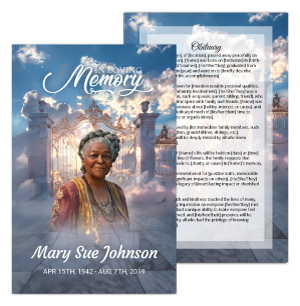 No-Fold Memorial Programs
 4 Page Funeral Programs
 8 Page Memorial Programs
 12 Page Funeral Programs
 16 Page Funeral Programs
 20 Page Funeral Programs
 Tri-Fold Funeral Programs
 Complete Memorial Packages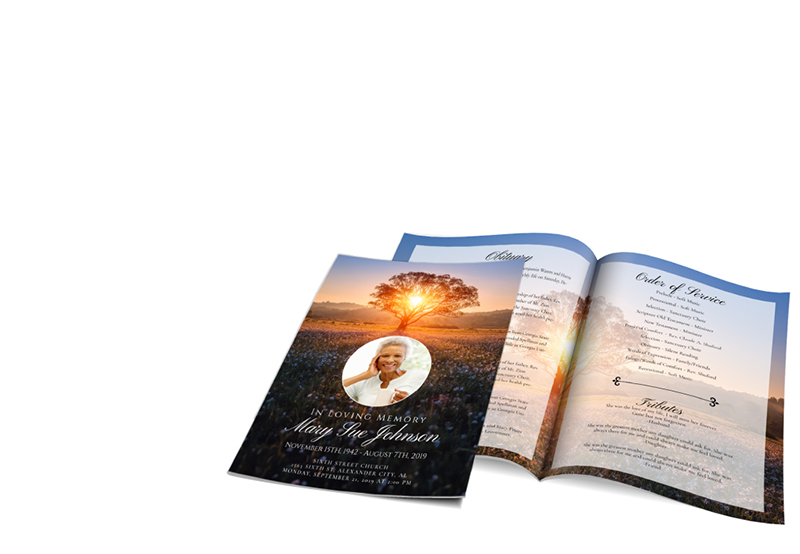
 Cards & Bookmarks
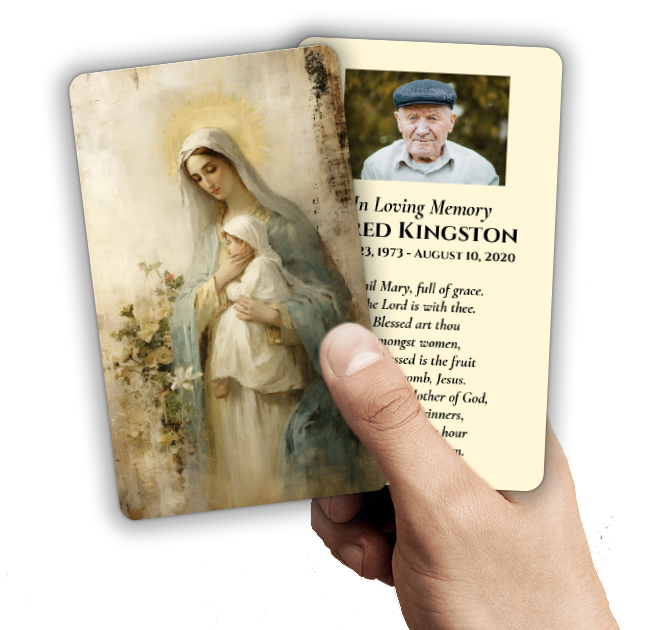 Saint Prayer Cards
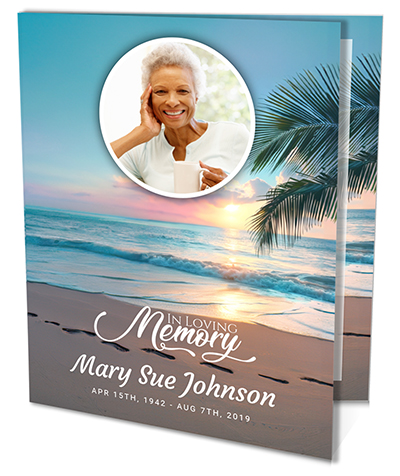 Folded Memorial Cards
 Folded Holy Cards
 Memorial Bookmarks
 Thank You Cards
 Share-A-Memory Cards
 Memorial Magnets
 Memorial Posters
 Guest Books
 Slide Shows
 Memorial Fans
 Death Announcements
 Take Away Keepsakes
 Church Products
Introduction: Honoring Memories With Clarity and Care
During times of loss, the task of preparing a funeral obituary or memorial program can feel overwhelming. You may be facing an ocean of emotions as you try to honor a loved one’s life with dignity and reverence. At DisciplePress, we understand that every photograph chosen for an obituary, prayer card, or funeral program holds deep meaning. These images are more than just pictures—they are cherished memories, tributes, and connections to a life well lived.
One detail that can cause stress is ensuring your loved one’s photo prints clearly and beautifully. Perhaps you’ve heard terms like “photo resolution” or “file format” and wondered what they mean, or why they matter. The truth is, the right technical choices can make a profound difference in how your loved one is remembered in print. Fuzzy or pixelated images can distract from the tribute, while a crisp, high-quality photo provides comfort and pride to all who see it.
This article will guide you through the best photo formats and resolution for funeral obituaries—a topic that is vital, yet often not discussed until the last minute. We’ll explain what file types to use (such as JPG, PNG, or TIFF), what resolution is necessary for different print sizes, and how these choices affect the final product. Whether you’re preparing a bi-fold program, prayer card, or memorial bookmark, understanding these details ensures the memory of your loved one is preserved with clarity and grace.
Throughout, we’ll share practical tips, real-life examples, and gentle advice to help you navigate this process with confidence. You are not alone on this journey—DisciplePress is here to support you every step of the way, offering custom design services, compassionate customer care, and a range of printing options. Let’s walk together through the essentials of preparing photos for your loved one’s memorial tribute.
Understanding Photo Resolution: Why DPI Matters in Funeral Printing
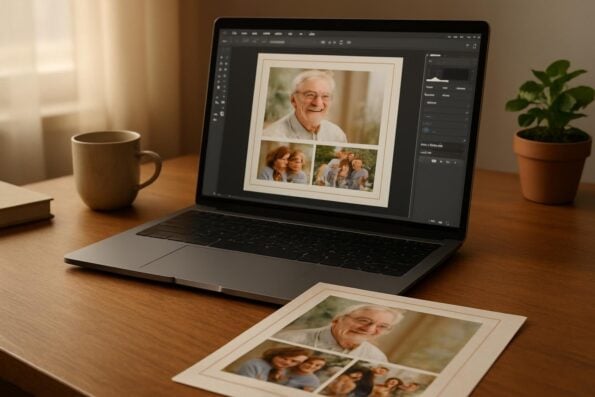
The term “photo resolution” refers to the amount of detail an image holds, typically measured in dots per inch (DPI). When preparing images for print—especially for something as meaningful as funeral obituaries—the best photo resolution for funeral obituaries is 300 DPI. This standard ensures your photos appear sharp, clear, and true to life, whether printed on a small prayer card or a full-page program.
Every memorial should reflect the unique life and legacy of your loved one. We offer Memorial Bookmarks, Funeral Programs and Prayer Cards to help you create meaningful tributes.
A high-resolution image means more dots per inch, resulting in finer detail and smoother gradients. If a photo is below 300 DPI, it may look blurry or pixelated once printed, which can distract from the tribute you’re trying to create. For example, if you use a photo from social media, it’s likely saved at a lower resolution for faster online loading, but this size is usually too small for quality printing in funeral programs or memorial cards.
When you scan or select a photo, always check its DPI. Many modern smartphones and digital cameras capture images at a high enough resolution, but it’s a good idea to confirm the settings. For scanning older photographs, set the scanner to at least 300 DPI or higher to preserve as much detail as possible. If you’re unsure about your image’s quality, most photo viewing or editing software can display the DPI and pixel dimensions for you.
For families planning services with tight schedules, DisciplePress offers same-day printing and rush orders, but we always recommend providing the highest quality image you have. This ensures your loved one’s tribute is printed beautifully, whether in a simple funeral program or a more elaborate 12-page or 16-page booklet. If you have questions about resolution, our custom design services are available to help you choose and prepare the best possible image.
The Best Photo File Formats: JPG, PNG, TIFF, and Their Uses
Choosing the correct file format is another essential step when preparing photos for funeral obituaries and programs. Each format—JPG (or JPEG), PNG, and TIFF—has strengths and specific uses in print production. Understanding these options empowers you to make decisions that safeguard the clarity and emotional resonance of your loved one’s image.
JPG is the most common file type for photographs. It balances quality and file size, making it ideal for most memorial products, including bi-fold programs, prayer cards, and memorial bookmarks. JPG files are widely compatible and easy to upload or email, which can be a relief if you’re working with funeral home partners or sharing images with family.
PNG files offer lossless compression, preserving even more detail than JPG, especially in images with transparent backgrounds or sharp edges. While PNG is less common for photographs, it’s excellent for program covers or images with text overlays. If your obituary template or celebration of life program has design elements around the photo, a PNG may help maintain crisp lines and vibrant colors.
TIFF files deliver the highest print quality, as they are uncompressed and retain all image data. This format is best for large-format memorial posters or situations where absolute fidelity is required. However, TIFF files are much larger and may be harder to email or upload, so it’s wise to use them when working directly with a designer or printing professional. At DisciplePress, our custom design services can accept all these formats and advise which is optimal for your chosen product.
Recommended Image Size and Resolution for Common Memorial Products
The size and resolution of your photo should correspond to the product you’re ordering—whether it’s a prayer card, booklet program, or memorial bookmark. The best photo resolution for funeral obituaries and related keepsakes ensures clarity at every size, from small cards to large posters. Choosing the right settings prevents disappointment and honors your loved one with the dignity they deserve.
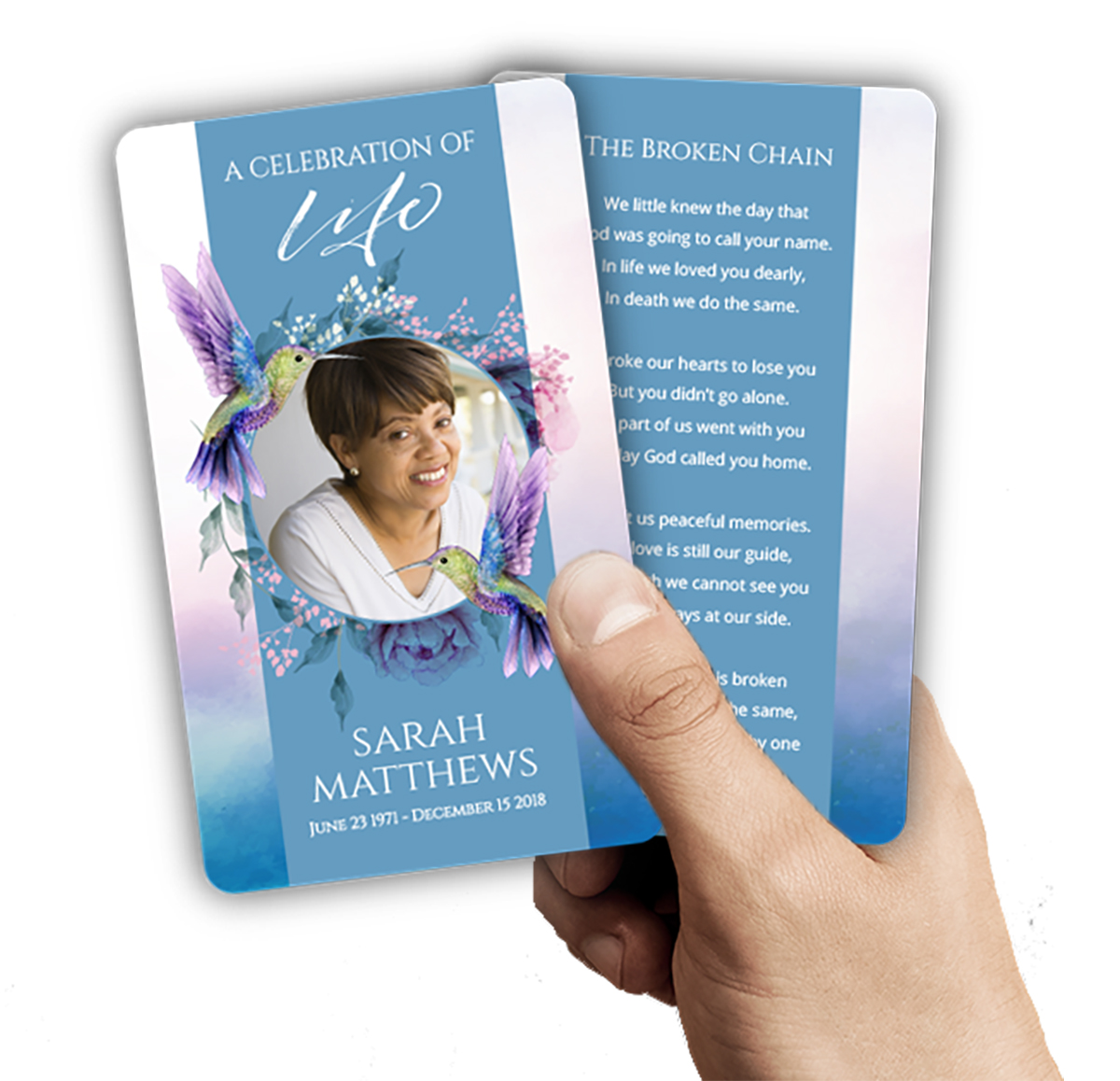
At DisciplePress, we understand the importance of honoring your loved one’s memory. We offer Prayer Cards, Memorial Cards and Obituary Templates to help you create meaningful tributes.
For small items such as prayer cards, memorial cards, or bookmarks (commonly 2.5″ x 4.25″ to 4″ x 6″), a photo sized at 900 x 1200 pixels (at 300 DPI) will print beautifully. For standard funeral programs—bi-fold or tri-fold, usually 8.5″ x 11″—aim for a photo at least 1500 x 2100 pixels. Larger booklet programs (8-page, 12-page, or 16-page) may feature full-page photos, so images should be at least 2550 x 3300 pixels or higher.
If you are including a photo in multiple formats (for example, both a program and a memorial poster), always start with the highest-resolution image available. It is easier to reduce size for smaller products than to enlarge a low-resolution image for a larger print. When in doubt, reach out to our design team at DisciplePress for guidance—we can help assess your image and recommend the best use for each product, ensuring it prints clearly on everything from 8-page programs to memorial yard signs.
Many families also choose to include photos in celebration of life programs, which may feature collages or multiple images per page. In these cases, every image should meet the recommended pixel and DPI guidelines to maintain uniform quality. If you’re preparing a booklet with several photos, gather the highest quality originals possible, and let us help you organize them for a cohesive and respectful tribute.
How to Check and Adjust Photo Resolution Before Printing
It’s common to feel uncertain about whether a photo is “high enough resolution” for printing. Fortunately, there are straightforward ways to check and, if necessary, adjust your images before submitting them for your funeral programs, memorial cards, or bookmarks. Taking these extra steps ensures the finished keepsakes do justice to your loved one’s memory.
Start by locating the image file on your computer or device. On Windows, right-click the photo, select “Properties,” then choose the “Details” tab to view the dimensions and DPI. On Mac, right-click and select “Get Info.” If the DPI is below 300 or the dimensions are smaller than needed for your chosen product size, the photo may appear blurry or pixelated in print.
If you find the photo is too small, try to locate the original image—for example, from a camera, phone, or physical print—rather than a copy from social media or a messaging app, which often compresses and reduces image quality. For scanned photos, adjust your scanner settings to 300 DPI or higher, and scan the image at the largest size possible. If you’re having trouble, DisciplePress offers custom design services and can help walk you through the process or even handle the adjustments for you.
For families who need to meet urgent timelines, our same-day printing and rush order services are available. However, providing high-resolution images up front will help prevent delays or disappointments. If you aren’t sure whether your photo is suitable, contact us for a quick review—we’re here to help, so you can focus on remembering your loved one, not technical details.
Handling Old, Damaged, or Low-Resolution Photos With Care
Many cherished family photos are older or may have suffered damage over time. You may worry that these images aren’t suitable for modern printing. While the best photo resolution for funeral obituaries is always 300 DPI, it’s understandable that not every treasured photo will meet this standard. With care and a few helpful strategies, even these irreplaceable images can be honored beautifully in print.
If you’re working with a damaged or faded photo, start by gently cleaning the surface with a soft, lint-free cloth before scanning. Use a scanner set to at least 300 DPI, and select the “color” or “grayscale” option, even if the photo is black and white. This preserves as much detail as possible for restoration. Avoid using smartphone cameras to photograph old prints, as this usually results in glare or loss of detail.
For images that are very small or of low quality, our custom design services at DisciplePress can often enhance the photo by adjusting contrast, brightness, and sharpness. While we cannot create detail that isn’t there, subtle improvements can make a world of difference in your funeral program, prayer card, or memorial bookmark. Let us know your concerns—we’re honored to help preserve your loved one’s legacy.
In some cases, families choose to use a small photo as a background or accent in memorial cards, while featuring a higher-resolution image as the main tribute in an 8-page or 12-page program. With careful placement and thoughtful design, every photo can play a meaningful part in the celebration of your loved one’s life.
Tips for Submitting Photos: Making the Process Simple and Stress-Free
We recognize that, during a time of grief, technical instructions can feel like just one more burden. Our goal at DisciplePress is to make the process of submitting photos for funeral programs, memorial cards, and other keepsakes as simple and supportive as possible. Here are some gentle tips to help you prepare your images with confidence and ease.
First, always gather your images from the original source whenever possible—directly from a camera, smartphone, or scanner. Avoid screenshots or downloaded versions from social media, as these are often compressed and lower in quality. If you’re unsure which version is best, send us all the options; we’ll help select the one that will print most clearly.
When uploading your photo to our online ordering platform, choose the “original size” option if prompted. This ensures no compression is applied during upload. Our system accepts JPG, PNG, and TIFF files, and we are always happy to answer questions about compatibility for specific products, such as tri-fold programs, memorial bookmarks, or prayer cards.
If you need assistance, don’t hesitate to reach out to our team. We offer custom design services and are available to review your photos before printing. Whether you’re planning a celebration of life program or a traditional funeral program, we want the process to be as smooth and comforting as possible. Your peace of mind is our priority.
Frequently Asked Questions About Photo Formats and Resolution
We know that families and funeral directors often have questions about the technical aspects of photo preparation. Here, we address some of the most common concerns related to the best photo resolution for funeral obituaries, file formats, and printing requirements for various memorial products.
Can I use a phone photo? Yes—most modern smartphones capture images at a high enough resolution for print. Always send the original photo file, not a screenshot or social media download, to preserve quality for funeral programs or memorial cards.
What if my photo is under 300 DPI? If you don’t have a higher-resolution version, we can sometimes help with enhancement. However, results vary. For very small or low-resolution images, consider using them in a smaller format, such as on a memorial bookmark or as an inset in an 8-page or 12-page program.
Is color or black-and-white better? Both can be beautiful. If your photo is faded or has color issues, black-and-white conversion may provide a timeless, elegant look, especially for classic funeral programs or prayer cards. Our design team can assist with this option.
How do I know if my image is the right size? Check the pixel dimensions and DPI as described earlier. If you’re still unsure, send us the file and the product you intend to order (bi-fold, tri-fold, or booklet programs, for example), and we’ll review it for you.
We’re here to answer any other questions you may have. Our goal is to ensure that, whether you’re choosing a memorial poster, prayer card, or celebration of life program, your loved one’s memory is honored with clarity and heartfelt care.
Related Articles
Conclusion: Preserving Memories With Compassion and Quality
Selecting the best photo formats and resolution for printing funeral obituaries is about more than just technical details—it’s an act of love and remembrance. By choosing the appropriate file type and ensuring a high enough resolution, you help create keepsakes that bring comfort and pride to everyone who receives them.
We hope this guide has offered clarity, support, and reassurance during what may be a difficult time. Remember, you are not expected to be an expert in photo preparation. If you need guidance, DisciplePress is ready to assist with custom design services, rapid turnaround time, and a full range of memorial products—from bi-fold and tri-fold programs to memorial bookmarks, prayer cards, and more.
If you have questions about your images or which product best fits your needs, please contact us. Our compassionate team is honored to support you in creating a tribute that reflects the beauty and dignity of your loved one’s life. You may also explore our obituary templates, design gallery, and paper types guide for further inspiration.
In these moments of remembrance and reflection, know that your careful attention to every detail is a testament to your love. From all of us at DisciplePress, we send our deepest condolences and stand ready to help you preserve cherished memories, now and always.
Learn more about DisciplePress and our commitment to serving families. Browse our design gallery for inspiration. For personalized assistance, please contact us.