 Free Shipping Over $50
  888-432-8363


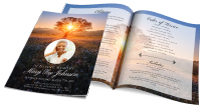 Obituary/Programs
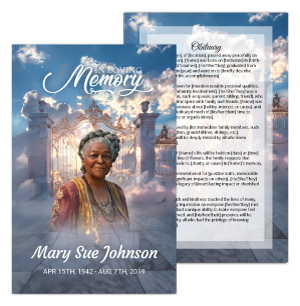 No-Fold Memorial Programs
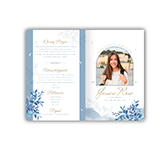 4 Page Funeral Programs
 8 Page Memorial Programs
 12 Page Funeral Programs
 16 Page Funeral Programs
 20 Page Funeral Programs
 Tri-Fold Funeral Programs
 Complete Memorial Packages
 Cards & Bookmarks
 Saint Prayer Cards
 Folded Memorial Cards
 Folded Holy Cards
 Memorial Bookmarks
 Thank You Cards
 Share-A-Memory Cards
 Memorial Magnets
 Memorial Posters
 Guest Books
 Slide Shows
 Memorial Fans
 Death Announcements
 Take Away Keepsakes
 Church Products
Honoring Loved Ones in the Digital Age: Introduction and Emotional Context
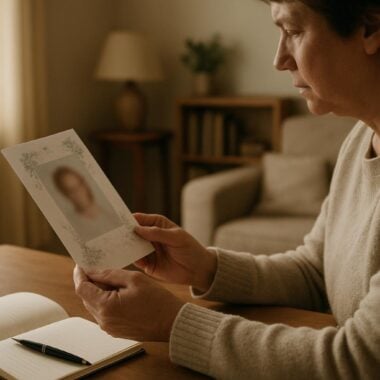
In moments of loss, families and friends come together to remember and celebrate the life of someone dear. Crafting a funeral program or memorial keepsake is a deeply personal and meaningful way to pay tribute. With so many memories now captured digitally, a common and heartfelt question arises: Can I use social media photos in a funeral program? Whether it’s a cherished Facebook post, a joyful Instagram snapshot, or images shared by friends online, these photos often capture the everyday warmth and spirit of our loved ones.
We understand that, during times of grief, every photo can feel precious—especially those candid moments shared on social platforms. However, navigating the transition from digital screens to beautiful printed funeral programs can be daunting. Families often wonder if these images will print clearly or if there are legal or technical concerns to address. At DisciplePress, we recognize how important it is to include authentic memories in bi-fold programs, prayer cards, memorial bookmarks, and other keepsakes.
In this article, we will gently and thoroughly guide you through everything you need to know about using Facebook photos in funeral programs, as well as images from Instagram and other social media sites. You’ll discover practical tips to ensure your selected photos look their best in print, learn about common pitfalls such as low resolution and watermarks, and find out how to optimize digital memories for a lasting tribute.
Our goal is to provide compassionate, step-by-step support—helping you feel confident in your choices while honoring your loved one’s legacy. We hope you find comfort and clarity in the guidance ahead, no matter which type of memorial program or keepsake you are creating.
Understanding the Quality of Social Media Photos for Printing
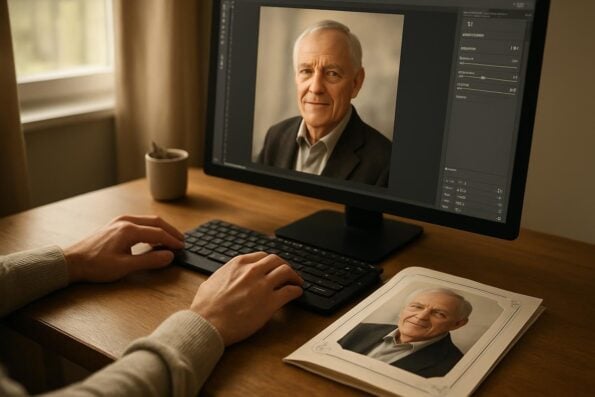
When considering using Facebook photos in a funeral program, the first essential factor is image quality. Social media platforms are designed for quick sharing and online viewing, which means they often compress images to save space and bandwidth. This compression can significantly reduce the resolution and clarity required for high-quality printed pieces like tri-fold programs or 8-page programs.
We’re committed to supporting you through this difficult time with meaningful memorial resources. We offer Memorial Bookmarks, Funeral Programs and Prayer Cards to help you create meaningful tributes.
For example, a photo that looks sharp and vivid on a phone or computer screen may appear blurry, pixelated, or grainy when enlarged for a memorial poster or the cover of a booklet program. Many families are surprised by this, especially when a beloved photo loses its luster in print. Instagram and Facebook both reduce file sizes, which is ideal for web speed but not for printing cherished memories on celebration of life programs or memorial cards.
To assess whether a photo is suitable for printing, check its resolution. Ideally, images for print should be at least 300 DPI (dots per inch). You can often find this information by right-clicking the image file and reviewing its properties. If the image is less than 1 MB in size, it may not print well, especially if you plan to use it for larger formats or as a focal point on a prayer card or booklet.
If you only have access to social media photos, don’t lose hope. There are ways to enhance lower-resolution images, such as using editing software or seeking help from custom design services like those at DisciplePress. We frequently assist families in optimizing treasured digital photos so they appear as beautiful as your memories deserve.
How to Download Photos from Facebook, Instagram, and Other Platforms
Once you’ve selected special images from a loved one’s social media, the next step is downloading them properly for use in a funeral program. While it might seem as simple as right-clicking and saving, social platforms often only allow you to download lower-quality versions of the photo.
On Facebook, you can usually click on a photo to open it, then choose “Options” and “Download.” However, unless the original photo was uploaded at a high resolution and your privacy settings permit, the file you get may still be compressed. Instagram, on the other hand, doesn’t offer a direct download option. Many people resort to screenshots, but screenshots are typically too low in quality for print, especially for use in a large-format memorial poster or 12-page program.
If the image was posted by a friend or family member, consider reaching out to them directly for the original file. Most people are more than willing to share high-resolution images, especially when they know it’s for a meaningful tribute. If you’re gathering photos from several people, organizing them in a shared cloud folder can streamline the process and ensure you have the best versions for your memorial cards or bookmarks.
For families looking to honor loved ones with same-day printing or rush orders, having the highest quality files at the outset can make a significant difference in both turnaround time and final results. If technical hurdles arise, don’t hesitate to use our custom design services—we can guide you in retrieving and preparing the right images for your chosen program format.
Dealing with Common Pitfalls: Low Resolution, Watermarks, and Copyright Concerns
While including Facebook or Instagram photos is a heartfelt way to personalize funeral programs, there are a few common pitfalls to be aware of. The most frequent issue is low resolution, as discussed, but watermarks and copyright considerations are equally important.
DisciplePress is dedicated to helping families honor their loved ones with dignity and care. We offer Prayer Cards, Memorial Cards and Celebration of Life to help you create meaningful tributes.
Some social media photos may carry watermarks, especially if they were originally shared by a professional photographer or through a photo editing app. Watermarks can distract from the image’s emotional impact and may be difficult to remove without altering the photo’s integrity. If you encounter a watermark, try to obtain the original, unmarked image from the photographer or uploader. For memorial bookmarks or prayer cards, a clean, unobstructed photo ensures the focus remains on your loved one.
Another consideration is copyright. While personal, non-commercial use in a funeral program is generally acceptable, it’s respectful to seek permission if you wish to use a photo taken by someone else. This is especially true for images posted by friends, professional photographers, or on public pages. A simple message explaining your intent is usually met with understanding and support.
In situations where only low-resolution or watermarked images are available, DisciplePress can often enhance or retouch them as part of our custom design services. We understand how important these photos are, and we’re committed to helping families present every image with the dignity and clarity your loved one deserves.
Optimizing Social Media Photos for High-Quality Memorial Printing
Transforming digital memories into beautiful printed keepsakes requires careful attention to detail, especially when working with social media images. The key to using Facebook photos in funeral programs—and ensuring they print as clearly as possible—lies in optimization.
Begin by selecting the highest quality images available. If you have access to both social media and original camera files, always use the originals. When only digital versions are available, photo editing tools can help. Basic adjustments such as brightness, contrast, and color correction can bring out details lost in compression. Cropping can also help focus on your loved one’s face or a meaningful moment, making the image more impactful in a bi-fold or tri-fold program.
For families creating 8-page, 12-page, or even 20-page programs, consider using social media photos as accent images rather than main features, especially if resolution is a concern. Pairing them with higher-resolution portraits ensures every page looks beautiful while still including candid, everyday moments. Our custom design services can assist with layout, photo enhancement, and creative solutions such as blending lower-quality images with backgrounds or borders.
Finally, always preview your memorial cards, bookmarks, or celebration of life programs on screen at a realistic print size before finalizing your order. This step can help you spot any quality issues early, allowing for adjustments and ensuring your keepsakes are as perfect as your memories.
Creative Ways to Incorporate Social Media Photos into Funeral Programs
Social media images often capture spontaneous, joyful, and heartfelt moments that traditional portraits may not. Incorporating these photos into funeral programs or memorial cards can add a personal touch that resonates deeply with friends and family.
One powerful approach is to create a collage or timeline within an 8-page or 12-page program, blending images from different life stages. For example, a selection of Facebook photos showing family gatherings, travel adventures, and community events can be paired with captions or short anecdotes. This kind of layout is especially meaningful in celebration of life programs, where the focus is on cherished memories and shared experiences.
Another creative idea is to use social media images as background elements in prayer cards or memorial bookmarks. A faded or softly blurred image behind a favorite quote, Bible verse, or poem can evoke a gentle sense of presence and remembrance. For faith-based programs, consider combining candid photos with symbols such as angels or nature themes available from our design gallery.
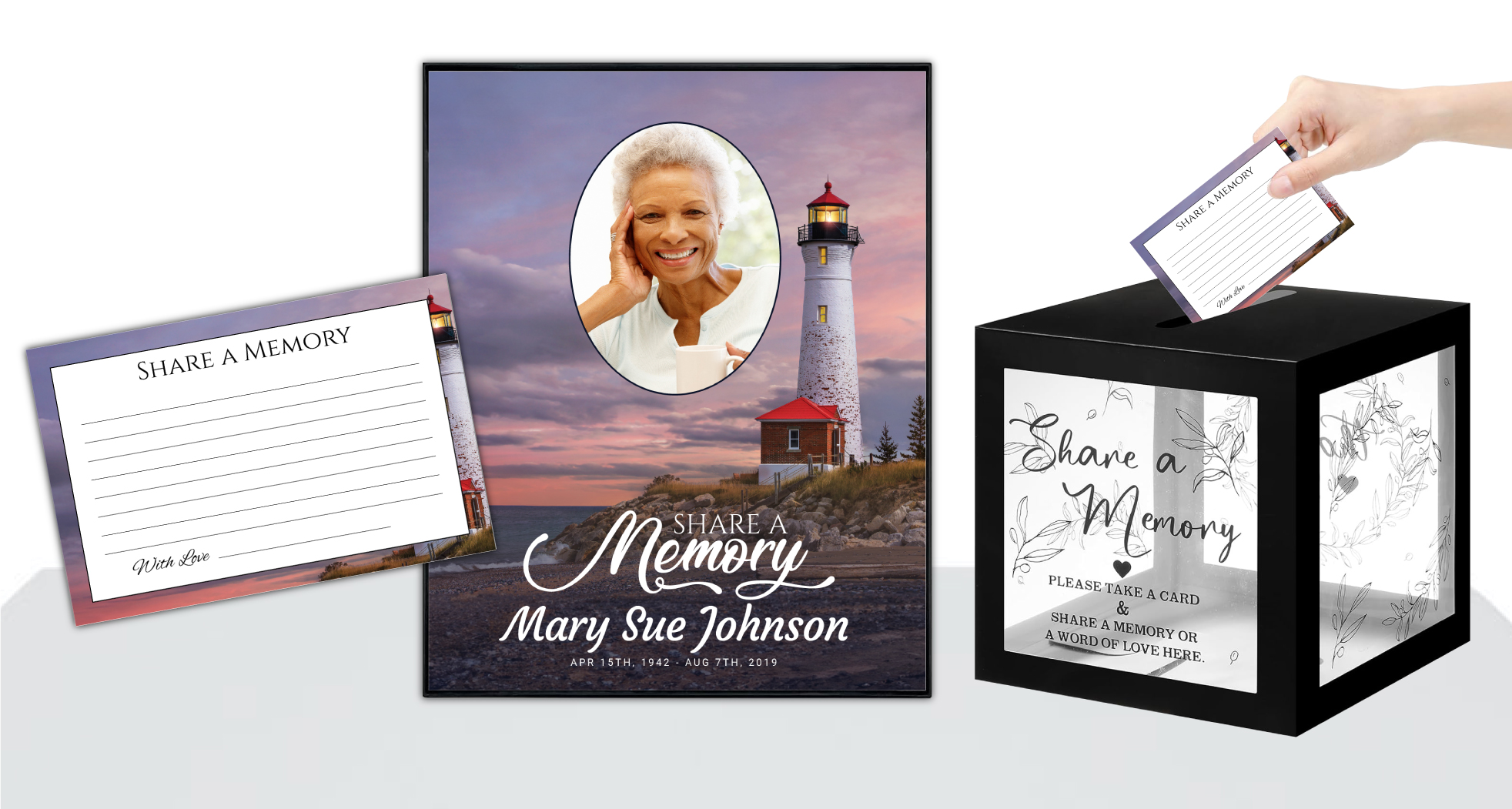
If you have limited print-quality photos, including a “Share a Memory” card in your memorial package invites guests to contribute their own images and stories, which can later be compiled into a digital slideshow or keepsake booklet. This approach ensures everyone’s memories are honored, even those not captured in high resolution.
Selecting the Right Funeral Program Format for Social Media Photos
Choosing the appropriate program format for your photos is an important step in creating a meaningful tribute. Different layouts, such as bi-fold programs, tri-fold programs, and booklet programs, offer varying space and flexibility for images. Selecting the right format can help you make the most of your social media photos, regardless of their original quality.
A bi-fold program, for example, provides a classic, elegant presentation with ample room for a cover photo and a few select images inside. This works well for high-impact photos, such as a favorite Facebook profile picture or a cherished family shot. Tri-fold programs and 8-page options offer more panels, allowing you to include a timeline, collage, or series of candid moments from Instagram or Facebook albums.
Booklet programs, available in 12-page, 16-page, and even 20-page formats, are ideal if you have many social media images to share. These programs can feature dedicated photo pages, stories, and tributes from friends—creating a comprehensive celebration of your loved one’s life. Our custom design services can advise on the best layouts to highlight both professional portraits and informal digital images.
When time is of the essence, our same-day printing and rush orders ensure you’ll have your programs ready for the service, no matter how many images you wish to include. If you’re uncertain which program type suits your needs, don’t hesitate to contact us for personalized guidance and support.
Tips for Gathering, Organizing, and Sharing Social Media Memories
Collecting and organizing social media photos can feel overwhelming during a period of grief. However, with a few gentle strategies, you can gather meaningful images for your funeral program, prayer cards, or memorial bookmarks, while also inviting others to share in the process.
Start by making a list of the most meaningful social media posts, albums, or tagged photos that capture your loved one’s essence. Reach out to family and friends, inviting them to contribute favorites—either by sharing original files or granting permission to use images from their own accounts. Many families find comfort in coming together to reminisce and select the photos that best tell the story of a life well-lived.
Organize your images in folders by theme or chronology. For example, you might separate childhood, family, travel, or community event photos. This approach makes it easier to design a visually cohesive program, whether you’re creating a simple bi-fold or an elaborate 20-page booklet.
Finally, consider using a shared cloud drive or email thread to collect and review photos with your design team or funeral home partners. At DisciplePress, we’re always here to support you—whether you need help uploading images, selecting the right paper type, or arranging for rush orders. Together, we can ensure every memory is honored in the most beautiful way possible.
Related Articles
Conclusion: Bringing Comfort and Clarity to Memorial Printing with Social Media Photos
Including social media photos in a funeral program is a meaningful way to honor your loved one’s unique journey, capturing moments that traditional portraits may not. By understanding the technical and emotional aspects of using Facebook photos in funeral programs, you can create keepsakes that reflect the true spirit of your memories.
Remember to prioritize the highest quality images available, seek originals when possible, and use editing techniques or custom design services to optimize your selections. Whether you’re creating a bi-fold program, 8-page booklet, or a set of prayer cards, thoughtful preparation ensures that every image is a heartfelt tribute.
DisciplePress is honored to walk alongside you during this difficult time. Our range of products—including memorial bookmarks, celebration of life programs, and memorial cards—are designed to suit every need and tradition. If you need guidance on program selection, photo optimization, or urgent turnaround time, please reach out to us for compassionate, personalized support.
As you move forward, may your printed tributes bring comfort, connection, and lasting remembrance. We are here to help you preserve every precious memory—today and always.
Learn more about DisciplePress and our commitment to serving families. For personalized assistance, please contact us. We offer rush orders and same-day printing for urgent needs.