 Free Shipping Over $50
  888-432-8363


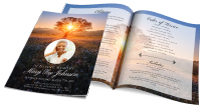 Obituary/Programs
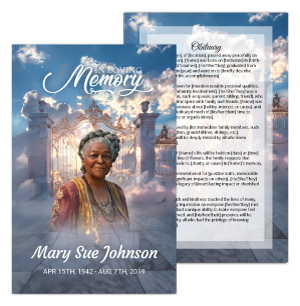 No-Fold Memorial Programs
 4 Page Funeral Programs
 8 Page Memorial Programs
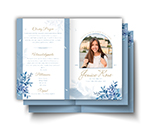 12 Page Funeral Programs
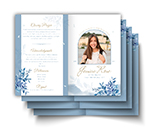 16 Page Funeral Programs
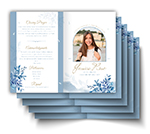 20 Page Funeral Programs
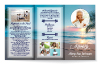 Tri-Fold Funeral Programs
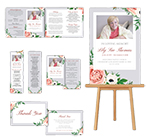 Complete Memorial Packages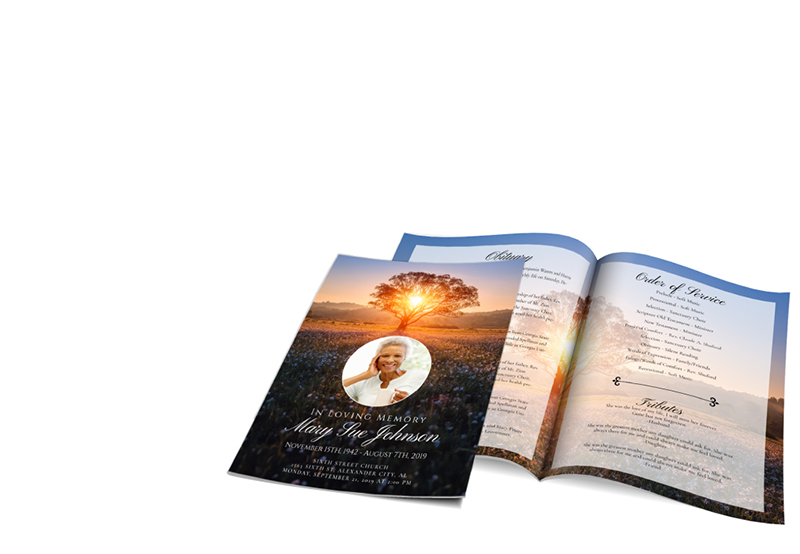
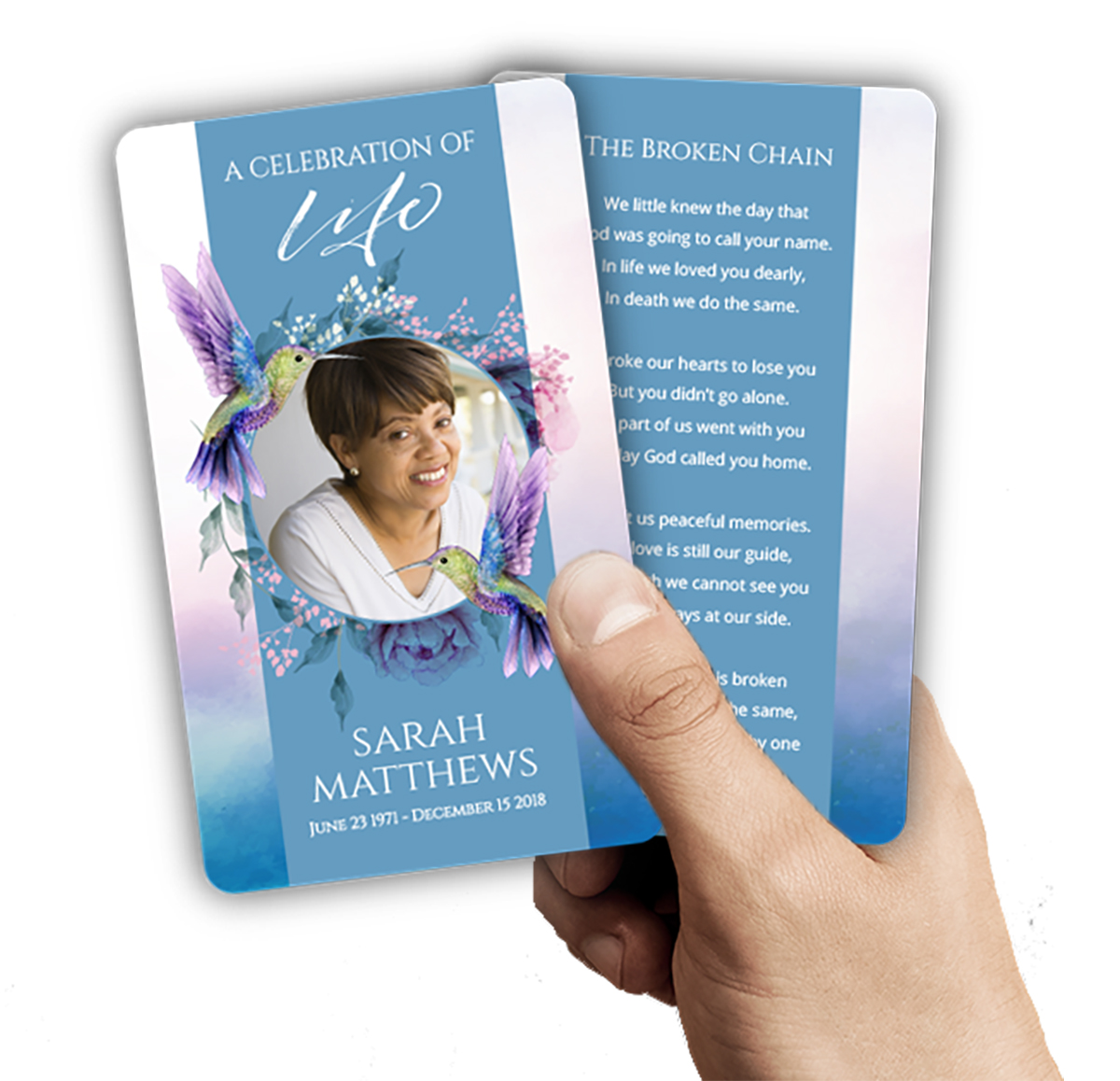 Cards & Bookmarks
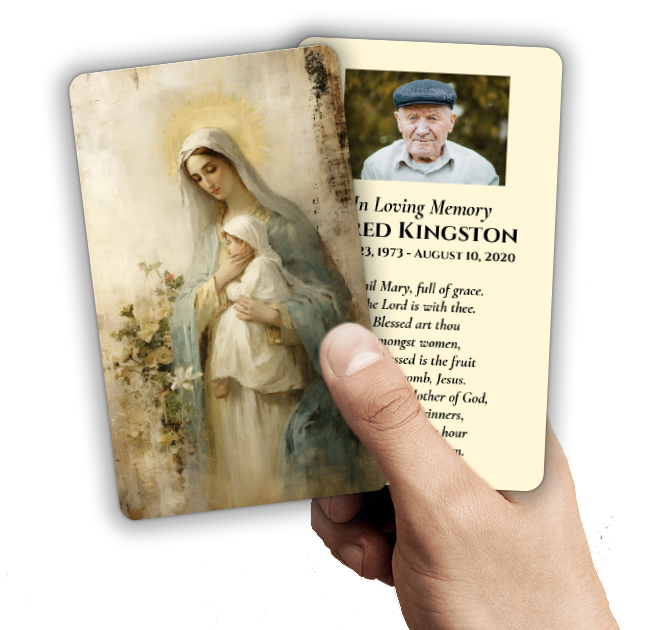 Saint Prayer Cards
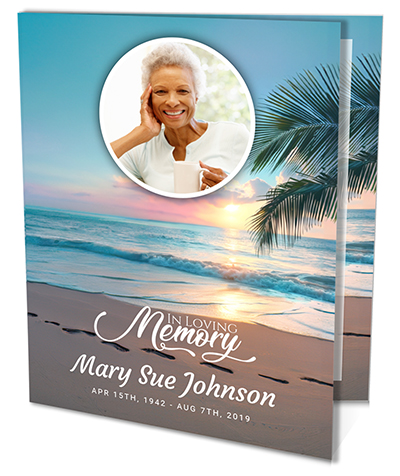 Folded Memorial Cards
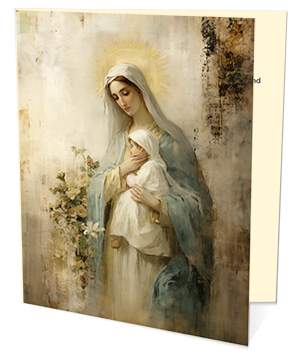 Folded Holy Cards
 Memorial Bookmarks
 Thank You Cards
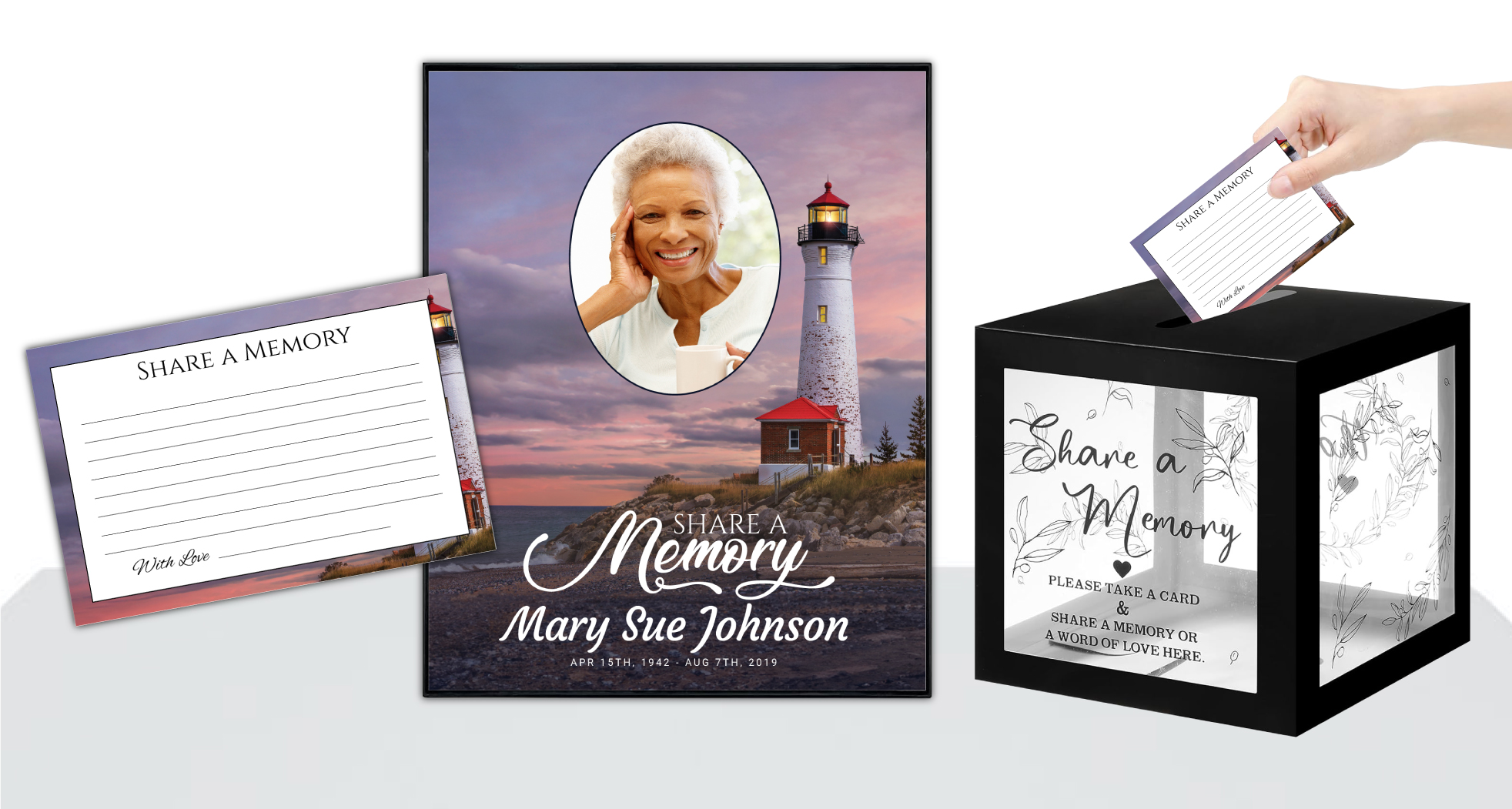 Share-A-Memory Cards
 Memorial Magnets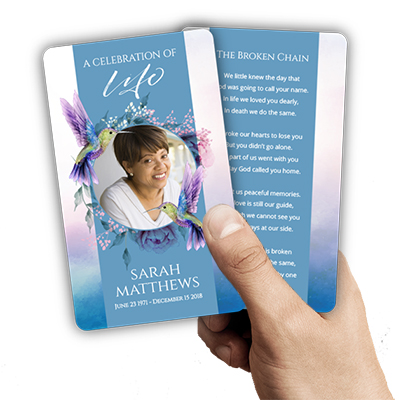
 Memorial Posters
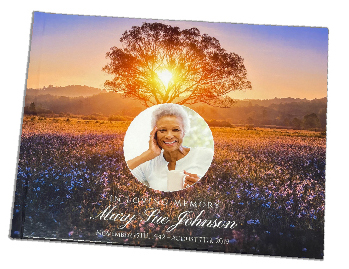 Guest Books
 Slide Shows
 Memorial Fans
 Death Announcements
 Take Away Keepsakes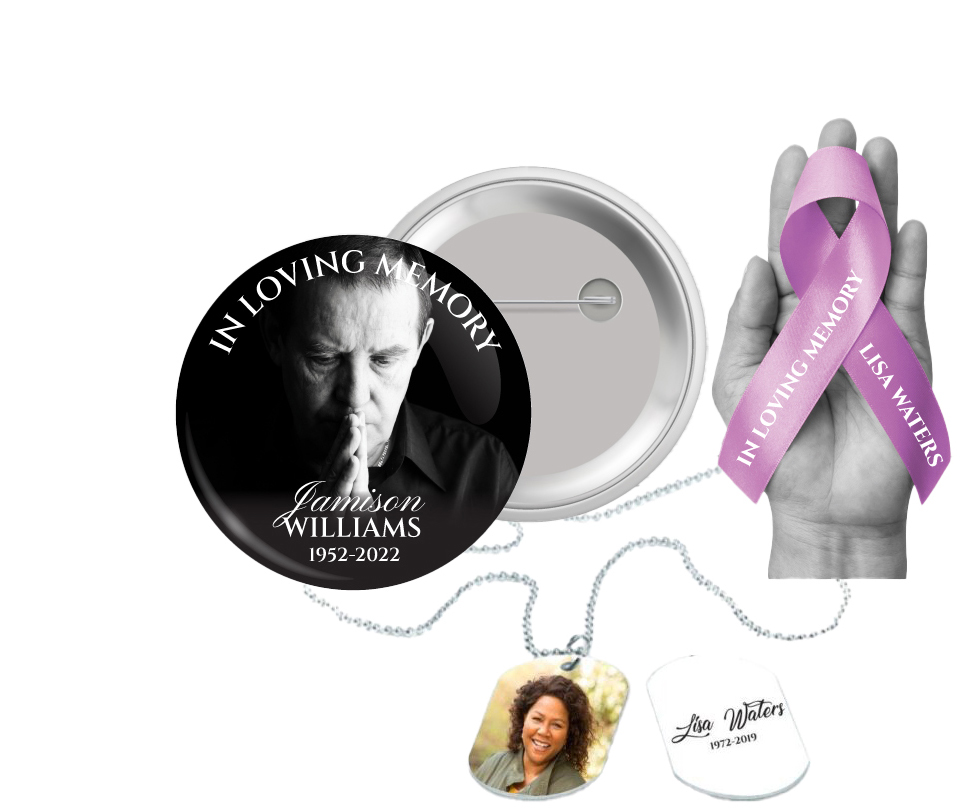
 Church Products
Finding Comfort in Customization: Why Uploading Your Canva Memorial Card Design for Printing Matters
In the midst of grief, every small decision about a loved one’s memorial can feel overwhelming. At DisciplePress, we understand the importance of honoring cherished memories in a way that feels personal and meaningful. That’s why many families and funeral directors turn to creative tools like Canva to design memorial cards that truly reflect the life and spirit of those they have lost. But a question arises: can you upload Canva memorial card design for printing, and how does that process work?
Custom memorial cards, prayer cards, and thank you cards are more than just keepsakes—they are tangible expressions of love and remembrance. Designing these pieces in Canva allows families to gather favorite photos, select heartfelt quotes or Bible verses, and arrange everything just as they wish. Yet, once the design feels perfect, it’s crucial to ensure that the artwork translates beautifully from the digital screen to a professionally printed card.
This article is dedicated to providing support and clear step-by-step guidance for anyone considering uploading their Canva memorial card design for printing with DisciplePress. We’ll address the technical aspects, share practical tips, and help you avoid common pitfalls. More importantly, we’ll walk with you through each stage, offering reassurance and understanding along the way.
Whether you’re a grieving family member creating a single folded memorial card, a funeral director coordinating bi-fold programs, or a friend assembling prayer cards, you’ll find comfort and clarity here. Let’s explore the process together, so you can focus on what truly matters—honoring your loved one’s legacy with dignity and care.
Understanding Canva’s Capabilities for Memorial Card Design
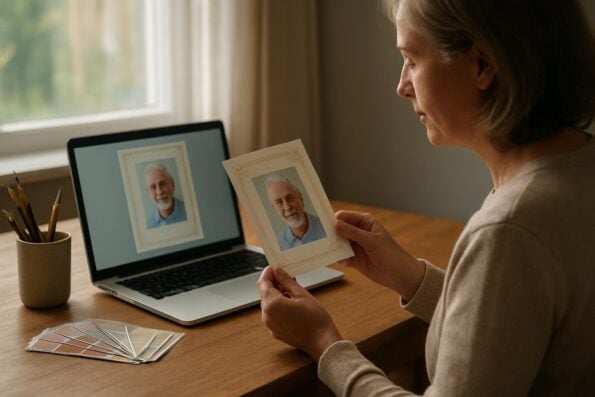
Canva has become a favorite platform for families and professionals alike when it comes to designing heartfelt memorial cards, memorial bookmarks, and even celebration of life programs. Its intuitive interface makes it accessible for people of all backgrounds, offering a wide variety of templates and customization features. This flexibility is especially valuable during times of grief, when clarity and ease can make all the difference.
Every memorial should reflect the unique life and legacy of your loved one. We offer Memorial Bookmarks, Funeral Programs and Prayer Cards to help you create meaningful tributes.
With Canva, you can choose from a range of layouts tailored to common memorial card dimensions, such as 2.5” x 4.25” for prayer cards or larger formats for folded memorial cards. The platform also provides access to thousands of fonts, graphics, and photo editing tools, allowing you to craft a design that feels as unique as your loved one’s story. Many users appreciate the ability to incorporate meaningful imagery—be it a cherished family photo, an angel motif, or a favorite nature scene.
Another strength of Canva is its collaborative features. Family members, friends, or funeral directors can share a design and work together, no matter where they are. This can be especially comforting when planning a memorial as a group, making sure everyone’s voice and memories are included. The platform supports the creation of matching sets, such as combining prayer cards, memorial cards, and thank you cards with a unified visual style.
However, designing in Canva is just the first step. To ensure your creation is ready for professional printing, there are specific technical considerations to keep in mind. Preparing your file properly will help avoid issues like blurry images, incorrect sizing, or color shifts. In the next section, we’ll walk through the key steps to exporting your memorial card design from Canva in a way that ensures the printed result meets your expectations and honors your loved one beautifully.
Exporting Your Canva Design: Steps for Print-Ready Memorial Cards
Once you have crafted a memorial card in Canva that captures your loved one’s memory, the next step is to export your design in a format that is truly print-ready. This process is crucial to ensure that DisciplePress can reproduce your design with clarity, accuracy, and the quality your family deserves. Here are the essential steps to follow for a smooth transition from Canva to print.
First, double-check the dimensions of your design. Common sizes for memorial cards include 2.5” x 4.25” for prayer cards, or 5” x 7” for large memorial cards. If you are preparing a folded memorial card or a share a memory card, confirm the correct size in Canva’s custom dimensions option. This ensures the file will not be stretched or cropped unexpectedly during printing.
Second, review your images and text for resolution and clarity. Canva recommends using high-quality images (at least 300 DPI) to avoid pixelation in print. When you’re satisfied, click the “Download” button. For professional printing with DisciplePress, export your design as a PDF Print file. Be sure to select “Crop marks and bleed” if your design extends to the edge of the card—this is essential for a clean, edge-to-edge finish without white borders.
Third, carefully proofread your design. Check for typos, double-check names and dates, and ensure all elements are correctly aligned. It may help to have another family member or friend review the design as well, as grief can sometimes make it easy to overlook small errors. Once you’re confident everything is correct, save the PDF file to your computer, ready for upload to DisciplePress.
By following these steps, you are setting the stage for a seamless printing process. Our team at DisciplePress will handle your uploaded print-ready artwork with care and attention, helping you bring your Canva memorial card design to life as a cherished keepsake for family and friends.
Accepted File Types and Preparing for Upload at DisciplePress
At DisciplePress, we strive to make the upload process as straightforward and supportive as possible, especially during times of loss. When you are ready to upload your Canva memorial card design for printing, knowing which file types to use and how to prepare your artwork will ensure your order is processed smoothly and efficiently.
Every memorial should reflect the unique life and legacy of your loved one. We offer Prayer Cards, Memorial Cards and Celebration of Life to help you create meaningful tributes.
The preferred file format for uploading print-ready artwork to DisciplePress is PDF. Canva’s “PDF Print” option is ideal because it preserves the highest quality, includes crop marks and bleed, and ensures colors remain accurate for professional printing. If your design includes important visual elements that extend to the card’s edge—such as a border, background, or full-bleed photo—be sure to include a 0.125” bleed on all sides. This prevents any unwanted white edges after trimming.
While PDF is best, we also accept high-resolution JPEG and PNG files for certain products, such as memorial bookmarks or thank you cards. However, these formats should be at least 300 DPI and match the dimensions of your chosen product. Lower resolution files may result in blurry or pixelated prints, which can detract from the beauty of your keepsake.
When uploading your print-ready artwork, visit our dedicated Upload Print-Ready Artwork page. Here, you can select the product category—such as memorial cards, funeral programs, or funeral fans—and attach your file directly. Our system is designed to be user-friendly and secure, giving you peace of mind during a challenging time.
If you encounter any uncertainty about file types or artwork preparation, our team is here to help. We encourage you to reach out with questions, as we know these details can feel daunting amid grief. Our goal is to ensure your memorial cards, bi-fold programs, or celebration of life programs are printed exactly as you imagine, honoring your loved one’s memory with dignity and care.
Tips for Ensuring a Smooth Upload and Beautiful Printed Results
Uploading your Canva memorial card design for printing is a meaningful step, and a few practical tips can help ensure the process goes smoothly. Following these guidelines will help you avoid common issues and create a keepsake that truly honors your loved one.
First, always use Canva’s “PDF Print” export setting, checking that crop marks and bleed are enabled. This guarantees your design will print precisely to the edge, without unwanted borders. If your card contains photos, select the “High Quality” image setting to preserve sharpness and detail, especially important for memorial bookmarks or photo-heavy folded memorial cards.
Second, double-check your color choices. While digital screens display colors vibrantly, printed materials may appear slightly different. If you use subtle backgrounds, pastels, or gradients, consider doing a small test print at home before placing your order. This can help you anticipate how the final product will look on paper and make any necessary adjustments before uploading to DisciplePress.
Third, review all text carefully. Names, dates, and personal messages are deeply significant and must be accurate. A helpful practice is to read text aloud or ask a trusted friend to proofread. For longer pieces, like those found in bi-fold programs or 8-page programs, consider using our Obituary Writing Assistant to ensure clarity and correctness.
Fourth, keep your file size manageable. While high resolution is important, files that are excessively large may slow down uploads or create difficulties during processing. Aim for a balance—300 DPI at the final print size is perfect for most memorial cards and prayer cards.
Finally, after uploading, review the digital proof carefully. DisciplePress provides a preview of how your memorial card will look before we proceed with same-day printing. If you notice anything amiss, reach out to our support team right away. We’re here to help you make any last-minute changes and ensure your printed memorial is both beautiful and comforting.
DisciplePress Turnaround Time: Fast, Compassionate Service When You Need It Most
We recognize that time is of the essence when planning a memorial service, and waiting for printed materials can add stress to an already difficult period. That’s why DisciplePress offers same-day printing and shipping for all orders placed by 12pm Central Time, Monday through Friday. This means you can receive your memorial cards, prayer cards, or bi-fold programs as soon as the next day with overnight shipping.
Our commitment to fast turnaround time does not come at the expense of quality. Each uploaded Canva design is carefully reviewed by our team for any technical issues, ensuring that your print-ready artwork translates perfectly to the final product. We know that every detail matters, especially when creating keepsakes like memorial bookmarks, thank you cards, or celebration of life programs.
If you’re facing a tight timeline, consider using our rush order option or contacting us directly for guidance. We understand that sudden loss can leave little time for planning, and we’re here to help you navigate deadlines with compassion and understanding. Whether you select overnight shipping or a standard delivery option, our team will prioritize your order so you can focus on what matters most—celebrating your loved one’s life.
We also offer custom design services if you need assistance refining your Canva file or adapting your design for specific print requirements. Our experienced designers can help adjust layouts, add finishing touches, or ensure your artwork meets technical specifications, all while respecting the emotional weight of this process.
DisciplePress is proud to serve families and funeral directors nationwide, offering reliable, expedited memorial printing services. Our goal is to provide not only quality products, such as bi-fold, tri-fold, 8-page, 12-page, 16-page, or 20-page programs, but also genuine support and care during your grief journey.
Choosing the Right Memorial Card Product and Related Keepsakes
As you prepare to upload your Canva memorial card design for printing, it’s helpful to consider which product best fits your vision and the needs of your family or community. DisciplePress offers a variety of memorial card types, each with unique features and uses. Selecting the right format can enhance the tribute and provide lasting comfort for all who attend the service.
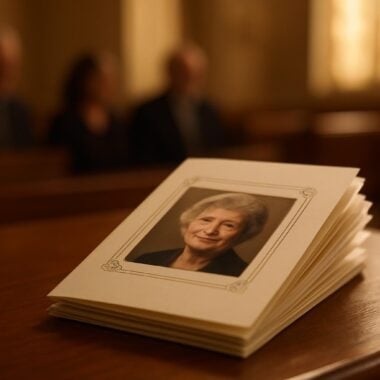
Prayer cards are a traditional choice, often featuring a cherished photo, a Bible verse, or a short prayer from our Funeral Poems Collection. These cards are easy to distribute at services and fit comfortably in a wallet or prayer book. For a more detailed tribute, folded memorial cards or large memorial cards provide ample space for longer messages, favorite memories, or multiple photos.
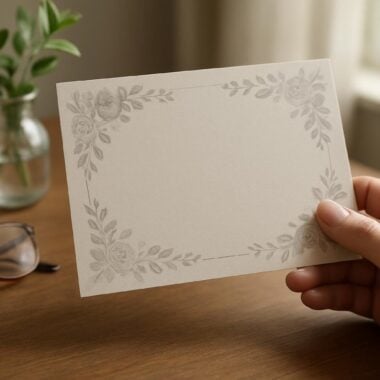
If you wish to invite guests to share personal memories, consider a “Share a Memory” card. These can be included with the funeral guest book or distributed at the service, encouraging attendees to reflect on their own experiences with your loved one. Memorial bookmarks are another thoughtful option, serving as a daily reminder of a life well-lived. These can be designed in Canva and uploaded for printing alongside your main memorial cards.
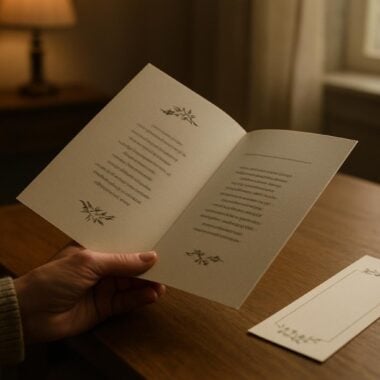
For those organizing more extensive services, our range of funeral programs—including bi-fold programs, tri-fold programs, 8-page programs, and celebration of life programs—offer space for the order of service, poems, and photographs. Matching thank you cards can be sent after the memorial, expressing gratitude for the support received during this difficult time.
Our Upload Print-Ready Artwork section allows you to select from all these options, making it easy to order memorial cards, bookmarks, posters, or guest books with a consistent design theme. If you need help deciding which product is right for your family, our compassionate team is just a call or message away.
What to Do If You Need Help: Support and Custom Design Services
Creating and uploading a memorial card design amid grief can sometimes feel overwhelming. At DisciplePress, we believe that no family should have to navigate this process alone. If you encounter challenges with exporting your Canva design, formatting your file, or selecting the right product, our team is here to offer gentle guidance and hands-on support.
Our custom design services are available for those who wish to personalize their memorial cards or related keepsakes beyond what Canva templates offer. Whether you need help adjusting a layout, adding a special motif, or creating a matching set of thank you cards and bookmarks, our experienced designers can assist. We’re committed to honoring your wishes and respecting your loved one’s legacy in every detail.
If you’re uncertain about file types, bleed requirements, or print specifications, don’t hesitate to reach out. We understand that these technical terms can feel foreign, especially during times of loss. Our team is patient, attentive, and ready to answer any questions, big or small. We can also provide proofs or suggestions to ensure your uploaded artwork looks perfect in print.
Many families appreciate the reassurance that comes from seeing a digital proof before printing begins. If you’d like this extra step, simply request it when uploading your file or contacting us. We’ll review your Canva memorial card design for printing and alert you to any potential issues, so you can make adjustments as needed.
Our goal at DisciplePress is to provide not just quality memorial products—such as memorial cards, bi-fold programs, funeral fans, and celebration of life programs—but also a compassionate partnership throughout your grief journey. Your peace of mind and satisfaction are our highest priorities.
Related Articles
Conclusion: Honoring Memories with Confidence and Care
Choosing to upload your Canva memorial card design for printing is a loving act, one that bridges creativity and remembrance with professional care. At DisciplePress, we honor the trust you place in us by ensuring your artwork is transformed into a beautiful, lasting tribute, whether it’s a simple prayer card, an elaborate 8-page program, or a thoughtful memorial bookmark.
Throughout this article, we’ve explored how to create, export, and upload print-ready designs from Canva, addressed common questions about file types, and provided practical tips for a smooth and stress-free process. We hope these insights offer comfort and clarity during a challenging time, empowering you to create memorial keepsakes that celebrate your loved one’s unique story.
If you find yourself needing extra support—whether with technical details or creative decisions—please know that our team is here to help. We invite you to explore our Upload Print-Ready Artwork page, browse our range of memorial products, or reach out for custom design assistance. Our same-day printing and rush order services are always available, giving you one less thing to worry about as you prepare for your service.
In grieving, every detail matters. We are honored to walk alongside you, offering not only quality memorial cards and keepsakes, but also genuine compassion and understanding. May your efforts bring comfort to your family, and may your loved one’s memory be cherished for generations to come. Learn more about DisciplePress and our commitment to serving families. For personalized assistance, please contact us. We offer rush orders and same-day printing for urgent needs.