 Free Shipping Over $50
  888-432-8363


 Obituary/Programs
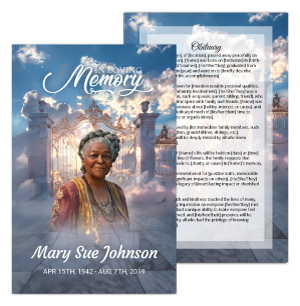 No-Fold Memorial Programs
 4 Page Funeral Programs
 8 Page Memorial Programs
 12 Page Funeral Programs
 16 Page Funeral Programs
 20 Page Funeral Programs
 Tri-Fold Funeral Programs
 Complete Memorial Packages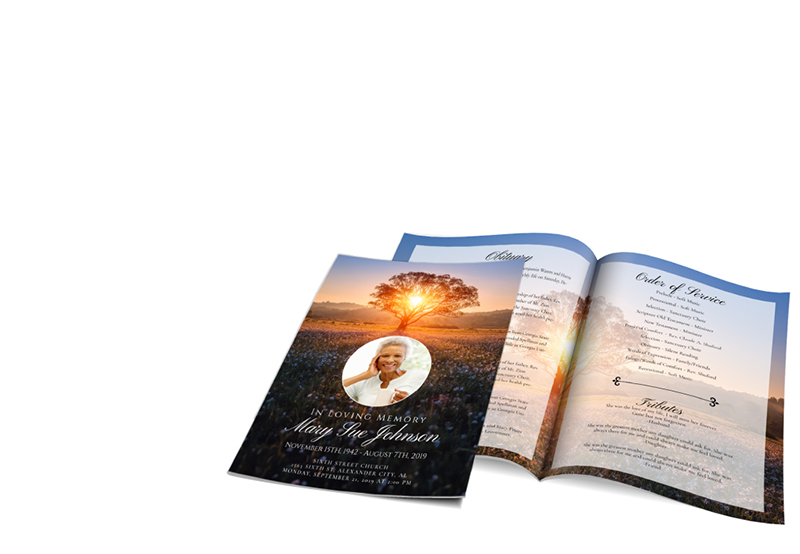
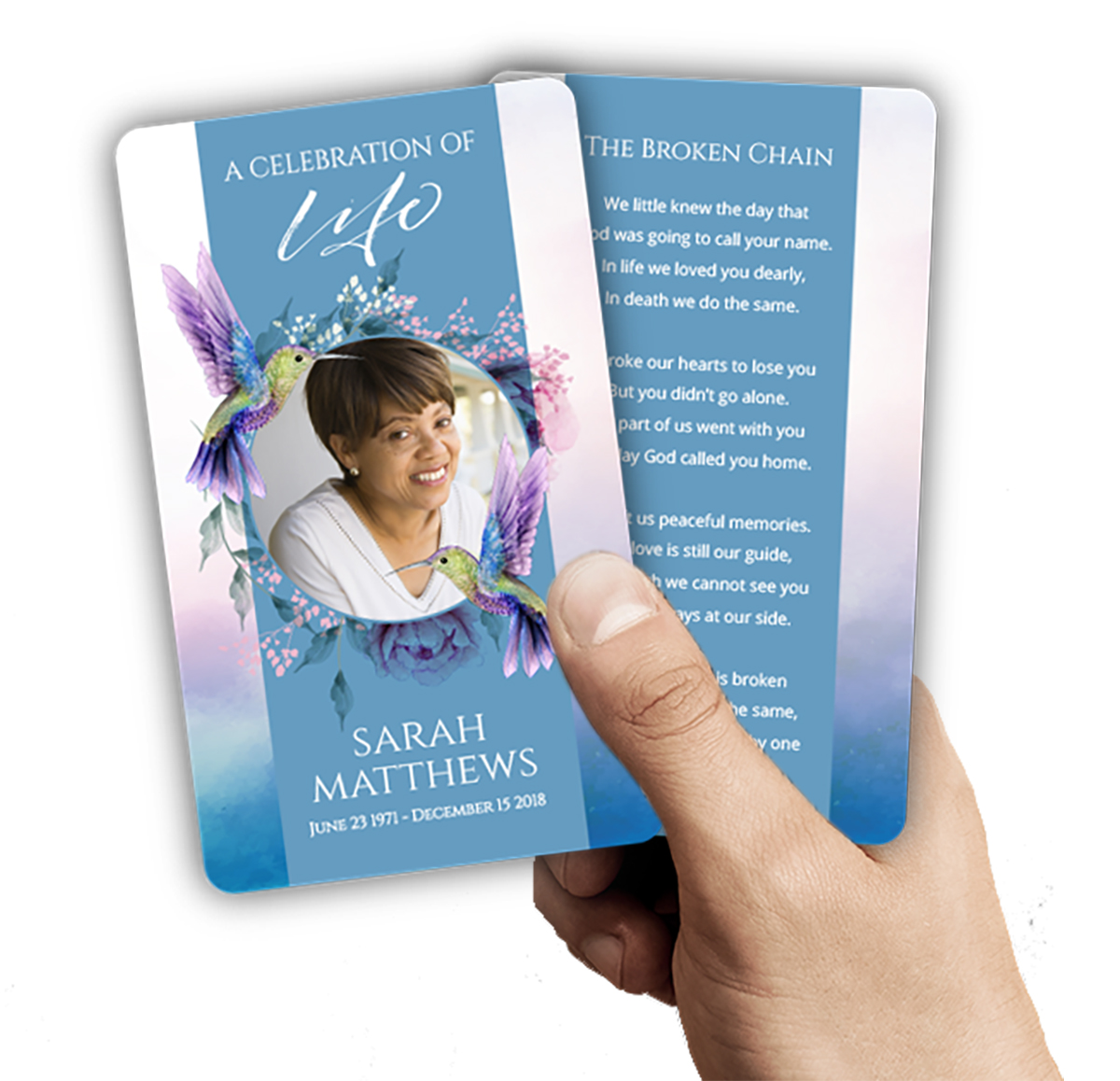 Cards & Bookmarks
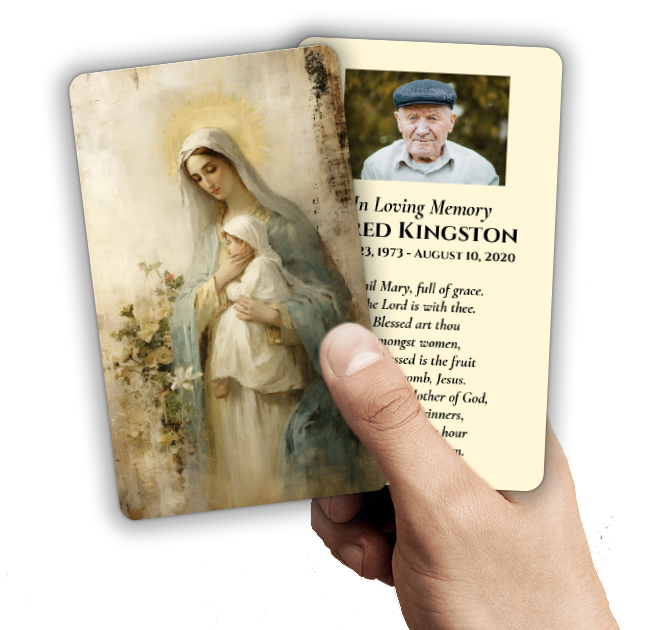 Saint Prayer Cards
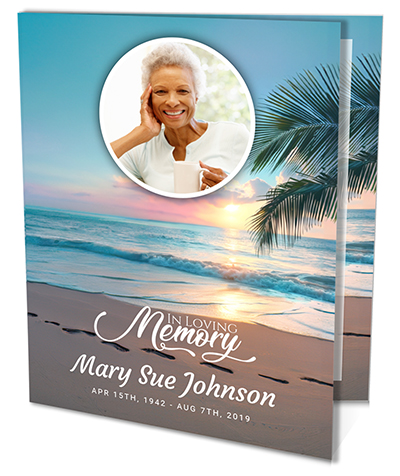 Folded Memorial Cards
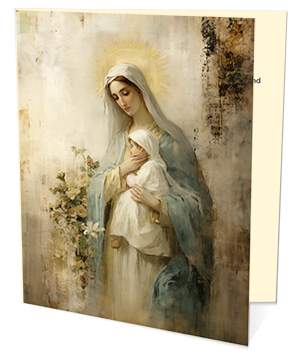 Folded Holy Cards
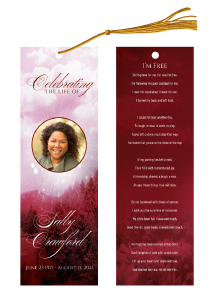 Memorial Bookmarks
 Thank You Cards
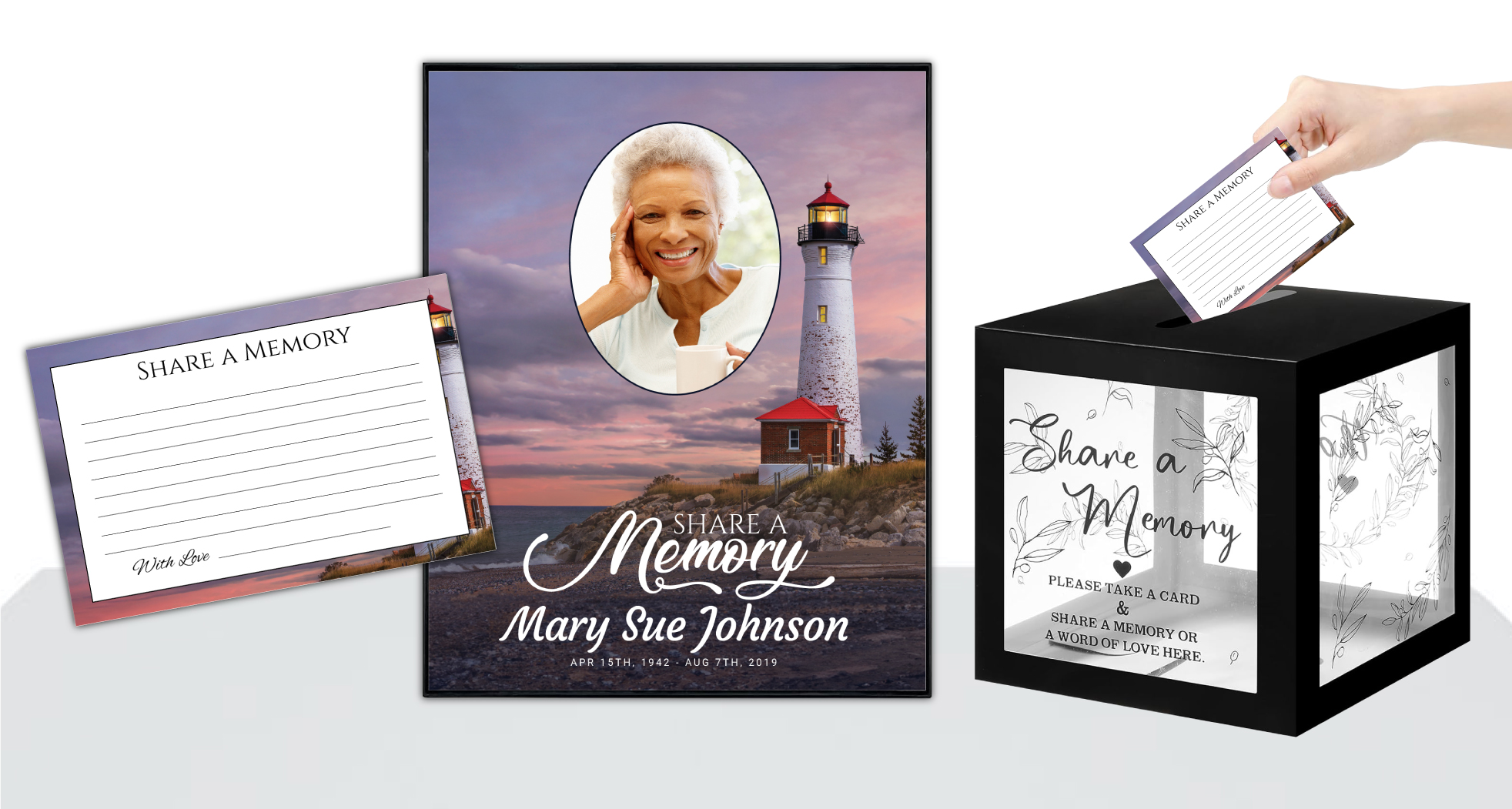 Share-A-Memory Cards
 Memorial Magnets
 Memorial Posters
 Guest Books
 Slide Shows
 Memorial Fans
 Death Announcements
 Take Away Keepsakes
 Church Products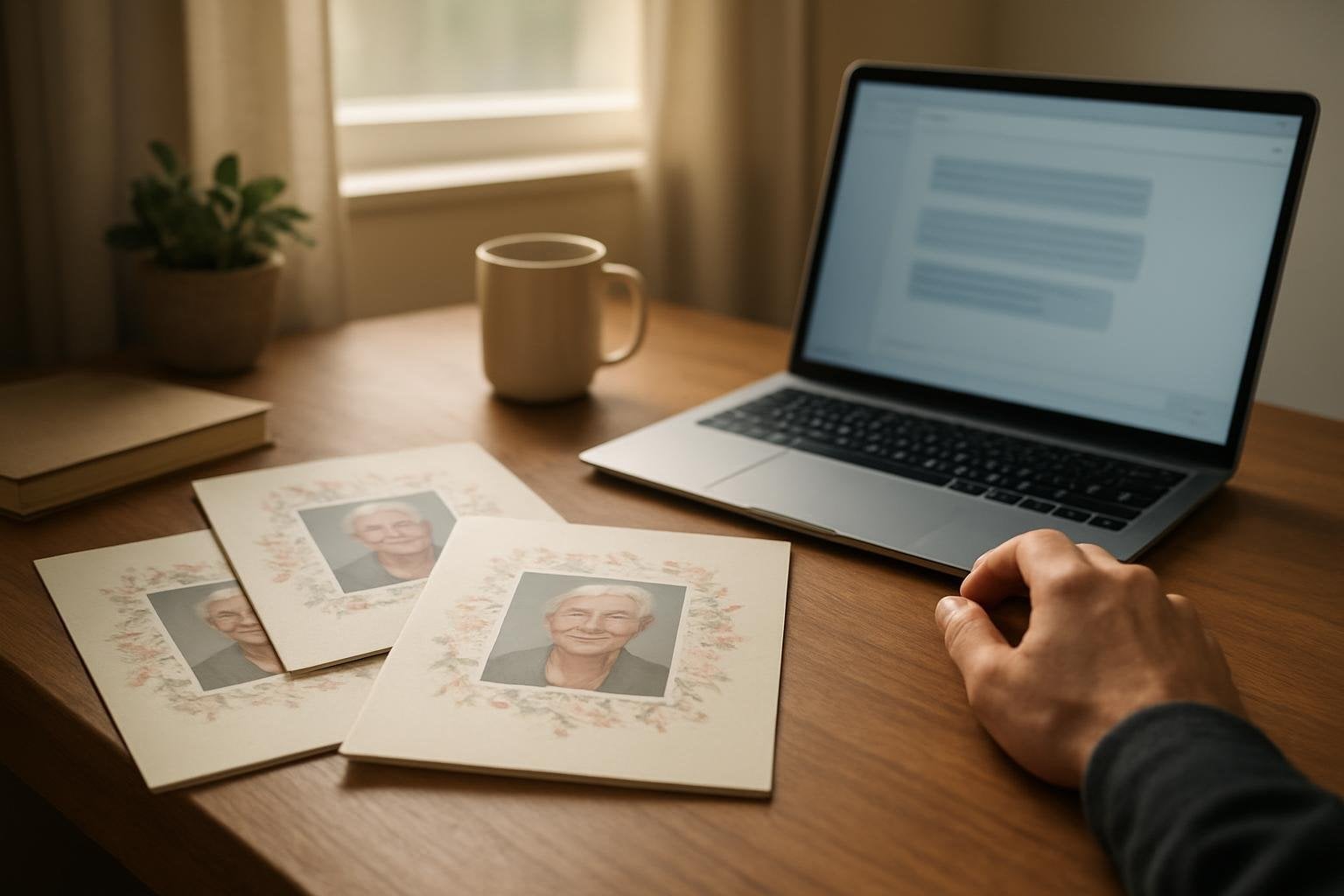
Introduction: Navigating Grief and the Modern Funeral Planning Process
Losing someone dear is never easy. The days and weeks that follow can feel overwhelming, heavy with emotion and responsibility. Whether you’re a family member, a close friend, or a funeral director, planning a meaningful farewell often means making countless decisions while managing grief. In recent years, technology has offered new ways to help, and many find themselves turning to AI tools like ChatGPT, Gemini, Copilot, or Canva AI for support with writing and design tasks.
If you’re reading this, you may have already used one of these AI helpers to draft a funeral program, write an obituary, or create a memorial message. This is a practical, modern approach—one that can lighten the mental load at a time when clarity is hard to find. Still, it’s natural to feel unsure about how to turn those digital drafts and ideas into a beautiful, printed keepsake worthy of your loved one’s memory.
At DisciplePress, we understand that every family’s journey through grief is unique. Our mission is to provide compassionate guidance and practical solutions, especially for those who have used AI-generated content and now want it transformed into a professional, tangible tribute. In this comprehensive guide, we’ll answer your top questions and walk you through the essentials: how to use AI-generated text effectively, prompts that truly work, tips for creating a cohesive program, and how our printing and Custom Design Services can help.
We’ll also share ready-to-use prompts for writing obituaries, orders of service, welcome messages, acknowledgments, poetry selections, and thank-you notes. If you have only text and photos, we’ll explain how to turn them into a polished funeral program—whether you prefer a simple bi-fold or a more detailed 8-page booklet. Our goal is to make this process easier, so you can focus on honoring your loved one and supporting each other.
Answering Your Question: What Are ChatGPT Funeral Program Prompts?
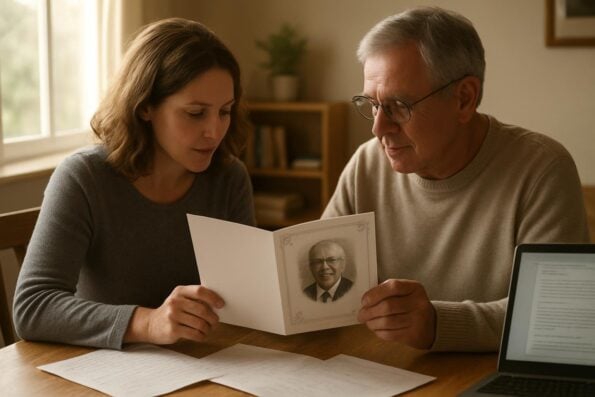
ChatGPT funeral program prompts are carefully worded instructions you can copy and paste into AI tools like ChatGPT, Gemini, or Copilot to generate personalized funeral or memorial program content. These prompts guide the AI to write drafts for obituaries, orders of service, welcome notes, acknowledgments, poem selections, and more—helping you overcome writer’s block and find the right words during a difficult time.
We’re committed to supporting you through this difficult time with meaningful memorial resources. We offer Funeral Programs, Prayer Cards and Memorial Cards to help you create meaningful tributes.
For example, you might use a prompt like, “Write a heartfelt obituary for a loving grandmother named Mary Smith who loved gardening and church, and who is survived by her children and grandchildren.” The AI will generate a draft, which you can then review and personalize. These prompts can also help you create sections for your program, such as a message from the family, a list of pallbearers, or a brief thank-you note for attendees.
Using AI-generated content for funeral programs is increasingly common. It’s practical, quick, and can provide a solid starting point, especially if you’re feeling emotionally drained or pressed for time. However, it’s crucial to remember that AI is a tool, not a replacement for your voice and memories. Always double-check every name, date, and detail for accuracy. AI can create a beautiful first draft, but your family’s final touches make it truly meaningful.
Below, we’ll provide 10-15 copy-and-paste prompt examples that you can use right away. After that, we’ll explain how to turn your AI-generated text into a printed program and discuss how our Custom Design Services can help if you need a professional layout.
Copy-and-Paste Funeral Program Prompts: Practical Examples
We know that finding the right words during periods of grief can be one of the hardest parts of funeral planning. To help, we’ve compiled ready-to-use prompts for every section of a funeral program. Simply copy any prompt below, paste it into your AI tool of choice, and personalize the response as needed. Remember, these are starting points—always review and edit to ensure every detail is true to your loved one’s story.
- Obituary: “Write a warm and respectful obituary for [Name], born [Date] and passed away [Date]. Include details about their family, career, hobbies, and what made them special.”
- Order of Service: “Create a simple order of service for a Christian funeral, including a welcome, opening prayer, scripture readings, musical selections, a eulogy, and closing remarks.”
- Welcome Message: “Write a short, comforting welcome message for guests attending a memorial service, expressing gratitude for their presence and support.”
- Acknowledgments: “Compose a message from the family thanking friends and relatives for their kindness, support, and prayers during this difficult time.”
- Cover Background Image: “Suggest a peaceful nature scene or soft floral background suitable for the cover of a funeral program for [Name].”
- Poem Selection: “Recommend a gentle, uplifting poem for a funeral program that speaks of love, remembrance, and hope.”
- Thank-You Note: “Write a brief thank-you note from the family to everyone who attended the funeral and supported them in their grief.”
- Funeral Program Title: “Suggest a respectful program title such as ‘A Celebration of Life for [Name]’ or ‘In Loving Memory of [Name].’”
- Scripture Selection: “Suggest a comforting Bible verse suitable for a Christian funeral program.”
- Pallbearers List: “Create a list of pallbearers for the funeral program, including their relationship to [Name].”
- Share a Memory Section: “Write a short introduction inviting guests to share their favorite memories of [Name] on provided cards.”
- Photo Caption: “Write a tender caption for a photo of [Name] smiling with family at a recent gathering.”
- Musical Tribute: “Suggest a brief description for a musical tribute performed by [Performer/Family Member].”
- Closing Message: “Write a gentle closing message for a funeral program, expressing hope and gratitude.”
- Donation Information: “Compose a note indicating that donations in memory of [Name] can be made to [Charity or Organization].”
If you’re seeking a curated collection of poems or scripture, our Funeral Poems Collection and Bible Verses Collection offer many thoughtful options that can be paired with your AI-generated content to create a truly meaningful tribute.
Reviewing and Personalizing AI-Generated Funeral Program Content
Once you’ve used prompts to generate your funeral program text, the next step is careful review and personalization. AI can produce a helpful draft, but only you and your family know the details that matter most. The language should reflect your loved one’s spirit, relationships, and the unique way they touched others’ lives.
Creating a meaningful tribute for your loved one is an important part of the healing process. We offer Memorial Cards, Funeral Guest Books and Share a Memory Cards to help you create meaningful tributes.
Start by reading each section aloud. Does the tone feel right? Are all names spelled correctly? Double-check dates of birth and passing, and ensure every family member is included and properly referenced. Even a small error can be painful, so take your time. It can help to have another family member or friend look over the text for accuracy and completeness.
Consider adding personal touches: a favorite saying, a story, or a line from a cherished song. If you need inspiration or a framework, our Obituary Writing Assistant can help organize your thoughts and ensure nothing important is missed. For poetry and scripture, use our curated collections or select pieces that were meaningful to your loved one.
Personalizing content isn’t just about correcting mistakes—it’s about making the program authentic. Whether you choose a traditional, faith-based, or celebration of life approach, your final draft should feel like a loving reflection of your loved one’s journey.
Choosing the Right Funeral Program Format and Design
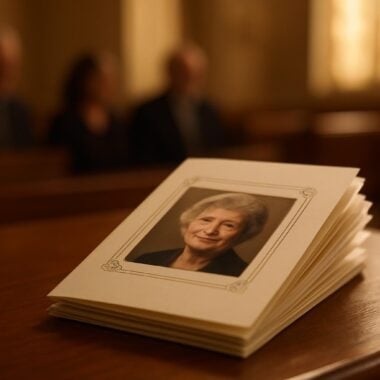
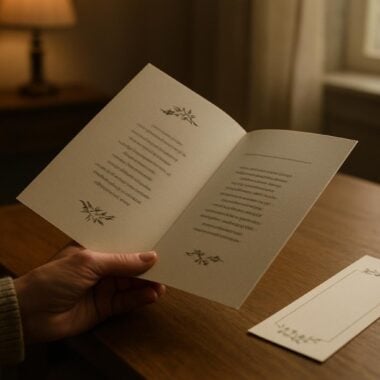
With your content ready, it’s time to think about the format and design of your printed program. Funeral programs come in several styles, each serving different needs and preferences. Common choices include bi-fold programs, which are classic and simple, and 8-page programs for more detailed remembrances. Larger families or services with multiple tributes might prefer 12-page, 16-page, or 20-page booklet programs.
Consider the information you wish to include: a basic service order may fit a bi-fold, while life stories, extended photo galleries, and multiple eulogies are better suited to booklets. If your loved one had a special connection to nature, faith, or angels, themed programs can add a meaningful touch. DisciplePress offers nature themed programs, angel themed programs, and faith-based programs for families seeking something distinctive.
If you have AI-generated text and photos but not a finished layout, don’t worry. Our Custom Design Services are designed just for you. After checkout, simply submit your text and images, and our experienced designers will create a professional proof for you to review, usually within a few hours. You can request unlimited revisions until everything feels just right.
No matter which format you choose, our team is ready to help you create a printed tribute that honors your loved one beautifully and provides comfort for all who attend.
Turning AI-Generated Content Into a Printed Funeral Program
Once your text is finalized and your photos are selected, the next step is turning these digital elements into a printed program. If you have an existing design file from Canva or another platform, you can upload your print-ready artwork directly to DisciplePress. If you only have text and images, our Custom Design Services make the process seamless.
After placing your order, you’ll be prompted to send us your content—either through our website or via email. Our designers will lay out your program according to your chosen format (bi-fold, 8-page, booklet, etc.) and theme, incorporating your wording, photos, and any special requests. We understand the importance of getting every detail right, and we offer unlimited proofs and revisions until you’re completely satisfied.
If time is of the essence, let us know about your timeline. We offer rush orders and same-day printing in many cases, and our turnaround time is among the fastest in the industry. This means you can focus on your family, knowing your printed programs will arrive on schedule.
For those who want to create a matching set of memorial items, we also offer thank you cards, memorial cards, bookmarks, and prayer cards—each customizable to fit the tone and imagery of your main program.
Additional Keepsakes and Memorial Printing Options
Beyond the funeral program itself, many families find comfort in providing additional keepsakes for guests. These can include memorial cards, thank you cards, bookmarks, or even memorial fans for outdoor services. These items become cherished reminders of your loved one’s legacy long after the service has ended.
For those who wish to include a special prayer or poem, funeral poems collections and Bible verse collections are available to help you select the right message of comfort and hope. Many families also choose prayer cards or share a memory cards to allow guests to write their own tributes and memories, which can bring great comfort in the weeks and months ahead.
If you are looking for a way to display photos or create a larger visual tribute, consider our memorial posters or funeral guest books. These can be personalized with images, messages, and even artwork generated with AI, ensuring every detail is meaningful and personal.
No matter which keepsakes you choose, be sure to coordinate design elements—such as colors, fonts, and imagery—for a cohesive and polished presentation. Our design team can help ensure everything works beautifully together, so you have one less thing to worry about during this sensitive time.
Tips for a Smooth Funeral Program Creation Process
Planning a funeral or memorial service is never easy, and managing the details can feel overwhelming. Here are some practical tips to help you navigate the process, whether you’re using AI-generated content or working with our team at DisciplePress.
First, start early if possible. Even a day or two of extra time can make a difference for thoughtful editing and design. Gather all necessary information: full names, dates, photos, and any stories or memories you want to include. If you have questions about wording, our Obituary Writing Assistant is always available to help you get started.
Second, keep communication open with family members or other planners. Sharing drafts and gathering feedback ensures everyone feels included and can help prevent errors. If you’re working with our Custom Design Services, don’t hesitate to request changes or ask for advice—our designers are here to support you, not just print your files.
Finally, remember that perfection is not the goal. Your loved one’s legacy is about the stories, memories, and love you share, not the flawless alignment of every paragraph. Give yourself permission to let go of small imperfections, and focus on creating something heartfelt and authentic.
Frequently Asked Questions About AI Funeral Program Drafts and Printing
We receive many questions from families and funeral directors about using AI-generated content for memorial printing. Here are some of the most common, with our compassionate guidance:
Q: Can I use AI-generated text in a professionally printed funeral program?
A: Absolutely. Many families now use AI as a starting point. Just be sure to review all details for accuracy and personal relevance before printing.
Q: What if I only have text and photos, but no design?
A: No problem. Our Custom Design Services are built for this. Send us your materials after checkout, and our team will create a beautiful, personalized layout.
Q: How fast can I get my printed programs?
A: We offer same-day printing, rush orders, and fast turnaround times to accommodate your needs. Let us know your timeline, and we’ll do everything possible to meet it.
Q: Can I order matching keepsakes?
A: Yes, you can order thank you cards, memorial cards, bookmarks, prayer cards, and more. We can coordinate the design for a unified look.
If you have more questions, please contact us. We’re here to help every step of the way.
Related Articles
Conclusion: Honoring Your Loved One with Compassion and Care
Navigating funeral planning in the digital age can be both a relief and a new challenge. AI tools like ChatGPT offer comfort by helping you find words when they’re hard to come by, but the heart of every memorial is the love and intention you bring to it. By blending technology with personal memories, you can create a tribute that truly honors your loved one.
Remember to review and personalize every draft, double-check names and dates, and let your family’s voice shine through. Whether you choose a simple bi-fold, an expansive 8-page program, or a collection of keepsakes like memorial bookmarks and thank you cards, our team at DisciplePress is here to support you with compassion and expertise.
If you need help turning your text and photos into a finished piece, our Custom Design Services and funeral programs are ready when you are. For inspiration, our Funeral Poems Collection and Obituary Writing Assistant can help guide your writing.
Above all, give yourself grace during this tender time. Your efforts—no matter how simple or elaborate—are a profound act of love. If you have questions or need a caring partner in this process, please reach out to us at DisciplePress. We’re honored to help you create a lasting legacy for those you love.
Read what other families have said in our customer testimonials. Visit our FAQ page for answers to common questions.