 Free Shipping Over $50
  888-432-8363


 Obituary/Programs
 No-Fold Memorial Programs
 4 Page Funeral Programs
 8 Page Memorial Programs
 12 Page Funeral Programs
 16 Page Funeral Programs
 20 Page Funeral Programs
 Tri-Fold Funeral Programs
 Complete Memorial Packages
 Cards & Bookmarks
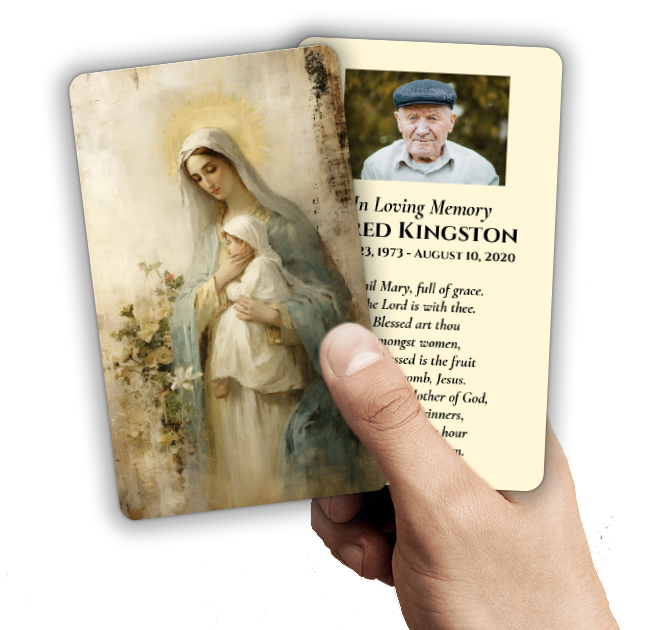 Saint Prayer Cards
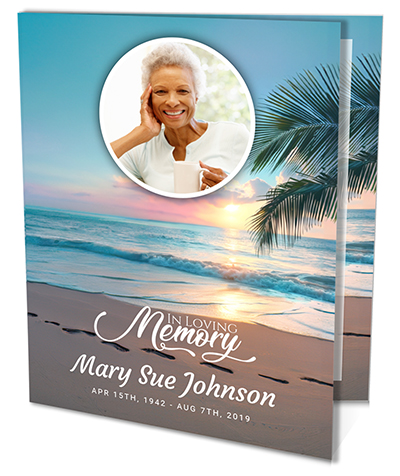 Folded Memorial Cards
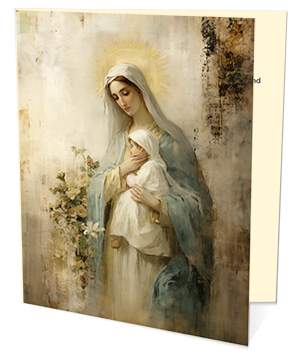 Folded Holy Cards
 Memorial Bookmarks
 Thank You Cards
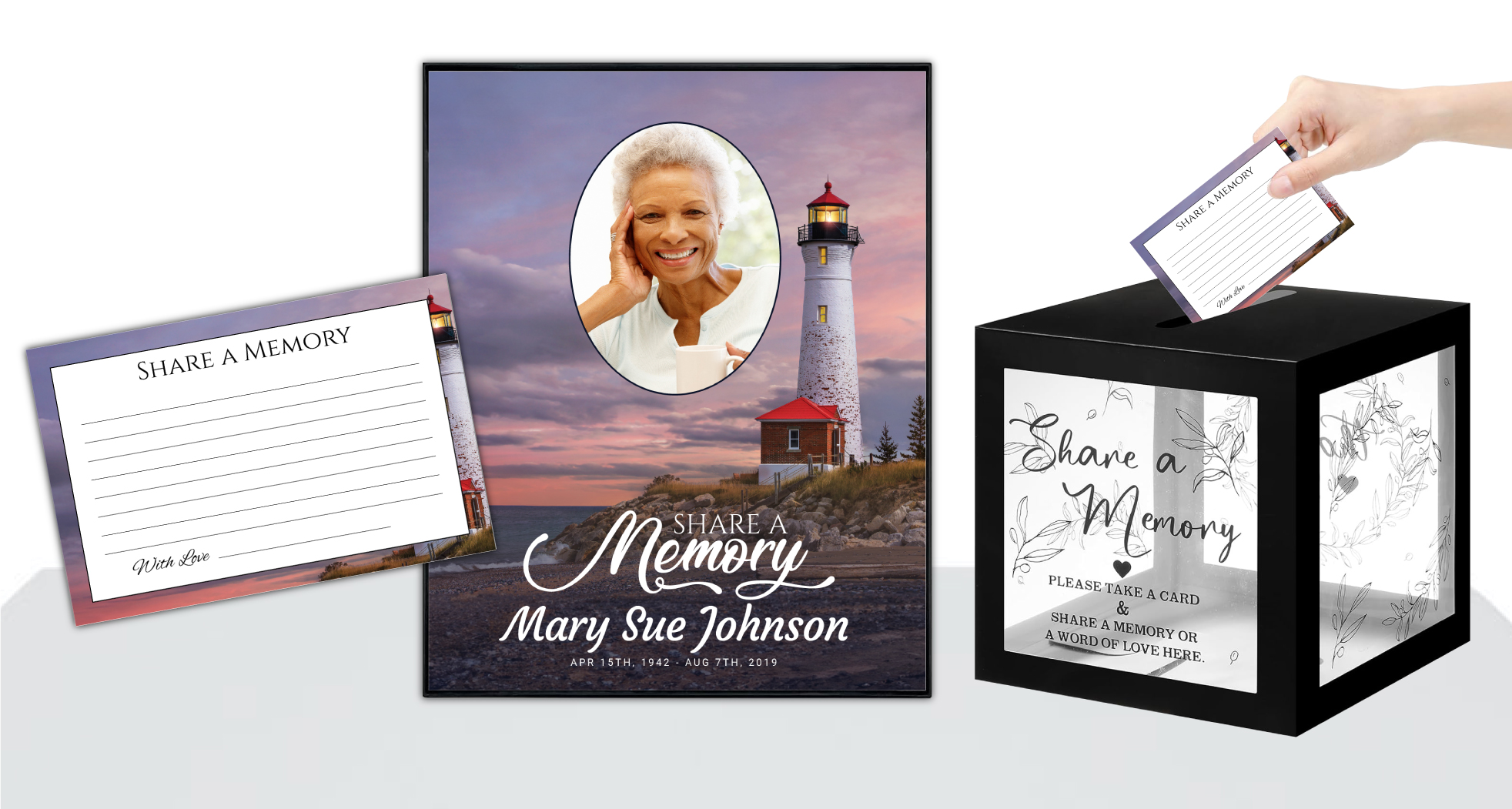 Share-A-Memory Cards
 Memorial Magnets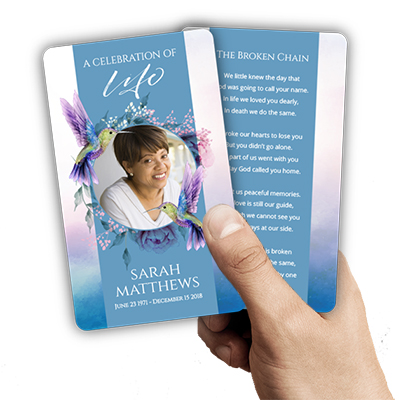
 Memorial Posters
 Guest Books
 Slide Shows
 Memorial Fans
 Death Announcements
 Take Away Keepsakes
 Church Products
Finding Comfort Through Preparation: Why Photos Matter in Memorial Printing
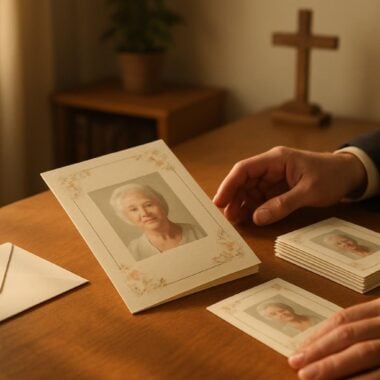
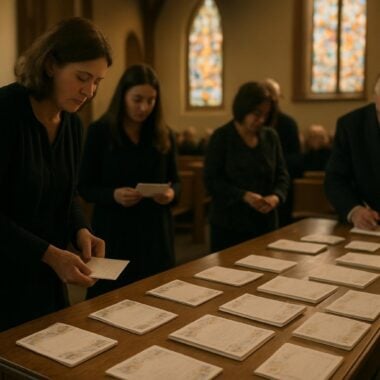
When you are facing the loss of a loved one, even the smallest decisions can feel overwhelming. At DisciplePress, we deeply understand that every choice made for a funeral or memorial service is filled with significance and emotion. One of the most cherished elements you can include in funeral bulletins, church materials, or celebration of life programs is photographs—tangible reminders of a life well-lived, captured in moments both ordinary and extraordinary.
The process of preparing photos for funeral printing can feel daunting, especially when time is short and emotions are high. That’s why having a clear, compassionate checklist is so important. By following gentle, practical steps, families and churches can ensure that every image is presented beautifully, honoring the memory of the departed with clarity, warmth, and dignity. Whether you are assembling bi-fold programs, 8-page booklets, or custom memorial cards, the quality of your photos will make a lasting impression on everyone who attends.
This article, “Checklist: Preparing Photos for Printing in Funeral Bulletins and Church Materials,” is designed to guide you through each step of the photo preparation journey. We’ll walk through selecting the right images, scanning and editing, organizing and naming your files, and delivering them safely to your chosen printer. Along the way, we’ll share helpful examples, address common concerns, and offer gentle reassurance at every turn.
You are not alone on this path. Our hope is that this checklist becomes a source of comfort and clarity, helping you honor your loved one’s memory with the care and respect they deserve. Let’s begin, together, by exploring how to choose the right photos for your memorial printing needs.
Selecting Meaningful and Suitable Photos

Choosing which photographs to include in a funeral program, memorial card, or church bulletin is a deeply personal experience. It’s natural to feel both comforted and challenged as you look through albums and digital galleries. Begin by considering the purpose of each photo: Is it meant to celebrate a joyful milestone, showcase a personality trait, or highlight a cherished relationship? For bi-fold programs or celebration of life booklets, families often select a formal portrait for the cover and candid images for inside pages.
Creating a meaningful tribute for your loved one is an important part of the healing process. We offer Memorial Bookmarks, Funeral Programs and Prayer Cards to help you create meaningful tributes.
Aim for a balance of individual and group photos. A solo portrait can provide a focal point, especially on prayer cards or memorial bookmarks, while images with family, friends, or faith communities reflect the connections your loved one valued. If multiple people are organizing the service, gently invite input from siblings, children, or close friends. Their perspectives may help you discover treasured moments you might have overlooked.
Keep in mind the context of the printed materials. For example, a church bulletin may benefit from images that reflect your loved one’s faith, such as photos from baptisms, confirmations, or community gatherings. For a nature-themed or angel-themed program, consider photos that feature the outdoors or spiritual symbols. DisciplePress offers a range of themed options, so it’s helpful to match photos to your chosen design.
Lastly, don’t worry if some photos are old or imperfect. The most meaningful images are often those that evoke strong memories, even if they show a few wrinkles or faded colors. If you’re concerned about image quality, note that gentle editing or scanning can often help (more on that in a later section). The goal is to tell a story—one that feels authentic and true to your loved one’s spirit.
Scanning and Digitizing Physical Photos
Many cherished family photos exist only in physical form—tucked away in albums, frames, or boxes. To include these in funeral programs, 8-page booklets, or memorial cards, you’ll need to digitize them. Start by gathering all potential photos in one place and gently removing them from albums or frames. Handle each print with clean hands or gloves to avoid fingerprints or damage.
When scanning, use the highest resolution setting available—at least 300 DPI (dots per inch) is recommended for quality funeral printing. Modern scanners often have user-friendly presets for photographs. If you don’t own a scanner, many office supply stores or photo shops offer scanning services. For families using DisciplePress, our team can provide guidance on optimal scanning settings to ensure your memories look their best in print.
If a photo has creases, fading, or other imperfections, scan it as is—editing can often restore clarity and color later. For larger group photos, scan the entire image even if you plan to crop it. This gives you flexibility during layout and design, especially for tri-fold programs or custom design services.
Remember to save each scanned image as a high-quality file, such as JPEG or TIFF, and avoid using phone cameras to photograph prints unless absolutely necessary. While smartphone photos can work in a pinch, scans typically yield the best results, especially for memorial bookmarks or prayer cards, where clarity is key.
Editing and Enhancing Photos for Print
Once your images are digitized, the next step is gentle editing—an important part of the checklist for preparing photos for funeral printing. Simple adjustments can make a profound difference in how photos appear in print, ensuring your loved one’s features are clear and the colors are true to life. Editing doesn’t mean altering the essence of the photo, but rather presenting it in the most respectful, loving way possible.
Creating a meaningful tribute for your loved one is an important part of the healing process. We offer Prayer Cards, Memorial Cards and Celebration of Life to help you create meaningful tributes.
Begin by checking brightness and contrast. Sometimes older photos look faded or washed out, and a slight increase in contrast can bring out details. If you’re unfamiliar with editing software, many basic photo apps (like those on smartphones or computers) offer user-friendly adjustment sliders. For families seeking professional help, DisciplePress offers custom design services that include photo retouching and enhancement.
Consider cropping images to remove distractions or to better fit the chosen funeral program format. For example, square or portrait crops work well for memorial cards, while landscape images suit tri-fold or 12-page programs. Be mindful not to crop out important details or loved ones in group shots. If you’re unsure, save an original copy of each photo before making edits.
Finally, address color correction and sharpening. Older prints may have yellowed with age, and gentle color balancing can restore a natural look. Sharpening can help with slight blurriness, but avoid over-editing, which can create unnatural effects. If you encounter major issues—like significant blur or damage—reach out to us for guidance or consider using high-resolution alternatives.
Organizing, Naming, and Sorting Digital Files
With your photos scanned and edited, organization becomes key. Clear file naming and sorting not only help you stay focused during an emotional time but also ensure your printer receives exactly what’s needed for each memorial item. Begin by creating a dedicated folder for your loved one’s service, with subfolders for different products—such as “bi-fold programs,” “memorial bookmarks,” or “prayer cards.”
Name each file descriptively—using names, dates, or locations—to avoid confusion. For example, “John_Doe_Graduation_1980.jpg” is more helpful than “IMG_12345.jpg.” If you’re preparing a sequence of photos for a booklet program or a memorial slideshow, numbering them in the desired order (e.g., “01_Cover.jpg,” “02_Childhood.jpg”) streamlines the design process and reduces the risk of errors.
For group projects, consider using cloud storage (like Google Drive, Dropbox, or OneDrive) to share photos with family members or your funeral director. This allows everyone to contribute and review selections, especially when planning larger programs like 16-page or 20-page booklets. Always keep backup copies in case of technical issues.
When submitting files to DisciplePress or another printer, double-check that all images are included, correctly named, and grouped by product type. This careful preparation ensures a smooth design and printing process, minimizing delays and helping us meet your desired turnaround time, including same-day printing or rush orders when needed.
Preparing Photos for Specific Print Products
Different funeral and church materials require different photo sizes, orientations, and layouts. Understanding these requirements is an essential part of your pre-print checklist. For example, a bi-fold funeral program typically features a large, high-quality portrait on the front cover, while an 8-page or 12-page booklet may incorporate multiple images in a timeline, collage, or family tree format.
Memorial bookmarks and prayer cards often benefit from vertical or square photos, with space left for a favorite Bible verse or memorial quote. For memorial cards or large memorial cards, higher-resolution images are important because details are more visible at a larger print size. If you’re uncertain about optimal photo dimensions, consult our paper types guide for general recommendations or reach out to our design team for tailored advice.
When preparing photos for church bulletins, banners, or memorial posters, consider the viewing distance and size. Higher-resolution files are needed for larger prints to avoid pixelation. Arrange images logically: place formal group photos or event images where they support written tributes, and reserve the most striking portraits for covers or central panels. Our custom design services can help tailor layouts to your preferred program type, whether you choose a tri-fold, 16-page, or 20-page booklet.
For families planning themed funerals—such as angel, nature, or faith-based programs—coordinate your chosen photos with the design’s colors and motifs. This thoughtful coordination creates a cohesive, meaningful tribute that honors both your loved one’s personality and the spirit of the service.
Ensuring Photo Quality and Print Readiness
Before submitting your photos for printing, it’s important to double-check their readiness. Even after careful selection and editing, a final review ensures that every image will look beautiful in print, whether it’s for a funeral program, folded memorial card, or church bulletin. Start by opening each file at full size on your computer and zoom in to check for blurriness, grain, or unintended marks.
Confirm that each photo is saved in a high-resolution format—ideally JPEG or TIFF at 300 DPI. If you’re unsure about file quality, many print providers, including DisciplePress, can review your files and offer feedback. Don’t hesitate to take advantage of these services, especially if you’re using older or scanned photos. Our goal is to support you in creating materials that truly honor your loved one.
Check color consistency across all images, especially if you plan to include several in the same program or booklet. Lighting differences can be softened with gentle editing, or by choosing photos with similar tones. If you notice significant differences, consider converting some images to black and white for a timeless, unified look. This option works well for memorial bookmarks, prayer cards, or church bulletins and can lend a classic, elegant feel to your materials.
Lastly, review your file list one more time. Ensure that every image is clearly labeled, appropriately cropped, and placed in the correct folder. If you have questions about our turnaround time, same-day printing options, or how to submit files, our team is always here to help. Preparing thoroughly minimizes last-minute stress and ensures your printed materials arrive on time and as envisioned.
Delivering Photos to Your Printer: Best Practices and Communication
The final step in the checklist for preparing photos for funeral printing is delivering your images to the printer with clear instructions. Whether you are working with DisciplePress or another provider, communication is key to a successful outcome. Begin by confirming the preferred method for file delivery—most providers accept uploads via email, online portals, or cloud storage links.
Include a brief document or message outlining which photos go with each product. For example, specify which image is for the cover of a bi-fold program, which are intended for interior pages of an 8-page booklet, and which are for prayer cards or memorial bookmarks. If you have special instructions—like preferred cropping, placement, or captions—note them clearly. This helps the design team honor your wishes and minimizes back-and-forth.
Double-check deadlines and provide your files well in advance, especially if you require rush orders or same-day printing. Funeral timelines can be unpredictable, so timely communication allows us to accommodate your needs and avoid unnecessary stress. If your chosen program type (such as a 16-page or 20-page booklet) requires more extensive layout, allow extra time for design and proofing.
If you’re unsure about any step, don’t hesitate to reach out or contact us directly. At DisciplePress, we’re committed to walking alongside you through every stage of this process, from initial photo selection to final printed product. Your peace of mind and satisfaction with the finished materials are always our highest priorities.
Related Articles
Conclusion: Finding Peace of Mind Through Careful Preparation
Preparing photos for funeral printing is more than a technical task—it’s an act of love and remembrance. By following this comprehensive checklist, you can approach each step with confidence and clarity, knowing that every detail helps honor your loved one’s memory. From thoughtful photo selection to careful editing, organizing files, and communicating with your chosen printer, each action brings you closer to a meaningful tribute.
We hope that this guide has provided both practical support and gentle reassurance during a difficult time. Remember, you are not alone: the DisciplePress team is always here to offer guidance, whether you’re preparing a bi-fold program, an 8-page or 20-page booklet, memorial bookmarks, or prayer cards. Our custom design services, rush order options, and compassionate customer care are here to make the process as smooth as possible for you and your family.
As you move forward, take comfort in the knowledge that your efforts—no matter how small—are a beautiful testament to the life you are celebrating. If you need help with any part of this process, we invite you to contact us or explore our online resources, including our design gallery, paper types guide, and memorial quotes collection.
In all things, may you find peace, comfort, and lasting memories in the images you choose to share. Thank you for allowing us to be part of your journey of remembrance and healing.
Learn more about DisciplePress and our commitment to serving families. For personalized assistance, please contact us. We offer rush orders and same-day printing for urgent needs.