 Free Shipping Over $50
  888-432-8363


 Obituary/Programs
 No-Fold Memorial Programs
 4 Page Funeral Programs
 8 Page Memorial Programs
 12 Page Funeral Programs
 16 Page Funeral Programs
 20 Page Funeral Programs
 Tri-Fold Funeral Programs
 Complete Memorial Packages
 Cards & Bookmarks
 Saint Prayer Cards
 Folded Memorial Cards
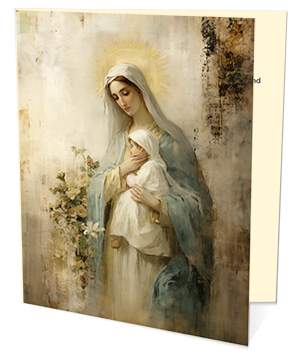 Folded Holy Cards
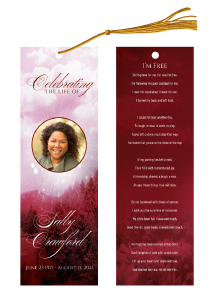 Memorial Bookmarks
 Thank You Cards
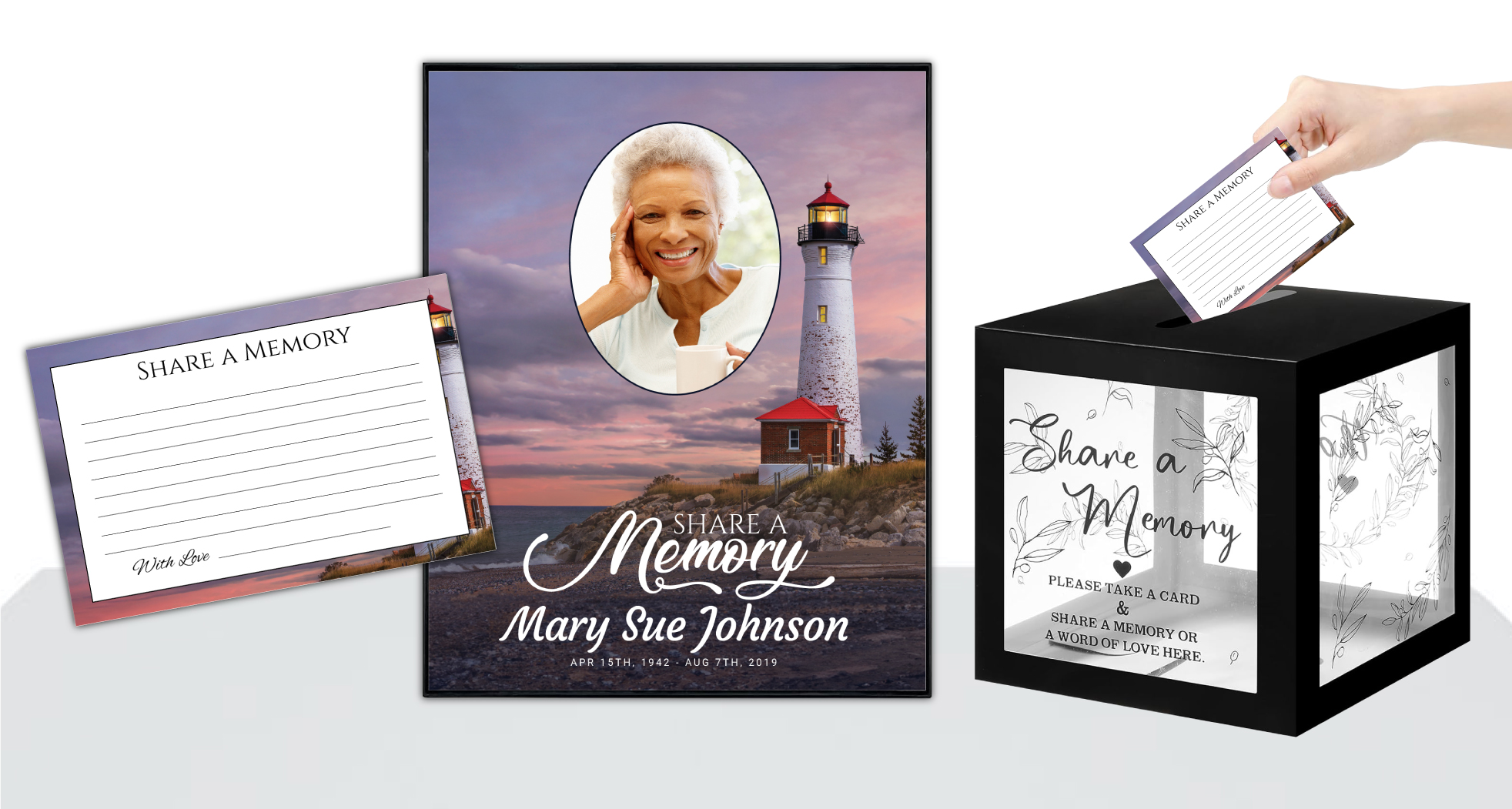 Share-A-Memory Cards
 Memorial Magnets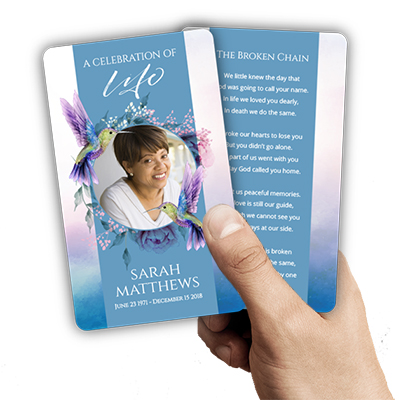
 Memorial Posters
 Guest Books
 Slide Shows
 Memorial Fans
 Death Announcements
 Take Away Keepsakes
 Church Products
Introduction: Navigating Memorial Printing with Care and Confidence
During times of loss, planning a memorial or funeral service can feel overwhelming. The process of creating and ordering print-ready memorial files—such as funeral programs, prayer cards, memorial bookmarks, and more—often happens amidst deep grief and urgency. At DisciplePress, we understand that every detail matters, and we strive to make this journey easier, offering compassionate support alongside quality printing and fast turnaround times.
Uploading your own artwork for cherished keepsakes like bi-fold programs, memorial cards, or 8-page programs empowers families to honor loved ones in a uniquely personal way. However, we’ve found that certain common mistakes when uploading print ready files can lead to disappointment or delay—at a time when everything needs to go smoothly. Knowing what to watch out for can help ensure your order is printed beautifully, on time, and exactly as you envision.
In this article, we’ll gently guide you through the most frequent errors our customers encounter when submitting print-ready memorial files. Our goal is not only to help you avoid setbacks, but to provide practical tips and comforting reassurance at every step. Whether you’re a family member, funeral director, or friend assisting with arrangements, we hope this guide brings clarity and confidence during a difficult chapter.
We’ll cover file format issues, color and image quality, text and font considerations, sizing and bleed areas, last-minute changes, and more. By understanding these common pitfalls and learning how to avoid them, you can create a meaningful tribute that arrives on time and reflects your care. Please know that at DisciplePress, we’re here to help—every step of the way.
Section 1: File Format and Resolution Errors—Setting the Foundation for Beautiful Prints

The first step in uploading print ready files is choosing the correct format and ensuring sufficient resolution. This foundational step can make the difference between a crisp, professional result and a blurry, disappointing print. Too often, families upload files in formats that aren’t print-compatible (like low-resolution JPEGs or screenshots), which can lead to delays or unsatisfactory results.
At DisciplePress, we understand the importance of honoring your loved one’s memory. We offer Memorial Bookmarks, Funeral Programs and Prayer Cards to help you create meaningful tributes.
For best results, always use high-resolution PDF files when submitting artwork for funeral programs, memorial bookmarks, or prayer cards. PDF files maintain layout integrity and are widely accepted by print providers. If you’re working with image files, ensure they are at least 300 DPI (dots per inch) at the final size—this is crucial for clarity, especially with photos or detailed backgrounds.
Another frequent misstep is uploading files created in RGB color mode rather than CMYK, which is the standard for printing. Colors may appear vibrant on your screen but print differently if not converted properly. Before uploading, check your design software settings and export files in the correct color mode for print.
If you’re unsure about file formats or resolution, consider reaching out to our custom design services team for assistance. We can review your files before printing, helping avoid last-minute surprises. Remember, taking a few extra minutes to double-check your file type and resolution will save valuable time—especially if you’re counting on our same-day printing or rush order options.
Section 2: Color Concerns and Image Quality—Preserving Memories with Care
Color plays a significant role in expressing the spirit of a memorial service. Many people design celebration of life programs or memorial cards using vibrant hues, gentle pastels, or faith-based themes. However, it’s common for colors to print differently on paper than they appear on digital screens, leading to unexpected shifts in tone or contrast.
To avoid color disappointment, always convert files to CMYK color mode before uploading. This helps ensure the colors you see are closer to what will be printed. If your design includes photographs, check that images are clear and not pixelated. Blurry or low-resolution photos can diminish the impact of a treasured memory, especially when enlarged for memorial posters or 8-page programs.
Another issue arises with images that stretch or crop unexpectedly. Double-check that your photos fit within the designated print areas and maintain their proportions. If you’re using templates for funeral programs or bookmarks, follow sizing guidelines carefully to prevent image distortion or accidental cropping of important faces or scenes.
When in doubt, consider printing a proof at home or viewing your file at 100% zoom to spot any quality issues. For those who may not have graphic design experience, our team at DisciplePress is happy to provide guidance on image selection and placement. Your loved one’s memory deserves to be honored with clear, true-to-life color and image quality.
Section 3: Text, Fonts, and Readability—Ensuring Every Word Matters
Words hold immense meaning in memorial products, from quotations and Bible verses to heartfelt tributes in obituary sections. One frequent mistake when uploading print ready files is using fonts that do not embed properly, become unreadable at small sizes, or fail to display on our print systems.
We’re committed to supporting you through this difficult time with meaningful memorial resources. We offer Prayer Cards, Memorial Cards and Obituary Templates to help you create meaningful tributes.
To protect your text, always embed fonts when exporting to PDF. If you’re unsure how to do this, check your design software’s export options or consult online guides. Avoid using rare or decorative fonts that may not be supported; instead, opt for classic, legible typefaces, especially for essential details like names, dates, or service information.
Another common issue is placing text too close to the edge of the design, risking accidental trimming during the print process. Always allow for a safe margin—typically 0.25 inches from the edge—and double-check that no important information falls outside this area. For products like bi-fold programs or folded memorial cards, remember that folds and creases may obscure text placed too near the center or fold line.
Finally, check for typos, spelling errors, or incorrect details. We know how meaningful every word is, so take time to proofread or ask a trusted friend or funeral director to review your file. Clear, readable text ensures your print materials—whether for funeral programs, share a memory cards, or prayer cards—reflect the love and care you wish to convey.
Section 4: Sizing, Bleed, and Margin Mistakes—Precision for a Polished Result
Correct sizing and bleed are essential for a professional look. One of the most common mistakes when uploading print ready files is submitting artwork at the wrong dimensions or omitting bleed, which can result in white edges or unexpected cropping on finished products.
Each product—be it a memorial bookmark, folded memorial card, or 12-page program—has specific size requirements, typically detailed on the product page or template. Always create your design at the exact size required, including an additional bleed area (usually 0.125 inches on each side) that extends beyond the final trim size. This ensures your design prints edge-to-edge without unwanted borders.
Another pitfall is neglecting to keep key elements—like text or faces—well within the safe margin. Anything too close to the edge risks being trimmed off or looking uneven. Use guides or rulers in your design software to check margins before exporting your file.
If you’re unsure about sizing or bleed, our upload print-ready artwork page provides helpful instructions for each product, from 8-page programs to memorial guest books. Double-checking your file dimensions and bleed before uploading can save you time and provide peace of mind, especially when you need fast turnaround or same-day printing.
Section 5: Last-Minute Changes and Proofing—Avoiding Costly Reprints
In the rush to finalize arrangements, it’s easy to upload a file before thoroughly reviewing it. Sadly, this can lead to the discovery of errors—misspelled names, incorrect service times, or outdated photos—only after the product has been printed. At DisciplePress, we want to help you avoid the heartache and additional cost of reprints due to preventable mistakes.
Before uploading, set aside time to proof your file carefully. Read every detail aloud, double-check dates and locations, and confirm with family members or your funeral director that all information is accurate. For products with multiple pages, like booklet programs or 16-page programs, flip through each page to ensure consistency in layout, font, and imagery.
If you’re using a template or making last-minute edits, save a separate version of your file to prevent confusion. It’s not uncommon to upload an outdated draft by mistake—so always label your final print-ready file clearly, such as “Smith_Memorial_Program_Final.pdf.”
Should you spot an error after uploading, contact us immediately. While our same-day printing and rush orders are designed for speed, we will do our best to pause production if alerted quickly. Open communication and a careful review process help ensure your memorial cards, celebration of life programs, or guest books are perfect the first time.
Section 6: Overlooking Special Product Requirements—Tailoring Files for Each Keepsake
Each memorial product has unique requirements, and overlooking these nuances is a frequent source of confusion. For example, memorial posters require larger file sizes and higher resolution images than prayer cards. Similarly, the folding and layout for tri-fold programs or 20-page booklets differ from simple bi-fold programs or single-sided cards.
When designing for products like memorial bookmarks, obituary templates, or folded memorial cards, review the specific instructions provided for each format. Templates are available for many products on our site, making it easier to align your design with our printing specifications.
A common oversight is not accounting for page orientation or reading order—especially with multi-page celebration of life booklets. Double-check that photos, text, and decorative elements appear in the intended order, and that any artwork spanning across folds aligns correctly. For items like memorial fans or guest books, verify that cover images and interior layouts meet the recommended specifications.
Don’t hesitate to take advantage of our custom design services if you need assistance adapting your artwork for a specific product. Our team is familiar with the requirements for all our keepsakes, from thank you cards to memorial posters, and can help ensure your files are set up for success.
Section 7: Uploading Incomplete or Unflattened Files—Preventing Print Surprises
One easily overlooked mistake when uploading print ready files is submitting incomplete or unflattened files. Sometimes, layers in design files aren’t properly merged, or linked images and fonts are missing. This can cause elements to shift, disappear, or print incorrectly, especially if the file is opened on a different computer or by our print team.
Before submitting, always flatten your artwork and embed all images and fonts. Export your design as a single, consolidated PDF to preserve layout integrity. If you’re working in software like Adobe InDesign or Photoshop, use the “Package” or “Flatten” feature to ensure nothing is left behind. For Canva or similar platforms, download your file as a print-ready PDF with all elements embedded.
Another issue is accidentally uploading incomplete files—such as a draft missing a photo, a page, or essential information. Create a checklist of all elements that should appear in your final product, especially for more complex items like 12-page or 16-page programs. Reviewing this checklist before uploading will help you avoid disappointing omissions.
If you’re ever unsure about your file’s completeness or technical setup, reach out to us for a quick review. We’re happy to look over your memorial card, guest book, or funeral program files to ensure they’re ready for our same-day printing and fast turnaround, giving you peace of mind in a challenging time.
Related Articles
Section 8: Conclusion—Honoring Memories with Care and Confidence
In the tender process of creating print-ready memorial files, every decision carries emotional weight. By understanding and avoiding these common mistakes when uploading print ready files, you help ensure that your funeral programs, memorial cards, bookmarks, and other keepsakes arrive beautifully printed, on time, and exactly as you envisioned.
Remember, the most frequent pitfalls include issues with file format and resolution, color and image quality, text and font readability, sizing and bleed, last-minute changes, special product requirements, and file completeness. Taking time to review your files carefully—and reaching out for help if needed—can save valuable time and prevent added stress during an already difficult moment.
At DisciplePress, we are honored to help families and funeral directors create meaningful tributes through our range of products, including bi-fold programs, 8-page programs, memorial bookmarks, prayer cards, and more. Our upload print-ready artwork section is designed for ease of use, with support for same-day printing and rush orders when time is of the essence.
If you have any questions, please don’t hesitate to contact us or explore our resources, such as our paper types guide and design gallery. We’re here to walk alongside you, offering guidance, compassion, and excellence in every print. May your loved one’s memory be honored with dignity and grace, and may you find comfort knowing you are not alone on this journey. Learn more about DisciplePress and our commitment to serving families. Browse our design gallery for inspiration. We offer rush orders and same-day printing for urgent needs.