
 Free Shipping Over $50
  888-432-8363


 Obituary/Programs
 No-Fold Memorial Programs
 4 Page Funeral Programs
 8 Page Memorial Programs
 12 Page Funeral Programs
 16 Page Funeral Programs
 20 Page Funeral Programs
 Tri-Fold Funeral Programs
 Complete Memorial Packages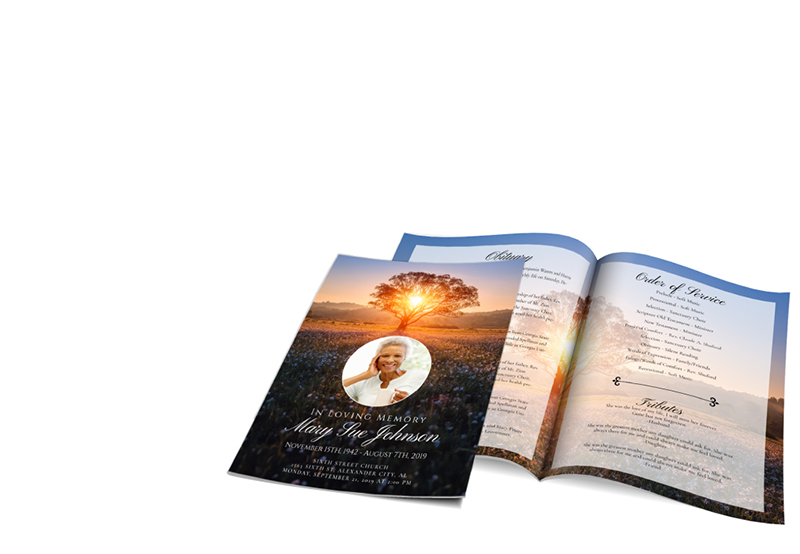
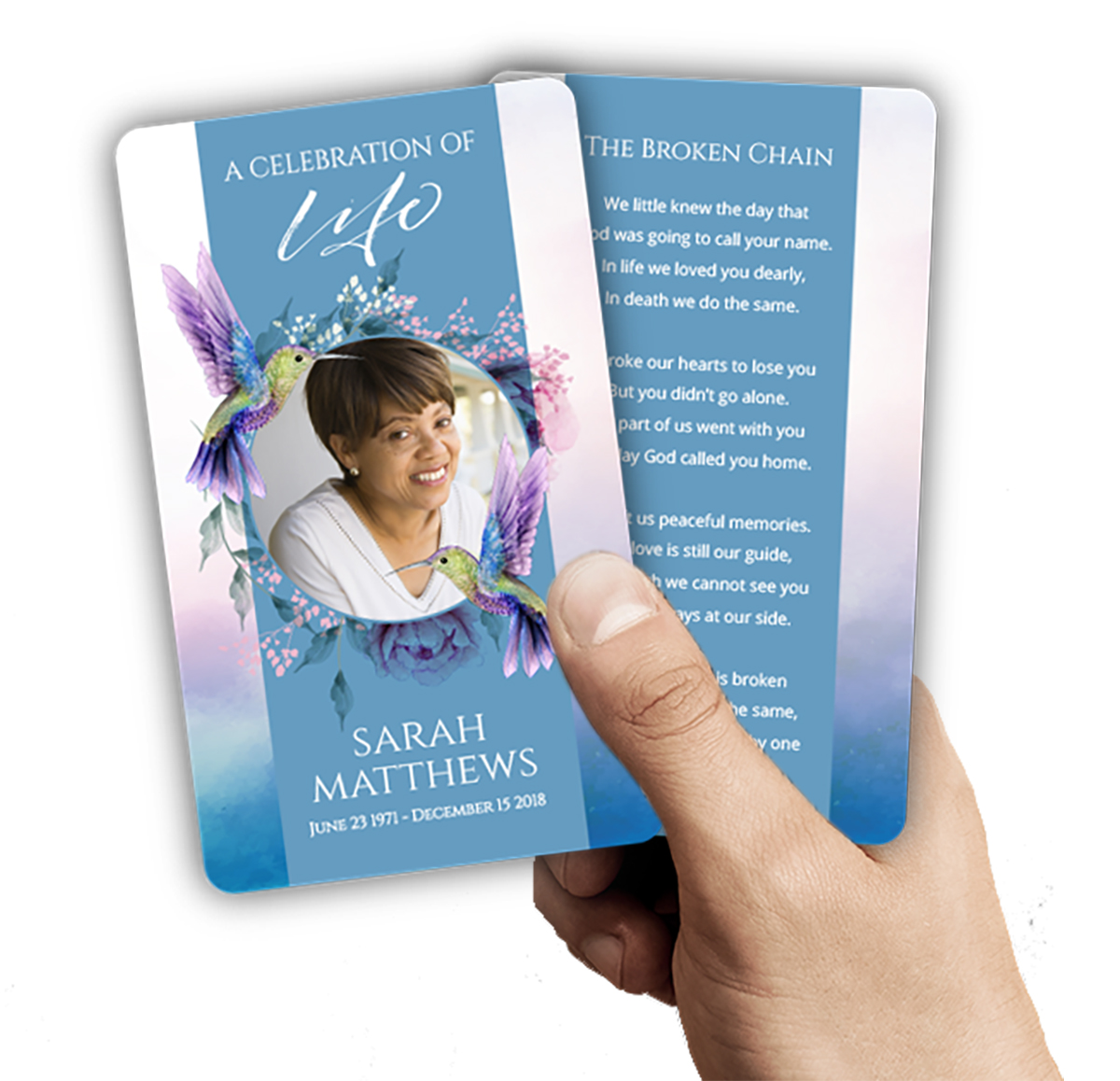 Cards & Bookmarks
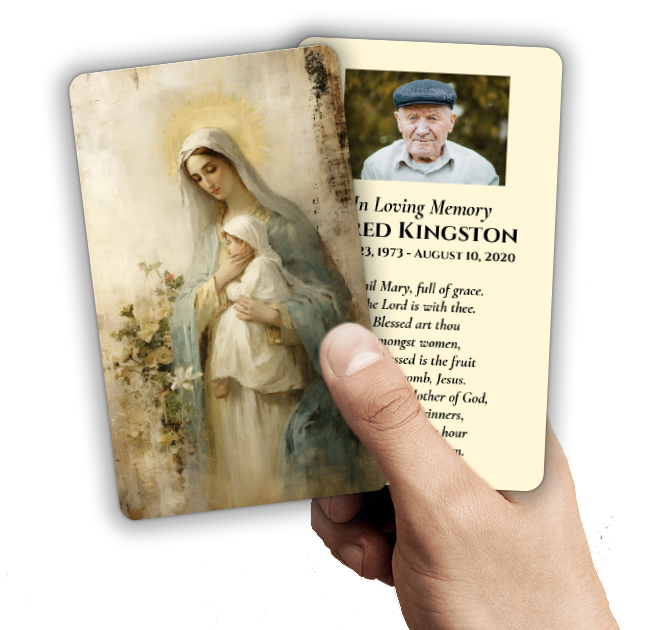 Saint Prayer Cards
 Folded Memorial Cards
 Folded Holy Cards
 Memorial Bookmarks
 Thank You Cards
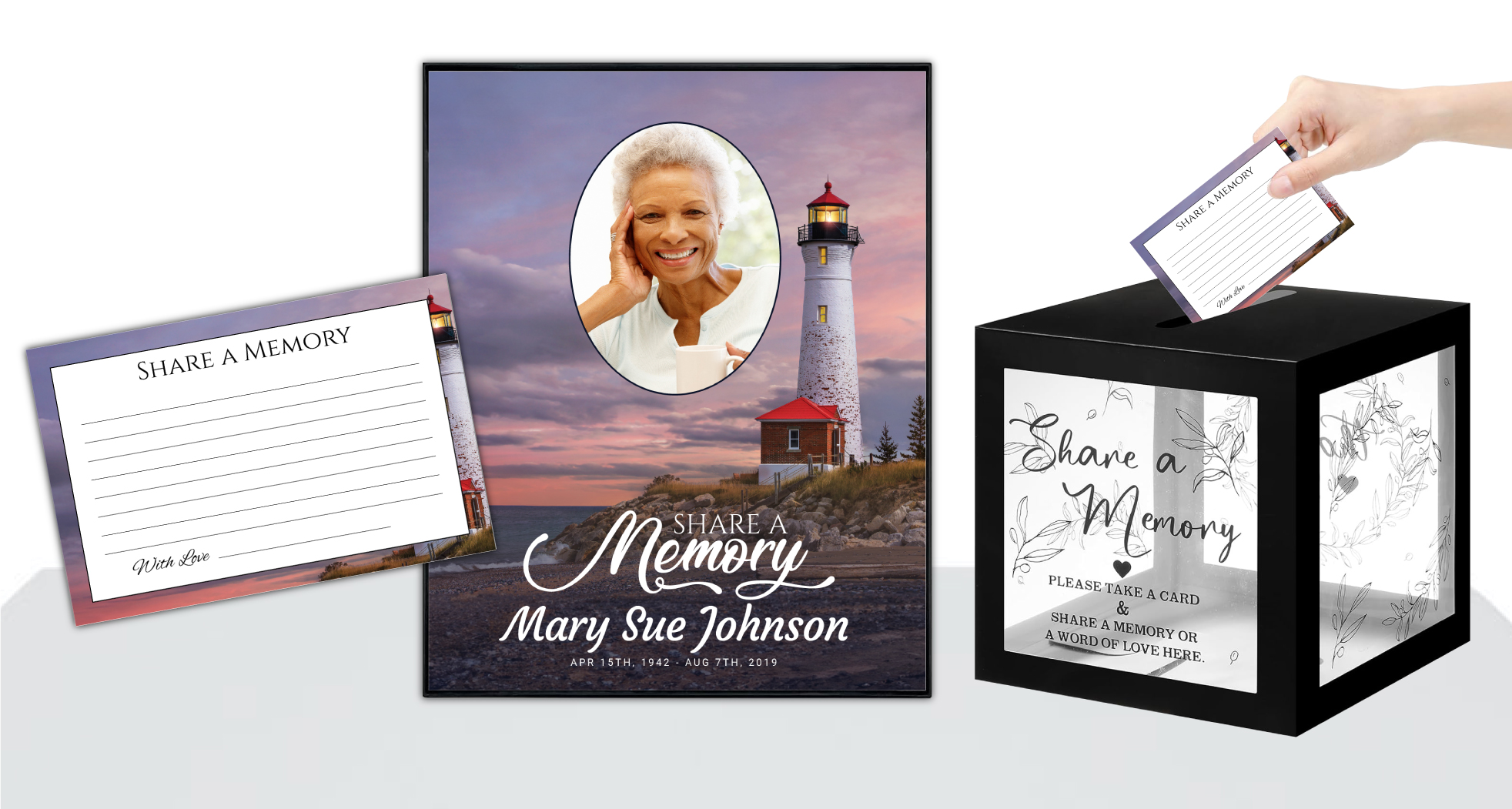 Share-A-Memory Cards
 Memorial Magnets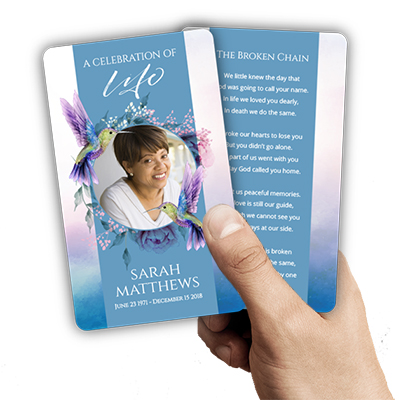
 Memorial Posters
 Guest Books
 Slide Shows
 Memorial Fans
 Death Announcements
 Take Away Keepsakes
 Church Products
Introduction
In the midst of a deeply emotional and challenging time, you’re seeking ways to remember and honor your loved one in a meaningful manner. At DisciplePress, we understand the depth of your grief and the complexity of your emotions. Our aim is to support you in this journey of remembrance and healing. This article explores one such way – creating a memorial slideshow.
A memorial slideshow is more than just a collection of pictures; it’s a moving tribute that tells the story of a loved one’s life, their passions, their milestones, and their legacy. It can be a source of comfort, allowing you to relive beautiful memories, and a tool to help others understand the depth of your loved one’s life and impact.
In this comprehensive guide, we’ll walk you through the process of creating a meaningful, touching memorial slideshow, and how DisciplePress can help. We’ll cover everything from choosing the right photos to adding music, to displaying the slideshow at a memorial service. And through it all, we’ll be here to support you.
Choosing the Right Photos
The first step in creating a memorial slideshow is selecting photos that capture your loved one’s essence. Picture selection is a personal process and can be a healing exercise. Look for images that represent different stages of their life, their passions, accomplishments, and the people they loved.
DisciplePress is dedicated to helping families honor their loved ones with dignity and care. We offer Memorial Cards, Folded Memorial Cards and Large Memorial Cards to help you create meaningful tributes.
It’s okay if some pictures aren’t perfect; what matters is the emotion they evoke. Include photos with family, friends, at memorable events, or doing things they loved. These images will help tell a story of a life well-lived. Don’t forget to consider using photos stored in digital formats or on social media platforms, as they may capture recent memories.
While going through photos, you might consider using our memory cards or memorial bookmarks to share these precious images with those who attend the service.
Organizing and Sequencing
Once you’ve selected your pictures, consider the order in which they will appear. Chronological order can help depict the progression of a life from childhood to adulthood. Alternatively, you could group photos by themes or stages, like family, hobbies, travels, or milestones.
Remember, the slideshow is a narrative of your loved one’s life. Each image should segue into the next, creating a cohesive story. The number of images you choose can depend on the length of the service and the amount of time you want to devote to the slideshow.
At DisciplePress, we offer custom design services to help you in organizing and creating your memorial slideshow. We understand this is an emotional process, and we’re here to provide support.
Adding Music and Narration
Music adds depth to your slideshow, evoking emotions and setting the tone. Choose songs that were meaningful to your loved one or that reflect their personality. If you’re having a religious service, hymns or religious songs can also be appropriate.
Every memorial should reflect the unique life and legacy of your loved one. We offer Large Memorial Cards, Memorial Bookmarks and Funeral Programs to help you create meaningful tributes.
Consider adding narration or captions to provide context to the images. This could be a favorite quote, a brief anecdote, or a note about when and where the photo was taken. These small details can make the slideshow more engaging and personal.
Remember, our team at DisciplePress is available to assist with these technical aspects, ensuring a smooth and polished final product.
Displaying the Slideshow
Consider the logistics of where and how to display your slideshow at the service. Ensure there’s a suitable projector and screen at your venue. If possible, do a test run beforehand to avoid any technical issues on the day.
You might choose to run the slideshow continuously in the background during the service or have a dedicated time for viewing. If you’re planning a virtual memorial service, there are several platforms that allow you to share your screen so attendees can view the slideshow remotely.
Sharing the Slideshow
After the service, consider sharing the slideshow with family and friends. This can be a comforting keepsake for those who were close to your loved one. At DisciplePress, we can provide copies of your slideshow on DVDs or digital formats, which can be included in our memorial packages.
You might also choose to upload the slideshow to a memorial website or social media as a lasting digital tribute. This allows those who couldn’t attend the service to view the slideshow and share their memories and condolences.
Conclusion
Creating a memorial slideshow is a beautiful way to honor your loved one’s life and share their story. It’s a process that involves emotional reflection and careful selection, but the result is a touching tribute that can offer comfort and closure.
At DisciplePress, we’re committed to supporting you during this difficult time. Whether it’s through our custom design services for your slideshow, our same-day printing services for memorial cards, or providing a compassionate ear, we’re here for you.
We understand that each person’s journey through grief is unique, and we’re here to provide personalized, compassionate service to assist you in honoring your loved one. Thank you for allowing us to be part of your journey of remembrance and healing.
We encourage you to reach out to us for any further guidance or support you may need. Remember, you’re not alone in this journey, and your loved one’s story deserves to be told and remembered in the most beautiful way possible. Learn more about DisciplePress and our commitment to serving families. Browse our design gallery for inspiration. For personalized assistance, please contact us.