 Free Shipping Over $50
  888-432-8363


 Obituary/Programs
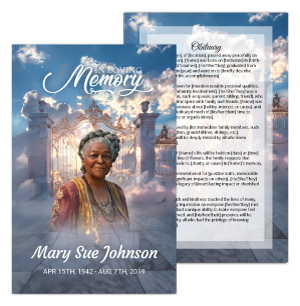 No-Fold Memorial Programs
 4 Page Funeral Programs
 8 Page Memorial Programs
 12 Page Funeral Programs
 16 Page Funeral Programs
 20 Page Funeral Programs
 Tri-Fold Funeral Programs
 Complete Memorial Packages
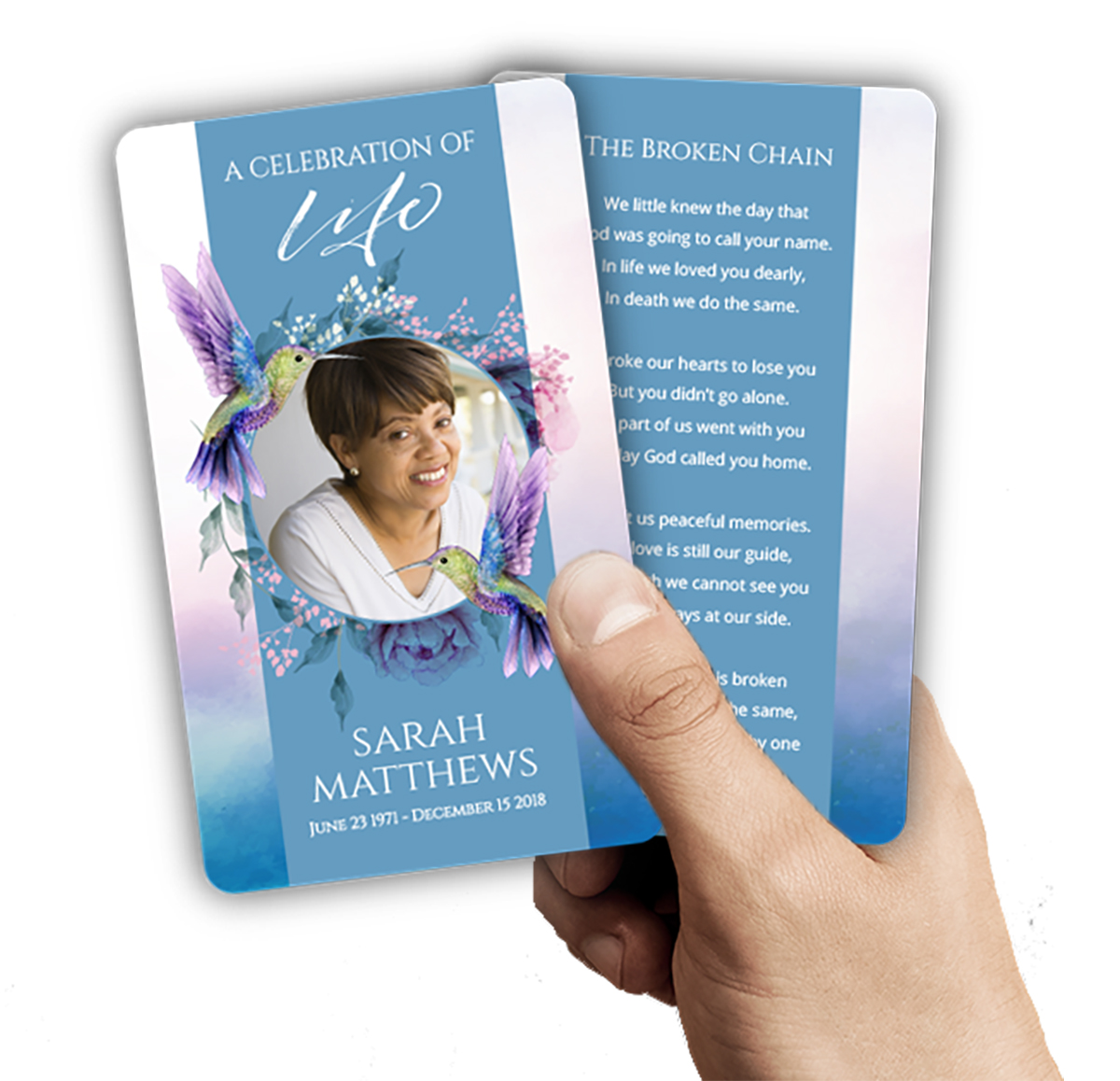 Cards & Bookmarks
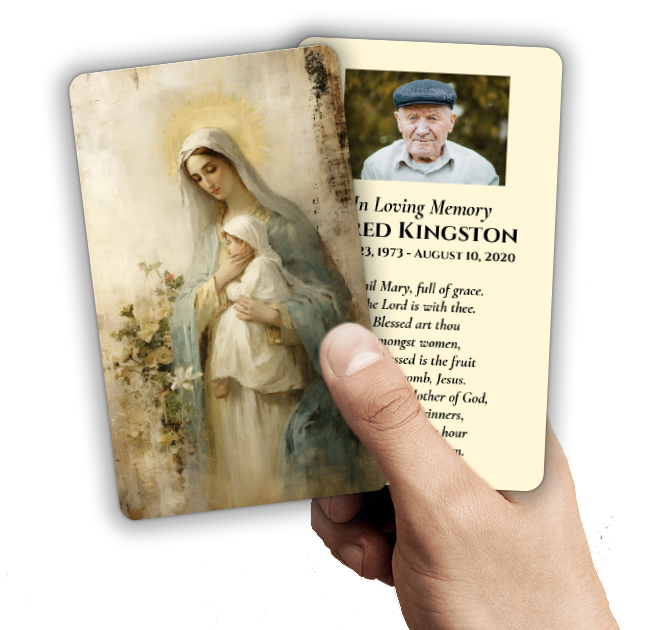 Saint Prayer Cards
 Folded Memorial Cards
 Folded Holy Cards
 Memorial Bookmarks
 Thank You Cards
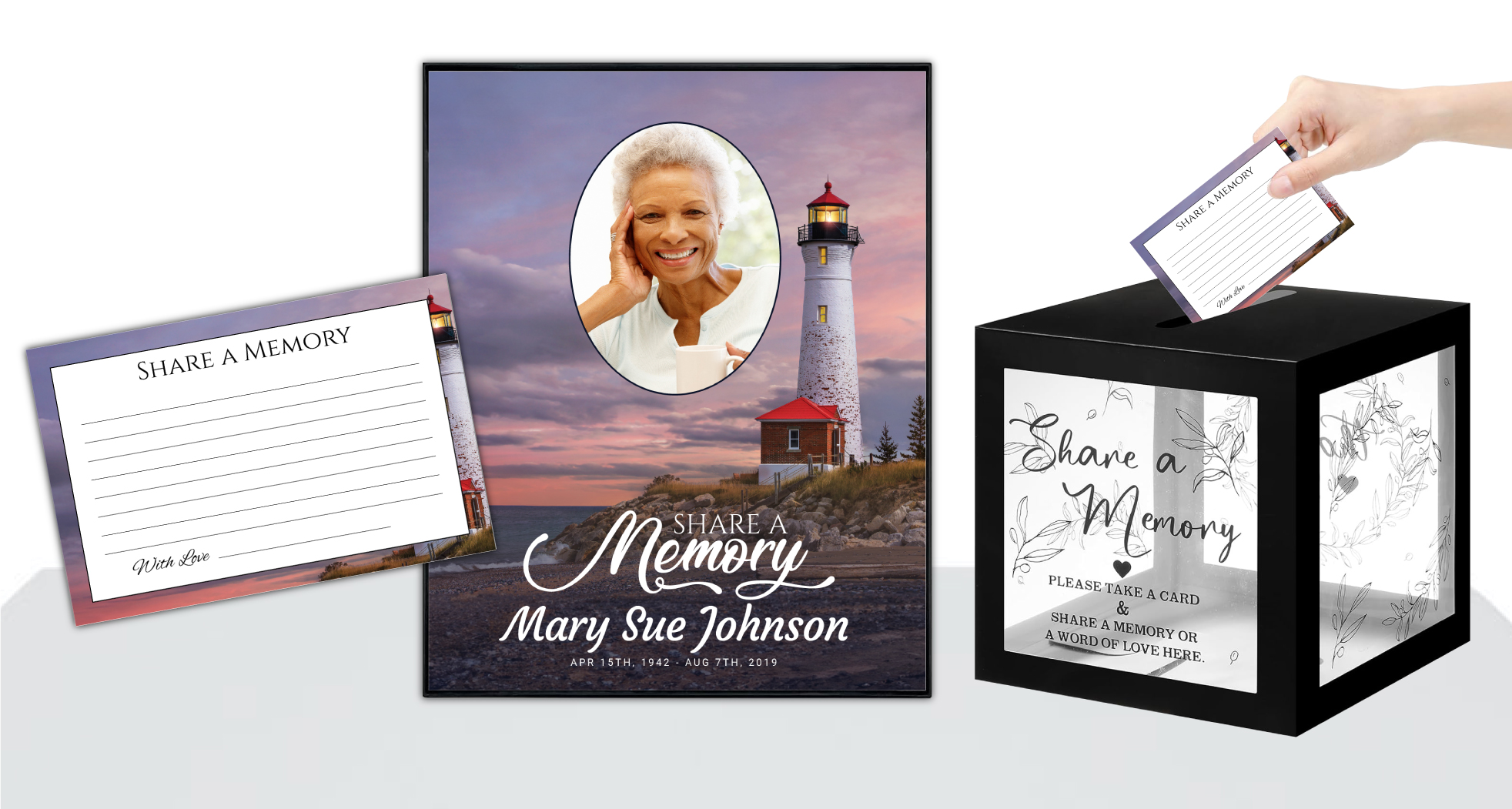 Share-A-Memory Cards
 Memorial Magnets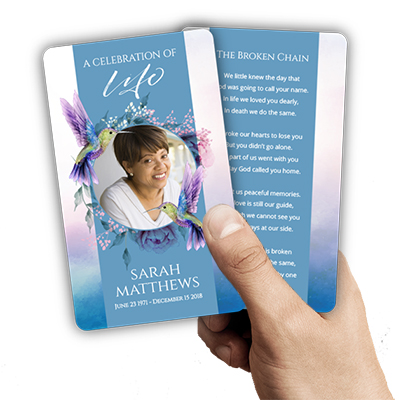
 Memorial Posters
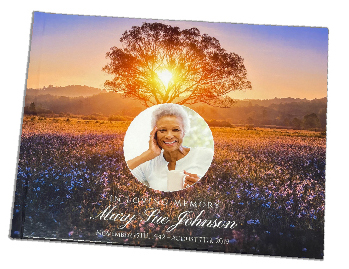 Guest Books
 Slide Shows
 Memorial Fans
 Death Announcements
 Take Away Keepsakes
 Church Products
Honoring Memories in a Digital Age: An Introduction
In the moments following the loss of a loved one, families and communities come together to remember, grieve, and celebrate a life well-lived. Planning a funeral or memorial service can feel overwhelming, particularly when you wish to honor your loved one’s memory in a meaningful, personal way. At DisciplePress, we understand the deep emotions involved and the desire to create a keepsake that brings comfort and connection to all who attend.
One increasingly popular way to blend tradition with technology is by choosing to add a QR code to a funeral program. This simple addition allows guests to access a carefully curated online photo gallery, where images and cherished moments can be revisited long after the service. This thoughtful gesture extends the reach of your loved one’s story, providing a digital bridge between printed memories and the wider community, near and far.
In this comprehensive guide, we will walk you through the process of adding a QR code to a funeral program specifically to link with an online photo gallery. You’ll find step-by-step instructions, practical tips, and compassionate advice for every stage—from selecting your photo gallery platform to ensuring privacy and sensitivity for all participants. We’ll discuss design, placement, and printing options, referencing a variety of funeral program types such as bi-fold programs, tri-fold programs, and booklet programs, as well as related keepsakes like memorial bookmarks and prayer cards.
Whether you are a grieving family member, a funeral director, or a church leader supporting your congregation, our goal is to make this process as gentle and accessible as possible. We hope this article will offer not only practical guidance but also a sense of reassurance and hope as you honor your loved one’s legacy in both print and digital form.
Understanding the Value of QR Codes in Funeral Programs

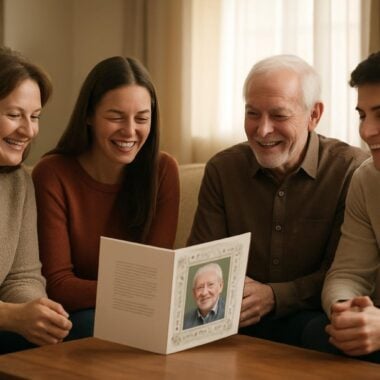
As technology becomes more entwined with our daily lives, families are finding new ways to memorialize loved ones while keeping traditions alive. Adding a QR code to a funeral program bridges the physical and digital worlds, allowing guests to instantly access a photo gallery filled with treasured memories. This feature is especially meaningful when guests cannot travel or when extended family and friends wish to share in the remembrance from afar.
We’re committed to supporting you through this difficult time with meaningful memorial resources. We offer Memorial Bookmarks, Funeral Programs and Prayer Cards to help you create meaningful tributes.
Online photo galleries offer the unique advantage of being easily updated and shared. Unlike printed photos, which may be limited by space, a digital gallery can contain hundreds of images—each telling its own story. Guests can revisit these photos any time, leave comments or messages of condolence, and even contribute their own images if privacy settings allow. This collaborative aspect can deepen the sense of community and shared grief, making the memorial experience more inclusive.
Including a QR code in your bi-fold or tri-fold funeral program is a discreet yet powerful way to guide guests to your online gallery. Programs such as 8-page programs and 12-page programs provide ample space for both traditional content and modern digital elements, ensuring that everyone can participate in the celebration of life, regardless of their familiarity with technology.
For families worried about the learning curve, rest assured that scanning a QR code is now a simple process for most people. Most smartphones are equipped with built-in QR readers, and clear instructions can be included in the program. This small step transforms your printed keepsake into an interactive experience, enriching the way your loved one is remembered.
Choosing and Setting Up Your Online Photo Gallery
The first step in adding a QR code to a funeral program is selecting the right platform for your online photo gallery. Several user-friendly options are available, including Google Photos, Shutterfly, Flickr, and private Facebook albums. Each platform offers different features, such as password protection, guest uploads, and comment sections, so consider what’s most important for your family and guests.
Begin by gathering your favorite images—candid snapshots, posed portraits, significant life events, and moments that capture your loved one’s spirit. Organize the photos chronologically or thematically to tell a meaningful story. If you’re working with others, consider using cloud storage to collaborate, ensuring everyone’s treasured memories are included in the gallery.
Once your gallery is set up, review the privacy settings. You may wish to restrict access to invited guests only or allow open viewing for anyone with the link. Platforms like Google Photos enable you to create shareable links with or without download permission. Take time to decide what feels right for your family; your funeral director or church tech team may also offer guidance.
After finalizing your gallery, test the link on various devices to ensure it works smoothly. Save or copy the direct URL, as you will soon use this to generate your QR code. If you have concerns about privacy, make sure to note any passwords or special instructions, which can be included in a discreet note on your funeral program or memorial cards for reference.
Creating a QR Code for Your Photo Gallery: Step-by-Step
With your online gallery ready, it’s time to create the QR code that will connect your guests to these digital memories. There are many free QR code generators online, such as QRCode Monkey, QRStuff, or Google’s own QR Code generator for Chrome users. These tools allow you to quickly convert your gallery link into a scannable code.
At DisciplePress, we understand the importance of honoring your loved one’s memory. We offer Prayer Cards, Memorial Cards and Celebration of Life to help you create meaningful tributes.
To begin, paste your gallery URL into the generator’s input field. Double-check that the link is correct and leads directly to your photo album. Many generators offer customization options, such as changing the color or adding a small image in the center—perhaps a favorite photo or your loved one’s initials. While customization isn’t required, it can help your code stand out on the printed program.
Before finalizing, test the QR code using a smartphone. Open your phone’s camera, scan the code, and ensure it leads straight to the gallery. If you’ve set a password or access code, make note of this for inclusion on the program. Save the QR code image in a high-resolution format (such as PNG or SVG) to ensure it prints clearly and is easily scannable.
Keep your QR code file organized alongside other assets for the funeral program. If you’re working with a designer or using custom design services from DisciplePress, send the file along with instructions about placement and accompanying text. For rush orders or same-day printing, having these materials ready will help meet your timeline and reduce stress.
Designing and Placing the QR Code in Your Funeral Program
Thoughtful design and placement of your QR code are key to ensuring guests notice and use this feature. Consider the layout of your chosen funeral program type—whether you’re using a traditional bi-fold program, a detailed 16-page program, or a visually rich celebration of life program. Each format offers unique opportunities for integrating the code seamlessly and respectfully.
We recommend placing the QR code on the back cover or inside back panel of your program, accompanied by a brief explanation such as, “Scan to view our cherished photo gallery and share your memories.” For extended booklets, a dedicated page can be reserved for digital resources, including the online gallery QR code, streaming information, or memorial video links.
When designing, ensure the QR code contrasts clearly with the background for easy scanning. Avoid placing it over busy images or dark colors. Leave a small margin around the code and use a minimum size of 0.8–1 inches square for reliable scanning, especially in smaller formats like memorial cards or memorial bookmarks. For larger programs, you can use a more prominent code if space permits.
Consider including a line of instruction for guests who may not be familiar with QR codes, such as, “Open your phone’s camera and point at the QR code to view the gallery.” If your gallery is password-protected, add a discreet note with the password nearby. For a cohesive look, match the QR code’s style to your program’s theme, whether it’s faith-based, angel-themed, or centered around nature.
Privacy, Security, and Sensitive Sharing
While sharing memories is a beautiful way to honor your loved one, privacy is an essential consideration—especially when photos and stories are involved. Before you add a QR code to a funeral program, review the privacy settings on your chosen online gallery platform. Decide if you’d like the gallery to be public, private, or available only to those with the link.
If privacy is a priority, select a platform that allows for password protection or restricted access. Clearly communicate any required passwords in your funeral program, either next to the QR code or in a separate insert or prayer card. Remind guests not to share the link or password beyond the intended circle unless you’re comfortable with broader distribution.
Some families may wish to invite guests to contribute their own photos or messages to the gallery. If so, be sure to clarify upload permissions and monitor submissions for appropriateness. Assign a trusted family member or church staff member to manage the gallery and promptly address any concerns, ensuring the space remains safe and supportive for all participants.
Finally, reassure guests that participation is entirely optional. Some may find joy in revisiting photos, while others may need more time before engaging with these memories. Respect each person’s unique grieving process, and offer alternative ways to share memories, such as via Share a Memory cards or a guestbook at the service.
Printing Your Funeral Program with a QR Code: Tips and Best Practices
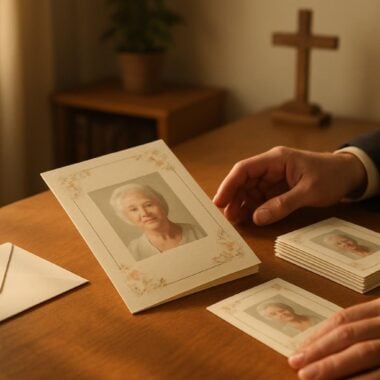
Once your design is finalized, printing your funeral program with a QR code is the last step in this meaningful process. Choose a reputable printing service experienced in memorial materials, such as DisciplePress, which offers a range of options including same-day printing, rush orders, and various program formats. Our paper types guide can help you select the right stock for durability and appearance.
Before printing, double-check that your QR code is high-resolution and placed correctly within the design. Print a test copy at home to ensure the code scans easily and the surrounding text is legible. If you’re using professional printing, send the highest quality files to your provider and clearly communicate any special instructions regarding the QR code and gallery link.
For larger gatherings or multiple events, consider ordering additional copies of your programs, as well as coordinating items like memorial bookmarks, folded memorial cards, or thank you cards that include the QR code. These items serve as lasting keepsakes and ensure everyone has access to the online gallery, even if they are unable to attend in person.
Be mindful of turnaround times, especially if your service is scheduled soon. Communicate with your printing provider about deadlines and options for expedited service. DisciplePress offers guidance and support throughout the process, helping you create a program that is both beautiful and functional, honoring your loved one’s memory in every detail.
Supporting Guests with Clear Instructions and Accessibility
While many attendees may be familiar with scanning QR codes, it’s important to provide clear, accessible instructions for all guests. Include a simple line in your funeral program, such as, “To view our online photo gallery, open your smartphone camera and point it at the QR code.” For those less comfortable with technology, offer alternative ways to access the gallery, such as a printed link or a family member who can assist during or after the service.
Consider the needs of older guests or those with visual impairments. Use large, clear fonts and high-contrast backgrounds for both the QR code and accompanying instructions. If your program is part of a larger memorial package, such as a celebration of life program or funeral home partner package, inform staff or volunteers so they can offer support as needed.
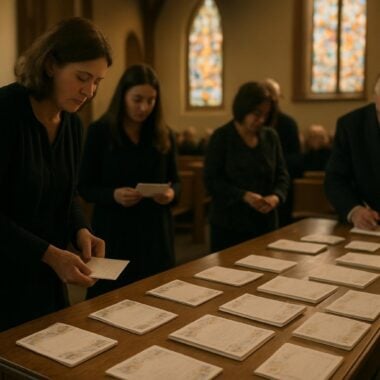
Encourage guests to share the gallery link with others who may not be present, such as friends or relatives living far away. For church-based memorials, consider displaying the QR code on a screen or poster at the entrance, or including it in digital bulletins or church newsletters for extended reach.
Finally, remind attendees that this digital tribute is a living memorial. They are welcome to revisit the gallery in the weeks and months following the service, offering a sense of ongoing connection and comfort as the journey of grief unfolds.
Personalizing Your Digital Memorial: Themes, Messages, and Beyond
Adding a QR code to your funeral program opens up a world of possibilities for personalization. Choose a theme for your online gallery that reflects your loved one’s passions—nature, faith, family, music, or travel. Many platforms allow you to customize the gallery’s background, add captions, or select music to play during slideshows, further enriching the experience for guests.
Consider including a message of welcome or gratitude on the first page of your gallery, inviting visitors to reflect, share, or simply enjoy the memories. If your loved one enjoyed poetry or scripture, you might add a favorite verse or excerpt from our funeral poems collection or Bible verses collection. For faith-based programs, a prayer or blessing can provide comfort and context.
Use the gallery as a space for ongoing remembrance by inviting guests to upload their own photos or stories. Clarify any guidelines for contributions, and monitor submissions to maintain a respectful and supportive environment. For milestone anniversaries or family gatherings, the gallery can be updated with new memories, keeping your loved one’s legacy alive through the years.
Finally, coordinate your printed and digital themes for a cohesive look and feel. If your program features an angel motif or a favorite color scheme, carry these elements into your online gallery. This attention to detail creates a unified tribute that honors your loved one in every way.
Related Articles
Conclusion: Bringing Print and Digital Remembrance Together with Compassion
Incorporating a QR code into your funeral program to connect with an online photo gallery is more than a practical gesture—it’s an act of love that honors your loved one’s story and brings people together in remembrance. By following the steps outlined in this guide, you can create a meaningful, accessible experience that bridges generations and distances, allowing each guest to share in the legacy of the person you hold dear.
We hope this article has provided both the information and reassurance you need to move forward with confidence. Remember, you are not alone on this journey. DisciplePress offers a variety of services and products—such as bi-fold programs, memorial bookmarks, prayer cards, and custom design services—to help you craft a tribute that is both beautiful and personal. Our team is here to support you with guidance, rush orders, and compassionate care every step of the way.
If you have questions about adding a QR code to your program, need advice on design or printing, or want help with timeline and logistics, please contact us. We understand the unique needs of each family and are honored to help you celebrate your loved one’s life with dignity and grace.
As you move through the days ahead, may you find comfort in shared memories and the knowledge that your tribute touches hearts both near and far. Thank you for allowing us to be part of your journey of remembrance and hope. Learn more about DisciplePress and our commitment to serving families. For personalized assistance, please contact us. We offer rush orders and same-day printing for urgent needs.