 Free Shipping Over $50
  888-432-8363


 Obituary/Programs
 No-Fold Memorial Programs
 4 Page Funeral Programs
 8 Page Memorial Programs
 12 Page Funeral Programs
 16 Page Funeral Programs
 20 Page Funeral Programs
 Tri-Fold Funeral Programs
 Complete Memorial Packages
 Cards & Bookmarks
 Saint Prayer Cards
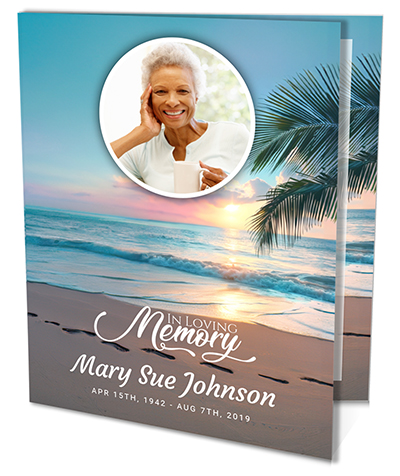 Folded Memorial Cards
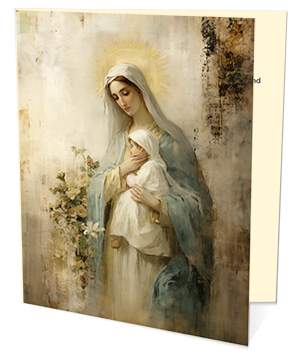 Folded Holy Cards
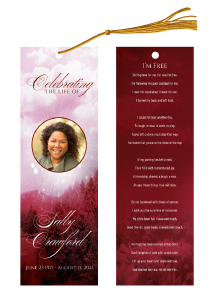 Memorial Bookmarks
 Thank You Cards
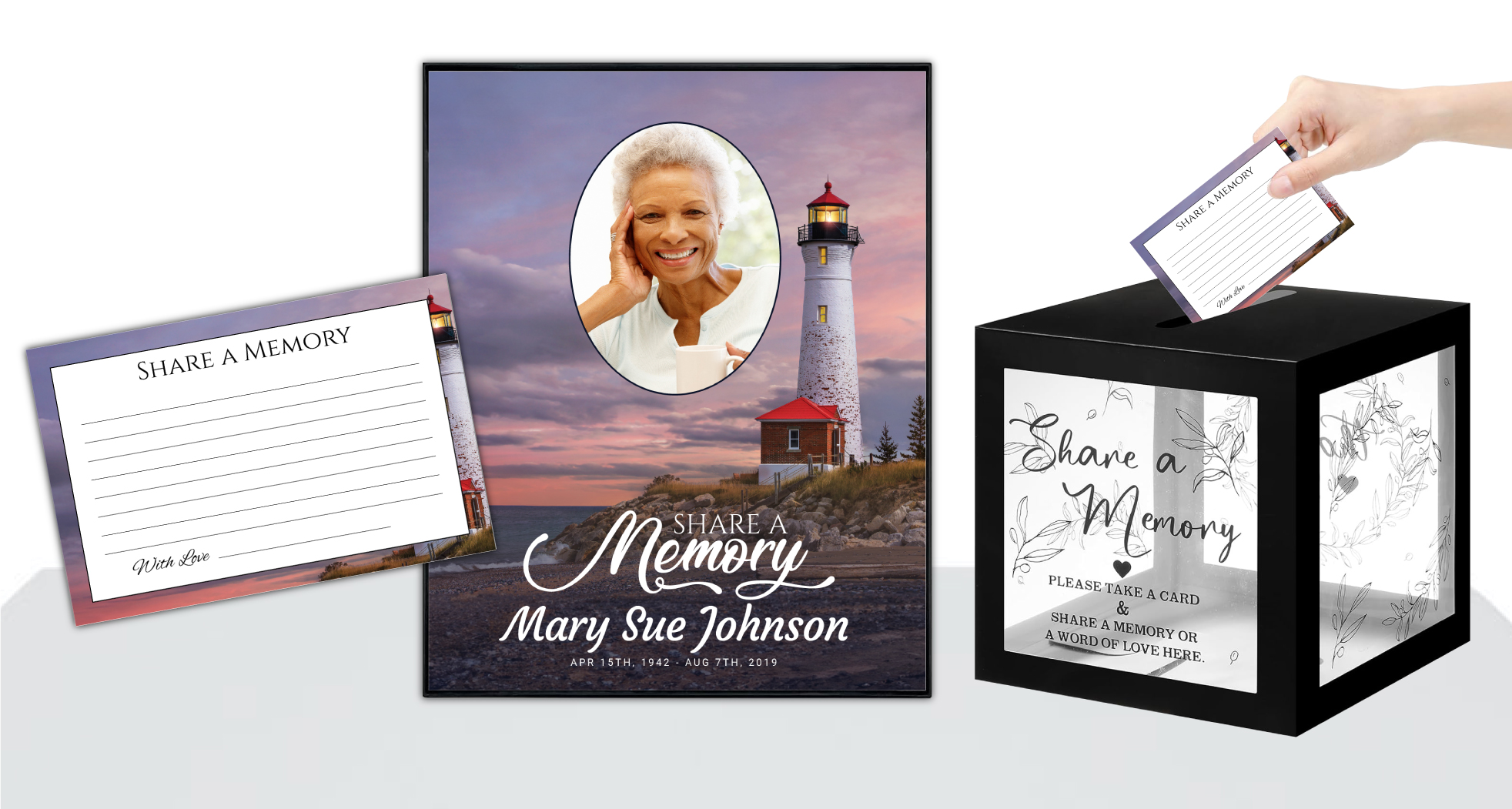 Share-A-Memory Cards
 Memorial Magnets
 Memorial Posters
 Guest Books
 Slide Shows
 Memorial Fans
 Death Announcements
 Take Away Keepsakes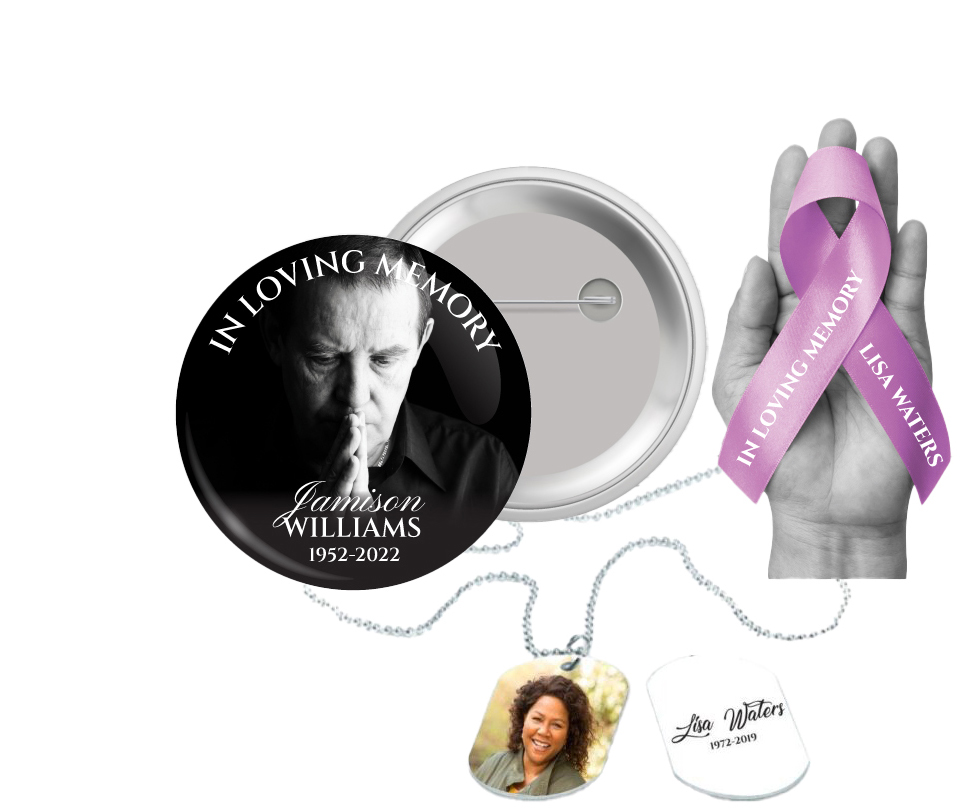
 Church Products
Introduction: Honoring Memories with Careful Photo Preparation
When we lose someone dear, finding ways to honor their memory becomes a deeply personal journey. For many families, creating a memorial bookmark is a gentle, meaningful way to keep a loved one’s presence close. These keepsake bookmarks serve not only as a tribute, but also as a comforting reminder—something tangible to hold amidst the intangible waves of grief. They allow us to share a piece of someone’s life and spirit with friends and family, long after the funeral or celebration of life service has ended.
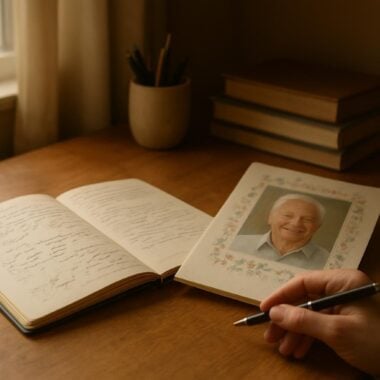
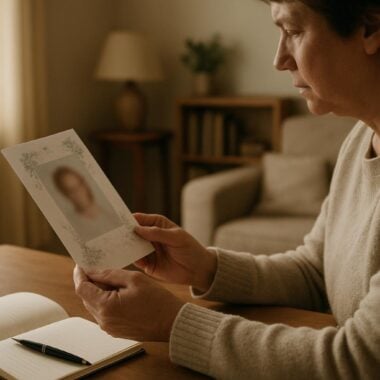
One of the most heartfelt touches you can add to a memorial bookmark is a cherished photograph. A picture can capture a smile, a laugh, or a moment that words alone cannot express. However, for many grieving families, the prospect of selecting and preparing a photo for print can feel overwhelming. Questions about image quality, formatting, and the technical steps involved can add unnecessary stress during an already difficult time.
We understand how important it is that your memorial bookmark truly reflects your loved one’s memory. That’s why we’ve created this comprehensive guide on how to add photos to memorial bookmarks without losing quality. We’ll walk with you step by step: from choosing the right photo, to preparing it for print, to ensuring your finished keepsake is as clear and beautiful as your memories.
Throughout this article, you’ll find practical advice, gentle encouragement, and answers to common questions about photo selection, formatting, and uploading. Whether you choose to customize your memorial bookmark yourself or let DisciplePress handle the design, our goal is to help you create a tribute that brings comfort and honors your loved one’s legacy with clarity and care.
Selecting the Right Photo: Capturing Memories That Matter

Choosing which photo to feature on a memorial bookmark can feel both significant and daunting. The image you select will become a lasting symbol of your loved one’s life, so take your time and allow yourself space to reflect on what feels most meaningful. Some families choose a formal portrait, while others prefer a candid snapshot that captures a favorite hobby or shared moment. There is no right or wrong—what matters most is what feels right for you and your family.
Creating a meaningful tribute for your loved one is an important part of the healing process. We offer Memorial Bookmarks, Funeral Programs and Prayer Cards to help you create meaningful tributes.
When selecting a photo, consider the clarity, composition, and emotional tone. Look for images that are in focus, well-lit, and free from heavy shadows or overexposure. High-resolution digital photos generally work best for printing on memorial bookmarks, as they retain detail and sharpness. If you only have a physical print, it is still possible to use it—just ensure it is scanned at a high resolution (at least 300 DPI) to maintain quality.
Another important consideration is how the photo will fit within the bookmark’s dimensions. Memorial bookmarks typically have a vertical layout, so portrait-oriented photos often work best. However, a landscape photo can still be used if there is enough space around the subject to allow for gentle cropping. If you’re uncertain, our custom design services can help you crop and adjust your photo to fit the template beautifully.
Finally, think about what you want the photo to convey. Do you want to highlight a particular milestone, a favorite place, or an everyday moment of joy? Sharing the story behind the photo can bring comfort, spark conversation, and help others remember the unique spirit of your loved one. Whatever you choose, trust your instincts and know that your selection will be a meaningful part of your loved one’s memorial.
Understanding Image Quality: Resolution, Size, and File Types Explained
Ensuring that your chosen photo prints clearly on a memorial bookmark requires a basic understanding of image quality. The term “resolution” refers to the amount of detail an image holds, usually measured in dots per inch (DPI) or pixels per inch (PPI). For high-quality printing, we recommend using photos that are at least 300 DPI at the final print size. This standard helps prevent the image from appearing blurry or pixelated when printed on products like bookmarks, prayer cards, or funeral programs.
If you are working with digital files, check the image dimensions—ideally, your photo should be at least 750 x 2550 pixels to fit the typical 2.5” x 8.5” bookmark without losing clarity. Lower-resolution images taken from social media or messaging apps may appear fine on a screen but might not print well. Always use the original, highest-quality version of the image when possible, rather than a screenshot or compressed file.
File type is another key factor. JPEG (.jpg) files are most common for photographs, as they balance quality and file size and are supported by most online customization tools. If you have access to a TIFF or PNG file, these formats can also provide excellent results, especially if they have not been compressed. Avoid using images copied directly from social media, as these are often resized and compressed, leading to a loss of detail.
For those unfamiliar with image specifications, don’t worry—our team at DisciplePress is always here to help. If you’re unsure whether your photo is suitable, you can reach out to us before placing your order. We’re happy to review your files and provide guidance on how to achieve the best possible print quality for your memorial bookmark, funeral programs, or celebration of life keepsakes.
Preparing Your Photo: Cropping, Editing, and Enhancing with Care
Once you’ve selected a photo and confirmed that it meets the recommended resolution and file type, the next step is preparing it for your memorial bookmark. This process can involve gentle editing—such as cropping, adjusting brightness, or enhancing colors—to ensure that your loved one’s image looks its best in print. Many families find comfort in this process, as it allows them to focus on a cherished moment and present it in a way that feels true to their memories.
DisciplePress is dedicated to helping families honor their loved ones with dignity and care. We offer Prayer Cards, Memorial Cards and Celebration of Life to help you create meaningful tributes.
Cropping is often necessary to fit the dimensions of the bookmark. Aim to center your loved one’s face and shoulders within the frame, leaving a little space around the edges for a balanced look. Avoid cropping too closely, as this can make the image feel cramped or cut off important details. If you’re unsure about how to crop or resize your photo, our custom design services can handle these adjustments with care and sensitivity.
Editing tools can also be used to gently enhance your photo. Adjusting the brightness and contrast can bring out details that might be hidden in shadows or highlights. Be mindful not to over-edit—preserving the natural look of the photo is often most comforting. If your image has minor imperfections, such as dust or scratches from a scanned print, these can often be retouched to improve clarity.
For families who wish to add a personal touch, consider including a soft border or subtle filter that complements the overall design of the bookmark. When creating matching keepsakes—such as memorial cards, prayer cards, or bi-fold programs—using the same edited photo can create a harmonious and unified tribute. Remember, our team is here to assist with any editing questions, ensuring your memorial bookmark is both beautiful and respectful of your loved one’s memory.
Uploading Your Photo: Navigating the Customization Process
Once your photo is selected and prepared, it’s time to upload it to your memorial bookmark design. At DisciplePress, we offer two simple pathways: you can use our online customization tool to add your photo directly, or you can select the “customize for me” option and send your image for us to handle. We strive to make this process as smooth and stress-free as possible, especially during this difficult time.
If you choose to customize your bookmark online, you’ll be guided through a step-by-step process. After selecting your product and options (such as paper type and tassel color), you’ll proceed to the editing area where you can replace placeholder images with your own. Our tool allows you to drag, resize, and position the photo until it looks just right. For detailed instructions, our website provides helpful guides and customer support is always available to answer questions.
For those who prefer a more hands-off approach, the “customize for me” service allows you to upload or email your photo after checkout. Our design team will carefully place and format your image, email you a proof for review, and make any requested changes before printing. This option is especially helpful if you’re unsure about digital editing or want extra assurance that your bookmark will look its best.
When uploading your photo, always use the highest-resolution version available. Avoid using images sent through text messages or social platforms, as these are often compressed and may not print clearly. If you encounter any difficulties or have concerns about your photo’s suitability, don’t hesitate to contact us. Our compassionate team is committed to guiding you through each step, ensuring your memorial bookmark or other keepsake reflects your loved one’s memory with clarity and care.
Ensuring Print Quality: Tips for Avoiding Common Pitfalls
Even with a beautiful photo and a thoughtful design, print quality can be compromised by a few common pitfalls. To help families avoid disappointment, we’ve gathered some essential tips for ensuring your memorial bookmark looks as clear and vibrant in hand as it does on screen. Taking these extra steps can make all the difference in creating a cherished memento that stands the test of time.
First, always double-check the resolution and file size of your photo before uploading. Blurry or pixelated images are usually the result of low-resolution files. If you’re scanning a printed photo, set your scanner to at least 300 DPI and save your file in JPEG or PNG format for optimal clarity. Don’t hesitate to ask for help with this step if you’re unsure—our team is experienced in working with all types of images and can provide guidance.
Second, be mindful of how your photo will appear once printed. Colors can sometimes look different on paper compared to a phone or computer screen. Choosing a matte or glossy card stock can affect the final appearance, so consider ordering a sample or reviewing our paper types guide to determine what feels best for your keepsake. For those in a hurry, our same-day printing and rush orders ensure you receive your bookmarks quickly, without sacrificing quality.
Finally, always review your design proof carefully before approving it for print. Look for any unexpected cropping, color shifts, or other issues that may need adjustment. Taking a moment to check these details can prevent regrets later, allowing you to focus on celebrating your loved one’s life. If you’re creating matching funeral programs, such as bi-fold or 8-page programs, use the same high-quality image to maintain consistency throughout your memorial materials.
Adding Personal Touches: Incorporating Text and Design Elements
Beyond the photo itself, the design of a memorial bookmark can be enriched with meaningful text and decorative elements. Many families choose to include a favorite quote, Bible verse, or short tribute alongside the photograph. Selecting words that resonate with your loved one’s spirit can provide comfort and inspiration to all who receive the keepsake. If you need inspiration, our Bible Verses Collection and Funeral Poems Collection offer a wide range of options suitable for every faith and tradition.
When adding text, ensure it complements rather than competes with the photo. Use clear, legible fonts, and avoid placing text directly over important areas of the image. The DisciplePress online customization tool allows you to experiment with different placements and font styles, making it easy to find the perfect balance. For those who want a truly unique design, our custom design services can help integrate your text and photo seamlessly.
Decorative elements such as borders, background patterns, or a subtle watermark can further personalize your memorial bookmark. Consider using colors or motifs that were significant to your loved one—perhaps a floral accent for a gardener, or a gentle dove for someone of faith. These thoughtful details, while small, can have a big impact on how the finished bookmark feels in hand and heart.
For families planning a coordinated memorial, matching your bookmark design with other keepsakes—such as prayer cards, folded memorial cards, or tri-fold programs—can create a sense of unity and continuity. If you’re unsure about how to achieve this, reach out to us for guidance. Our design gallery provides real-world examples and inspiration from other families who have walked this journey before you.
Handling Old or Damaged Photos: Restoring and Honoring Precious Memories
Many families wish to use older photographs that may have sentimental value, such as childhood portraits or vintage wedding pictures. These images often hold deep meaning, but may be faded, creased, or otherwise damaged. Thankfully, there are ways to restore and prepare these photos for your memorial bookmark without losing quality. Taking the time to rescue an old image can be a healing process, connecting generations through shared memories and stories.
Begin by carefully scanning the original photo at a high resolution—ideally, 600 DPI or higher. This ensures that even fine details are preserved and can be enhanced during the editing process. If you don’t have access to a scanner, many photo shops or print services can help. Avoid photographing the picture with a phone camera, as this can introduce glare and distortion.
Once scanned, basic photo editing software can be used to correct color, repair minor damage, and balance brightness or contrast. There are also professional restoration services for more severe issues, such as tears or heavy fading. At DisciplePress, our custom design team can assist with moderate restoration as part of your memorial bookmark order, or recommend trusted specialists for more complex repairs.
Even if a photo cannot be fully restored, its imperfections can become part of its story—a testament to the passage of time and the enduring nature of love. Don’t be discouraged if your image isn’t perfect; what matters most is the connection it represents. Including a cherished, even well-worn, photo in your celebration of life program, 16-page booklet, or memorial bookmark can evoke powerful memories and conversations during a service or in the days that follow.
Reviewing and Approving Your Proof: Final Steps for Peace of Mind
The final stage before printing your memorial bookmark is carefully reviewing your design proof. This step is essential for ensuring that your photo and any text or decorative elements appear exactly as you envision. At DisciplePress, we provide a digital proof via email for every custom design order, giving you the opportunity to request changes or corrections before your bookmarks are printed and shipped.
Take your time when reviewing the proof. Look closely at the clarity and placement of the photo, the alignment of text, and the overall balance of the design. If you notice any issues—such as a blurry image, misspelled name, or formatting error—let us know immediately. We are committed to making unlimited revisions until you are fully satisfied with your memorial bookmark, whether you are also ordering matching death announcement cards or 20-page funeral programs.
This is also the time to consider how the bookmark will feel in hand. If you’re unsure about paper types or other finishing options, consult our paper types guide or ask for recommendations based on your preferences. Some families prefer a matte finish for a soft, understated look, while others choose glossy or laminated options for durability and shine. These choices can affect how your photo appears in print, so don’t hesitate to seek advice if you’re undecided.
Once you approve the proof, our team will begin printing your order with care and efficiency. With our same-day printing and reliable turnaround time, you can trust that your memorial bookmarks will be ready when you need them. If you have any last-minute changes or special requests, contact us as soon as possible—we are always here to help, even under tight timelines or with rush orders.
Related Articles
Conclusion: Creating a Cherished Keepsake with Confidence and Compassion
Adding a photo to a memorial bookmark is a powerful way to celebrate a loved one’s life and legacy. By taking thoughtful steps to select, prepare, and upload your image, you can ensure that your keepsake is both beautiful and enduring. We hope this guide has provided practical, compassionate support for each stage of the process, easing some of the technical worries and allowing you to focus on honoring your loved one’s memory.
Remember that you are not alone in this journey. Whether you are creating memorial bookmarks, funeral programs, prayer cards, or celebration of life keepsakes, our team at DisciplePress is here to support you every step of the way. We understand the emotional weight of these decisions, and we are committed to providing not only high-quality printing but also gentle, empathetic guidance throughout the customization process.
If you have questions about photo selection, image quality, or any aspect of memorial printing, please reach out to us. Our custom design services, turnaround time, and same-day printing options are designed to bring you peace of mind during a challenging time. We invite you to explore our design gallery for inspiration or connect with us for advice tailored to your unique needs and wishes.
As you move forward in planning your tribute, may you find comfort in the memories you share and the tangible keepsakes you create. A memorial bookmark, crafted with care and adorned with a cherished photo, becomes more than just a token—it becomes a bridge between past and present, love and remembrance. We are honored to walk alongside you as you celebrate a life well-lived and dearly loved. Learn more about DisciplePress and our commitment to serving families. For personalized assistance, please contact us. We offer rush orders and same-day printing for urgent needs.