 Free Shipping Over $50
  888-432-8363


 Obituary/Programs
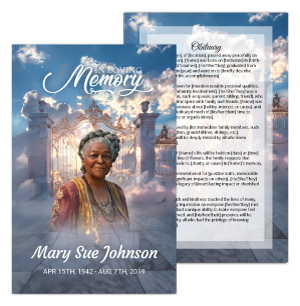 No-Fold Memorial Programs
 4 Page Funeral Programs
 8 Page Memorial Programs
 12 Page Funeral Programs
 16 Page Funeral Programs
 20 Page Funeral Programs
 Tri-Fold Funeral Programs
 Complete Memorial Packages
 Cards & Bookmarks
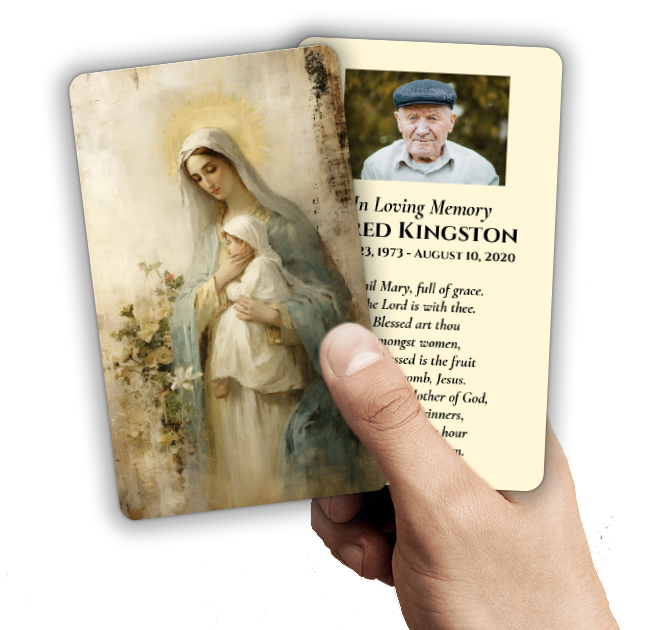 Saint Prayer Cards
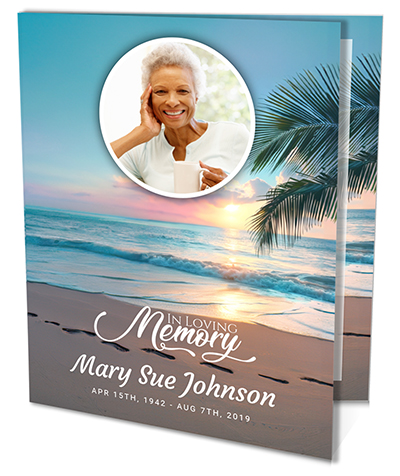 Folded Memorial Cards
 Folded Holy Cards
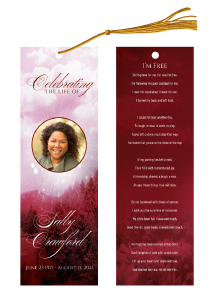 Memorial Bookmarks
 Thank You Cards
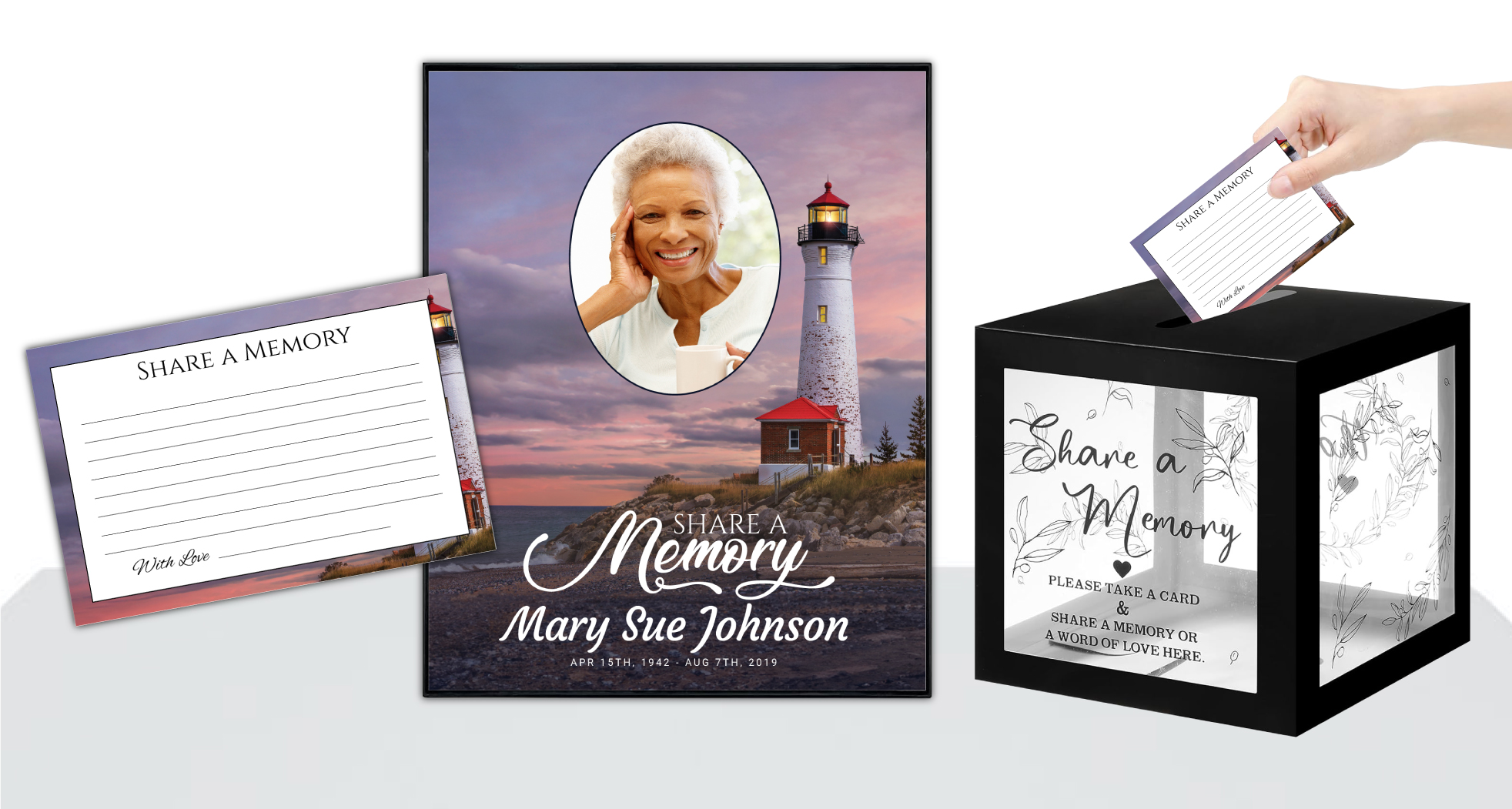 Share-A-Memory Cards
 Memorial Magnets
 Memorial Posters
 Guest Books
 Slide Shows
 Memorial Fans
 Death Announcements
 Take Away Keepsakes
 Church Products
Finding Comfort in the Details: Why Photo Preparation Matters
When faced with the loss of a loved one, every detail in planning a memorial or funeral service can feel both deeply meaningful and overwhelming. Selecting photos for memorial cards or bookmarks is a tender task—one rooted in love, longing, and the desire to honor cherished memories. At DisciplePress, we understand how important it is for these keepsakes to capture your loved one’s spirit with clarity and warmth, so that friends and family can hold onto a tangible piece of remembrance.
The process of choosing, cropping, and resizing photos may seem technical at first, but it’s a gentle act of care—ensuring your loved one’s image is presented beautifully on memorial cards, prayer cards, bookmarks, or within funeral programs. Whether you’re creating bi-fold or tri-fold programs, 8-page or even 20-page booklets, or simply a set of keepsake bookmarks, the photo preparation process is crucial to achieving the highest print quality.
This article will walk with you, step by step, through how to crop and resize photos for memorial cards and bookmarks. We’ll focus on practical, compassionate guidance for families, funeral directors, and anyone supporting those in grief. From understanding standard sizes to using free tools, from maintaining dignity in presentation to preparing for same-day printing or rush orders, we’ll cover all you need to know.
We hope you find comfort and clarity here. If you have questions at any step, please remember you’re not alone—our team at DisciplePress is always ready to help you honor your loved one with care and respect.
Understanding Standard Memorial Card and Bookmark Sizes

Before you begin cropping or resizing photos, it’s helpful to understand the standard dimensions used for memorial cards and bookmarks. Each product, whether a simple prayer card or a large memorial card, has specific size requirements to ensure the photo looks its best in print. For example, our memorial bookmarks typically measure 2″ x 8″, while memorial cards often come in 2.5″ x 4.25″ or 4″ x 6″ formats. Folded memorial cards and share a memory cards may have different dimensions, so be sure to confirm the size before preparing your photo.
Every memorial should reflect the unique life and legacy of your loved one. We offer Memorial Bookmarks, Funeral Programs and Prayer Cards to help you create meaningful tributes.
These dimensions aren’t just arbitrary—they’re designed to fit comfortably in a hand, a book, or a wallet, and to provide enough space for both images and text. When you crop and resize photos for memorial cards, knowing the exact dimensions helps prevent stretching, pixelation, or awkward cropping that might cut off an important part of the image.
If you’re creating a funeral program, such as a bi-fold program or an 8-page booklet, you may have more flexibility with photo sizes. However, for products like prayer cards, large memorial cards, or bookmarks, precision is especially important. Always check the template or design gallery on the DisciplePress website, or ask us for a size guide if you’re unsure.
A practical tip: jot down or print out the dimensions of your chosen product before you begin editing. This small step can save time and help you visualize how the final printed piece will look. It can also help you decide whether to use a landscape or portrait photo, depending on the product’s orientation.
Selecting the Right Photo: Choosing and Scanning with Care
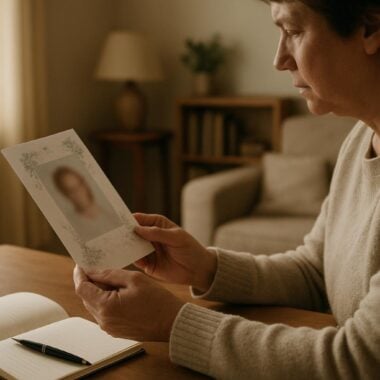
The photo you choose for your memorial card or bookmark holds powerful emotional significance. It may be a recent snapshot, a cherished family portrait, or even a youthful image that captures your loved one’s spirit. When possible, select a photo with clear, well-lit features and minimal background distractions. This ensures the focus remains on your loved one and translates well to print.
If your chosen photo is a physical print—perhaps an old family photo or a treasured wedding picture—scanning is the first step. Use a flatbed scanner at a resolution of at least 300 dpi (dots per inch) to ensure the digital version is crisp enough for printing. Many office stores and print shops offer scanning services if you don’t have a scanner at home. Take care to gently clean the photo and scanner glass beforehand to prevent dust spots.
Digital photos from phones or cameras are often suitable for print, but it’s important to check the file size and resolution. Aim for a photo that is at least 1000 pixels on the shortest side, which gives plenty of flexibility for cropping to fit a standard memorial card or bookmark. Avoid using photos from social media or messaging apps, as these are often compressed and may appear blurry in print.
If you’re uncertain about your photo’s quality or need help digitizing an old image, DisciplePress offers custom design services and can provide guidance. Remember, this is a collaborative process; we’re here to ensure your keepsakes reflect the love and dignity your family deserves.
Free Tools for Cropping and Resizing Photos: Accessible Options
You don’t need expensive software to crop and resize photos for memorial cards and bookmarks. There are several user-friendly, free tools available online and on your computer. Tools like Canva, Pixlr, and Photopea allow you to upload your photo, crop to specific dimensions, and resize without losing quality—right from your browser. Most Windows and Mac computers also have built-in editing tools in their Photos apps.
At DisciplePress, we understand the importance of honoring your loved one’s memory. We offer Prayer Cards, Memorial Cards and Celebration of Life to help you create meaningful tributes.
When using these tools, always start by making a copy of your original photo. Work on the copy to ensure the original stays safe in case you want to start over. Open the copy in your chosen tool and look for the crop or resize function. Many tools allow you to set a custom aspect ratio, which is especially useful for fitting your photo to the exact size of a memorial card or bookmark.
For example, if you’re preparing an image for a 2″ x 8″ memorial bookmark, set the crop ratio to 1:4. For a 4″ x 6″ prayer card, use a 2:3 ratio. This helps you visualize which parts of the photo will appear in the final print. Adjust the crop box to center your loved one’s face or to include meaningful background elements, such as a favorite landscape or family home.
If you ever feel unsure, our custom design services at DisciplePress can help refine your images or walk you through the process. We’re accustomed to working with families who may not be familiar with photo editing, and we approach each project with patience and compassion.
How to Crop Photos for Memorial Cards and Bookmarks: Step-by-Step Guidance
Cropping is about more than just trimming the edges of a photo; it’s an intentional act of focusing on what matters most. Begin by opening your selected photo in your chosen tool. Set the crop ratio to match your product’s dimensions—such as 2:8 for bookmarks or 2.5:4.25 for memorial cards. Most online editors will let you lock the aspect ratio so your crop stays proportional.
Next, position the crop box so your loved one’s face is well-centered and not too close to the edge. Leave a bit of space above the head and below the chin for a pleasing, balanced look. If the original photo is horizontal but your product is vertical, consider cropping to focus on the head and shoulders, or select a different image that fits the format more naturally.
Be mindful of what you include within the crop—sometimes hands, a favorite flower, or a meaningful background detail can add extra significance. However, avoid including too much background, as this can make the subject appear smaller and less prominent on the card. Trust your instincts and take your time; sometimes trying a few different crops can help you decide what feels right.
Cropping can feel emotional, especially when choosing what to include or leave out. If you’re struggling, ask a friend or family member for a second opinion, or reach out to the DisciplePress team for gentle guidance. Our experience with bi-fold programs, celebration of life programs, and keepsakes gives us insight into what works best in print.
Resizing Photos for Print: Maintaining Quality and Clarity
Once your photo is cropped to the correct aspect ratio, the next step is resizing it for print. Resizing ensures your image is large enough for the product without becoming blurry or pixelated. For most memorial cards and bookmarks, a photo size of at least 600 x 2400 pixels (for a 2″ x 8″ bookmark, at 300 dpi) is ideal. For 4×6 prayer cards, aim for at least 1200 x 1800 pixels.
In your editing tool, look for the “resize” or “image size” option. Input the pixel dimensions that match your product’s print size at 300 dpi. If your image is much larger, resizing down will help it print more sharply. If it’s smaller, you may need to choose a higher-quality original image to avoid blurriness.
Avoid using the “stretch” function, as this can distort the image. Instead, maintain the proportions set during cropping. If your editing tool offers a “constrain proportions” checkbox, make sure it’s selected. Preview the resized image at 100% zoom to make sure it looks crisp and clear.
When saving the final file, use a high-quality format such as JPEG or PNG. Avoid compressing the image too much, as this can introduce artifacts or fuzziness. If you’re unsure which settings to use, or if your image meets the requirements for DisciplePress printing, contact us for support or refer to our paper types guide for more information about how different finishes can affect image appearance.
Previewing and Testing Your Design: Avoiding Surprises at Print
Previewing your design before printing is a vital step in ensuring your memorial card or bookmark turns out just as you envision. Many online editing tools and print services allow you to preview your finished design at actual size. This helps you check that your loved one’s image is well-centered, not cut off by text or borders, and appears clear.
If possible, print a test copy at home on plain paper. This allows you to see if the photo looks sharp and if any adjustments are needed. Pay attention to how the colors appear; sometimes, screens display colors differently than printers do. Adjust brightness or contrast if needed, but be careful not to over-edit—natural skin tones and gentle lighting often look best for memorial items.
If you are ordering through DisciplePress and have a tight schedule, our same-day printing and rush order options can help ease your worries about timing. We can often provide a digital proof for your review before final printing. If you notice anything in the proof that doesn’t feel right—such as a face too close to the edge or a background that distracts—let us know so we can make adjustments.
Remember, this process isn’t just technical—it’s about creating a lasting tribute. Take your time, involve family members if you wish, and don’t hesitate to reach out to us for advice on celebration of life programs, custom design services, or any of our keepsake options.
Addressing Common Challenges: Solutions and Support
It’s completely normal to encounter challenges during this process, especially if you’re not familiar with photo editing. One of the most common concerns is working with low-resolution or blurry photos, especially when only older prints are available. If this is the case, choose the highest-quality scan possible and avoid enlarging the image beyond its natural size. Sometimes, a smaller print size—like a prayer card or folded memorial card—can help maintain clarity even with older images.
Another frequent worry is cropping out important family members or meaningful details. If your chosen photo includes several people, consider whether it’s appropriate to crop in closely on your loved one, or if the context adds value. For group shots, it’s often best to use a different photo for the main memorial card, and perhaps include the group photo inside a funeral program, such as a bi-fold program or booklet.
Color correction can also present challenges. If colors appear faded or too dark, many free tools include basic adjustments for brightness, contrast, and color balance. Be gentle—over-editing can make the image look unnatural. If you’re unsure, our custom design services at DisciplePress are available to help fine-tune your images for the best print results.
Finally, time pressure can feel overwhelming, especially as a service date approaches. If you need quick turnaround, inquire about our same-day printing or rush order services. We’re committed to supporting families in all circumstances, ensuring your memorial bookmarks, cards, and programs are ready in time for your service.
Honoring Memories Across Products: Coordinating Photos with Memorial Keepsakes
Many families choose to include the same photo across multiple keepsakes—such as memorial bookmarks, prayer cards, and funeral programs—to create a unified tribute. When coordinating images across products, remember that each format may require its own crop and size adjustment. For example, the vertical format of a bookmark is quite different from a bi-fold or tri-fold program.
Take extra care when cropping for each product, ensuring the most important details are preserved. For large memorial cards or folded memorial cards, you may have more space to include a secondary photo or a meaningful background. For bookmarks or church invite cards, a close-up portrait often works best.
If you’re also creating a memorial slideshow or poster, higher resolution images are needed. Let us know your plans, and we can advise on the best file sizes for each product. Our design gallery offers inspiration for how to combine images and text in ways that are both beautiful and respectful.
Coordinating your keepsakes can be a source of comfort and connection at the service and afterwards. Many families find that guests appreciate being able to take home a bookmark, prayer card, or thank you card as a tangible reminder of their loved one’s life. At DisciplePress, we’re honored to help you create these lasting memories with care and attention to detail.
Related Articles
Conclusion: Moving Forward with Care and Confidence
Preparing photos for memorial cards and bookmarks is a heartfelt, sometimes emotional process. By understanding how to crop and resize photos for memorial cards, you ensure that your keepsakes honor your loved one with clarity, dignity, and love. From selecting the right image to previewing your final design, each step is a gentle act of remembrance.
We hope this guide has provided comfort and practical support as you navigate this process. Remember, you don’t have to face these decisions alone. Whether you need help with custom design services, choosing between bi-fold programs and celebration of life programs, or managing our turnaround time for same-day printing, the DisciplePress team is here to support you.
Take your time, trust your instincts, and reach out if you need assistance. Our memorial bookmarks, prayer cards, and wide range of funeral program types are designed to honor every unique life and every family’s wishes. You can find more resources in our design gallery or by contacting us directly for personalized guidance.
Above all, know that your care in preparing these keepsakes is a beautiful tribute to your loved one. We stand with you in memory and hope, ready to help you preserve precious moments for generations to come.
Learn more about DisciplePress and our commitment to serving families. For personalized assistance, please contact us. We offer rush orders and same-day printing for urgent needs.