 Free Shipping Over $50
 888-432-8363



 Obituary/Programs
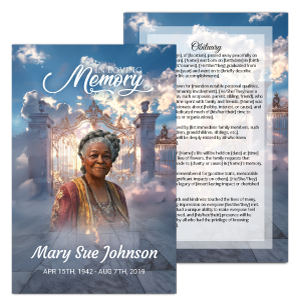 No-Fold Memorial Programs
 4 Page Funeral Programs
 8 Page Memorial Programs
 12 Page Funeral Programs
 16 Page Funeral Programs
 20 Page Funeral Programs
 Tri-Fold Funeral Programs
 Complete Memorial Packages
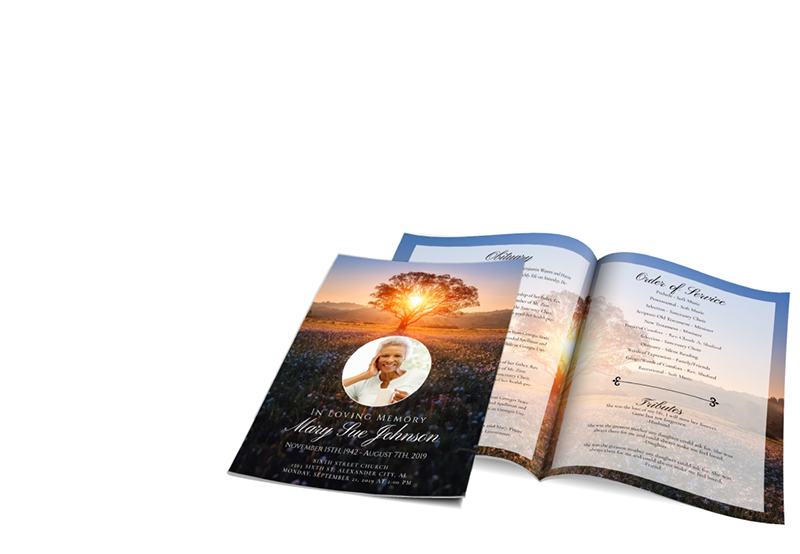
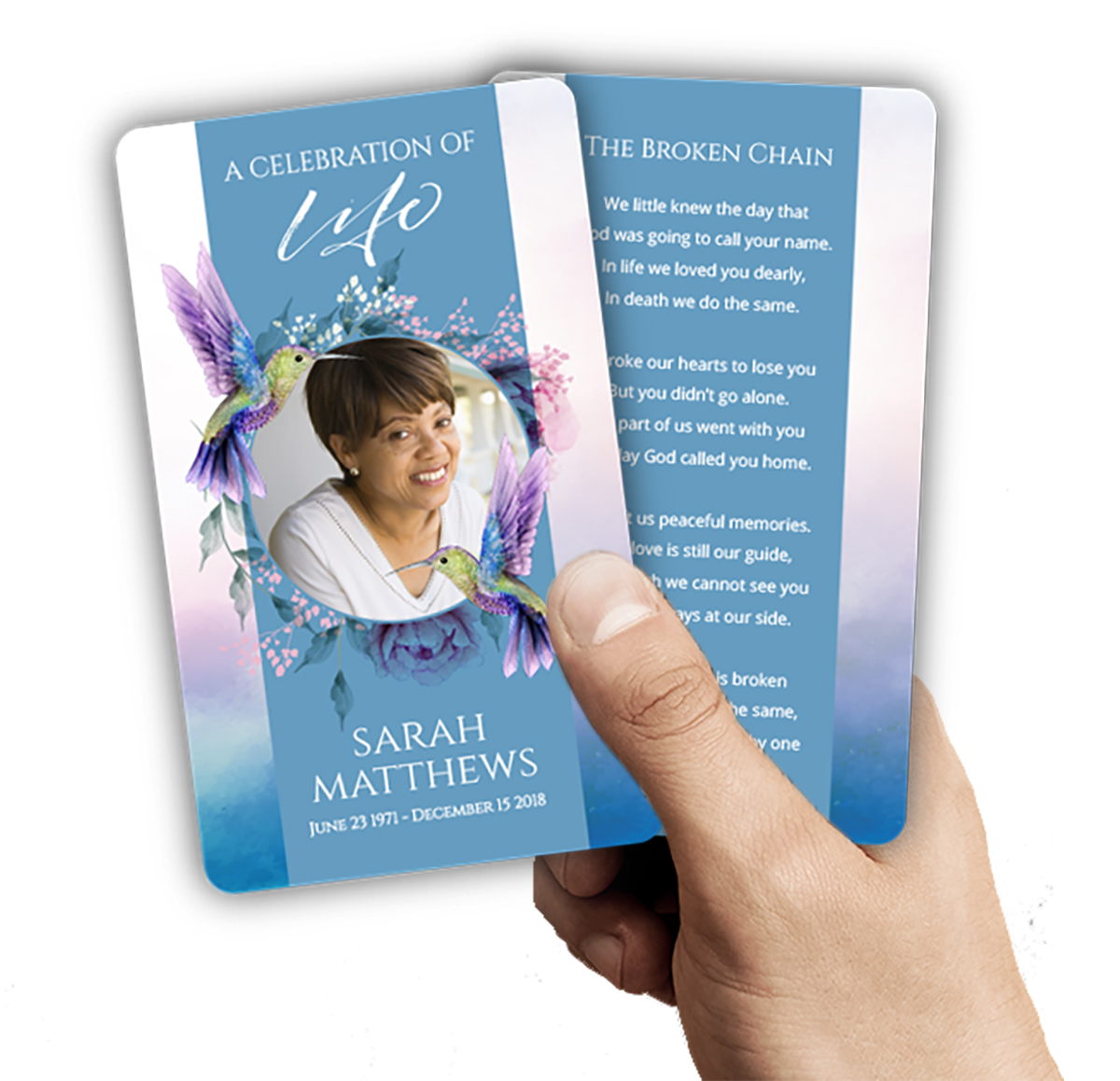 Cards & Bookmarks
 Saint Prayer Cards
 Folded Memorial Cards
 Folded Holy Cards
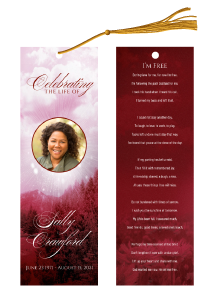 Memorial Bookmarks
 Thank You Cards
 Share-A-Memory Cards
 Memorial Magnets
 Memorial Posters
 Guest Books
 Slide Shows
 Memorial Fans
 Death Announcements
 Take Away Keepsakes

 Church Products

Honoring Memories in the Digital Age: Introduction
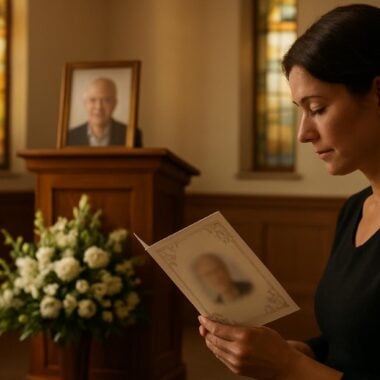
Losing a loved one is one of life’s most profound challenges, and navigating the details of memorializing their life can feel overwhelming. At DisciplePress, we understand that families, friends, and funeral directors are faced not only with grief but also with the responsibility of ensuring memories are preserved and shared. For many, funeral programs—whether bi-fold, tri-fold, or 8-page booklets—hold cherished stories, photographs, and tributes that become lasting keepsakes.
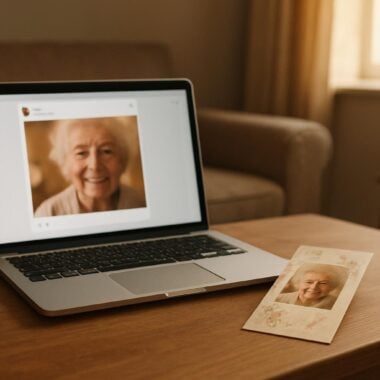
In today’s connected world, the need to share these precious documents with distant relatives, friends who couldn’t attend, or future generations has never been greater. Creating a digital copy of a funeral program, also known as “digitizing a funeral program,” ensures that the memories and love expressed during a memorial service remain accessible and safe, no matter where loved ones are located. A digital archive also provides comfort and connection long after physical copies may have faded or been misplaced.
This article will gently walk you through the steps to digitize a funeral program for sharing, whether you have a simple prayer card, a detailed 16-page booklet, or a celebration of life program. We’ll cover scanning and photographing techniques, tips for creating digital albums, and best practices for sharing files securely and respectfully. Along the way, we’ll offer practical advice, real-world examples, and supportive guidance to help you honor your loved one’s memory with care and confidence.
We know this process is not just technical—it’s emotional. Our goal is to offer both practical steps and a comforting presence as you preserve and share the story of someone special. By the end of this guide, you’ll feel empowered to create a digital keepsake that brings comfort, connection, and lasting remembrance.
Understanding Your Funeral Program: What You’re Preserving

Before you begin digitizing a funeral program, it’s important to reflect on what makes this document meaningful. Funeral programs come in many forms: bi-fold programs for simple services, tri-fold programs with multiple panels, or more elaborate 8-page, 12-page, or even 20-page booklet programs filled with photographs and memories. Each format tells a unique story and represents the effort and love poured into remembering a loved one’s life.
We’re committed to supporting you through this difficult time with meaningful memorial resources. We offer Memorial Bookmarks, Funeral Programs and Prayer Cards to help you create meaningful tributes.
Some families may also have accompanying memorial bookmarks, prayer cards, or thank you cards—each serving as a tangible reminder of support, faith, and community. Understanding the specific types of items you wish to digitize will help you choose the right tools and methods, and ensure that nothing is overlooked in the preservation process.
Consider which elements are most important to capture: Is it the order of service, a favorite poem from our Funeral Poems Collection, a treasured photograph, or handwritten messages from friends? For instance, an angel-themed program might include spiritual artwork, while a celebration of life program could be filled with vibrant stories and candid photos. These details matter, and capturing them in your digital copy preserves not just information but the essence of your loved one’s life.
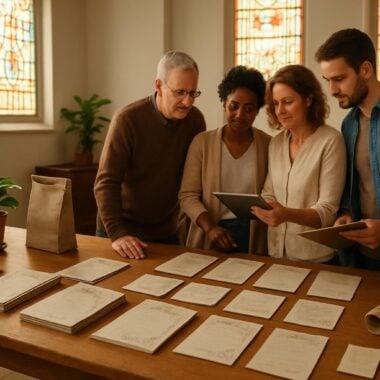
If you have multiple program types or related keepsakes, such as folded memorial cards or large memorial cards, it may be helpful to gather everything together before you begin. This way, you can create a comprehensive digital archive for sharing with family and friends. Custom design services or rush orders are sometimes requested for last-minute additions, so knowing what you have and what you need is key to a complete digital collection.
By taking a moment to appreciate the contents and meaning of your funeral program, you set the stage for a thoughtful and thorough digitization process. This step ensures that your digital copy will truly reflect the love and memories you wish to preserve and share.
Preparing for Digitization: Gathering Tools and Setting Up
Before you begin the process to digitize a funeral program, gathering the right tools and preparing your workspace is essential. This step helps ensure that your digital copy is clear, complete, and respectful of the original’s significance. Start by selecting the funeral program or related items—be it a bi-fold program, 12-page booklet, or memorial bookmarks—you wish to preserve.
For most families, a flatbed scanner is the ideal tool, offering high-resolution images and minimal risk of damage to delicate papers. If a scanner isn’t available, a smartphone or digital camera with a good-quality lens can also produce excellent results. Make sure your device is fully charged and that you have ample storage for multiple images, especially if you’re digitizing several items such as prayer cards, memorial cards, or thank you cards.
Choose a clean, well-lit area to work in. Avoid direct sunlight, which can cause glare or shadows, especially when photographing glossy finishes or laminated programs. Place your program on a neutral background to prevent distractions in the final image. Use clean hands or gloves to prevent smudges, and handle each page gently—particularly if you’re working with older or fragile keepsakes like large memorial cards or folded memorial cards.
If your program is bound, as with many 8-page or 16-page booklet programs, gently open the booklet to the desired page without forcing the binding. For single-sheet formats like tri-fold or bi-fold programs, lay them flat as possible. Consider using small weights at the corners to keep the paper from curling, but be sure these do not obscure any text or images.
Having everything organized before you start helps reduce stress and ensures a smooth process. It also allows you to focus on the emotional significance of the task—honoring your loved one—rather than worrying about technical details. If you need guidance on organizing multiple items for digitization, our team at DisciplePress is always available to offer support or custom design services tailored to your needs.
Scanning Your Funeral Program: Step-by-Step Guidance
When you’re ready to digitize your funeral program, scanning is often the best method for capturing sharp, detailed images. Begin by placing the program face-down on the scanner bed, ensuring it’s aligned with the edges for a straight, accurate scan. For booklet programs such as 8-page, 12-page, or 20-page formats, scan each page individually, turning the pages gently to avoid bending or tearing.
Creating a meaningful tribute for your loved one is an important part of the healing process. We offer Prayer Cards, Memorial Cards and Obituary Templates to help you create meaningful tributes.
Set your scanner to a high resolution—at least 300 dpi (dots per inch) is recommended for preserving fine text and photographs. This ensures your digital copy is crisp and suitable for printing additional copies if needed. If your program includes color photographs or decorative elements, select “color” mode to retain the vibrancy of the original. For black-and-white designs, a grayscale scan can highlight details and reduce file size.
After scanning each page, review the image on your computer screen. Look for clarity, straightness, and completeness—make sure no text is cut off, and that photos are clear. If a scan is blurry or cropped, simply reposition the program and rescan that page. For tri-fold or bi-fold programs, scan both sides to capture all content, including cover artwork and interior tributes.
If your funeral program is larger than your scanner bed, scan each section separately and later piece them together using photo editing software or a free online tool. This step may take a little patience, but it ensures that even oversized programs—sometimes found in celebration of life programs or custom-designed memorial cards—are fully preserved in digital form.
Save each scan as a high-quality JPEG or PDF file. Label each file clearly, including the program type and page number (e.g., “8-page-program-page-1.jpg”), to make organizing and sharing easier later. If you’re unsure about file formats or scanning settings, DisciplePress offers guidance and can even provide digitization advice as part of our custom design services.
Photographing Funeral Programs: Tips for Clear, Respectful Images
If you don’t have access to a scanner, photographing your funeral program is a practical and accessible alternative. Many smartphones today offer high-resolution cameras capable of capturing detailed images of both single-sheet and multi-page programs. To start, ensure your phone’s camera lens is clean—use a microfiber cloth to gently wipe away dust or fingerprints.
Lay the program flat on a clean, neutral surface in a well-lit area. Natural light near a window can work well, but avoid direct sunlight that might cause glare or wash out colors. Position your camera directly above the program, keeping it parallel to the surface to minimize distortion. For larger booklets, such as 12-page or 16-page funeral programs, photograph each page separately, taking care to focus on the text and images.
Hold your device steady—if possible, use a tripod or rest your elbows on a table to reduce shaking. Tap the screen to focus on the program, and use your phone’s gridlines to help keep the image straight. Take multiple shots of each page, then review them for sharpness and clarity. Retake any photos that appear blurry, shadowed, or off-center.
Adjust your camera’s settings to the highest resolution available, ensuring your photos are suitable for both online sharing and future printing. If your program includes glossy paper, tilt the program slightly to minimize reflections, or use indirect lighting to avoid glare. For items like memorial bookmarks or prayer cards, photograph both sides to capture all information and designs.
Once you’ve finished, transfer the images to your computer and label them clearly, such as “bi-fold-cover.jpg” or “memorial-card-front.jpg.” This organization will make creating a digital album or archive much easier. If you need help with photography or file management, our team at DisciplePress is happy to provide gentle support and practical tips to ensure your keepsakes are preserved with care.
Organizing Digital Files: Creating Albums and Archives
After you’ve scanned or photographed your funeral program, organizing your digital files is the next step in ensuring these memories remain accessible and easy to share. Start by creating a dedicated folder on your computer or cloud storage platform—label it with your loved one’s name and the year, such as “Jane Smith Memorial 2024.” This makes it simple to locate and retrieve the files in the future.
Within this main folder, consider creating subfolders for different program types or related items: “8-page program,” “memorial bookmarks,” “prayer cards,” and “thank you cards.” Clear file naming—such as “Page1_JohnDoeFuneral.jpg” or “Bookmark_Back_MarySmith.pdf”—helps you, and anyone you share with, quickly identify each item without confusion.
For families who wish to create a digital album, many free and paid photo book services allow you to arrange images chronologically or thematically. This can be a comforting project, combining scanned pages with additional photos, tributes, or quotes from our Memorial Quotes collection. Digital albums offer a central place for memories and are easy to update as new materials are found or shared by relatives.
If your family is large or spread out, cloud-based storage like Google Drive, Dropbox, or OneDrive allows for private, secure sharing of entire folders. Set permissions to “view only” if you want to prevent accidental changes, or “edit” if you’d like others to contribute their own scans or photographs. For added peace of mind, back up your digital files to an external hard drive or a second cloud account to guard against accidental deletion or device loss.
Organizing your digital archive takes a little time but brings great comfort—especially when combined with other DisciplePress keepsakes like memorial cards, celebration of life programs, or custom-designed memorial bookmarks. An organized digital archive becomes a lasting tribute, always ready to be shared with those who need a gentle reminder of love and connection.
Sharing Digital Copies: Reaching Distant Family and Friends
One of the most meaningful benefits of digitizing a funeral program is the ability to share it with loved ones across distances. Whether someone was unable to attend the service or simply wants a copy to treasure, digital files make it easy to extend comfort and remembrance beyond physical boundaries. Begin by deciding how you’d like to distribute your digital files—via email, cloud sharing, or even social media, depending on your family’s preferences and privacy needs.
Email is a straightforward option for sending a few files to select recipients. Attach high-quality JPEGs or PDFs, and include a gentle message or memory in the body of your email. For larger files or multiple items—such as a full 16-page program and several prayer cards—cloud storage links are often more practical. Set your shared folder to “view only” to maintain the integrity of the documents, and include clear instructions for downloading or printing.
If your family uses messaging apps like WhatsApp or Facebook Messenger, you can send images directly, but keep in mind that these platforms often compress files, reducing image quality. For important keepsakes, always provide a link to the original, high-resolution files stored in the cloud. If you’re creating a digital album, many services offer “shareable links” so relatives can view the album online or order printed copies for themselves.
Some families may wish to share memorial materials more broadly, such as on a private Facebook group or a family website. In these cases, consider privacy settings and who will have access to the files. At DisciplePress, we understand the importance of both accessibility and discretion, and we’re always available to help you navigate secure sharing options or provide rush orders for additional printed keepsakes.
Sharing a digital copy of a funeral program is a gentle way to include everyone in the circle of remembrance, regardless of distance. It also ensures that the story of your loved one remains alive in the hearts of all who knew and cherished them.
Preserving Digital Memories for the Long Term
Once you’ve digitized and shared your funeral program, safeguarding these digital memories for the long term is an act of ongoing love and remembrance. Technology changes quickly, and files can be lost through computer crashes or accidental deletion. To ensure your digital keepsakes endure, take proactive steps to back up and maintain your archive.
Begin by saving your files in multiple locations: your primary computer, an external hard drive, and a reputable cloud storage service. This redundancy protects against hardware failure or data loss. Update your backups regularly, especially if you add new items—perhaps a recently discovered memorial card or a new celebration of life program produced by DisciplePress’s same-day printing services.
Consider converting your files to universally accessible formats such as PDF or high-quality JPEG, which are likely to remain readable for years to come. Avoid relying solely on proprietary formats that may become obsolete. Label your folders and files with clear, descriptive names and include a simple “readme” text file explaining the contents and significance of each item. This is especially helpful for future generations or family members who may discover these archives later.
If you wish to create a more formal digital legacy, some families compile their scanned programs, memorial bookmarks, and prayer cards into an online memorial website or a password-protected family archive. This approach allows for ongoing contributions, such as stories or photos from relatives, and ensures that memories continue to grow and evolve. You can also print new copies as needed, using DisciplePress’s custom design services or upload print-ready artwork for additional flexibility.
Preserving digital memories is a powerful way to honor your loved one’s legacy. By taking thoughtful steps now, you ensure that their story remains accessible, meaningful, and cherished for generations to come.
When to Seek Help: Support and Services for Digital Preservation
While many families find comfort in personally digitizing their funeral programs, there may be times when professional support is needed. If your program is fragile, oversized, or contains valuable handwritten notes, seeking assistance can prevent accidental damage and ensure the highest quality results. Professional scanning services use specialized equipment to handle delicate or historic materials with care and respect.
At DisciplePress, we offer custom design services to help families create, digitize, or enhance funeral programs, memorial cards, and celebration of life booklets. Whether you need guidance on file formats, help organizing a large archive, or rush orders for additional keepsakes, our compassionate team is here to support you every step of the way. We understand that every family’s needs are unique, and we strive to provide personalized solutions that honor your loved one’s memory.
Common scenarios for seeking help include: needing to digitize a large collection of programs from multiple services; requiring high-resolution files suitable for reprinting or memorial posters; or wanting to create a cohesive digital album from various keepsakes, such as prayer cards, bookmarks, and thank you cards. If you’re unsure how to proceed, simply reach out—our turnaround time is designed to accommodate urgent requests, and we’re always available to answer questions or provide gentle reassurance.
For those planning memorial services or supporting grieving families, funeral home partners may also offer digitization or archiving services as part of their package. Ask about available options and whether they partner with trusted providers like DisciplePress for printing and digital preservation. If you have a specific vision in mind, such as incorporating Bible verses, memorial quotes, or elements from our Design Gallery, let us know so we can help bring your tribute to life.
Remember, you don’t have to navigate this journey alone. Professional support can ease the burden, provide peace of mind, and ensure that your digital keepsakes are of the highest quality—ready to comfort and connect your family for years to come.
Related Articles
Conclusion: Continuing the Journey of Remembrance
Digitizing a funeral program is more than a technical task—it’s an act of love, care, and remembrance that bridges distances and generations. By creating a digital copy, you ensure that cherished memories, heartfelt tributes, and the unique story of your loved one remain accessible and safe, no matter where life takes your family.
We hope this guide has provided gentle, practical steps to help you scan or photograph funeral programs, organize digital archives, and share keepsakes with those who need comfort most. Whether you’re preserving a simple bi-fold program, a detailed 16-page booklet, or treasured prayer cards and memorial bookmarks, each digital file becomes a part of your family’s enduring legacy.
If you need help along the way, remember that DisciplePress offers a range of compassionate services—from custom design services and same-day printing to guidance on scanning, file formats, and memorial album creation. Our commitment is to walk beside you, offering both technical expertise and heartfelt support during this tender time.
As you continue the journey of remembrance, know that each step you take honors the life and love you hold dear. For additional resources, including obituary templates, our Bible Verses Collection, or to contact us for personal assistance, please explore our website or reach out at any time. You are not alone, and your efforts to preserve and share memories are a beautiful tribute that will bring comfort and connection for years to come. Learn more about DisciplePress and our commitment to serving families. Browse our design gallery for inspiration. For personalized assistance, please contact us.