 Free Shipping Over $50
  888-432-8363


 Obituary/Programs
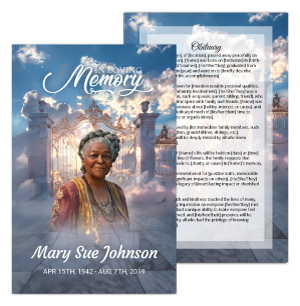 No-Fold Memorial Programs
 4 Page Funeral Programs
 8 Page Memorial Programs
 12 Page Funeral Programs
 16 Page Funeral Programs
 20 Page Funeral Programs
 Tri-Fold Funeral Programs
 Complete Memorial Packages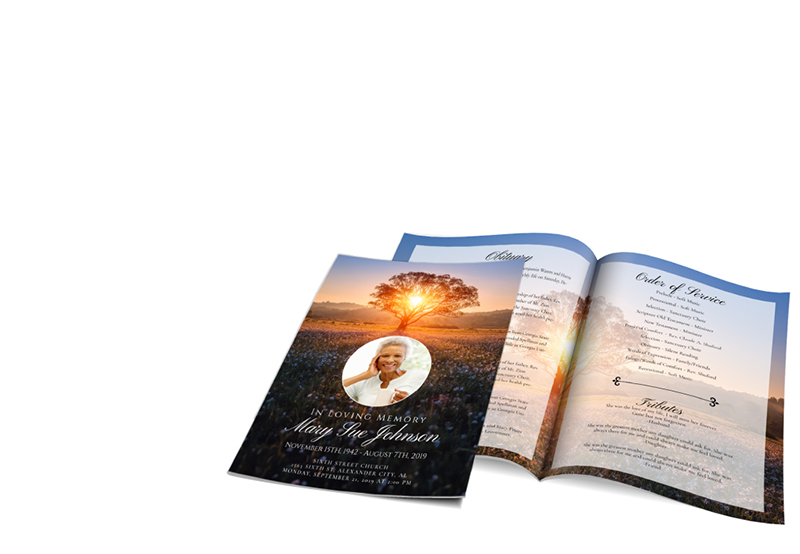
 Cards & Bookmarks
 Saint Prayer Cards
 Folded Memorial Cards
 Folded Holy Cards
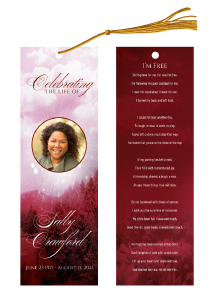 Memorial Bookmarks
 Thank You Cards
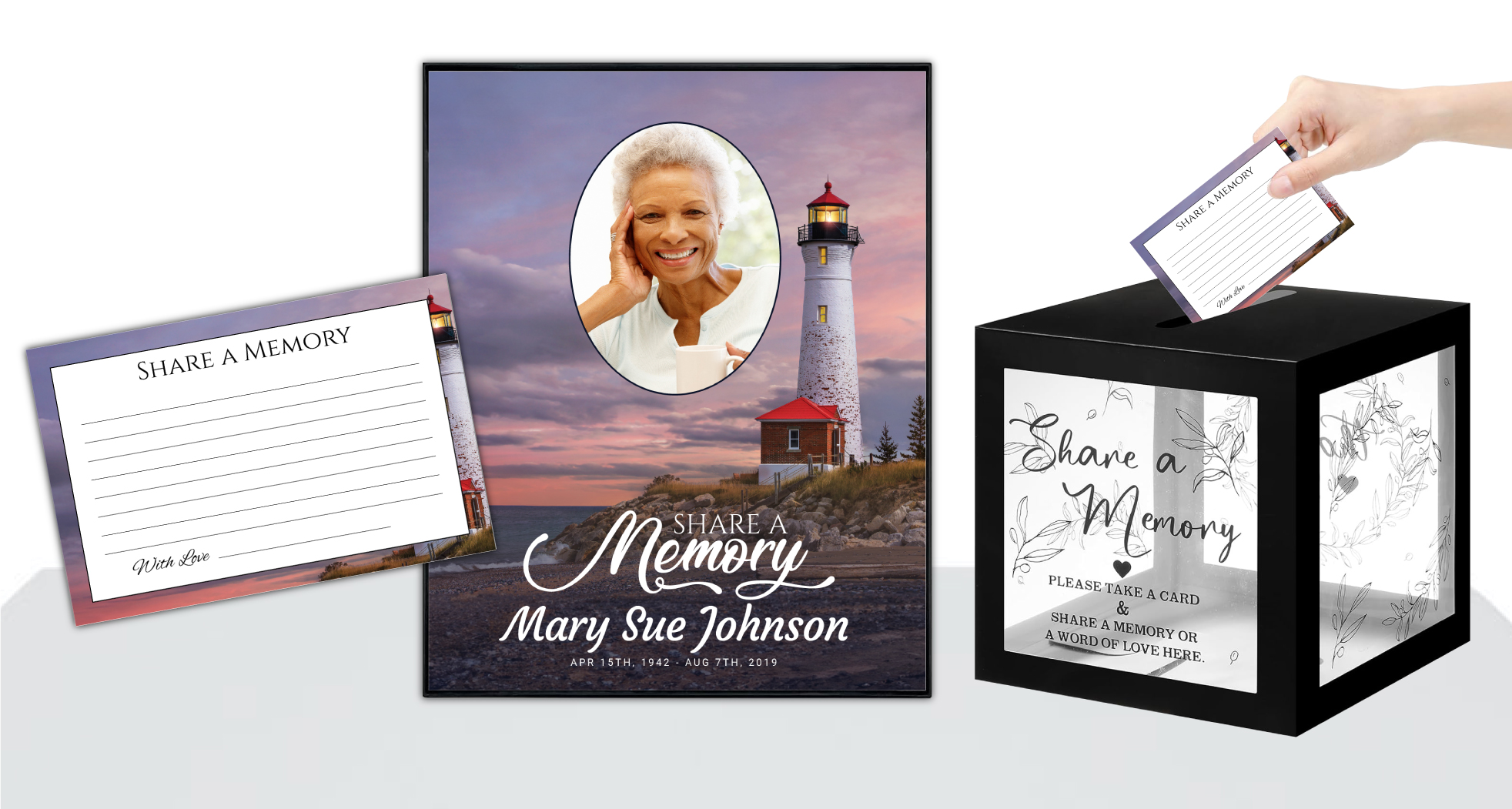 Share-A-Memory Cards
 Memorial Magnets
 Memorial Posters
 Guest Books
 Slide Shows
 Memorial Fans
 Death Announcements
 Take Away Keepsakes
 Church Products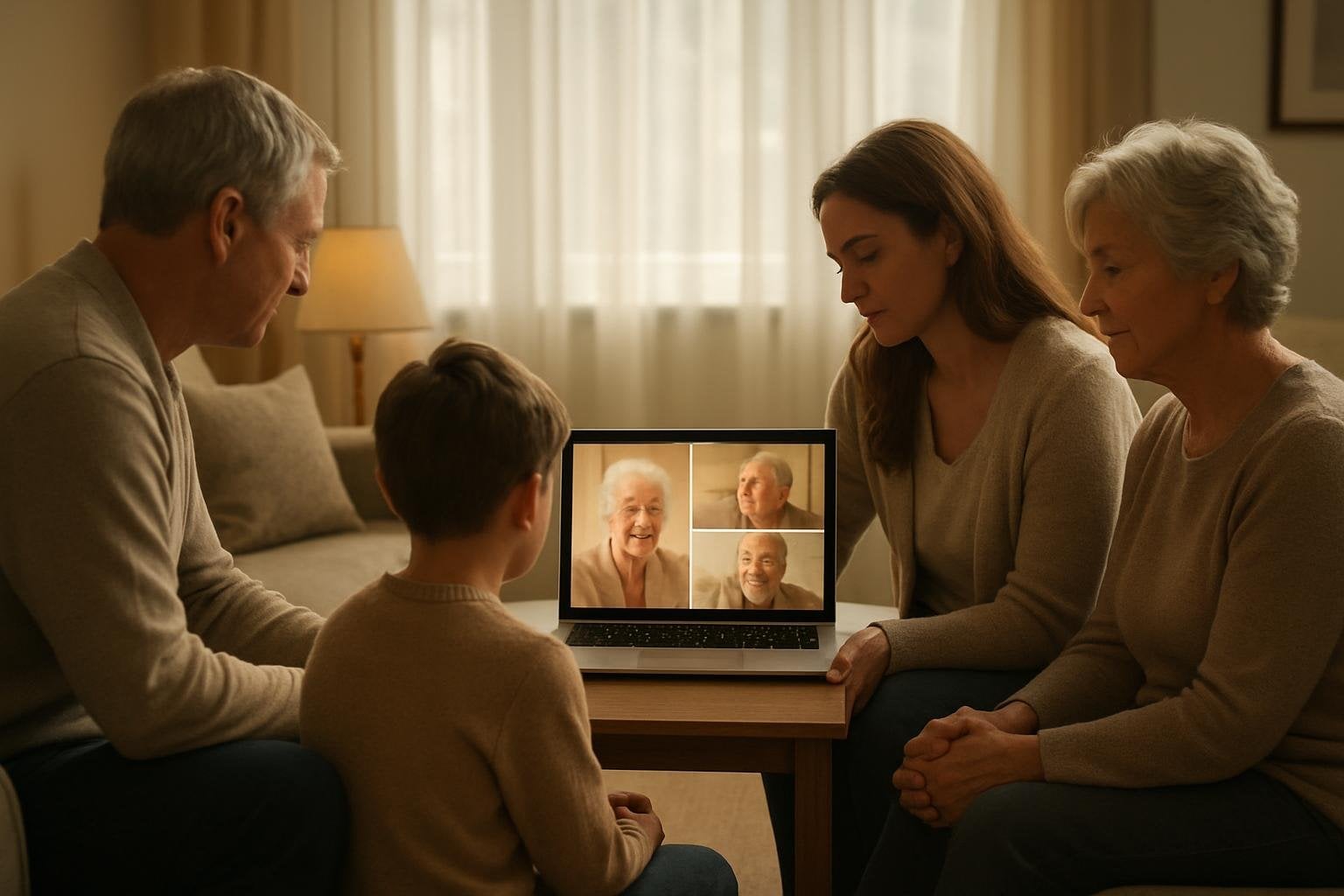
Introduction: Embracing Memories Through a Memorial Slideshow
Losing someone dear is one of life’s most profound challenges. In the midst of grief, finding ways to honor and remember a loved one can provide comfort and healing. Creating a memorial slideshow is a heartfelt way to celebrate someone’s life, weaving together cherished photos and meaningful music to tell the story of a life well-lived. For many families, this becomes a treasured keepsake, sparking fond memories and shared moments during a memorial service or celebration of life.
If you’re wondering how to make a memorial slideshow, you’re not alone. Many people feel overwhelmed by the technical and emotional aspects of this process, especially when emotions are raw. At DisciplePress, we understand the importance of preserving memories in a meaningful, beautiful way. Our aim is to support you every step of the journey, offering both practical guidance and compassionate encouragement.
This article will guide you through the process of creating a memorial slideshow with photos and music. You’ll find step-by-step instructions, tips for selecting the perfect images and songs, and advice on using your slideshow alongside printed items such as bi-fold programs, memorial bookmarks, and prayer cards. We will also address common concerns, like handling sensitive photos or tight timelines, and share ideas for making your tribute truly personal.
Above all, remember that this process is about celebrating your loved one’s unique story. It’s a way to bring comfort, connection, and hope to those gathered in remembrance. Whether you’re creating a slideshow for a traditional funeral, a celebration of life, or a private family gathering, we’re here to help you craft a tribute that honors the memories you hold dear.
Gathering and Selecting Photos: Honoring Every Chapter

The first step in making a memorial slideshow is gathering photographs that reflect your loved one’s journey. This process can be deeply emotional as you revisit moments from childhood, family milestones, celebrations, and quiet, everyday joys. Begin by reaching out to family members and friends, inviting them to share their favorite images. This not only enriches your collection but also allows others to participate in the act of remembering.
DisciplePress is dedicated to helping families honor their loved ones with dignity and care. We offer Memorial Bookmarks, Funeral Programs and Prayer Cards to help you create meaningful tributes.
When selecting photos, aim for a balance of life stages. Include baby pictures, school portraits, wedding snapshots, vacation memories, and photos with grandchildren or close friends. Don’t shy away from candid moments or “imperfect” photos—sometimes a blurred image or a spontaneous laugh captures the true spirit of your loved one. Consider organizing pictures chronologically or by theme (family, hobbies, milestones) for a cohesive narrative.
Be mindful of sensitive photos that may evoke strong emotions or memories for viewers. It’s okay to gently ask family members for their thoughts on including certain images, especially those depicting illness or difficult times. Remember, the goal is to honor your loved one in a way that feels uplifting and respectful to all.
Digitize physical photos by scanning them or taking high-resolution pictures with your phone. Keep in mind that clear, high-quality images will look best in your slideshow. If you encounter damaged or faded photos, many online services or local print shops can help with restoration. As you gather images, save them in a dedicated folder on your computer for easy access and organization.
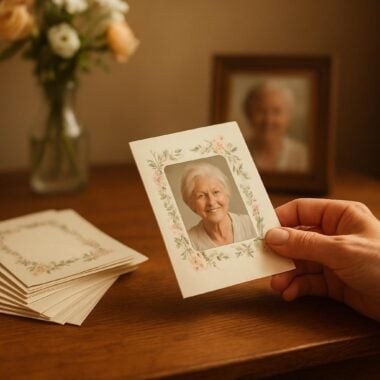
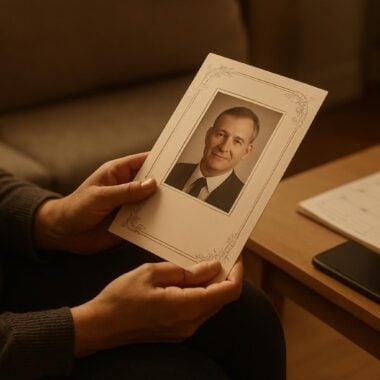
Finally, consider how these photos might also be used in printed keepsakes. For example, a favorite portrait can be featured on a memorial bookmark, or a collage of family moments may be included in bi-fold or 8-page programs. This creates a cohesive tribute that extends beyond the digital slideshow and into tangible mementos.
Choosing Meaningful Music: Setting the Tone With Sound
Music has a unique power to evoke memories, comfort hearts, and express what words sometimes cannot. Selecting the right songs for your memorial slideshow is a personal decision, and there are many ways to approach it. As you consider how to make a memorial slideshow that truly honors your loved one, reflect on the music they cherished or tunes that remind you of special times together.
Popular choices often include favorite hymns, classical pieces, or songs with lyrics that resonate with your loved one’s story. For a faith-based service, you might choose a beloved gospel song or instrumental hymn. For a celebration of life, consider feel-good tracks, folk music, or songs that reflect your loved one’s passions—perhaps a jazz standard or a classic from their youth.
Aim for three to five songs if your slideshow is around 8-10 minutes long. If you have a larger collection of photos, you may need additional tracks. It’s best to keep the music varied, with both uplifting and reflective moments. Be mindful of copyright restrictions if you plan to share the slideshow online or through social media; many streaming platforms offer royalty-free tracks suitable for memorials.
When arranging the music, consider matching specific songs to certain segments of the slideshow. For example, an upbeat tune can accompany childhood photos, while a softer ballad might play during images from later years. Fade in and out between songs for a seamless listening experience. Many slideshow software programs offer simple tools for editing music and adjusting volume.
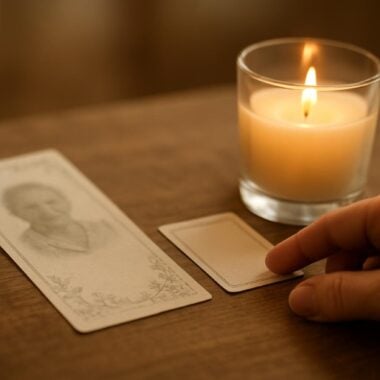
If you’re planning printed keepsakes, such as prayer cards or memorial cards, consider including a verse from the featured song or the song’s title and artist. This can create a meaningful connection between the slideshow and the printed tributes offered to guests.
Organizing and Editing the Slideshow: Crafting a Flowing Narrative
Once you’ve gathered your photos and chosen meaningful music, it’s time to organize and edit your memorial slideshow. Start by arranging the images in a way that tells a story—chronologically, thematically, or grouped by significant relationships. This structure guides viewers on an emotional journey, allowing them to share in both joyful and poignant moments.
Creating a meaningful tribute for your loved one is an important part of the healing process. We offer Prayer Cards, Memorial Cards and Celebration of Life to help you create meaningful tributes.
Many people find it helpful to create sections within the slideshow, such as “Early Years,” “Family and Friends,” and “Passions and Achievements.” For each segment, select music that matches the mood. Adjust the order of images as needed to ensure a smooth transition between themes. Most slideshow programs allow you to drag and drop photos, making it easy to experiment with different arrangements.
As you build your slideshow, consider the pacing. Allow 4-6 seconds per photo so viewers can fully absorb each image. Add gentle transitions—such as fades, dissolves, or slides—to maintain a sense of flow without distracting from the content. You may also wish to add brief captions to some photos, providing context or sharing a favorite memory.
Editing can be an emotional process, so take breaks as needed. If you’re working with other family members, invite them to review the slideshow and suggest changes. This collaborative approach can help ensure the tribute reflects the wishes and memories of all who loved the person you’re honoring.
Finally, think about how your slideshow will be shared. Will it be played continuously during a visitation, or as a centerpiece during the service? If you’re including the slideshow as part of a larger tribute, such as alongside printed funeral programs, coordinate the content for a unified experience. For example, a photo featured on the cover of an 8-page program can also be highlighted at the beginning or end of the slideshow.
Using Technology: Tools and Tips for Creating a Seamless Slideshow
Navigating technology can be daunting, especially when emotions are high. Fortunately, there are many user-friendly tools available to help you create a beautiful memorial slideshow with minimal stress. Programs like PowerPoint, Google Slides, iMovie, and specialized slideshow software offer templates and easy drag-and-drop features for assembling your images and music.
Start by selecting a program that feels comfortable for your skill level. Many online platforms offer free trials or basic versions, while more advanced options come with additional features like animated transitions or video clips. If you’re short on time, look for programs that offer pre-made templates specifically designed for memorials.
Import your photos into the program, arranging them according to your chosen narrative. Add your selected music tracks, adjusting the timing so that the length of the slideshow matches the duration of the songs. Most programs allow you to preview your work before finalizing it, so you can make any necessary adjustments to pacing or transitions.
If you need to collaborate with others, consider using cloud-based tools that allow multiple people to view and edit the slideshow. This can be especially helpful if family members are contributing photos or input from different locations. Save your work frequently, and keep backup copies on a USB drive or in cloud storage to prevent loss.
For those facing tight deadlines, DisciplePress offers custom design services and rush orders for printed items like funeral programs and memorial bookmarks. While we currently focus on high-quality printed tributes, many families find it helpful to coordinate their slideshow timeline with our turnaround time for printed materials, ensuring a seamless, integrated memorial experience.
Personalizing Your Tribute: Adding Touches of Love and Meaning
Personalization is at the heart of any meaningful memorial. As you create your slideshow, consider incorporating elements that reflect your loved one’s unique personality, beliefs, and relationships. These small touches can transform your tribute from a simple montage into a heartfelt celebration of life.
One way to personalize your memorial slideshow is by including quotes, Bible verses, or short poems that were significant to your loved one. These can be added as text slides between photos or overlaid on meaningful images. For inspiration, DisciplePress offers a curated Bible Verses Collection and a Funeral Poems Collection that you can reference for comforting words.
You might also include video clips, voice recordings, or messages from family and friends. A brief audio message from a grandchild, a favorite saying, or a snippet from a wedding video can add depth and intimacy to your slideshow. Be sure to test audio quality and volume levels to ensure a smooth presentation.
If your loved one was part of a particular community or faith, consider integrating symbols or colors that hold special meaning. For example, angel-themed programs or nature-themed funeral programs can be complemented by matching motifs in your slideshow’s background or transitions. Include images of cherished hobbies, achievements, or community service to highlight the impact your loved one had on others.
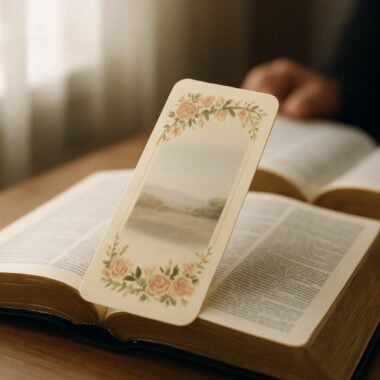
Finally, think about how your slideshow can be paired with printed keepsakes. A favorite quote from the slideshow can be printed on memorial bookmarks, or a meaningful photo can be featured on thank you cards distributed to guests. This creates a unified tribute that resonates both during the service and in the days that follow.
Coordinating the Slideshow With Your Memorial Service
Integrating your memorial slideshow into the service requires thoughtful planning and communication. Begin by discussing your plans with the funeral home or service venue, ensuring they have the necessary equipment (such as a projector, screen, or sound system) to display your slideshow smoothly. Arrive early on the day of the service to test the setup and make any necessary adjustments.
Consider the timing of your slideshow within the order of service. Many families choose to play the slideshow during the visitation, as guests arrive, or as a dedicated segment accompanied by soft music. For more formal services, the slideshow can be introduced with a brief reflection or prayer, perhaps using a prayer card from DisciplePress as a guide for guests.
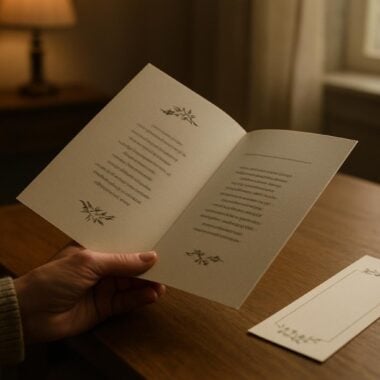
If your service includes printed funeral programs—such as bi-fold programs, tri-fold programs, or 12-page programs—coordinate the content with your slideshow. For example, feature a “Photo Memories” section in the program that mirrors highlights from the slideshow, or include lyrics from a featured song in both the printed materials and the digital presentation.
For larger gatherings or celebrations of life, consider providing guests with keepsakes like memorial bookmarks or folded memorial cards that reflect images or quotes from the slideshow. This not only enhances the service but also offers attendees a tangible reminder to take home.
If time is short, DisciplePress offers same-day printing and rush orders for many of our products, helping you meet tight deadlines without sacrificing quality or personalization. Our team is always available to answer questions and provide support as you coordinate your memorial tribute.
Preserving and Sharing the Slideshow: Keeping Memories Alive
After the service, many families wish to preserve and share the memorial slideshow as a lasting tribute. Save the final version of your slideshow in multiple formats, such as MP4 or MOV, ensuring it can be easily played on a variety of devices. Make backup copies on USB drives, DVDs, or cloud storage for safekeeping.
Consider sharing the slideshow with family and friends who were unable to attend the service in person. Platforms like YouTube, Vimeo, or private family websites allow you to upload and share the video securely. For those who prefer physical keepsakes, some families choose to distribute copies of the slideshow on DVD or USB alongside memorial cards or thank you cards.
If you’ve created accompanying printed materials—such as 16-page programs, celebration of life programs, or personalized memorial bookmarks—consider packaging these with a copy of the slideshow as a thoughtful gift for close family members. This provides a tangible connection to the memories shared during the service.
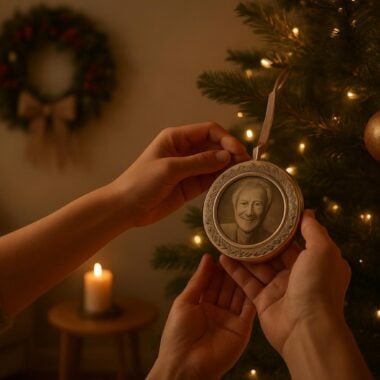
For ongoing remembrance, create a memory box or display that includes the slideshow, printed keepsakes, and other mementos. You might also use images from the slideshow to create memorial posters, candles, or ornaments, helping keep your loved one’s spirit present during holidays and anniversaries.
If you need additional copies of printed items, or wish to create new keepsakes, DisciplePress offers a range of options with flexible turnaround times. We’re here to support you as you continue to honor your loved one’s legacy in the months and years to come.
Related Articles
Conclusion: Honoring Life and Love Through Memorial Slideshows
Creating a memorial slideshow is a deeply personal and meaningful journey. As you gather photos, select music, and weave together the story of your loved one’s life, remember that this process is not just about technology—it’s about love, remembrance, and healing. Each step, from choosing images to coordinating with printed keepsakes, is an act of devotion that brings comfort to all who mourn.
We encourage you to take your time, invite the support of family and friends, and trust your instincts as you craft a tribute that truly reflects the person you cherish. Should you need assistance with printed programs—be it bi-fold, tri-fold, or 8-page formats—or wish to create matching bookmarks or prayer cards, DisciplePress offers compassionate service and a range of options to meet your needs.
If you’re facing time constraints or have questions about design, our custom design services and same-day printing options are available to ensure your tribute is ready when you need it. Reach out to us for guidance, or explore our Design Gallery for inspiration from families we’ve helped across the country.
Most importantly, know that you are not alone on this journey. Your efforts to honor and remember your loved one will create lasting comfort for yourself and others. We hope this guide to how to make a memorial slideshow with photos and music has been helpful, and we are here to support you every step of the way.
May your tribute bring solace, spark memories, and celebrate the enduring love that lives on in your heart. For further assistance or to order companion keepsakes, please contact us—it is our honor to serve you during this tender time.
Learn more about DisciplePress and our commitment to serving families. For personalized assistance, please contact us. We offer rush orders and same-day printing for urgent needs.