 Free Shipping Over $50
  888-432-8363


 Obituary/Programs
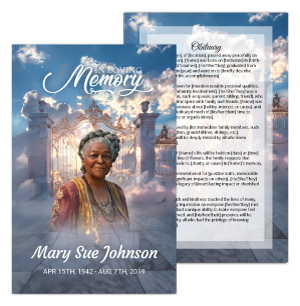 No-Fold Memorial Programs
 4 Page Funeral Programs
 8 Page Memorial Programs
 12 Page Funeral Programs
 16 Page Funeral Programs
 20 Page Funeral Programs
 Tri-Fold Funeral Programs
 Complete Memorial Packages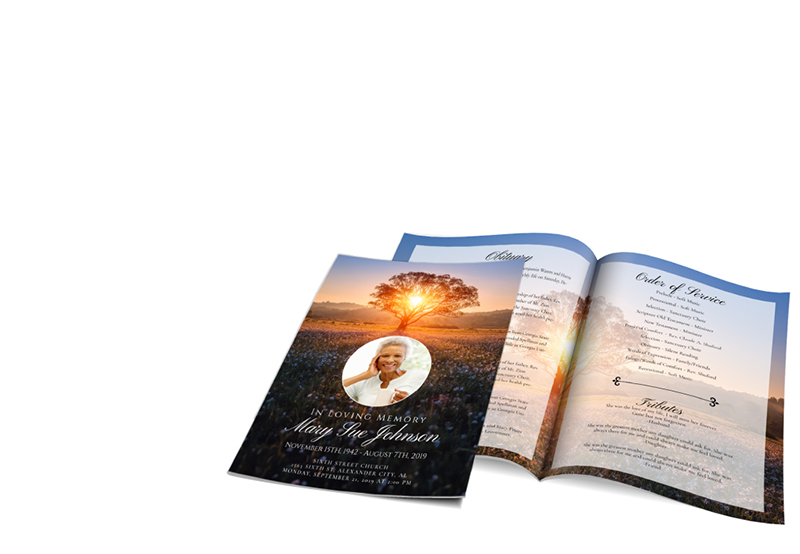
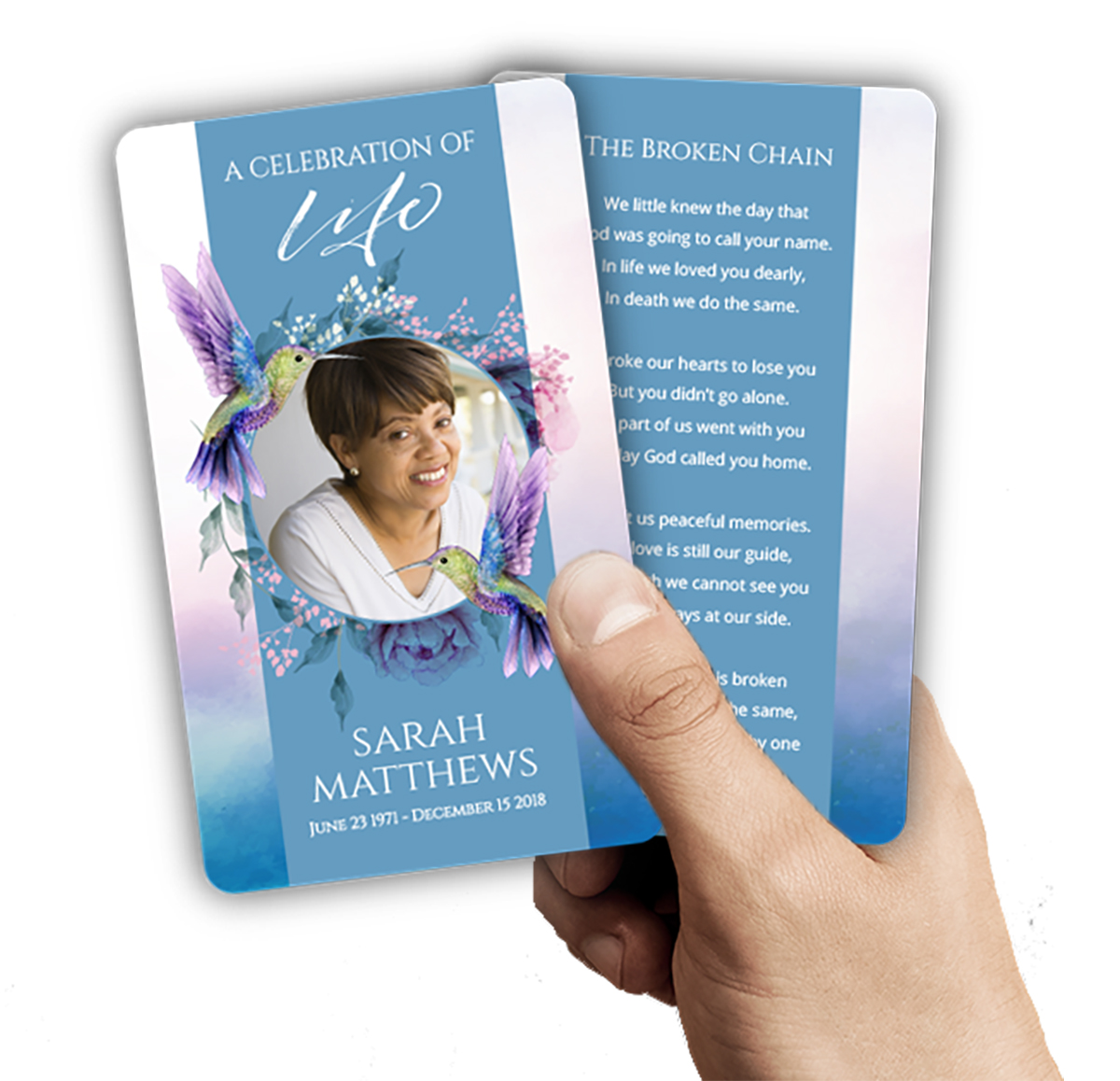 Cards & Bookmarks
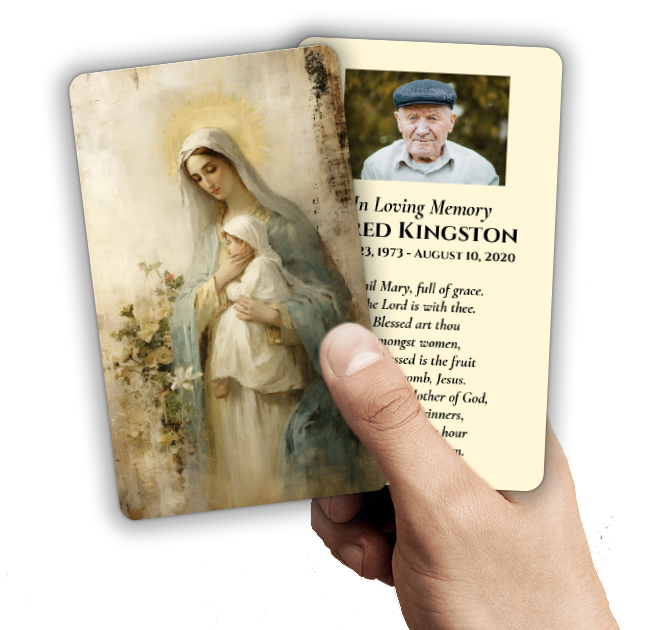 Saint Prayer Cards
 Folded Memorial Cards
 Folded Holy Cards
 Memorial Bookmarks
 Thank You Cards
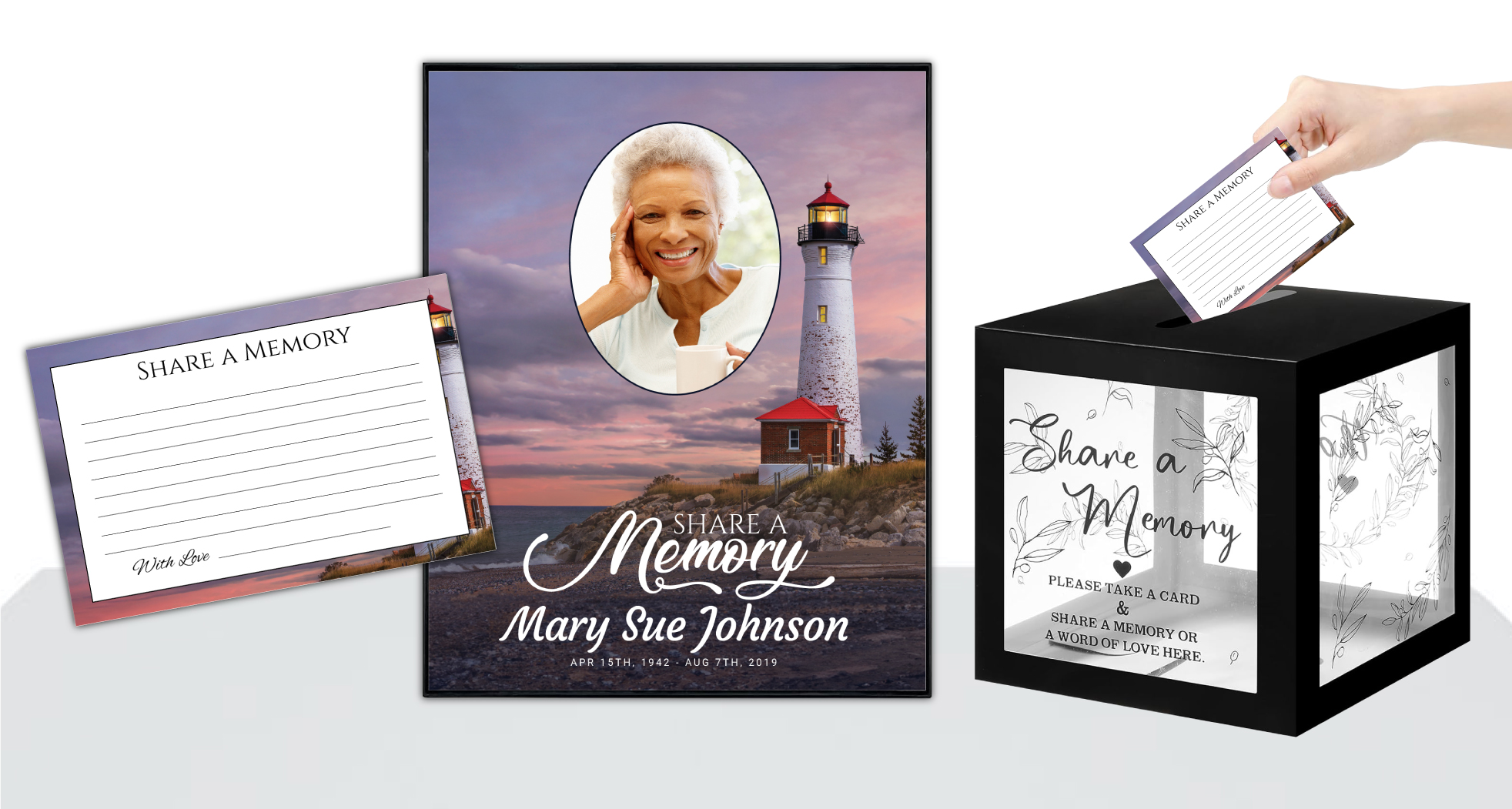 Share-A-Memory Cards
 Memorial Magnets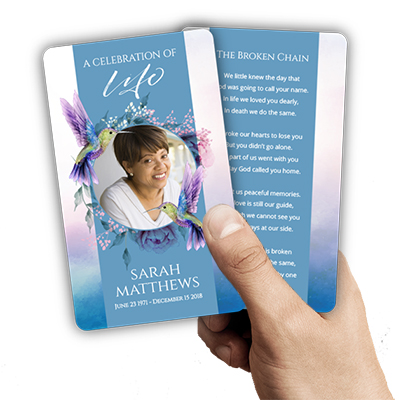
 Memorial Posters
 Guest Books
 Slide Shows
 Memorial Fans
 Death Announcements
 Take Away Keepsakes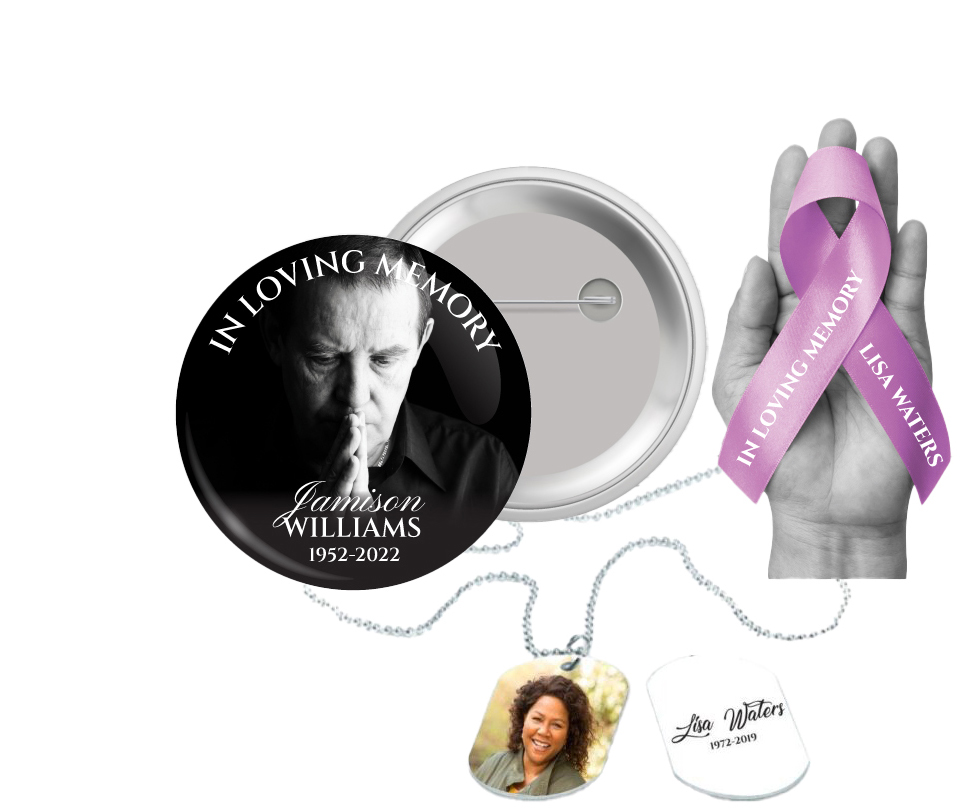
 Church Products
Finding Comfort in Remembrance: The Importance of Playing a Memorial Slideshow at a Funeral
Losing a loved one is an experience filled with profound grief, reflection, and the need to honor their life in a meaningful way. If you are reading this, you may be planning a memorial service or funeral, and searching for ways to bring together cherished memories for your family and community. Creating and sharing a memorial slideshow can be a deeply comforting tribute, providing both solace and connection during a time of loss. Yet, the practicalities of how to play a memorial slideshow at a funeral can feel overwhelming when emotions are already running high.
We understand that every detail matters, from the selection of bi-fold programs and prayer cards to the moments when memories are shared visually and aloud. The process of presenting a memorial slideshow—ensuring it plays smoothly, looks beautiful, and is accessible to all guests—can seem daunting, especially if you’re unfamiliar with the technical aspects or the logistics of a church or funeral home setting. Our goal is to gently guide you through these steps, so you can focus on the love and remembrance at the heart of your gathering.
This article is designed to offer comfort and clarity, detailing the practical steps and thoughtful considerations for playing a memorial slideshow at a church or funeral home. We’ll cover everything from choosing the right equipment and file formats to working with venue staff and troubleshooting common issues. By the end, you’ll feel equipped and reassured, knowing you can honor your loved one’s memory with a seamless, heartfelt presentation.
As you read, remember that you are not alone in this journey. We at DisciplePress are here to support you every step of the way, whether you need help with custom design services, selecting memorial bookmarks, or ensuring your slideshow is ready for your loved one’s celebration of life. Let us walk with you, offering both expertise and empathy in these tender moments.
Understanding Venue Capabilities: What to Expect at Churches and Funeral Homes
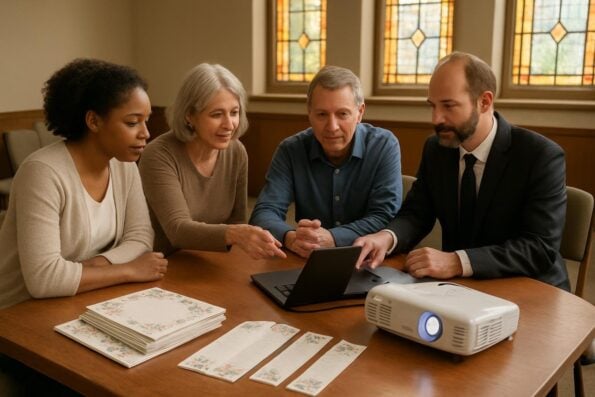
Every church and funeral home has its own unique layout, resources, and traditions. Before planning how to play a memorial slideshow at a funeral, it’s essential to understand the technical capabilities and policies of your chosen venue. Some locations are equipped with state-of-the-art audiovisual systems, while others may require you to bring your own equipment or arrange for special setup.
Every memorial should reflect the unique life and legacy of your loved one. We offer Memorial Bookmarks, Funeral Programs and Prayer Cards to help you create meaningful tributes.
Start by contacting the venue coordinator or funeral director. Ask about available equipment such as projectors, televisions, sound systems, and Wi-Fi access. Be specific: inquire if they support HDMI or VGA connections, whether their screens are fixed or portable, and if there’s staff on hand to assist with setup. Many venues also have policies regarding outside media, so clarify if you need to submit your slideshow file in advance for compatibility checks.
It’s also wise to visit the site ahead of time, if possible. Seeing the space allows you to envision where guests will be seated and where the screen will be visible. This can help you make decisions about the format and length of your slideshow, as well as how it will fit into the order of service. If you’re working with a church that offers faith-based programs, such as bi-fold or tri-fold programs, ask how the slideshow can be integrated with other elements like prayers, hymns, or readings.
Don’t hesitate to request a brief demonstration of the AV equipment. Familiarize yourself with remote controls, volume settings, and how to switch between devices. If the venue doesn’t provide technical support, consider enlisting a family member or friend with experience, or ask about recommended local AV technicians. This preparation can ease anxiety and ensure your tribute proceeds with grace and dignity.
Selecting the Right Equipment: Projectors, TVs, and Sound Systems
Choosing the appropriate equipment is a critical step in ensuring your memorial slideshow is both impactful and accessible. While many modern churches and funeral homes have built-in systems, it’s important to know your options and limitations. The choice between a projector and a television often depends on the size of the space and the number of attendees. Projectors are ideal for larger congregations, allowing everyone to view the slideshow comfortably, especially when paired with a large screen or blank wall.
For more intimate gatherings, such as a chapel service or private room, a large-screen TV may suffice. These are often easier to set up and require fewer cables. Always check that the equipment supports the file format of your slideshow—common connections include HDMI and USB ports. Bring all necessary adapters, especially if your slideshow is on a newer laptop or tablet that may only have USB-C outputs.
Don’t overlook the sound system. If your slideshow includes music or spoken tributes, test the audio in advance. Some venues integrate sound through the same system as their microphone, while others require a separate connection. Consider creating a backup copy of your slideshow on a USB drive, and bring a portable speaker as an emergency option if the venue’s sound system is unavailable or incompatible.
Real-world scenario: Sarah, planning her father’s celebration of life, discovered her chosen funeral home had a projector but no laptop. By arranging to bring her own device and a backup USB, she ensured the slideshow would play smoothly, even when the venue’s Wi-Fi failed. Thoughtful preparation can prevent last-minute stress and allow you to focus on honoring your loved one.
Preparing and Formatting Your Slideshow: Ensuring Compatibility
When considering how to play a memorial slideshow at a funeral, file format and compatibility are paramount. Most venues prefer universal formats such as MP4 for video slideshows or PowerPoint (PPTX) for presentations. Check with staff in advance to confirm their preferred file types and software versions. Export your slideshow in the highest possible resolution that is still manageable for the equipment—standard HD (1920×1080) usually suffices for most venues.
At DisciplePress, we understand the importance of honoring your loved one’s memory. We offer Prayer Cards, Memorial Cards and Celebration of Life to help you create meaningful tributes.
To avoid technical hiccups, create copies of your slideshow in several formats if possible (e.g., both MP4 and PPTX). Save these to multiple media: a USB flash drive, an external hard drive, and a cloud storage service like Google Drive. Label your files clearly with the name of your loved one and the date of the service to minimize confusion during setup. If you’re also distributing memorial cards or celebration of life programs, consider matching the slideshow’s theme to these printed tributes for a cohesive aesthetic.
Test your slideshow on different devices before the service. Play it on both Windows and Mac computers, and if possible, on a smart TV or projector. Watch for issues like missing fonts, cut-off images, or audio that doesn’t sync. If your slideshow includes sensitive or private photos, ensure all files are properly secured and only accessible to those involved in the service.
For families utilizing DisciplePress custom design services, our team can assist in converting your slideshow to the appropriate format and offer guidance on integrating visual themes that match your chosen prayer cards, bookmarks, or bi-fold programs. This ensures a seamless experience and a beautiful, unified tribute throughout the service.
Coordinating with Staff and Volunteers: Communication Is Key
Successful memorial slideshow presentations rely on clear, compassionate communication with everyone involved. Early in your planning, share your intentions to play a slideshow with the venue coordinator, officiant, or funeral director. Provide them with a copy of your slideshow at least a day before the service, allowing ample time for compatibility checks and rehearsals. This is especially important if you’ve requested rush orders or same-day printing of related materials like funeral programs or memorial bookmarks.
Assign a point person (family member, friend, or staff member) to oversee the technical aspects during the service. This individual should know where the equipment is, how to operate it, and whom to contact if issues arise. If you are using custom programs—such as tri-fold programs or 8-page programs—coordinate their distribution so that guests have all tributes in hand before the slideshow begins.
Discuss the order of service with all participants. Will the slideshow play before the ceremony begins, as a transition between speakers, or as a closing tribute? Timing is crucial, especially if you have live or streamed components. For services with multiple tributes, such as readings from our Bible Verses Collection or a display of memorial cards, ensure transitions are smooth and respectful.
Practice makes perfect. Arrange a full run-through of the slideshow at the venue, including audio and video cues. Invite staff or volunteers to watch and offer feedback. This rehearsal can reveal issues with lighting, screen visibility, or sound, allowing for calm adjustments before guests arrive. Your care in these details will create a comforting, memorable experience for all who gather.
Setting Up on the Day: Step-by-Step Logistics for a Seamless Presentation
The day of a memorial service is often filled with emotion and last-minute details. Arriving early is a gift both to yourself and to those you are honoring. Set aside at least an hour before guests arrive for setup and testing. Bring all necessary equipment—laptop, USB drive, charging cables, adapters, and a backup device if possible. If you’ve ordered funeral programs or keepsakes like memorial bookmarks, arrange them neatly at the entrance or on reserved seats for family members.
Begin by connecting your device to the venue’s projector or TV. Check that the slideshow displays correctly on the screen and that all images and text are visible from various parts of the room. Adjust the lighting as needed; dim lights can enhance the viewing experience, but ensure pathways remain safely lit for guests. Test the sound system by playing a short segment of your slideshow, confirming that music and narration are clear and at an appropriate volume.
Designate someone to operate the slideshow remote or advance slides if necessary. If your presentation is set to play automatically, double-check the timing to ensure it matches the service schedule. For families who have included our tri-fold programs or 16-page programs in their service, consider having an usher or volunteer distribute these as guests settle in, fostering a moment of quiet reflection before the slideshow begins.
Finally, keep a calm, flexible mindset. Even with the best planning, unexpected issues can occur. Have a backup plan, such as playing the slideshow directly from a portable device or having a printed copy of key photos available. Your resilience and thoughtfulness will be felt by every guest, offering reassurance in a time of uncertainty.
Troubleshooting Common Issues: Solutions for a Stress-Free Tribute
Technical glitches can cause anxiety, but most problems can be resolved quickly with calm preparation. One common issue is file incompatibility—always bring your slideshow in multiple formats (such as MP4 and PPTX) and test them on the venue’s equipment. If your file won’t play, try opening it on a different device or using an alternative media player. Carrying a USB drive with several versions can be a lifesaver.
Connectivity problems, such as missing cables or adapters, are also frequent. Pack a small kit with extra HDMI, VGA, and audio cables, as well as a universal adapter for laptops and tablets. If you’re using a MacBook, include a USB-C to HDMI adapter. For families utilizing rush orders or same-day printing for funeral programs or keepsakes, double-check that all materials arrive on time and are ready for display.
Audio issues often stem from muted devices or misconfigured sound settings. Before the service, play a short video clip to confirm the sound is working. Check both your device and the venue’s soundboard for volume controls. If the room is large, consider using a portable speaker to supplement the system, ensuring all guests hear the music and narration clearly.
Should the equipment fail entirely, remain composed. Offer guests a moment to reflect with printed memorial cards or prayer cards while you troubleshoot. Sometimes, a simple restart or switching to a backup device solves the problem. Remember, your efforts are a testament to your love and care, and guests will appreciate your perseverance in creating a meaningful tribute.
Enhancing the Atmosphere: Integrating Slideshow with Memorial Programs and Keepsakes
A memorial slideshow is more than a series of images—it’s a living tapestry of memories, best experienced when woven with other elements of the service. Consider how your slideshow can complement printed tributes such as bi-fold programs, celebration of life programs, or memorial bookmarks. Matching color palettes, fonts, or themes can create a sense of unity that comforts guests and honors your loved one’s unique spirit.
For religious services, incorporating faith-based programs alongside your slideshow can underscore spiritual themes and provide moments of reflection. Displaying prayer cards or memorial cards at the entrance invites guests to engage with the tribute on a personal level, both visually and emotionally. Some families choose to create a memory table, combining printed photos, bookmarks, and a digital slideshow as a focal point for sharing stories and support.
If you have ordered custom design services through DisciplePress, ask about integrating design elements from your slideshow into your printed materials. For example, a favorite quote or background image from your presentation can be featured on your 8-page or 12-page programs, offering continuity and deeper resonance for attendees.
After the service, consider sharing a copy of the slideshow with family and friends, either digitally or on a keepsake USB drive. This allows loved ones who could not attend in person to participate in the remembrance. By thoughtfully blending digital and printed tributes, you create a holistic, lasting celebration of a life well lived.
Related Articles
Conclusion: Honoring Your Loved One with Confidence and Compassion
Playing a memorial slideshow at a church or funeral home is a powerful way to celebrate a loved one’s legacy, offering comfort, connection, and a shared space for memories. With careful planning—understanding your venue, selecting the right equipment, preparing your slideshow, and coordinating with staff—you can ensure a seamless and heartfelt presentation that honors your loved one’s unique journey.
Remember, you are not alone in this process. Our team at DisciplePress stands ready to help, whether you need assistance with custom design services, selecting the perfect bi-fold or tri-fold programs, or ensuring your keepsakes like memorial bookmarks and prayer cards are ready on time. We offer flexible turnaround times, including same-day printing and rush orders, so you can focus on what matters most: cherishing and sharing your memories.
If you have questions or need support at any stage, please reach out to us. Explore our full range of products—from celebration of life programs to 20-page programs and memorial cards—designed to help you honor your loved one with grace and dignity. Our resources, including the Bible Verses Collection and Memorial Quotes, can add meaning and comfort to your tributes.
In times of loss, creating space for remembrance and connection is a profound act of love. By thoughtfully preparing your memorial slideshow and integrating it with other tributes, you create a legacy of stories and emotions that will offer solace for years to come. We are here to support you, every step of the way, with compassion and care. Learn more about DisciplePress and our commitment to serving families. For personalized assistance, please contact us. We offer rush orders and same-day printing for urgent needs.