 Free Shipping Over $50
  888-432-8363


 Obituary/Programs
 No-Fold Memorial Programs
 4 Page Funeral Programs
 8 Page Memorial Programs
 12 Page Funeral Programs
 16 Page Funeral Programs
 20 Page Funeral Programs
 Tri-Fold Funeral Programs
 Complete Memorial Packages
 Cards & Bookmarks
 Saint Prayer Cards
 Folded Memorial Cards
 Folded Holy Cards
 Memorial Bookmarks
 Thank You Cards
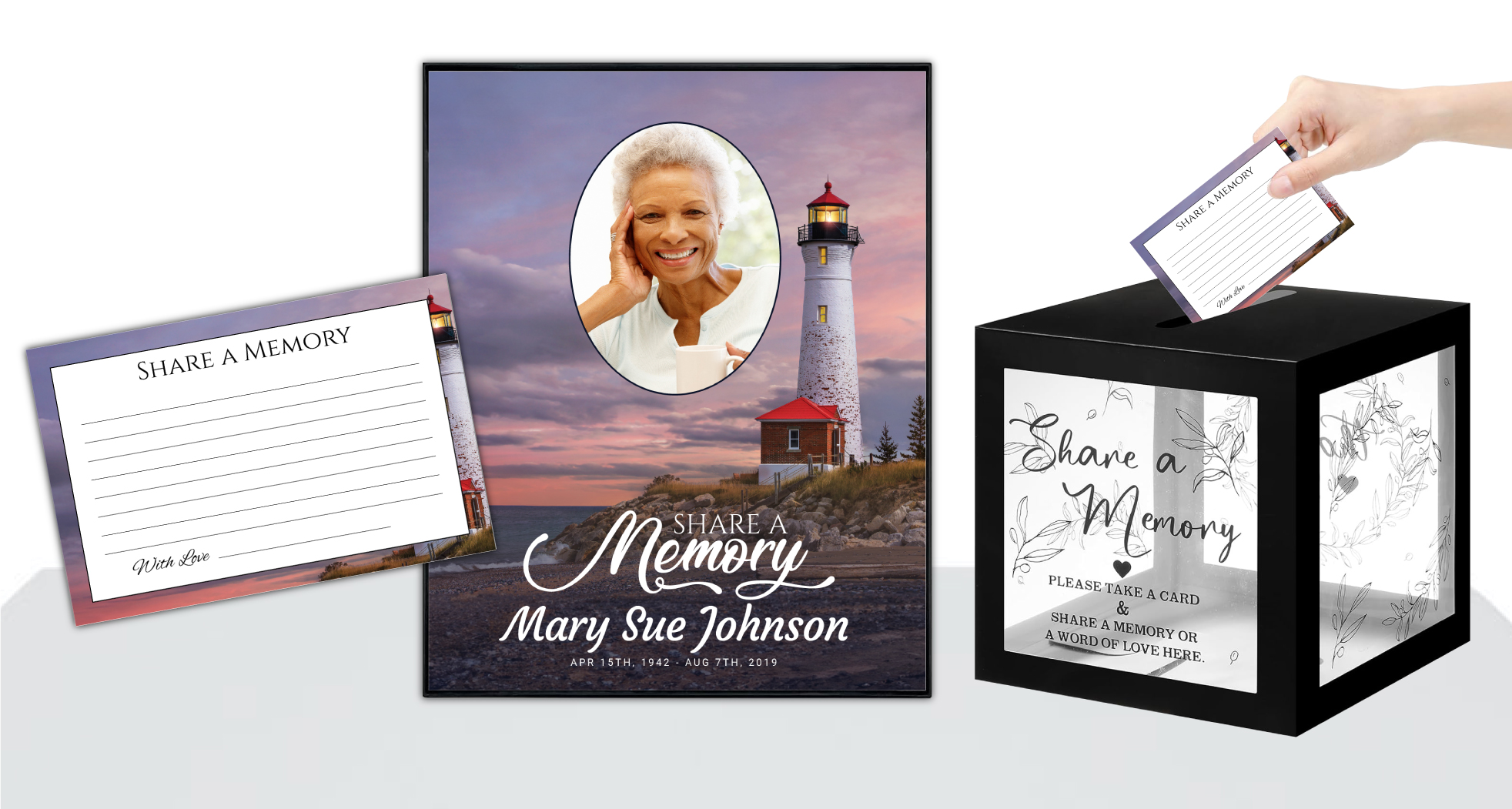 Share-A-Memory Cards
 Memorial Magnets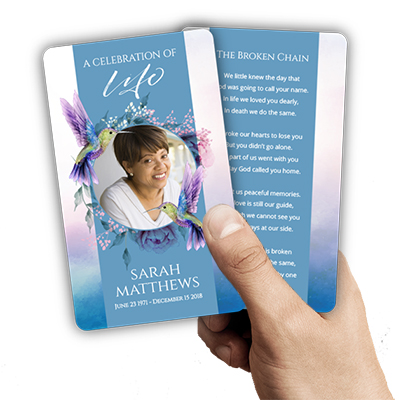
 Memorial Posters
 Guest Books
 Slide Shows
 Memorial Fans
 Death Announcements
 Take Away Keepsakes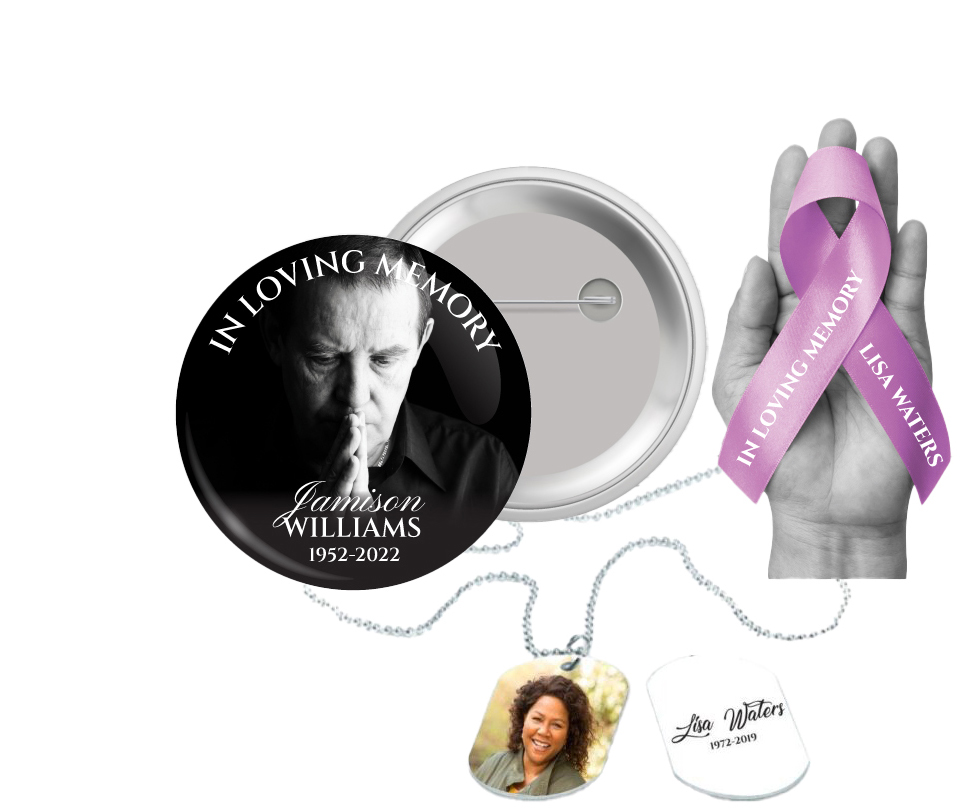
 Church Products
Honoring Memories: Why Choosing the Best Photos for Memorial Fans Matters
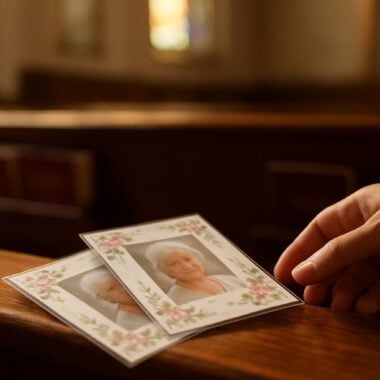
In times of loss, families seek meaningful ways to celebrate and honor the life of a loved one. We understand the importance of creating a tribute that truly reflects the person you are remembering. Memorial fans, with their unique blend of function and sentiment, provide a gentle comfort to guests while displaying cherished images. Selecting the best photos for memorial fans is a heartfelt step in preserving your loved one’s memory during the service and beyond.
Choosing and preparing photographs can feel overwhelming, especially when emotions are tender. You may be sorting through years of family albums, digital galleries, or even social media, searching for images that capture the essence of your loved one. It’s natural to feel pressure to “get it right,” and we want you to know that every photo chosen with love will honor their story. Our goal is to guide you through this process with empathy and practical support.
This article will walk you through every step of selecting, preparing, and uploading photos for personalized memorial fans. We’ll discuss how to choose images that are both high quality and deeply meaningful. You’ll learn tips for scanning, editing, and ensuring the best possible print results. We’ll also address common challenges, like low-resolution files or group shots, and share advice for avoiding mistakes that can detract from your tribute.
At DisciplePress, we are honored to help families create lasting keepsakes, whether through memorial fans, funeral programs like bi-fold programs or 8-page programs, or other cherished items such as prayer cards and memorial bookmarks. Our compassionate team is here to make this process as smooth and supportive as possible. As you read on, we hope you find reassurance and helpful guidance for this important part of your memorial preparations.
Finding the Right Image: Selecting Meaningful and High-Quality Photos

Choosing the best photos for memorial fans is both a technical and emotional decision. Start by considering which moments best represent your loved one’s spirit and personality. A favorite portrait, a candid smile, or a meaningful life event can all evoke powerful memories. Look for images where your loved one appears comfortable and true to themselves, as these are often the most touching for friends and family to see.
We’re committed to supporting you through this difficult time with meaningful memorial resources. We offer Memorial Bookmarks, Funeral Programs and Prayer Cards to help you create meaningful tributes.
Quality is just as important as sentiment. High-resolution images print best, ensuring the photo remains crisp and clear on your memorial fan. If you’re sorting through older printed pictures, focus on those that are in good condition—free from heavy creases, blurriness, or fading. For digital images, select files with a resolution of at least 300 dpi (dots per inch) and a size of 1 MB or more, if possible. This is especially important for larger keepsakes or when the image is the centerpiece of your design.
Consider the setting and background of the photo. Simple, uncluttered backgrounds can help your loved one stand out. If your chosen photo includes others, think about whether you’d like to crop the image to focus just on your loved one. Group shots can work beautifully, especially if the memorial fan will be shared among close family, but be mindful that too many faces may make the image appear crowded when printed at a smaller size.
When in doubt, gather a few favorite options and share them with family members for input. This collaborative approach can bring comfort, spark stories, and help you select the most meaningful image. Remember, there is no “right” photo—only the one that feels right for your family. For additional keepsakes, such as memorial cards or large memorial cards, you might also choose a different photo to capture another facet of your loved one’s life.
Preparing Your Photo: Scanning, Cropping, and Enhancing for Print
Once you’ve selected your image, preparing it properly will ensure a beautiful result on your memorial fan. If your photo is a physical print, use a scanner rather than a phone camera for the best quality. Set your scanner to at least 300 dpi for standard prints; for smaller snapshots, consider scanning at a higher resolution, such as 600 dpi, to preserve detail. Save your scans as JPEG or PNG files for easy uploading later.
Digital photos may need some adjustments before they’re ready for print. Cropping can help center your loved one’s face and remove distracting elements from the background. Be careful not to crop too closely, as the edges of the photo might be trimmed during the design or printing process. Leave a margin around the subject to ensure nothing important is lost.
Basic editing, such as adjusting brightness, contrast, or sharpness, can enhance a photo’s clarity. Many families find that a gentle touch is best—avoid heavy filters or dramatic color changes that may not reproduce well in print. If there are blemishes or dust spots, simple retouching tools can help clean up the image. However, perfection is not required; sometimes, small imperfections add to the authenticity and warmth of a cherished memory.
If you’re uncertain about editing, DisciplePress offers custom design services that can assist with minor corrections or enhancements. Our team can help adjust your photo for optimal print quality on your memorial fan, or for use in related products like funeral programs and celebration of life programs. Don’t hesitate to reach out with your questions or concerns—we are here to support you.
Understanding Photo Resolution and Size: Ensuring Sharp, Clear Prints
Photo resolution plays a crucial role in how your image will appear on a printed memorial fan. Resolution refers to the amount of detail in an image, typically measured in dpi. For printing on products like memorial fans or bi-fold programs, a resolution of 300 dpi at the intended print size is ideal. Lower resolution images can appear blurry or pixelated, which can detract from the beauty of your tribute.
DisciplePress is dedicated to helping families honor their loved ones with dignity and care. We offer Prayer Cards, Memorial Cards and Obituary Templates to help you create meaningful tributes.
To check a digital photo’s resolution, right-click on the file and view its properties or details. Look for both the dpi and the pixel dimensions (width x height). For a standard memorial fan, an image should ideally be at least 1200 x 1800 pixels. If your image is smaller, you may still be able to use it, but be mindful that enlarging a low-resolution photo can result in loss of clarity.
It’s common to encounter cherished photos that are smaller or lower in quality, especially if they come from old albums or social media. In these cases, select the best available image and avoid excessive enlarging. For less-than-perfect photos, consider using them in smaller keepsakes like prayer cards or memorial bookmarks, where lower resolution is less noticeable.
Our design team at DisciplePress can assist in evaluating your images and suggesting the best use for each one. If you’re unsure about a photo’s quality, upload it as you would for your memorial fan order, and our team can review it before printing. We want your keepsake to look as beautiful as your memories feel, and we’re committed to helping you achieve the best possible result.
Common Photo Challenges and How to Overcome Them
Families often face challenges when selecting and preparing photos, especially during an emotional time. One frequent issue is finding that favorite images are old, faded, or damaged. In these cases, scanning at high resolution can help preserve as much detail as possible. Minor damage, such as small tears or discoloration, can sometimes be retouched with basic photo editing tools or with the help of our custom design services.
Another common concern is group photos, especially when you want to focus on just your loved one. Cropping can help, but be aware of image quality—zooming in too much may reduce sharpness. If you’re unsure, upload the full image and let our team at DisciplePress know your preferences; we can advise on whether cropping will work or suggest alternative design solutions.
Sometimes, the best available image comes from a social media profile or a mobile phone. These often have lower resolution and may be compressed. If possible, locate and use the original file rather than a screenshot or downloaded version. If the original isn’t available, choose the highest-quality image you can find and consider using it for smaller items, like folded memorial cards or memorial magnets, rather than as the main photo on a fan.
Lighting, red-eye, and background distractions are other common issues. Simple edits—such as adjusting brightness or using red-eye removal—can make a significant difference. For more complex fixes, like removing unwanted objects or people from the background, professional editing may be needed. At DisciplePress, we’re always happy to review your image and offer guidance or make suggestions to ensure your memorial fan is a fitting tribute.
Uploading Your Photo: Step-by-Step Guidance for a Smooth Process
Uploading your chosen photo for memorial fan printing should be a simple, stress-free experience. Begin by ensuring your file is saved in a common format such as JPEG or PNG, and that it’s named clearly (for example, “SmithFamily_JanePortrait.jpg”). Gather all files you plan to use, including any for related items like bi-fold programs or memorial bookmarks, so you have everything ready when placing your order.
On the DisciplePress website, navigate to the memorial fans section and begin your order. Follow the prompts to select your desired template or custom design, then look for the photo upload field. Click “Choose File” or “Upload,” then locate your image on your computer or device. Double-check that the correct file has uploaded before proceeding to the next step.
Most upload systems will show a preview of your image—use this to confirm that the photo appears as you expect. If you notice any issues, such as the image being rotated or cropped unexpectedly, make adjustments before finalizing your order. If you’re unsure how your image will appear on the final product, note your concerns in the order instructions or contact us for confirmation and peace of mind.
For large orders, rush orders, or if you need same-day printing, having your images prepared in advance can help ensure our turnaround time meets your needs. If you encounter technical issues, such as file size limits or upload errors, reach out to our support team for assistance. We’re committed to making this process as easy as possible, so you can focus on honoring your loved one’s memory.
Personalizing Your Memorial Fan: Matching Photos to Design Themes
Memorial fans come in a variety of themes and styles, from angel-themed programs and nature-inspired designs to faith-based programs and simple, elegant templates. When selecting your photo, consider how it will harmonize with your chosen design. A soft, natural background may pair beautifully with a nature-themed fan, while a formal portrait might complement a traditional faith-based program.
Beyond the main photo, some families choose to include additional images, such as a childhood picture or a favorite family moment. These can be incorporated as smaller insets or on the reverse side of the fan, allowing you to share different aspects of your loved one’s life. When including multiple photos, select images with consistent lighting and color tone for a cohesive look.
Our custom design services can help you create a layout that balances photos, text, and decorative elements. You might wish to include a favorite Bible verse, a line from a beloved poem, or a meaningful quote alongside your photo. For inspiration, explore our Bible Verses Collection or Funeral Poems Collection, which offer comforting words to accompany your images.
Remember, personalization extends beyond the photo itself. Coordinating your memorial fan with related keepsakes—such as matching prayer cards, obituary templates, or memorial bookmarks—can create a unified tribute. Whether you’re designing a simple folded program or a comprehensive 20-page program, our team is here to help you bring your vision to life with care and respect.
Tips for Including Photos in Related Memorial Keepsakes
While memorial fans provide a beautiful way to display a favorite image, many families also choose to include photos in other keepsakes. Funeral programs, available in formats like tri-fold programs, 8-page programs, and booklet programs, often feature a photo on the cover and additional images within. When selecting photos for these items, consider using a mix of formal portraits and candid moments to tell a fuller story.
Memorial cards, including prayer cards and large memorial cards, can feature smaller images or vignettes. For these, close-up shots with clear facial features work best, as details may be lost on smaller prints. Memorial bookmarks are another thoughtful keepsake, often paired with a favorite quote or verse and a cherished photo.
If you’re preparing multiple products, such as a set of celebration of life programs and matching memorial yard signs or memorial garden stakes, it can be helpful to create a folder on your computer with all selected images. This organization makes uploading and sharing with our design team smoother and helps ensure consistency across keepsakes.
For families using our obituary writing assistant or uploading print-ready artwork, clear, high-quality images are just as important. If you have questions about which photo works best for each product, our team can make recommendations based on the size and format of each keepsake. We want every item you create with DisciplePress to be a source of comfort and pride in remembrance.
Related Articles
Conclusion: Moving Forward with Confidence and Compassion
Choosing and uploading the best photos for memorial fans is a deeply personal process, one that blends technical steps with heartfelt remembrance. By selecting meaningful, high-quality images and preparing them thoughtfully, you help create a tribute that will comfort family and friends for years to come. Remember, the most important thing is that your chosen photo speaks to your loved one’s life and legacy.
As you move forward with your order, know that DisciplePress is here to support you at every step. Whether you need guidance on photo selection, help with scanning or editing, or reassurance about our turnaround time for rush orders or same-day printing, our compassionate team is ready to assist. We invite you to explore related products—such as funeral programs, prayer cards, memorial bookmarks, and celebration of life programs—to create a coordinated and meaningful tribute.
If you have any questions or concerns, we encourage you to contact us directly. Our custom design services can help you achieve the exact look and feel you envision. For further inspiration, browse our design gallery or read customer testimonials for stories of how other families have honored their loved ones through personalized keepsakes.
Above all, we hope this guide has provided you with practical guidance and gentle reassurance during this tender time. Every photo you choose is an act of love and remembrance. We are honored to help you preserve these memories with grace, care, and respect. Learn more about DisciplePress and our commitment to serving families. Browse our design gallery for inspiration. For personalized assistance, please contact us.