 Free Shipping Over $50
  888-432-8363


 Obituary/Programs
 No-Fold Memorial Programs
 4 Page Funeral Programs
 8 Page Memorial Programs
 12 Page Funeral Programs
 16 Page Funeral Programs
 20 Page Funeral Programs
 Tri-Fold Funeral Programs
 Complete Memorial Packages
 Cards & Bookmarks
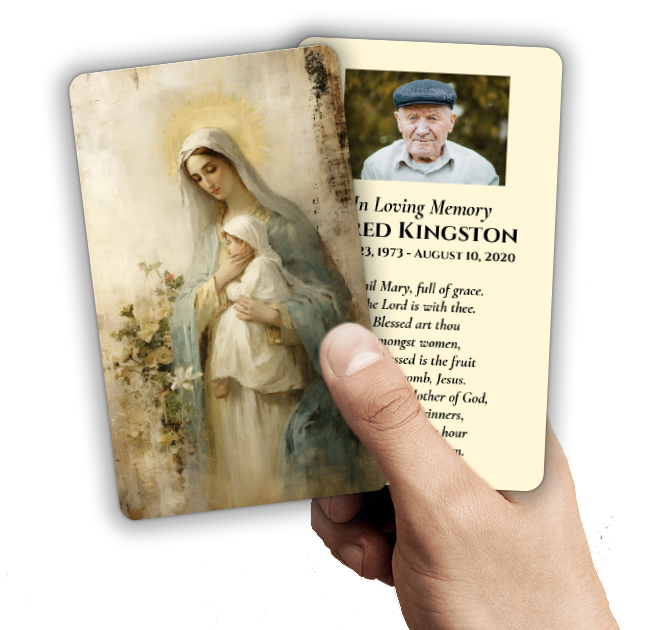 Saint Prayer Cards
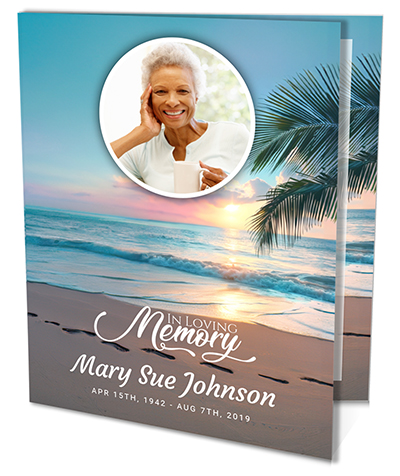 Folded Memorial Cards
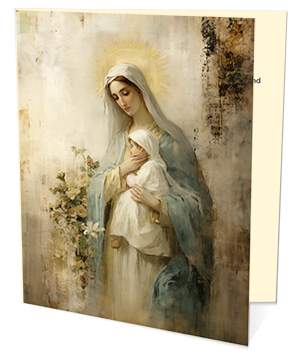 Folded Holy Cards
 Memorial Bookmarks
 Thank You Cards
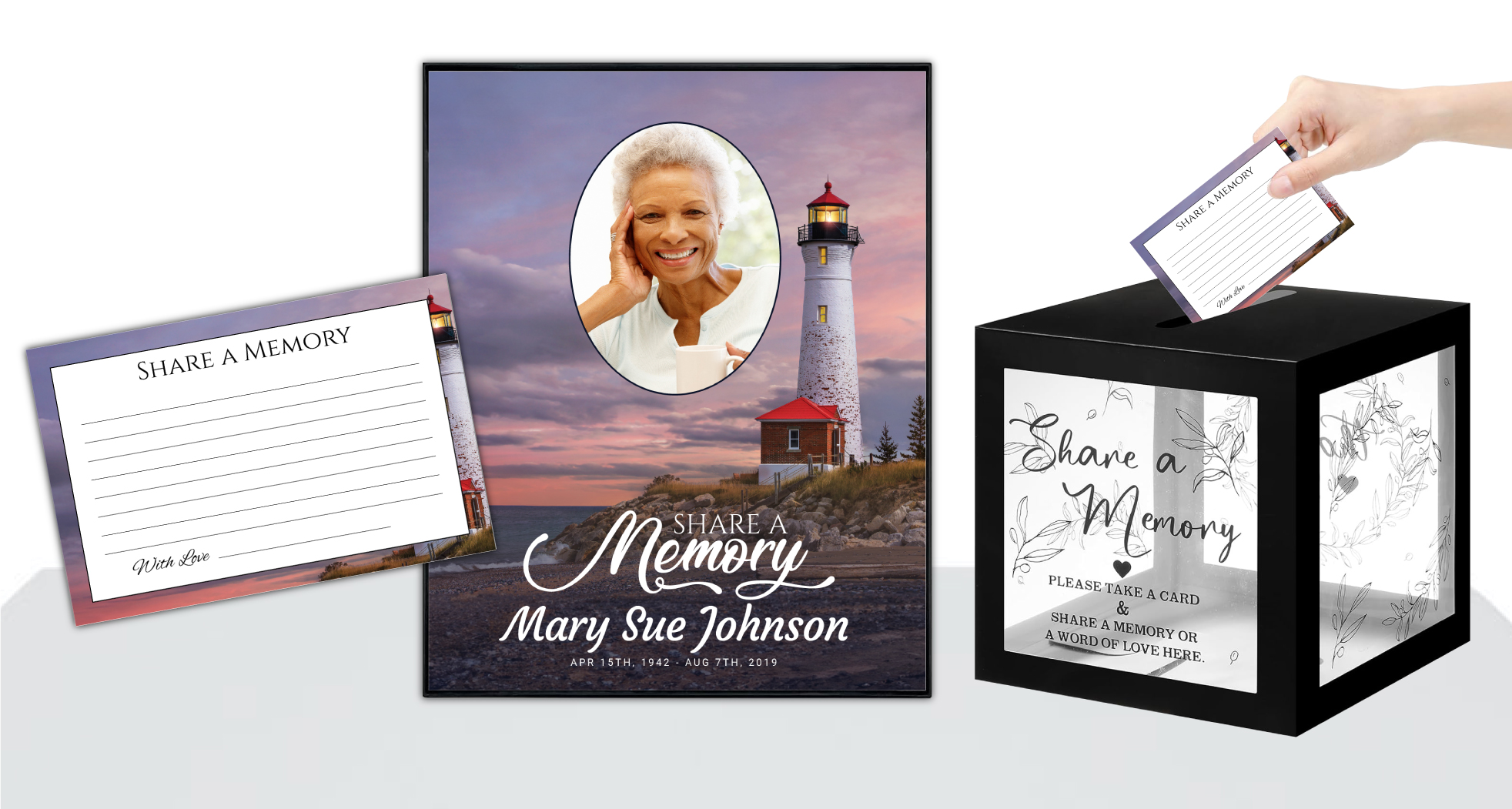 Share-A-Memory Cards
 Memorial Magnets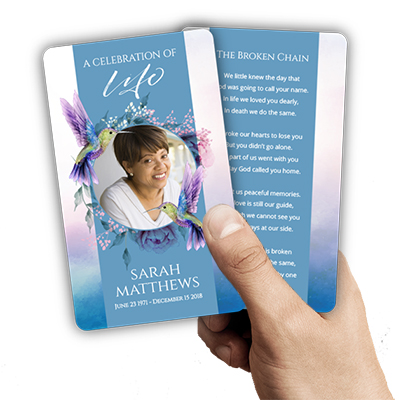
 Memorial Posters
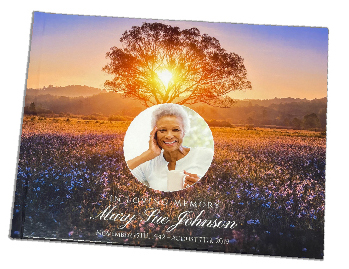 Guest Books
 Slide Shows
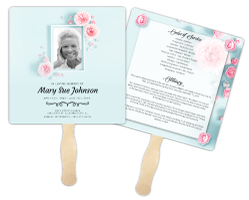 Memorial Fans
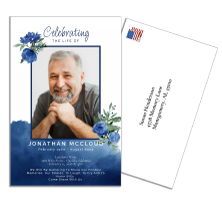 Death Announcements
 Take Away Keepsakes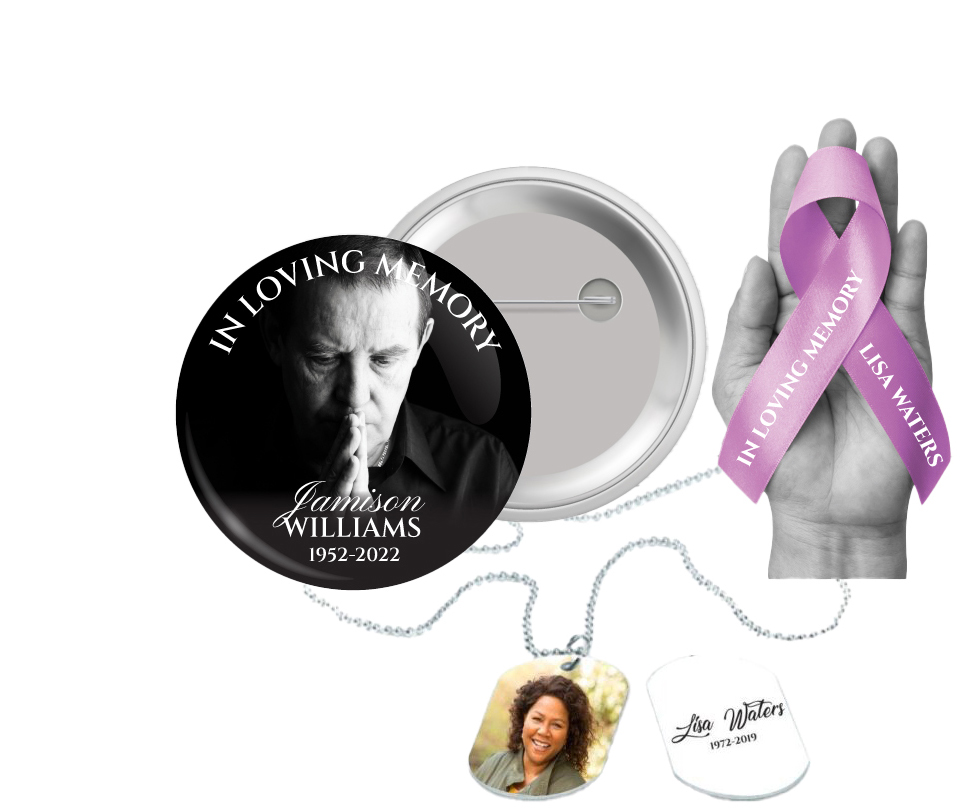
 Church Products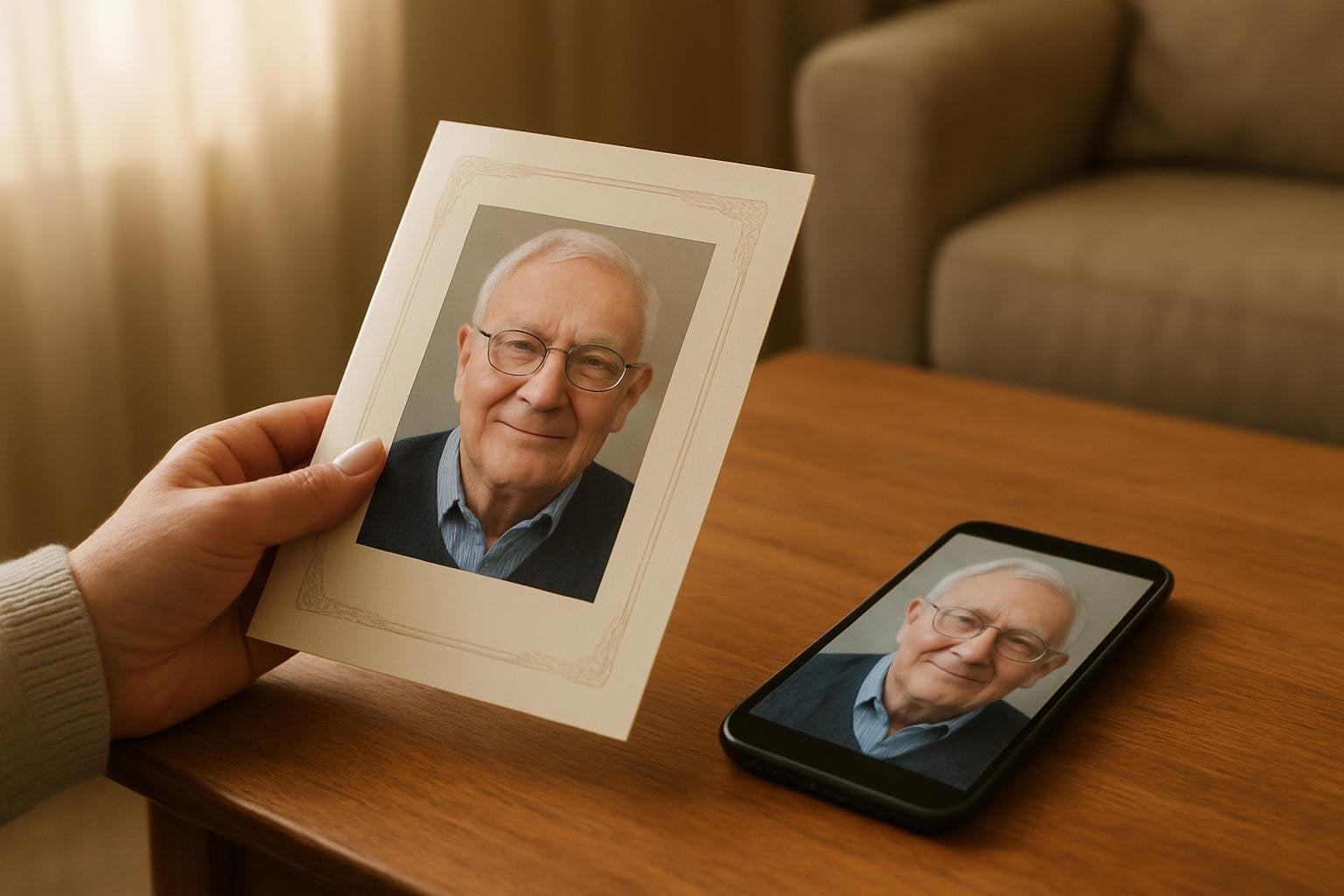
Honoring Loved Ones: The Importance of Quality Photos in Memorial Programs
We understand that planning a funeral or memorial service is one of the most tender and challenging times in anyone’s life. At DisciplePress, we walk alongside grieving families, funeral directors, and friends as they create meaningful tributes that honor cherished memories. In today’s world, most of our treasured moments are captured on smartphones, making these digital images a vital part of how we remember and celebrate a loved one’s life.
Choosing to use smartphone photos in funeral programs is both a practical and heartfelt way to personalize a memorial. However, the transition from a phone screen to a printed keepsake—such as bi-fold programs, memorial bookmarks, or prayer cards—can present unique challenges. The quality, clarity, and emotional resonance of those images are essential. After all, these photos become lasting reminders for family and friends.
This article will guide you with compassion and expertise through each step of the process. We’ll explain how to select, prepare, and share smartphone photos to ensure that every image included in your funeral programs looks beautiful and dignified in print. From camera settings to sending images without losing quality, we’ll answer common questions, offer practical tips, and provide reassurance along the way.
You’ll also find advice on working with different program types, such as 8-page programs and celebration of life programs, as well as guidance for those in need of rush orders or same-day printing. Our goal is to ease your burden, help you make informed decisions, and support you in commemorating your loved one with the respect and care they deserve.
Selecting the Best Smartphone Photos for Funeral Programs

Selecting the right images is a deeply personal process, often evoking memories and emotions that may feel overwhelming. Take your time as you scroll through your phone’s gallery. Look for photos that capture the essence of your loved one—their smile, a special occasion, or a candid moment that tells a story. These images will serve as a lasting tribute in your funeral programs, memorial bookmarks, or prayer cards.
Creating a meaningful tribute for your loved one is an important part of the healing process. We offer Memorial Bookmarks, Funeral Programs and Prayer Cards to help you create meaningful tributes.
Consider the clarity and focus of each photo. Images that are bright, sharp, and free from heavy filters or effects tend to print best. If possible, choose photos taken in natural light, as these often have truer colors and less noise. For group photos, ensure your loved one is clearly visible and not lost in the background, especially if you plan to use these for bi-fold or 8-page programs where space might be limited.
You may have several favorite photos but limited space in the program. It can help to create a shortlist and ask family or friends for their input. Sometimes, a single photo on the cover of a tri-fold program can make a powerful impact, while a collage inside an 16-page booklet program allows for sharing a wider range of memories. If you’re uncertain, our custom design services at DisciplePress can help you curate and layout your selections beautifully.
Remember, it’s not about finding the “perfect” image but the ones that feel most meaningful to you and your family. Even a simple snapshot can evoke more love and memory than a posed portrait. Trust your heart in the selection process, knowing that these images will comfort and connect everyone who attends the service.
Understanding Smartphone Camera Settings for High-Quality Prints
Modern smartphones offer increasingly powerful cameras, but a few simple adjustments can make a significant difference in print quality. Before taking new photos for a memorial, ensure your camera settings are set to the highest resolution available. On most iPhones, this can be checked in the “Settings” under “Camera” and “Formats.” For Android devices, look in the camera app’s settings for the largest photo size option.
Avoid using zoom or digital enhancements, as these often reduce image quality. Instead, move closer to your subject if possible. Make sure your lens is clean; a quick wipe with a soft cloth can prevent blurred or hazy images. Natural light is your friend—photos taken outdoors or near a window tend to be sharper and more vibrant, which translates well for printing on memorial cards or celebration of life programs.
If you’re capturing photos specifically for the service, try to hold the phone steady and use both hands or a surface to minimize blur. Turn off any beauty filters or strong effects, as these can sometimes lead to unnatural skin tones or loss of detail in print. HDR mode (High Dynamic Range) can be helpful for balancing shadows and highlights, especially in bright or backlit scenes.
For group pictures or candid moments, use burst mode to capture several images quickly. This gives you more options to choose from and increases the likelihood of finding a sharp, well-composed photo for your funeral program. If you need guidance, our team at DisciplePress is always available to answer questions about preparing your photos for print.
How to Send Smartphone Photos Without Losing Quality
Once you’ve chosen your photos, it’s crucial to send them in a way that preserves their original quality. Many common methods, like text messages or some social media apps, automatically compress images, resulting in lower resolution and loss of detail. For printing, especially in larger formats like 12-page or 20-page programs, high-resolution files are essential.
Creating a meaningful tribute for your loved one is an important part of the healing process. We offer Prayer Cards, Memorial Cards and Celebration of Life to help you create meaningful tributes.
The best way to transfer photos is by using email or cloud storage services. Email them as attachments, choosing the “Actual Size” or “Original Quality” option when prompted. For multiple photos, services like Google Drive, Dropbox, or iCloud allow you to upload images in full resolution and share a download link. This method ensures your memorial cards and funeral programs will feature crisp, clear photos.
If you must use messaging apps, check if they allow sending images as “files” rather than “photos.” For example, WhatsApp and Telegram offer this option, which often retains better quality. Avoid screenshots or saving images from social media, as these are typically compressed and may look pixelated or blurry in print.
When working with DisciplePress, you’ll have the opportunity to upload print-ready artwork directly through our online ordering system. Always confirm that you’re submitting the highest quality version of each photo, and feel free to reach out to us if you’re unsure about the best method for your situation. We’re here to help ensure every memory is preserved in the best possible way.
Editing and Enhancing Smartphone Photos for Printing
Editing your smartphone photos before printing can help address minor imperfections and enhance their overall appearance in your funeral programs. Simple adjustments like cropping, straightening, and brightening can make a significant difference. Most phones have built-in editing tools that allow you to tweak exposure, contrast, and sharpness without altering the photo’s resolution.
Be gentle with filters and effects—while they may look appealing on a screen, they sometimes introduce color casts or reduce clarity in print. Instead, focus on enhancing natural tones and fixing any red-eye, blemishes, or distracting backgrounds. If a photo feels too dark or shadowed, increasing the brightness or using the “auto-enhance” feature can help.
If you’re unsure about your own editing skills, consider using professional editing software or reaching out to DisciplePress for custom design services. We can adjust and prepare your photos to ensure they look their best in memorial bookmarks, bi-fold programs, or prayer cards. Our team has experience working with images from all types of smartphones and can advise you on how to achieve the most flattering result.
Remember, the goal of editing isn’t to create a flawless image but to present your loved one in a way that feels true and comforting. A touch of light or a gentle crop can bring out the warmth in their eyes or the joy in their smile, creating a keepsake that family and friends will treasure.
Best Practices for Including Smartphone Photos in Different Program Formats
Each funeral program format offers unique opportunities to showcase your chosen photos. Bi-fold programs are classic and elegant, typically featuring a single large portrait on the cover and smaller images inside. For these, select one high-resolution photo for the front and a few meaningful snapshots for interior panels. Tri-fold and 8-page programs allow for additional photos—perhaps a collage of family gatherings, holidays, or special milestones.
Booklet programs, such as 12-page or 16-page options, provide more space to tell a visual story of your loved one’s life. Consider organizing photos chronologically or thematically, pairing them with short captions, favorite verses, or quotes. This can transform your funeral program into a cherished keepsake, much like a mini photo album. For celebration of life programs, candid photos reflecting hobbies, travels, or community involvement can bring warmth and personality.
Memorial bookmarks and prayer cards offer a more intimate format. Choose a single, well-cropped photo that fits the vertical layout. These keepsakes are often treasured long after the service, so selecting an image with clear facial detail and soft background works best. If you’re creating thank you cards or share a memory cards, adding a small candid photo can personalize your message.
At DisciplePress, we offer a wide range of program and keepsake options—each designed to help you honor and remember in the way that feels right for your family. If you’re unsure which format best suits your needs, our design gallery can provide inspiration, or you can contact us for personalized guidance.
Avoiding Common Pitfalls: Compression, Cropping, and Print Size
Printing smartphone photos can sometimes lead to unexpected issues if not handled carefully. One of the most common pitfalls is compression—when a photo is reduced in quality during sharing or saving. Always use original files, as discussed earlier, to prevent pixelation or blurriness in your funeral programs or memorial bookmarks.
Cropping is another area to approach with care. While it’s tempting to trim away background distractions, excessive cropping can lower the resolution of your photo, making it less suitable for print, especially in larger formats like 20-page programs or memorial posters. When in doubt, leave a little extra space around your subject, and let your designer at DisciplePress make final adjustments for print.
Print size also matters. A photo that looks crisp on a phone screen might not have enough resolution for an 8×10 cover or a full-page spread in a booklet program. Aim for photos that are at least 1-2 MB in size and 300 DPI (dots per inch) at the intended print size. If you’re unsure, our paper types guide and custom design services can help you choose the right format and materials.
If you need to place a rush order or require same-day printing, gathering high-quality photos in advance will help us meet your turnaround time and deliver beautiful, meaningful keepsakes without delay. We’re committed to ensuring every photo in your program honors your loved one with the dignity and clarity they deserve.
Working With DisciplePress: Uploading, Proofing, and Finalizing Your Program
Once your photos are selected and prepared, the next step is to upload them for your funeral program or keepsake order. At DisciplePress, our online ordering system makes it easy to submit high-resolution files for bi-fold programs, tri-fold programs, or memorial cards. Always double-check that the files you upload are the original, uncompressed versions.
After uploading, you’ll receive a proof of your program layout. Take time to review each photo for clarity, color, and placement. If you notice any issues—such as a photo appearing too dark or cropped incorrectly—let us know. Our custom design services include adjustments and fine-tuning to ensure every detail is just right. We encourage you to ask questions or request changes until you feel satisfied with the tribute you’re creating.
For those with urgent needs, our same-day printing and rush order options help meet tight timelines, giving you peace of mind during a stressful time. We understand the importance of prompt turnaround time, especially when planning a funeral or memorial service. Our team communicates every step of the way, so you know what to expect and when to expect it.
Throughout the process, our goal is to support you with compassion and expertise. Whether you’re creating a single memorial bookmark or a comprehensive 16-page program, we’re honored to help you celebrate your loved one’s life with the care and respect they deserve.
Related Articles
Conclusion: Creating Loving Tributes With Confidence and Care
Using smartphone photos in funeral programs can be a deeply meaningful way to honor a loved one’s memory. With careful selection, proper preparation, and attention to print quality, these everyday images transform into cherished keepsakes—prayer cards, memorial bookmarks, or bi-fold programs that offer comfort and connection for years to come.
Remember, each photo tells a story and carries a piece of your loved one’s spirit. If you follow the practical tips in this article—from camera settings to file sharing and editing—you can create funeral programs that truly reflect the beauty and uniqueness of the life you’re celebrating. Trust your instincts, lean on those around you, and don’t hesitate to reach out for help.
DisciplePress is here to guide you through every step, offering custom design services, a wide variety of program formats, and attentive support whether you need a rush order or simply have questions about our process. Explore our design gallery, review our paper types guide, or contact us directly for compassionate assistance tailored to your needs.
During this time of sorrow, let us help you preserve precious memories with dignity and care. Together, we can create a lasting tribute that provides comfort, celebrates life, and honors your loved one in the most meaningful way possible.
Learn more about DisciplePress and our commitment to serving families. For personalized assistance, please contact us. We offer rush orders and same-day printing for urgent needs.