 Free Shipping Over $50
  888-432-8363


 Obituary/Programs
 No-Fold Memorial Programs
 4 Page Funeral Programs
 8 Page Memorial Programs
 12 Page Funeral Programs
 16 Page Funeral Programs
 20 Page Funeral Programs
 Tri-Fold Funeral Programs
 Complete Memorial Packages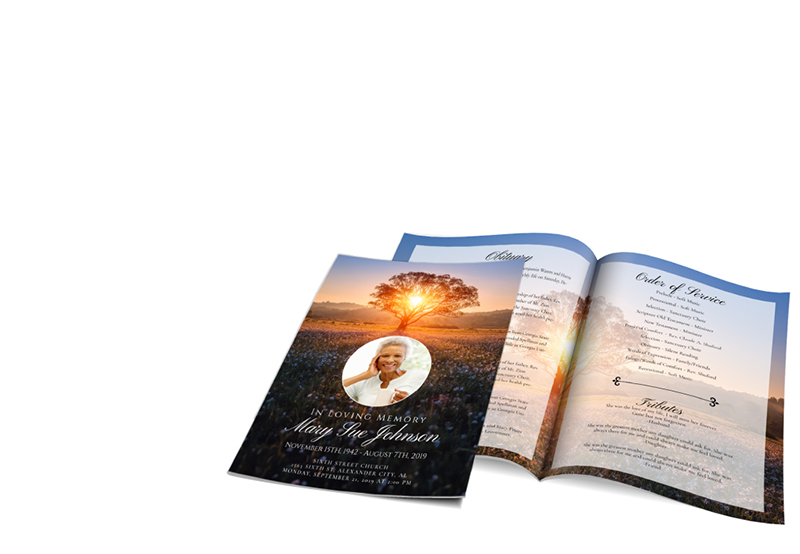
 Cards & Bookmarks
 Saint Prayer Cards
 Folded Memorial Cards
 Folded Holy Cards
 Memorial Bookmarks
 Thank You Cards
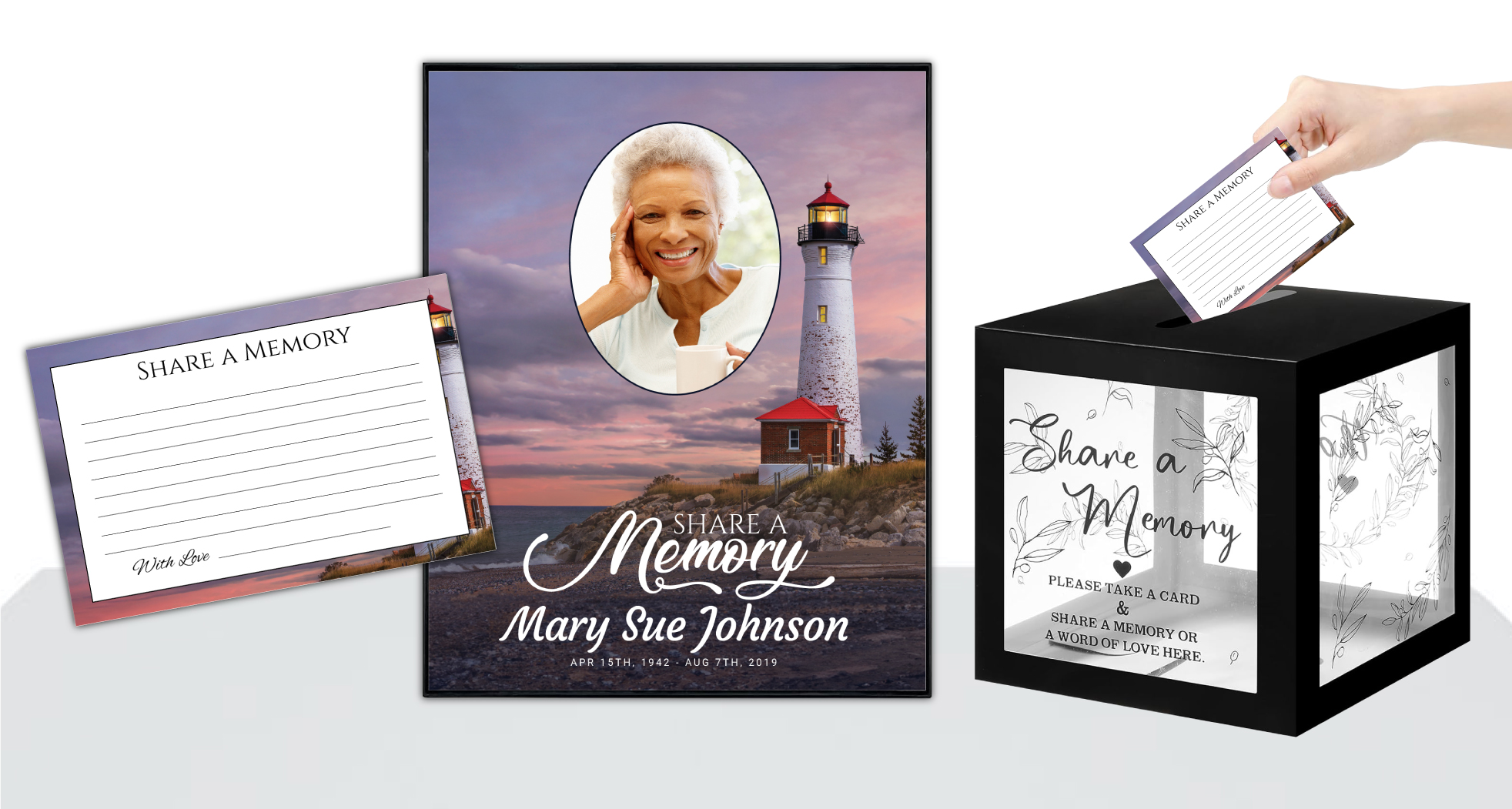 Share-A-Memory Cards
 Memorial Magnets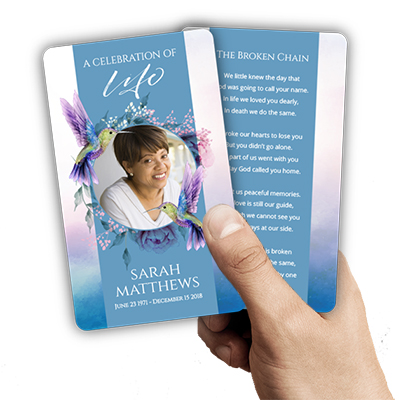
 Memorial Posters
 Guest Books
 Slide Shows
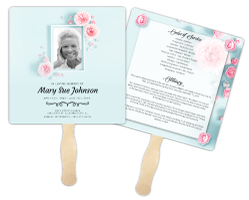 Memorial Fans
 Death Announcements
 Take Away Keepsakes
 Church Products
Navigating Funeral Fan Printing Upload Requirements: An Empathetic Introduction
During times of loss, every detail of a memorial or funeral service can feel overwhelming. The desire to honor your loved one’s memory with beauty and dignity is matched only by the pressure to get everything just right, often in a short time frame. At DisciplePress, we deeply understand the emotional weight of these moments and strive to support families, funeral directors, and all those entrusted with planning a memorial with compassion and care.
One way many families choose to commemorate their loved ones is through personalized funeral fans—practical keepsakes that offer comfort during the service and serve as cherished mementos afterward. Yet, preparing artwork for printing can feel daunting, especially with unfamiliar file types, technical terms, and upload processes. That’s why we’ve created this comprehensive guide to funeral fan printing upload requirements—to make this part of your journey as gentle and stress-free as possible.
In the following sections, we’ll walk you through every aspect of uploading artwork for funeral fans, from choosing the right file format and understanding bleed settings, to tips for designing beautiful, print-ready fans. We’ll also provide a step-by-step overview of the DisciplePress upload process, explain our quality checks, and answer common questions families and funeral directors often have.
Our hope is that, by clarifying each step and offering practical advice, you’ll feel empowered and supported as you create a meaningful tribute. Whether you’re handling this for the first time or guiding a family through their loss, let us be your partner in honoring a life well-lived. Let’s gently explore what files work best for funeral fan printing and how you can confidently upload your artwork with ease.
Understanding Funeral Fan Printing Upload Requirements: Choosing the Best File Formats
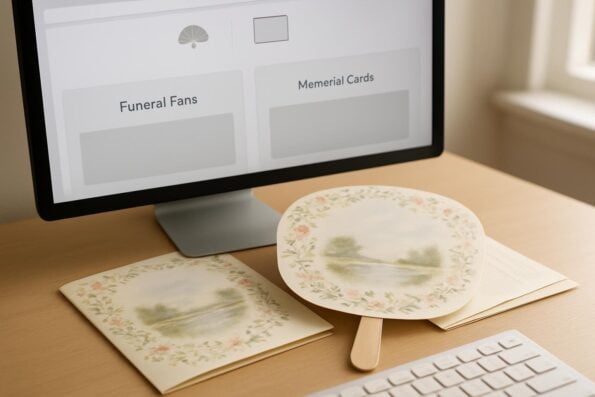
Selecting the correct file format for funeral fan printing is essential to ensuring your artwork prints crisply and beautifully. The right file type preserves every detail—whether it’s a beloved photo, a favorite poem, or a cherished quote—so your funeral fans reflect the love and care you’ve put into them. At DisciplePress, we recommend specific file types to help you achieve the best possible results, and we’re always here to answer any questions you may have.
Creating a meaningful tribute for your loved one is an important part of the healing process. We offer Memorial Bookmarks, Funeral Programs and Memorial Cards to help you create meaningful tributes.
For funeral fan printing, the preferred file formats are high-resolution PDF, TIFF, or JPEG files. PDF files are ideal because they embed fonts, images, and design elements, ensuring nothing shifts or changes during printing. TIFF files are excellent for artwork that contains photographs, as they retain all the image data without compression. JPEGs can work well for photographic images but should be saved at the highest quality setting to avoid visible compression artifacts.
When preparing your file, aim for a resolution of at least 300 dpi (dots per inch). Lower resolutions may appear fuzzy or pixelated in print, which can detract from the beauty of your funeral fan. For those using design software like Adobe InDesign, Photoshop, or Illustrator, exporting directly to PDF with print settings is often the most reliable method. If you’re working from a template or collaborating with a designer, double-check that the exported file meets these standards before uploading.
Families sometimes ask about using files from Canva or Microsoft Word. While these tools can be helpful for initial design, it’s important to export the final artwork as a print-ready PDF or high-resolution JPEG. If you’re unsure whether your file meets the requirements, our team is always available to review and advise before you upload. We want your memorial fans to be as perfect as your memories.
Bleed, Trim, and Safe Zones: Essential Design Settings for Funeral Fans
Designing artwork for funeral fans involves more than what appears on your screen. Understanding technical aspects like bleed, trim, and safe zones ensures that important details are not accidentally cut off during the printing process. At DisciplePress, we want your design to look exactly as you envision, so we encourage you to pay close attention to these settings before uploading your file.
Bleed refers to the extra space beyond the edge of your fan design—typically 0.125 inches on each side—where artwork extends. This margin ensures that when the fans are trimmed to their final size, there are no unwanted white edges. For example, if your fan is 7 x 8 inches, you should set up your file at 7.25 x 8.25 inches, with any background colors or images extending all the way to the edge of the bleed.
Trim marks indicate where the actual edge of the fan will be cut. It’s important to keep all essential content—such as names, dates, and photos—at least 0.25 inches inside the trim line, within what’s called the “safe zone.” This precaution helps prevent accidental cropping of meaningful details, especially when the fan shape is rounded or uniquely contoured.
Many families and funeral directors find these settings confusing, particularly when working with circular or die-cut fan shapes. If you’re using a template from DisciplePress or another provider, be sure it includes bleed and safe zone guides. If you’re designing from scratch, most professional design programs allow you to set these margins easily. And if you need reassurance, our team is happy to double-check your file before printing so you can proceed with confidence.
Design Elements That Print Beautifully on Funeral Fans
The visual impact of a funeral fan lies in its thoughtful design elements—photos, backgrounds, text, and decorative touches. When preparing your file for printing, certain considerations help ensure every detail appears just as you intended. At DisciplePress, we value the personal touches that make each fan unique and encourage you to express your loved one’s spirit through careful design choices.
DisciplePress is dedicated to helping families honor their loved ones with dignity and care. Our selection of Memorial Cards and Celebration of Life, along with our Custom Design Services, help families create meaningful tributes during difficult times.
Photographs are often the centerpiece of a funeral fan. Choose high-resolution images that are clear and well-lit, as low-quality photos may look blurry when enlarged. Avoid using screenshots or images pulled from social media, as these are usually lower in resolution. If you’re enhancing a photo with filters or overlays, save your file at the highest quality to preserve all the details.
Text is another crucial element. Select fonts that are easy to read at arm’s length and maintain legibility against your background. Consider using a subtle drop shadow or contrasting color if text appears over an image. When adding poems, scriptures, or quotes, keep in mind the space limitations of a fan—short, meaningful selections often work best. For inspiration, browse our Funeral Poems Collection or Bible Verses Collection.
Decorative borders, motifs, or themes—such as angel, nature, or faith-based—can be incorporated as well, as long as they remain within the safe zone. If you’re coordinating fans with funeral programs, consider echoing design elements from bi-fold or tri-fold programs for a unified look. If you need assistance personalizing your design, our custom design services are available to help bring your vision to life.
DisciplePress Upload Process: Step-by-Step Walkthrough
Uploading your funeral fan artwork at DisciplePress is designed to be as straightforward and stress-free as possible. Our process ensures your files are received securely, reviewed for quality, and queued for same-day printing when ordered by 12pm CST Monday–Friday. Here’s a detailed walkthrough to help you navigate each step with confidence and ease.
Begin by visiting our Upload Print-Ready Artwork page. There, you’ll see a list of product categories, including funeral fans, memorial cards, bi-fold programs, and celebration of life programs. Select “Funeral Fans” to access the upload form tailored to your product.
Next, fill in the requested details—your name, email, and order information if you’ve already placed one. Use the file upload tool to attach your PDF, TIFF, or high-resolution JPEG. If your file is especially large, you may use a cloud service link, making a note in the comment section. Double-check that your file meets the funeral fan printing upload requirements, including bleed and resolution.
Once your file is uploaded, our experienced team reviews it for print-readiness. We check for proper sizing, bleed, resolution, and visible issues. If we spot anything that could affect print quality, we’ll contact you promptly to discuss adjustments. Once approved, your fans move immediately to production—often printing the same day if ordered by 12pm CST. This rapid turnaround time is especially valuable for families facing tight timelines. Our goal is to provide reassurance, clarity, and fast service at every step.
Quality Checks and Common Upload Issues: Avoiding Mistakes
Ensuring your funeral fans are printed perfectly begins with careful quality checks. At DisciplePress, we understand how important every detail is during this emotional time. That’s why we review every uploaded file before printing, looking for common issues that could impact the final product. By anticipating these challenges, you can help ensure your fans honor your loved one exactly as intended.
The most frequent problem we encounter is low-resolution images or files. If your artwork or photographs are less than 300 dpi, they may appear grainy or pixelated. Before uploading, zoom in on your file at 100% to check for sharpness. If you’re unsure, our team can review your file and offer recommendations or request a higher-resolution version if needed.
Another common issue is missing bleed or important text placed too close to the edge. Always use templates with built-in bleed guides, and keep all essential content—names, dates, prayers—well within the safe zone. For fans with rounded or unique shapes, check that no elements fall outside the printable area. If you’re designing to coordinate with other products, such as memorial bookmarks or memorial cards, ensure consistency by following similar layout guidelines.
Lastly, double-check fonts and color profiles. Embedded fonts prevent unwanted substitutions, and using CMYK color mode (rather than RGB) ensures colors print accurately. If your file is rejected for any reason, our team will reach out with compassionate guidance so you can make quick corrections. Our aim is to eliminate surprises and deliver funeral fans you’ll treasure for years to come.
Coordinating Funeral Fans with Other Memorial Products
Funeral fans are often part of a larger suite of memorial products, such as funeral programs, memorial cards, and bookmarks. Coordinating design elements across these items can create a cohesive and comforting visual tribute that honors your loved one’s memory with grace and unity. We encourage families and funeral directors to consider how these keepsakes work together when preparing files for upload.
Begin by choosing a central theme or color palette that reflects the personality or faith of your loved one. For example, if your funeral programs feature a nature-inspired design or a specific scripture, echoing those motifs on funeral fans and bookmarks helps tie all elements together. Using the same fonts, colors, and key images across bi-fold or tri-fold programs, thank you cards, and celebration of life programs offers consistency and a sense of intentionality.
When preparing files for different products, remember that each item may have unique size and bleed requirements. While you can reuse images and text, be sure to adjust layouts so that nothing is lost in trimming or overlooked by the printer. DisciplePress offers templates and guidelines for a variety of products, including 8-page programs and memorial guest books, to simplify this process.
If you need help aligning design elements across several keepsakes, our custom design services are available. We’re happy to advise on coordinating layouts, color schemes, and artwork for a seamless presentation. Every detail matters in honoring a loved one, and we’re here to guide you every step of the way.
Tips for a Smooth, Stress-Free Funeral Fan Printing Experience
Planning a memorial is emotionally and logistically challenging. At DisciplePress, our goal is to make funeral fan printing—and all your memorial printing needs—as seamless and supportive as possible. Here are some practical tips to help you navigate the process with confidence and peace of mind.
First, gather all necessary materials before you begin designing. Collect high-resolution photos, the text you want to include, and any artwork or motifs that hold special significance. If you’re working with a team, clarify roles so everyone knows who’s responsible for finalizing the file and uploading it to the DisciplePress site.
Allow time for file review and adjustments. Even with our same-day printing and fast turnaround time, it’s wise to upload your artwork as soon as possible in case revisions are needed. Our team reviews files promptly and provides compassionate feedback if changes are necessary, but building in a little extra time can ease stress during an already difficult period.
Lastly, don’t hesitate to reach out for help. Whether you have questions about file formats, need assistance using a template, or want reassurance that your file is print-ready, our team is here for you. We view every order as a sacred trust and are honored to support you during this meaningful journey.
Related Articles
Conclusion: Support, Guidance, and Next Steps with DisciplePress
Honoring a loved one’s life is a profound responsibility, and every detail matters. By understanding funeral fan printing upload requirements—choosing the right file type, setting proper bleed and safe zones, and preparing thoughtful design elements—you can create a tribute that is both beautiful and enduring. At DisciplePress, we’re committed to making this process as gentle and supportive as possible.
Remember, our Upload Print-Ready Artwork page is always available for your convenience, and our compassionate team is here to answer questions every step of the way. If you need help with file preparation, design adjustments, or coordinating multiple products like funeral programs, memorial cards, or bookmarks, we invite you to explore our custom design services or simply reach out to us for personal assistance.
Take comfort in knowing that our same-day printing and rush order options are available when timelines are tight, and our quality checks ensure your memorial fans will honor your loved one with dignity. Your memories deserve to be preserved with care, and we are privileged to be part of your journey.
As you navigate this emotional time, may you find moments of peace and reassurance in the small details. If you have questions or wish to begin your order, please contact us or visit our website. We’re honored to support you in creating a lasting, heartfelt tribute.
Learn more about DisciplePress and our commitment to serving families. For personalized assistance, please contact us. We offer rush orders and same-day printing for urgent needs.