 Free Shipping Over $50
 888-432-8363



 Obituary/Programs
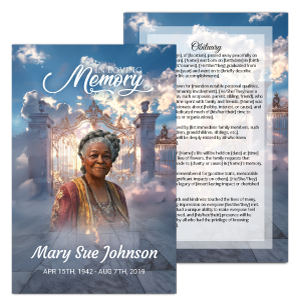 No-Fold Memorial Programs
 4 Page Funeral Programs
 8 Page Memorial Programs
 12 Page Funeral Programs
 16 Page Funeral Programs
 20 Page Funeral Programs
 Tri-Fold Funeral Programs
 Complete Memorial Packages
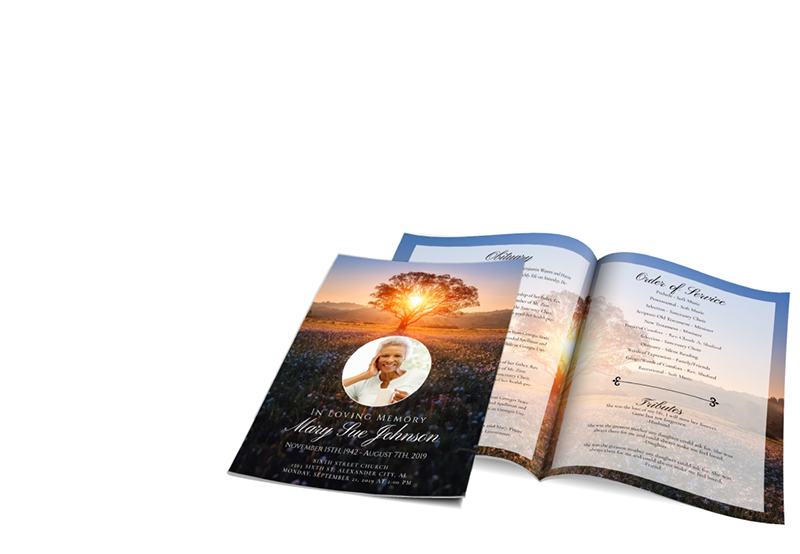
 Cards & Bookmarks
 Saint Prayer Cards
 Folded Memorial Cards
 Folded Holy Cards
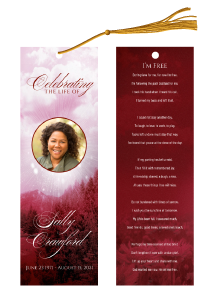 Memorial Bookmarks
 Thank You Cards
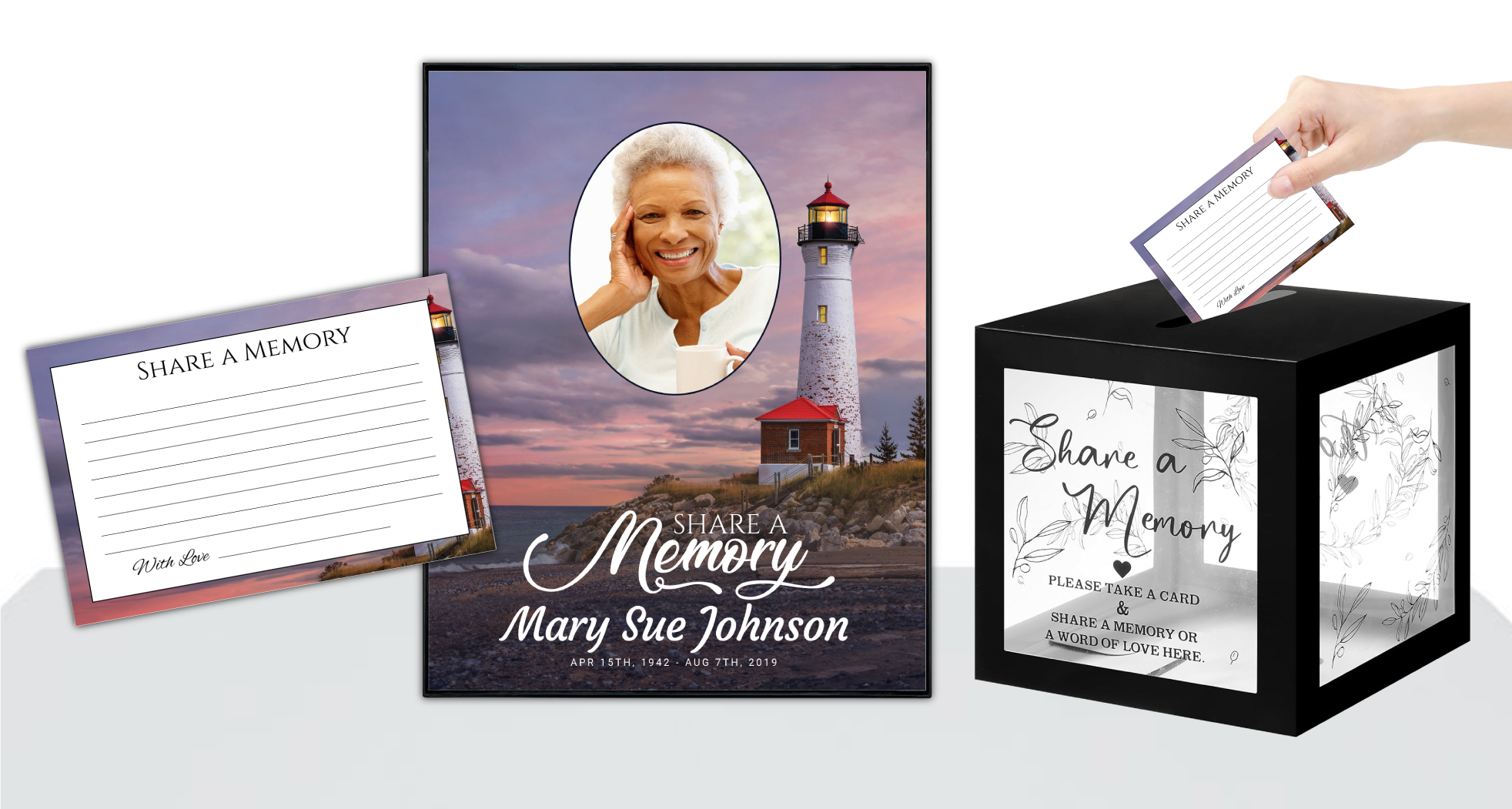 Share-A-Memory Cards
 Memorial Magnets
 Memorial Posters
 Guest Books
 Slide Shows
 Memorial Fans
 Death Announcements
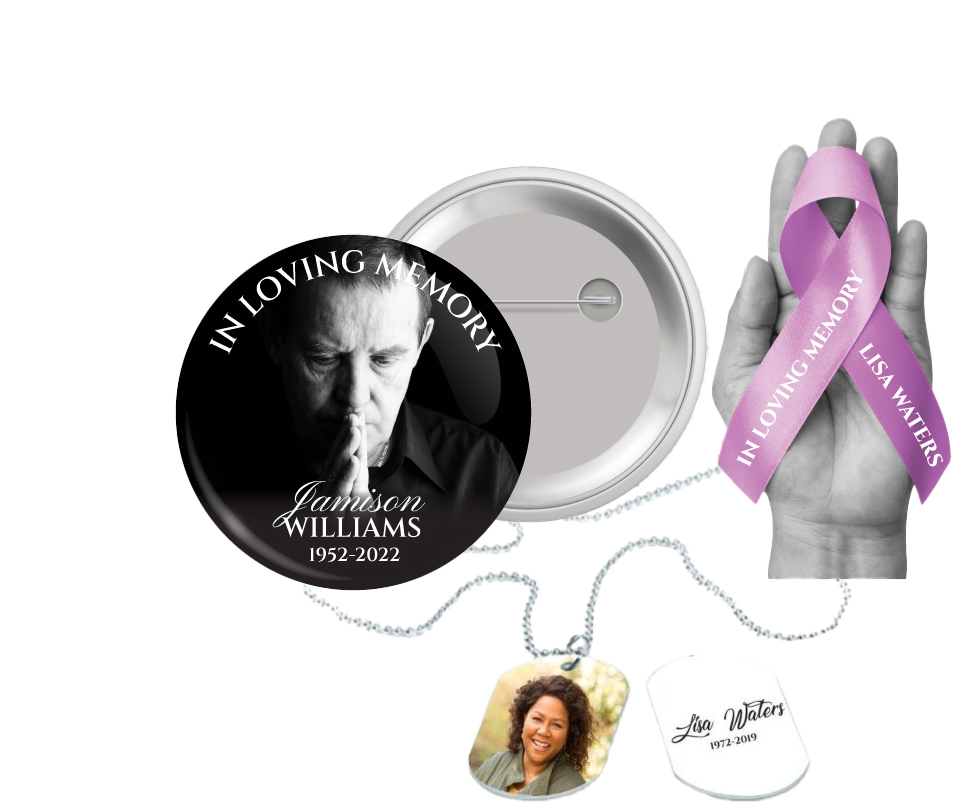
 Take Away Keepsakes
 Church Products

Honoring Your Loved One: The Importance of Proper Funeral Program Photo Size and Resolution
In times of loss, even the smallest decisions can feel overwhelming. Selecting a photo for a loved one’s funeral program is a deeply personal task, one that holds emotional weight and significance. As you navigate these choices, it’s natural to want everything to be perfect—to honor your loved one’s memory with care and dignity. But technical details like photo size and resolution may feel confusing or intimidating, especially when your heart is already heavy.
At DisciplePress, we understand how much it matters for families to see their memories beautifully and clearly preserved. A well-chosen, properly sized photo can bring comfort, spark conversation, and help guests feel connected during a memorial service. Whether you’re preparing a simple bi-fold program, an elaborate 16-page booklet, or keepsakes like memorial bookmarks and prayer cards, the right photo is essential.
This article is designed to gently guide you through the technical aspects of funeral program photo size and resolution. We’ll explain what these terms mean, why they matter, and how to ensure your chosen image looks its very best in print. We’ll also share practical tips, answer common questions, and help you avoid common pitfalls like pixelation or blurriness.
We know this is a sensitive time. Our goal is to provide clear, compassionate answers so you can feel confident in your choices, focus on what matters most, and trust that your loved one’s memory will be honored with every detail. Let’s explore together how to select the right photo size and resolution for your funeral program.
Understanding Photo Size and Resolution: What Do These Terms Really Mean?

Before diving into specifics, let’s demystify two terms you’ll encounter often: size and resolution. Understanding these concepts will make it easier to choose the best image for your funeral program, whether it’s a bi-fold, tri-fold, or even an 8-page program.
At DisciplePress, we understand the importance of honoring your loved one’s memory. We offer Memorial Bookmarks, Funeral Programs and Prayer Cards to help you create meaningful tributes.
Photo size refers to the physical dimensions of your image, measured in inches or centimeters. For example, a photo might be 4×6 inches or 8×10 inches. This determines how much space it will take up on the printed page—important for products like memorial cards or celebration of life programs, where layout is key.
Resolution, on the other hand, is measured in dots per inch (dpi) or pixels per inch (ppi). It reflects the amount of detail in your image. The higher the resolution, the clearer and sharper your photo will appear when printed. For most funeral program printing, a resolution of at least 300 dpi is recommended for crisp, professional results.
It’s important to note that increasing the size of a low-resolution photo will not improve its clarity; in fact, it will often make the image look blurry or pixelated. That’s why starting with a high-quality image is so important—especially when you’re entrusting us with precious memories for products like prayer cards, memorial bookmarks, and booklet programs.
Understanding these basics empowers you to make choices that honor your loved one’s memory, ensuring every detail is as beautiful as the life being celebrated.
Recommended Funeral Program Photo Size and Resolution for Print
When preparing a photo for a funeral program, the technical requirements can vary depending on the type of program and the layout you choose. At DisciplePress, our most popular funeral programs—such as bi-fold and tri-fold formats—typically use standard sizes like 8.5″x11″ (folded to 5.5″x8.5″) or 11″x17″ (folded to 8.5″x11″).
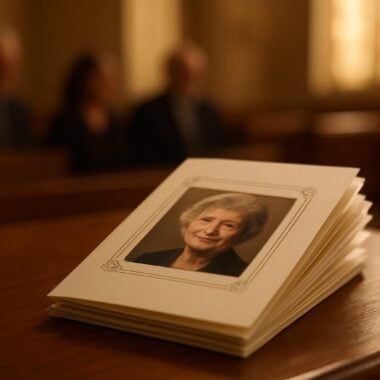
For main portrait photos featured on the cover, we recommend selecting an image that is at least 4×6 inches at 300 dpi. This translates to a minimum of 1200×1800 pixels. Such a size ensures your loved one’s image will appear clear and dignified, even if it’s enlarged for an 8-page or 12-page program or a keepsake like a memorial card.
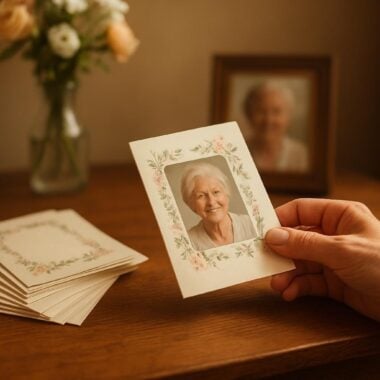
For smaller photos, such as those used on prayer cards, memorial bookmarks, or within collage sections of booklet programs, a minimum of 2×3 inches at 300 dpi (600×900 pixels) is usually sufficient. However, for larger program types or memorial posters, always aim for the highest resolution available.
Keep in mind that scanning printed photographs at a high resolution (at least 300 dpi) is essential if you do not have digital originals. If you’re unsure about your photo’s suitability, our custom design services can help evaluate and enhance your image to meet printing standards.
By following these guidelines, you can feel assured that every detail—from the photo on a celebration of life program to a cherished memorial card—will look its best, preserving your loved one’s memory with clarity and grace.
How to Check and Prepare Your Photo: Step-by-Step Guidance
Ensuring your photo meets the recommended funeral program photo size and resolution may seem daunting, but with a few simple steps, you can feel confident in your selection. Here’s how to check and prepare your image for printing:
Every memorial should reflect the unique life and legacy of your loved one. We offer Prayer Cards, Memorial Cards and Celebration of Life to help you create meaningful tributes.
1. Locate the digital file. If you have a digital version of your photo, right-click on the file and select “Properties” (Windows) or “Get Info” (Mac). Look for dimensions in pixels (e.g., 1200×1800) and resolution (dpi or ppi).
2. Use online tools or photo editors. Free programs like IrfanView, GIMP, or even your phone’s gallery app can display image properties. For best print quality, ensure your photo is at least 300 dpi at the intended print size. For example, for a main cover photo on a bi-fold program, your image should be at least 1200×1800 pixels for a 4×6 inch space.
3. Scanning printed photos. If your only copy is a printed photograph, use a scanner set to at least 300 dpi. Avoid taking photos of photos with a phone, as this can introduce glare or distortion. If you need help, DisciplePress offers custom design services to assist with scanning and enhancement.
Finally, always preview your chosen image at full size on your screen before submitting it for printing. Our team is available to review your image for suitability, and with our same-day printing and rush order options, you can rest easy knowing your project will be handled with care, even if you’re working under tight timelines.
Choosing the Right File Type: JPEG, PNG, TIFF, and More
File type can have a significant impact on both the quality and compatibility of your funeral program photo. When submitting images for print, the most commonly accepted formats are JPEG (JPG), PNG, and TIFF. Each has its own strengths and best-use scenarios.
JPEG is widely used and offers a good balance of quality and file size, making it ideal for most funeral programs, bi-fold programs, and memorial cards. Ensure your JPEG is saved at the highest quality setting to avoid compression artifacts, which can appear as graininess or blurring.
PNG files are excellent for images with transparency or simple graphics, but they can be larger in size. For photographic images, JPEG remains the preferred format unless you specifically need transparency (for overlays or custom design elements).
TIFF files provide the highest quality, as they are uncompressed and preserve every detail. They are especially recommended for large programs, memorial posters, or when scanning printed photographs. However, their large file size may make them harder to email; in such cases, file-sharing services or cloud uploads can be helpful.
If you’re unsure which format to use, our design gallery and custom design services can guide you. We also accept print-ready artwork uploads for those who wish to handle their own design, ensuring every file meets our printing standards for a flawless result.
Common Pitfalls: Avoiding Pixelation, Blurriness, and Color Issues
Nothing is more disheartening than receiving a printed funeral program only to find the photo appears blurry, pixelated, or has unexpected color shifts. These issues can be avoided with a few careful checks and preparations.
Pixelation occurs when a low-resolution photo is stretched to fill a larger space, causing visible blocks or jagged edges. To prevent this, always use images that meet or exceed the recommended pixel dimensions for your program type, such as 1200×1800 pixels for a main portrait photo.
Blurriness can result from using photos that are out of focus, compressed too much, or scanned at a low dpi. Always start with the sharpest original image possible and avoid re-saving JPEGs repeatedly, as each save can reduce quality. DisciplePress’s custom design services can help sharpen and restore images when necessary.
Color issues may arise if an image is captured under poor lighting or if the color profile doesn’t match print standards. Where possible, use photos taken in natural light and avoid heavy filters. Our design team is trained to adjust colors for print, ensuring your loved one’s image looks natural and warm in booklet programs, celebration of life programs, and memorial cards.
By being proactive and consulting with our team, you can sidestep these pitfalls, ensuring every printed keepsake—be it a memorial bookmark or an 8-page program—reflects your loved one’s memory with clarity and care.
Tips for Enhancing and Restoring Older Photos
Many cherished memories are captured in older photographs, which may have faded, torn, or lost their original vibrancy over time. If your best photo of a loved one is from decades past, there are still ways to ensure it looks beautiful in your funeral program.
1. High-resolution scanning: When digitizing an old photo, use a flatbed scanner set to at least 300 dpi, or even 600 dpi for smaller images. This preserves as much detail as possible for enlargement on memorial cards or program covers.
2. Digital restoration: Photo editing software can correct color fading, remove scratches, and enhance sharpness. If you’re not comfortable with these tools, DisciplePress offers custom design services to gently restore your image for use in any program type, from traditional bi-folds to modern celebration of life programs.
3. Cropping and composition: Sometimes, an older group photo contains the only clear image of your loved one. Carefully crop the photo to focus on their face, ensuring the resolution remains high enough for print. Our design gallery provides examples of how creative cropping can make older photos shine in tri-fold programs and memorial bookmarks.
4. Combining images: If no single photo is ideal, consider creating a collage or montage. This approach works beautifully in 8-page and 12-page programs, allowing you to showcase different facets of your loved one’s life while maintaining print quality.
Don’t hesitate to reach out for guidance—our compassionate team is here to help you honor your loved one, even when the available photos need extra care.
Working with DisciplePress: Submission, Proofing, and Support
We strive to make the process of submitting your funeral program photo as simple and reassuring as possible. Whether you choose to customize your program online or prefer our team to handle the design, clear communication and careful proofing are key to a successful outcome.
1. Online customization: With our user-friendly tool, you can upload your selected photo, edit text, and preview your design before ordering. The system will flag images that may not meet the recommended funeral program photo size and resolution, allowing you to choose the best option for your bi-fold, tri-fold, or booklet program.
2. “Customize for me” service: If you’d rather leave the details to us, simply submit your photo and text after checkout. Our design team will evaluate your image, make any necessary enhancements, and send you a proof for review—usually within a few hours, thanks to our efficient turnaround time and same-day printing options.
3. Proofing and revisions: You’ll always have the opportunity to review and request changes. If there are technical issues with your image, we’ll explain them in gentle, understandable language and suggest solutions—such as using a different photo, adjusting layout, or enhancing resolution.
Our goal is to ensure you feel supported at every step. If you have questions about file types, paper types, or any aspect of the printing process, please contact us. We’re honored to help you create a tribute that reflects your loved one’s life and legacy.
Special Considerations: Different Program Formats, Keepsakes, and Urgent Orders
Every family’s needs are unique, and so are the ways we honor loved ones. The right photo size and resolution may vary depending on the program format or keepsake you choose. For example, memorial bookmarks and prayer cards require smaller images, while a 16-page or 20-page program might include multiple photos throughout its pages.
If you are creating a feature collage for a celebration of life program, gathering photos of consistent quality can help ensure a harmonious look. Group and family photos can be used effectively in booklet programs or as background images, provided they meet the minimum resolution for the intended print size.
For those facing tight timelines or urgent needs, our same-day printing and rush order services can provide peace of mind. Even if you only have a lower-resolution photo, our design team can advise you on the best way to use it—perhaps as a smaller inset or paired with a favorite quote from our Bible verses collection or funeral poems collection.
When ordering multiple products—such as memorial cards, bookmarks, and guest books—consider using the same high-quality photo across items for a unified look. DisciplePress offers a wide array of funeral program types and keepsake options to help you create a meaningful, coordinated set of tributes.
No matter your situation, our team is ready to support you with empathy, technical expertise, and flexible solutions tailored to your family’s wishes.
Related Articles
Conclusion: Honoring Memories with Careful Photo Choices
Choosing the right photo for a funeral program is a heartfelt act of remembrance, one that can bring comfort to everyone who gathers to celebrate a life. By understanding the essentials of funeral program photo size and resolution, you can ensure your loved one’s image is presented with clarity, dignity, and warmth.
Remember, aim for images that are at least 300 dpi at the intended print size—1200×1800 pixels for main portrait photos, and 600×900 pixels for smaller keepsakes like memorial bookmarks and prayer cards. Use recommended file types such as JPEG or TIFF, and don’t hesitate to seek help with scanning, restoration, or color correction.
At DisciplePress, we are committed to making this process as gentle and straightforward as possible. Our custom design services, wide range of funeral program types, and compassionate support mean you never have to navigate these decisions alone. Whether you’re preparing a single bi-fold program or a full memorial package, we are here for you.
If you have questions or need reassurance, please reach out to us. Our turnaround time, same-day printing, and proofing process are designed for your peace of mind. Let us help you create a tribute that truly honors your loved one’s legacy and memory.
Above all, know that every detail matters—and you are not alone in this journey. With the right photo and a caring team by your side, your loved one’s memory will shine brightly for all who gather to remember. Learn more about DisciplePress and our commitment to serving families. For personalized assistance, please contact us. We offer rush orders and same-day printing for urgent needs.