 Free Shipping Over $50
  888-432-8363


 Obituary/Programs
 No-Fold Memorial Programs
 4 Page Funeral Programs
 8 Page Memorial Programs
 12 Page Funeral Programs
 16 Page Funeral Programs
 20 Page Funeral Programs
 Tri-Fold Funeral Programs
 Complete Memorial Packages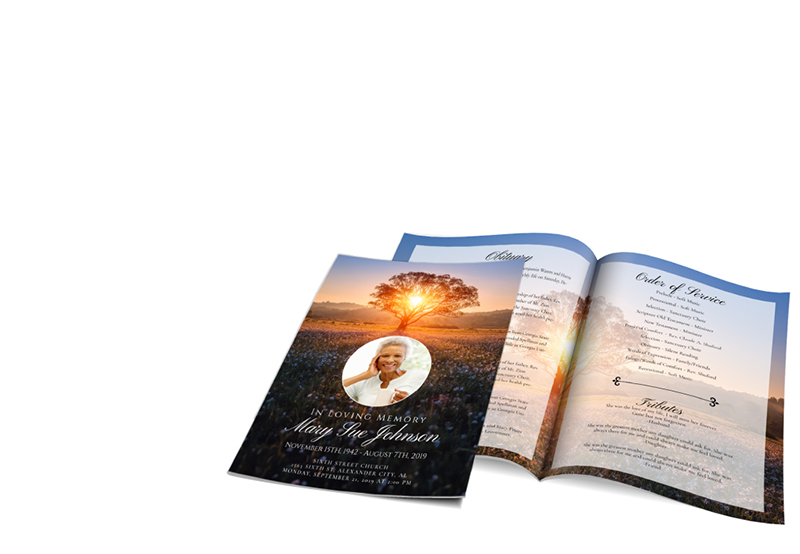
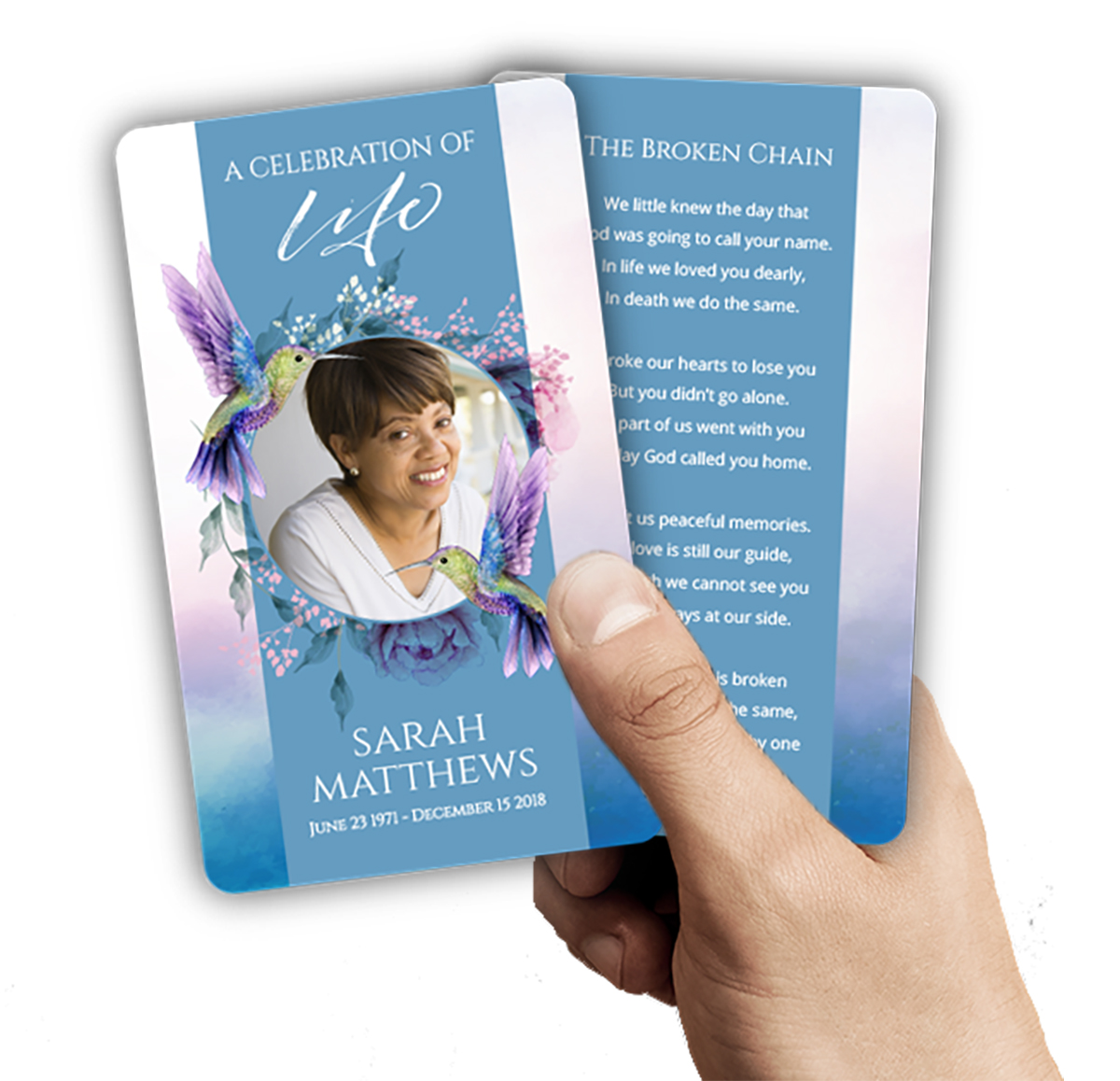 Cards & Bookmarks
 Saint Prayer Cards
 Folded Memorial Cards
 Folded Holy Cards
 Memorial Bookmarks
 Thank You Cards
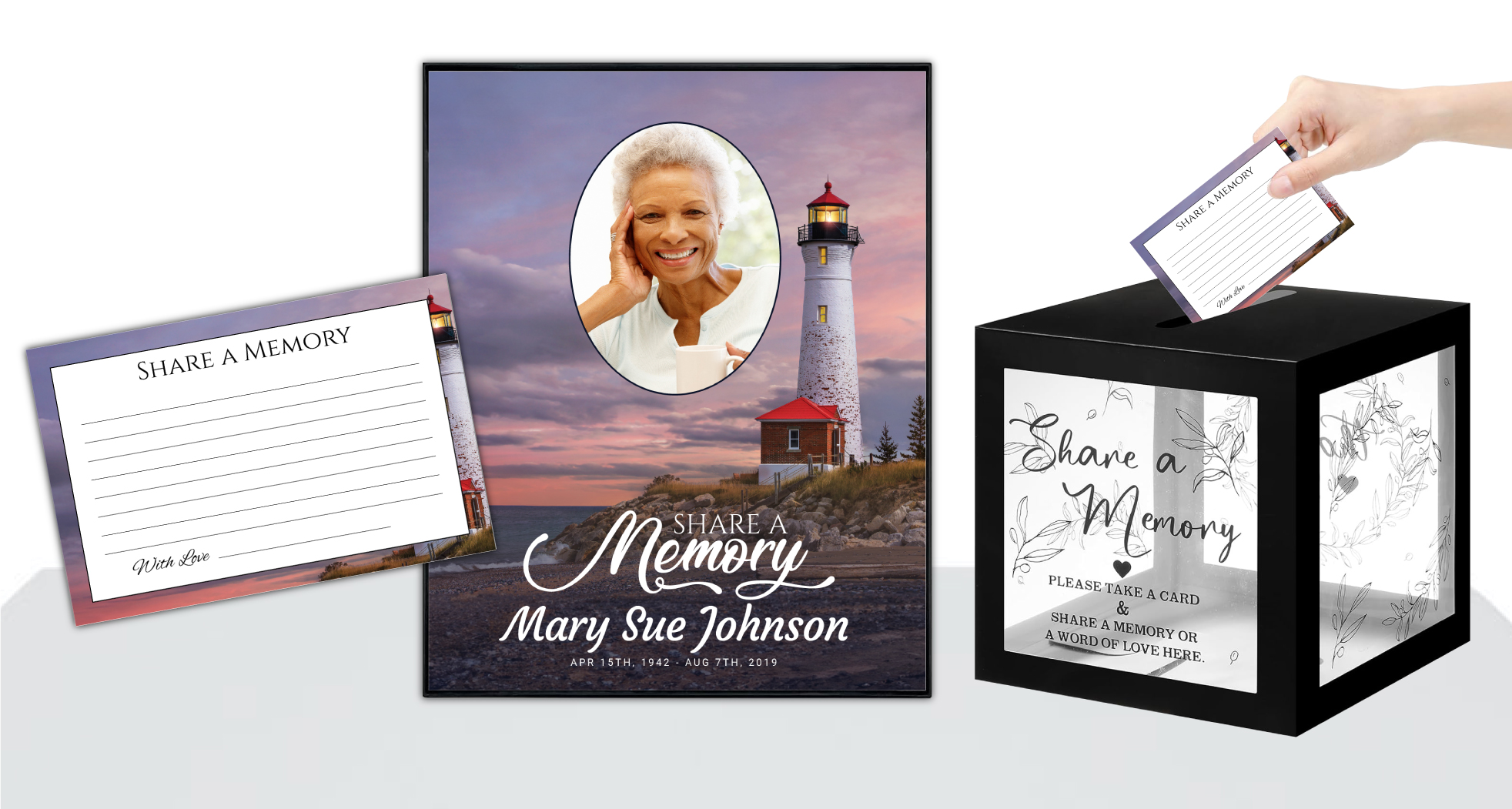 Share-A-Memory Cards
 Memorial Magnets
 Memorial Posters
 Guest Books
 Slide Shows
 Memorial Fans
 Death Announcements
 Take Away Keepsakes
 Church Products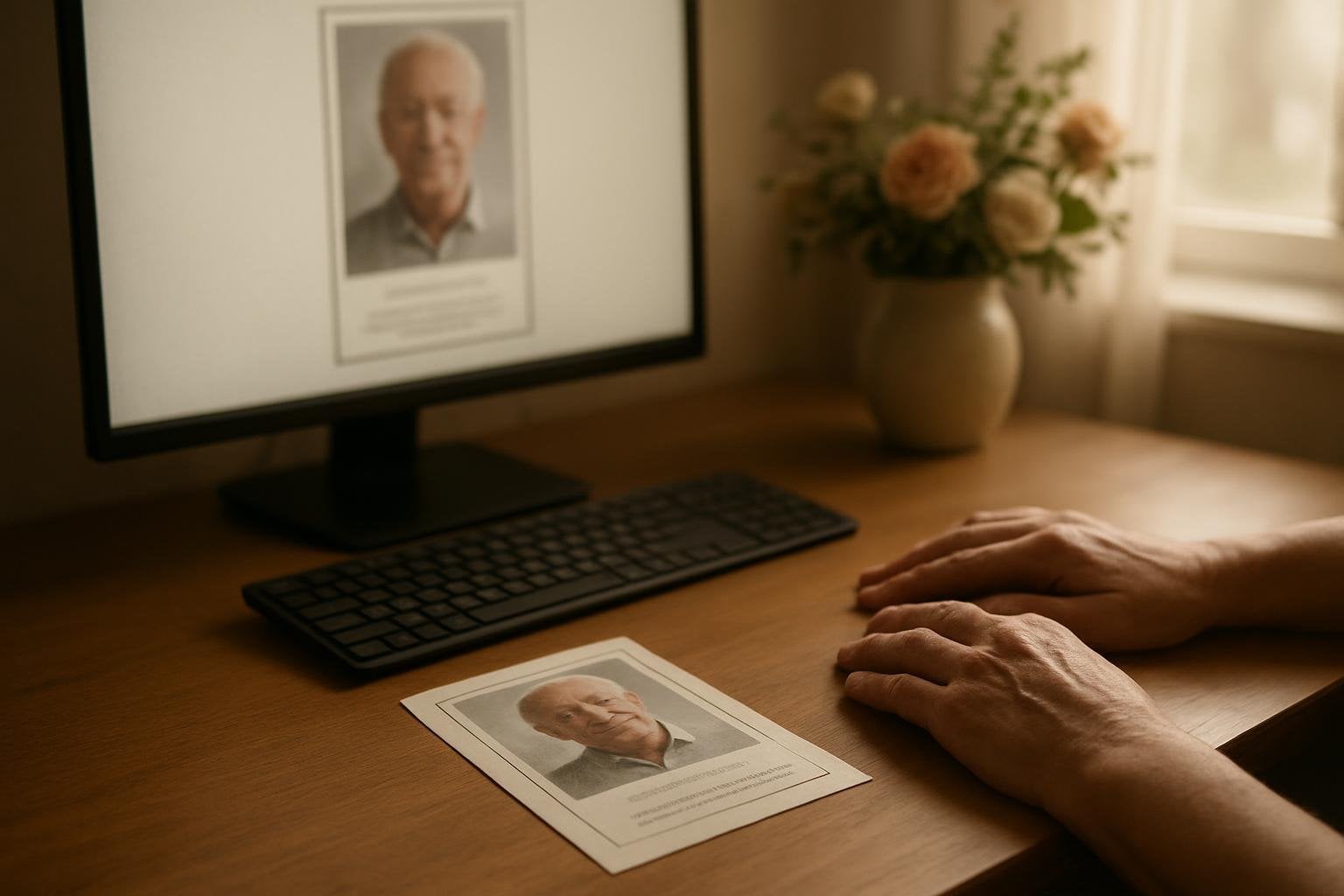
Finding Clarity During a Difficult Time: Introduction
When facing the loss of a loved one, organizing memorial materials can feel overwhelming. Many families and funeral directors are turning to AI-powered tools like ChatGPT, Gemini, Canva AI, or Copilot to create heartfelt tributes, hoping these resources will ease their burden. While these technologies can offer inspiration and convenience, the transition from a digital design to a printed keepsake can sometimes bring unexpected challenges.
One common concern we hear at DisciplePress is, “Why does my AI-generated memorial design look crisp on my screen, but comes out blurry and pixelated when printed?” It’s a frustrating experience, especially when you want every detail to honor your loved one’s memory beautifully. We understand how important it is for these materials—whether they’re bi-fold programs, memorial posters, or memorial cards—to reflect the dignity and spirit of the person you’re remembering.
In this article, we’ll walk through why this blurriness occurs, how pixels and print size relate, and what you can do if your design isn’t print-ready. We’ll offer practical tips, real-world examples, and gentle guidance for families and planners navigating these difficult decisions. Our hope is to provide not only technical solutions, but also a sense of reassurance and support as you create lasting tributes.
We’ll also help you understand when using our Upload Print-Ready Artwork option is best, or when our Custom Design Services might turn your vision into a polished, professional keepsake. You deserve clarity and compassion every step of the way, and we’re honored to help.
Why Do AI-Generated Designs Look Blurry When Printed?
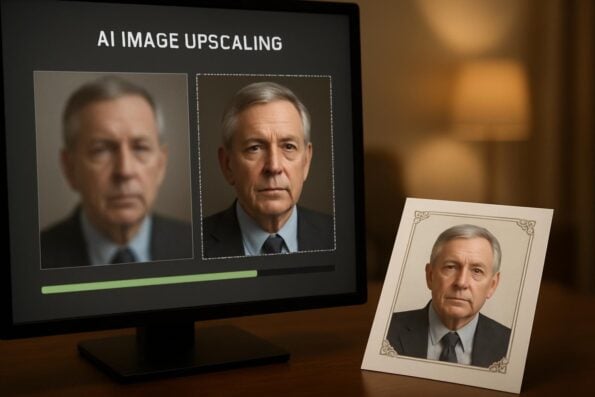
It’s a question we receive often, especially as more people use AI tools to design their own funeral programs or memorial cards: “My memorial layout looks perfect on my screen—why does it print blurry?” The heart of the issue lies in the difference between digital screens and printed paper, and how images are saved and processed by AI platforms.
Creating a meaningful tribute for your loved one is an important part of the healing process. We offer Funeral Programs, Prayer Cards and Memorial Cards to help you create meaningful tributes.
Most AI design tools generate images optimized for viewing on screens, where a lower resolution can appear sharp due to the small size and backlighting of monitors or phones. However, when these images are enlarged for a physical print—such as a memorial poster or a full-size bi-fold program—their limitations become visible. The image may lack the high density of dots (or pixels) required for clear, crisp prints.
AI-generated images are often compressed to save storage or bandwidth, which can further degrade quality. Additionally, if you’ve taken a screenshot of your design, the resulting image is usually much too small for quality printing. Even if your design file looks fine on your device, once it’s printed at standard sizes, the lack of sufficient resolution leads to a fuzzy or pixelated appearance.
Understanding this difference is the first step. If you’re preparing a tribute and notice blurriness, know you’re not alone. Many families encounter this, and there are gentle, practical solutions to help ensure your printed memorials—whether memorial posters, memorial cards, or print-ready artwork—are as beautiful as your memories.
Pixels, Print Size, and the 300 DPI Rule: What You Need to Know
To produce a sharp, professional-looking printed tribute, understanding the basics of pixels and print size is essential. Digital images are made up of tiny squares called pixels. The more pixels an image has, the more detail it can show, especially when enlarged for print. For print quality, we follow a standard called DPI (dots per inch), with 300 DPI being the gold standard for clear, crisp results.
Let’s look at a common example: if you want to print a 5.5 x 8.5 inch bi-fold program, your image should be at least 1650 x 2550 pixels (5.5 inches x 300 DPI = 1650 pixels; 8.5 inches x 300 DPI = 2550 pixels). If your AI-generated image is smaller than this, it will look blurry or pixelated when printed at full size.
Unfortunately, many AI tools export images at 72 DPI or 96 DPI, which is suitable for screens but not for print. This means a digital image that looks fine on your phone may be only a fraction of the size required for a sharp print. For something large like a memorial poster, you’ll need an even larger pixel count to maintain clarity.
If you’re unsure about your design’s resolution, you can check the image properties on your computer or within your design tool. If you see dimensions like “800 x 1200 pixels” for a standard program or card, it’s likely too small. Reaching out to our team for guidance, or using our Upload Print-Ready Artwork process, can help ensure your file meets the necessary quality standards.
Screenshots and App Compression: Common Pitfalls with AI Designs
Many families, in the rush of preparing for a service, take a screenshot of their AI-generated memorial layout, believing it will suffice for printing. While this is understandable—especially when time is short—screenshots are usually captured at screen resolution. This means they’re almost always too small for quality prints, resulting in blurry or jagged images when enlarged.
Every memorial should reflect the unique life and legacy of your loved one. Our selection of Memorial Cards and Contact Us, along with our Rush Orders, help families create meaningful tributes during difficult times.
Another frequent issue is that AI design apps, especially web-based ones like Canva AI, may automatically compress or resize images for faster downloads or sharing. This helps with online previews but often sacrifices the detail needed for print. If you’ve saved your design in a low-resolution format like JPEG or PNG, check the file’s properties before uploading to a print service.
A practical tip: always look for an “Export as PDF” or “High Resolution Download” option in your design tool. PDF files typically preserve vector text and high-quality images. This is especially helpful for printing bi-fold programs or prayer cards. If you’re asked to select a resolution, choose 300 DPI or “print quality” when available.
If you’re unsure whether your file will print well, our team at DisciplePress can review your file before you order. For urgent needs—such as preparing same-day printing or rush orders—it’s even more important to ensure your files are ready to go.
Fixing Low-Resolution Designs: Tools and Solutions
If your AI-generated memorial design is too small or blurry for print, don’t lose hope. There are ways to enhance images and prepare your tribute for high-quality printing. One approach is to use online upscaler tools, which use AI themselves to increase image resolution. Free upscalers like Let’s Enhance or paid options such as Topaz Gigapixel AI can help, though results will vary based on the original image quality.
It’s important to remember that while upscalers can improve clarity, they can’t add detail that was never captured in the original image. For photos and simple backgrounds, upscaling may be enough. But for intricate layouts—such as a multi-page 8-page program or memorial poster—the best solution may be to have our designers rebuild the layout.
Another practical option is to use your AI-generated image as a background, then add crisp, high-resolution text and photos on top. Our Custom Design Services can recreate your design professionally, ensuring every element is sharp and print-ready. After you submit your text and photos, our designers will email a proof, often within a few hours, with unlimited revisions to ensure you’re completely satisfied.
If you’re pressed for time, consider using our ready-made templates for memorial cards or bi-fold programs. These options are specifically designed for print clarity and can save precious time during an emotional period.
When to Use Custom Design Services for Your Memorial Project
Sometimes, even after trying to enhance your AI-generated design, the results may still not meet your expectations for print. If you only have the text and photos, or if you want a professional touch to ensure every detail is perfect, our Custom Design Services can help bring your vision to life.
With our “Customize for me” option, you simply select your product—whether it’s bi-fold programs, memorial posters, or memorial cards—and after checkout, upload or email your text and photos. Our compassionate designers will create a proof for you, usually within a few hours, and we offer unlimited revisions to ensure everything is exactly right.
This service is especially valuable when time is short or emotions are high and you want to ensure a flawless result. You can also use our custom design approach for specialized formats, such as 8-page programs or keepsakes like memorial cards and memorial bookmarks.
We understand the desire to create something personal and unique. By working with our team, you can ensure your loved one’s tribute is both meaningful and professional—free from technical worries, so you can focus on honoring their life and supporting your family.
How to Upload Print-Ready Artwork to DisciplePress
If you have a completed, high-resolution design that’s ready to print, our Upload Print-Ready Artwork option makes the process simple and straightforward. Select your preferred product—such as a bi-fold program, memorial poster, or memorial card—and choose “I will upload print-ready artwork” in the dropdown menu.
Be sure your file is saved as a PDF at 300 DPI, with the correct page size and bleed (if needed). This helps us produce a perfect finished product without delays. If you’re unsure about your file’s readiness, our team is always available to review your design and provide feedback before you place your order.
We recommend double-checking that all important elements—such as photos, text, and borders—are within safe zones and not too close to the edge. This helps avoid accidental cropping. The Upload Print-Ready Artwork process is ideal for families or designers who have prepared their files using professional tools and want a fast, efficient print experience.
If you’d prefer extra support, our Custom Design Services are always available, ensuring every detail meets your expectations. For urgent needs, inquire about our rush orders or same-day printing to help you through time-sensitive situations.
Choosing the Right Memorial Product and Format
Selecting the appropriate format for your memorial keepsake is a deeply personal decision. Every family has unique needs—some prefer the traditional elegance of bi-fold programs, while others choose memorial posters for display, or compact memorial cards and bookmarks as cherished take-home mementos.
When designing your own layout—whether through AI tools or professional software—consider the requirements of each format. For instance, a larger memorial poster demands a higher-resolution image than a small card. Multi-page tributes, like 8-page programs or 12-page programs, offer more space for photos, poems, and stories—each requiring clear, legible print.
Our DisciplePress catalog includes a range of options: bi-fold programs, tri-fold programs, 8-page programs, 12-page programs, and more. Each is crafted to meet the needs of various traditions and personal preferences, including celebration of life programs for non-traditional services.
If you’re unsure which format will best honor your loved one, or how to adapt your AI-generated design, our compassionate team is always here to offer gentle guidance and tailored suggestions. You can browse our design gallery for inspiration or reach out to us directly for personalized support.
Understanding Our Turnaround Time and Support Options
During times of loss, every moment counts. We know that many families are working within tight timelines, often needing materials for services within a day or two. That’s why DisciplePress offers same-day printing and rush orders for urgent needs, ensuring your memorial materials are ready when you need them most.
If you’re worried about the timeline for receiving your funeral programs or memorial cards, our team can help you navigate the process. We provide clear guidance on file preparation and offer expedited design and proofing through our Custom Design Services. Most proofs are emailed within hours, and we offer unlimited revisions until everything is just right.
If you have questions or concerns about your AI-generated files, don’t hesitate to contact us. We’re committed to making this process as gentle and stress-free as possible, answering every question with patience and understanding.
For additional comfort, explore our resources like the Bible Verses Collection, Funeral Poems Collection, or Memorial Quotes for meaningful words to include in your tribute. Our goal is to support you with both practical help and heartfelt care.
Related Articles
Conclusion: Moving Forward with Confidence and Compassion
Navigating the technical details of printing memorial materials can feel daunting, especially during a time of grief. It’s common to encounter blurry or pixelated results with AI-generated designs, but with the right knowledge—and a little support—you can create tributes that truly honor your loved one’s memory.
Remember the key points: screen images and printed materials require different resolutions; always aim for 300 DPI and check your pixel dimensions before uploading. If your file isn’t print-ready, online upscaling tools or our professional designers can help you achieve the clarity you need. Our Upload Print-Ready Artwork and Custom Design Services are designed to gently guide you through each step.
If you’re unsure about your design, reach out to us. We’re here to answer questions, review files, and provide compassionate guidance. Explore our range of products, from bi-fold programs to memorial cards and memorial posters, to find the format that feels right for your family.
At DisciplePress, we are honored to help you create memorials that provide comfort and lasting memories. Please contact us if you need any assistance, and know that you are not alone on this journey. We send you our deepest condolences and support as you celebrate the life of your loved one.
Read what other families have said in our customer testimonials. Visit our FAQ page for answers to common questions.